
The best free Google Analytics plugin for WordPress. See how visitors find and use your website so you can grow your business with powerful analytics.
- Installs
- 2+ million
- Rating
- 4.5 (3.2K)
- Updated
- 45 days ago

Cookieless, privacy-friendly WordPress analytics. GDPR/CCPA compliant visitor data and clear graphs, with no data sharing.
| Last updated | October 23, 2026Updated in the last 3 months |
|---|---|
| Tested up to | WordPress 7.1.4Covers WordPress 7.1.4, the current release |
| Needs WordPress | 6.6 or newer |
| Needs PHP | 7.4 or newer |
| First published | March 20, 2011 |
| Support, last two months | 9 of 10 threads resolved (90%) |
4.1 / 5 from 759 reviews
| 5 stars | 544 |
|---|---|
| 4 stars | 38 |
| 3 stars | 24 |
| 2 stars | 43 |
| 1 star | 110 |
Discover GDPR-compliant analytics with WP Statistics, the top choice for WordPress users seeking an alternative to Google Analytics. No external accounts, unlimited visitor tracking, and full data ownership—all stored directly in your WordPress database.
Checkout Demo | View Screenshots
GDPR Compliant (Data Privacy)
WP Statistics is GDPR, CCPA, PECR, and cookie compliance by default.
Your site won’t need to have a cookie popup since WP Statistics uses cookie-less tracking.
You can find more information in “What we collect“.
Top Features
The opening of the plugin's own description. The full text, installation notes and changelog are on its WordPress.org page.
WP Statistics is designed for website owners, bloggers, marketers, and analysts who wish to track and understand the traffic on their WordPress site. It’s user-friendly and powerful for professionals but also accessible for beginners.
No, WP Statistics focuses on simplicity. You don’t need any coding skills to use it. Right from your WordPress dashboard, you can install and use the plugin.
Your site’s loading times will remain quick with WP Statistics. With our “Optimization” settings page, you can fine-tune how data is handled for high-traffic sites, providing you with the tools to optimize performance.
Yes, WP Statistics is GDPR compliant by default. You can find more information in “What we collect“.
Every post, page, and custom post type is tracked in detail.
WP Statistics is fully compatible with all caching plugins and CDNs.
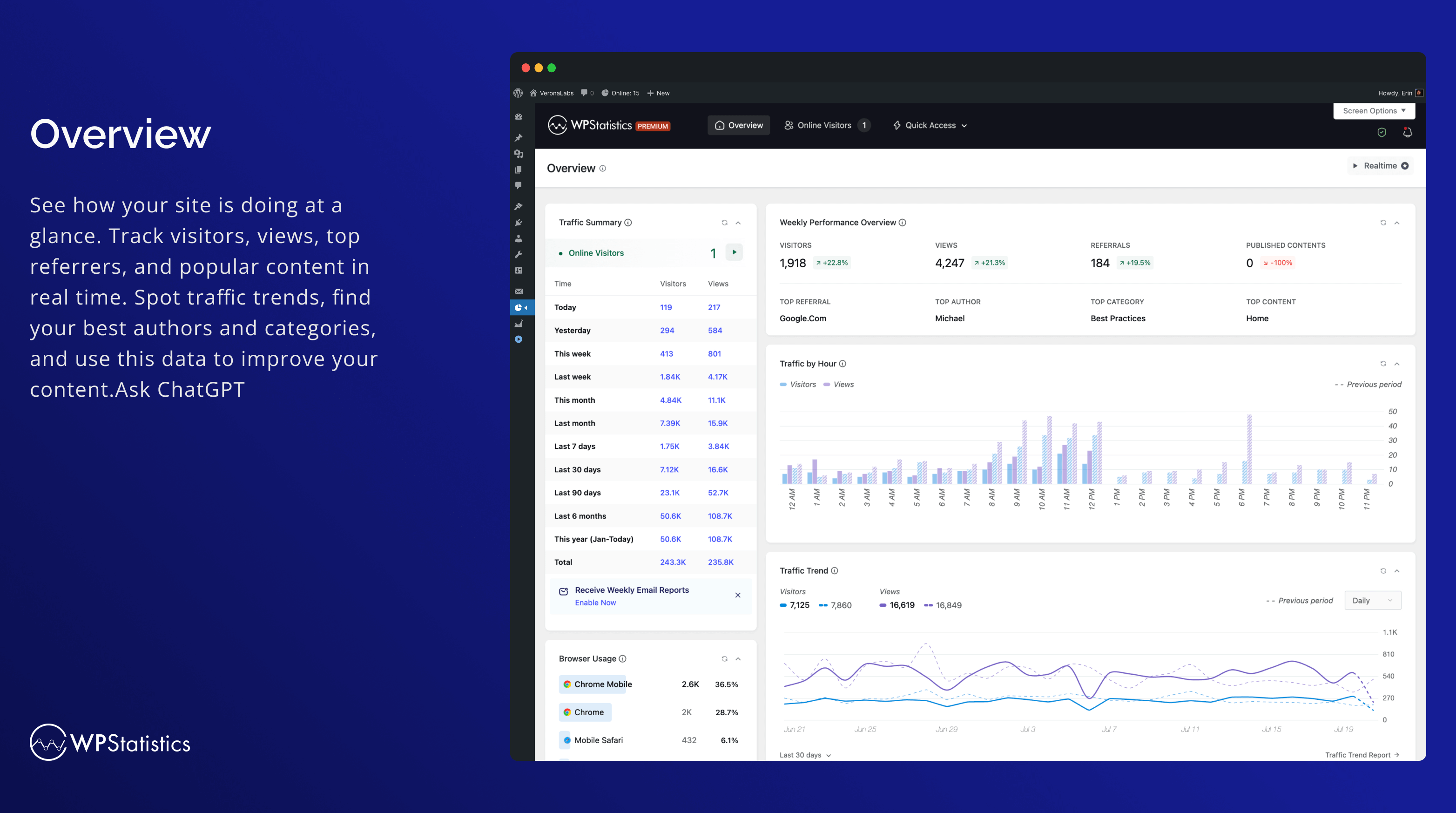
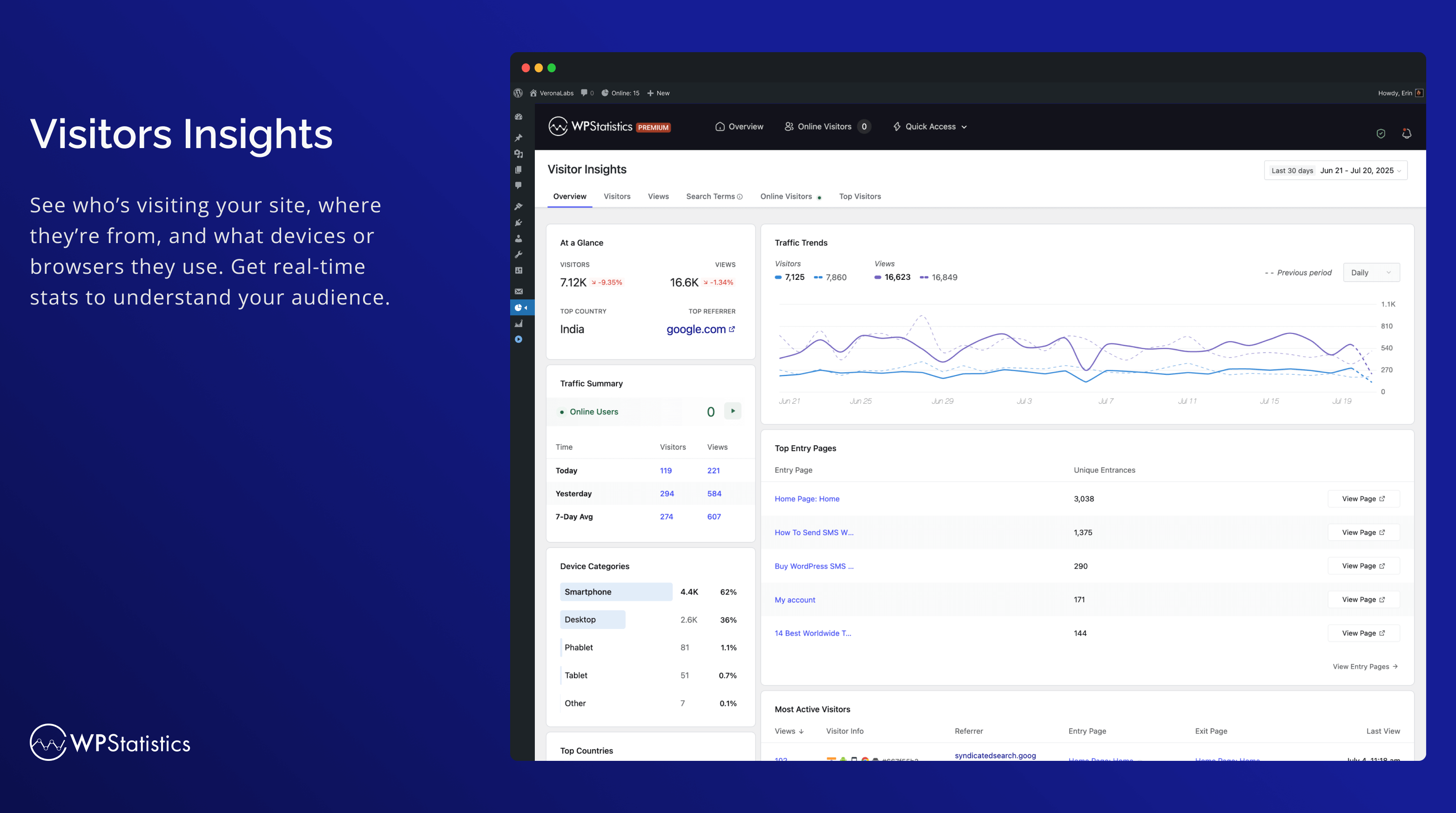
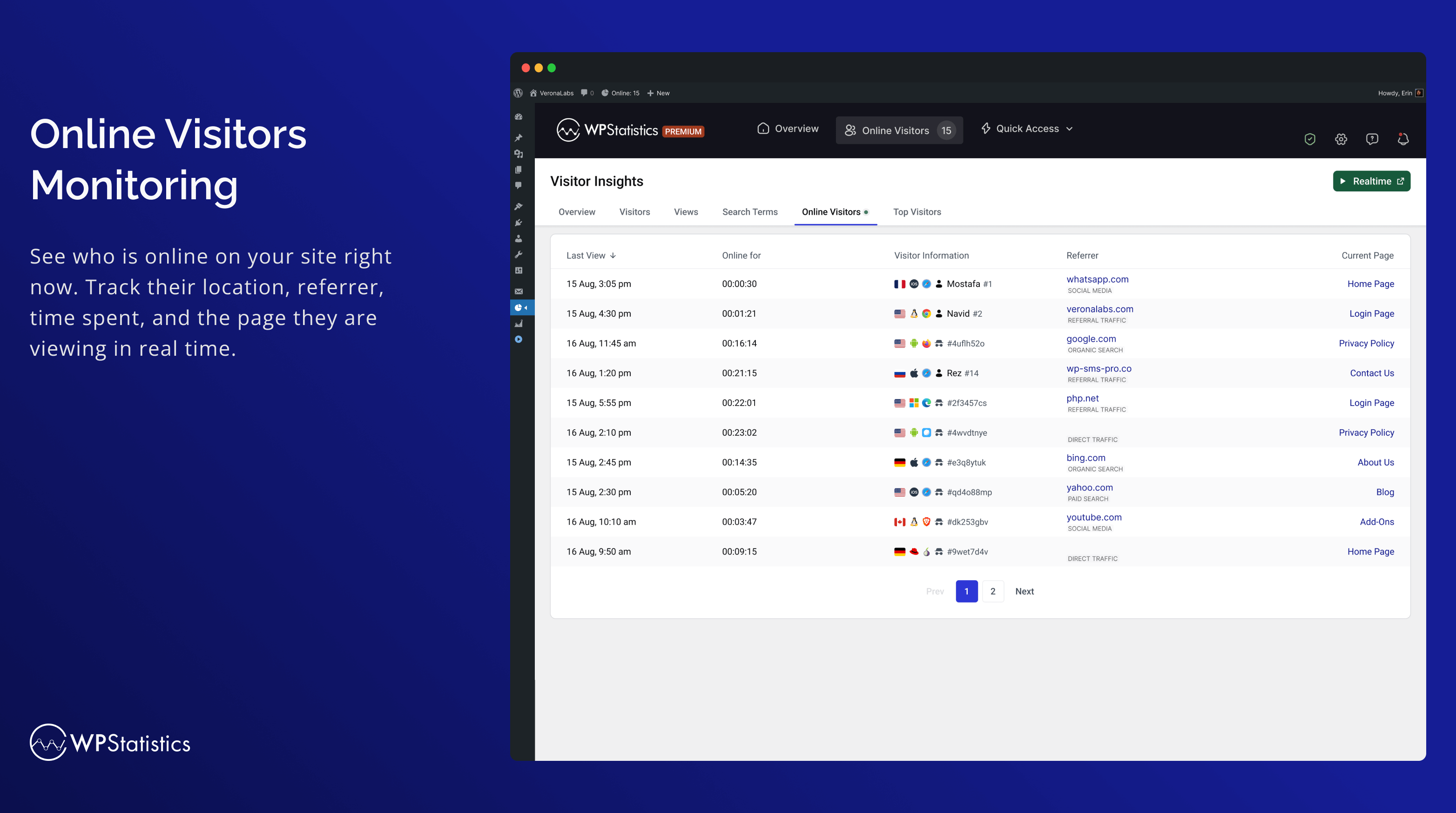
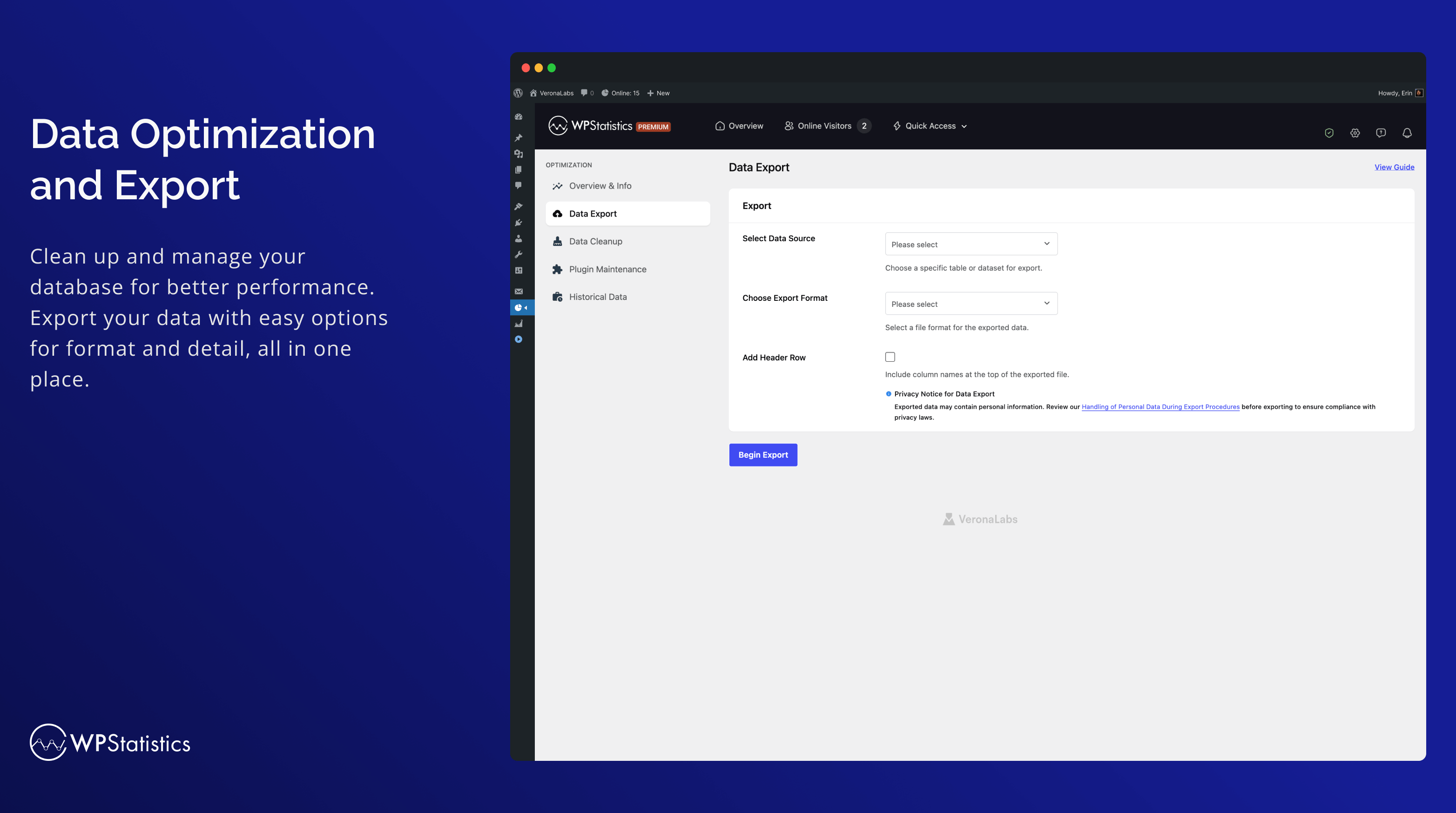
The best free Google Analytics plugin for WordPress. See how visitors find and use your website so you can grow your business with powerful analytics.

#149 by installs
Adds Google Analytics tracking code to your WordPress site. Supports many tracking features.
Connects Google Analytics with your WordPress site. Displays stats to help you understand your users and site content on a whole new level!
Simple, lightweight WordPress analytics with privacy-friendly visitor tracking. Cookieless and GDPR-ready. Setup in seconds, no cookie banner needed.

#348 by installs
Visitor statistics for WordPress with focus on data protection, transparency and clarity. Perfect as a widget in your WordPress Dashboard.

#378 by installs
A simple, yet powerful WordPress analytics plugin that gives you privacy-friendly stats to grow your website. A Google Analytics alternative.
Read from the WordPress.org plugin API on , when WordPress 7.1.4 was the current release. WordPress.org rounds active installs into buckets. These are the directory's figures, not my verdict, and I haven't tested this plugin. The author takes donations at their donate page.

