Best AI Chatbot Plugins for WordPress (Nov 2026), Priced
AI Puffer ranks first of five AI chatbot plugins for WordPress, then Tidio and Chatway, because their pages publish limits and, for the first two, document your data. AI Engine has the most installs, 90,000, but ranks fourth because its pages state no conversation limit; WPBot ranks last. Prices read November 4, 2026. I have not used these plugins, so this is not an answer-quality test.
Alston AntonyUpdated

How I choose
Products are ranked by the criteria below, in this order of importance. Commission rate is not a criterion. I earn commission on some links and mark them. Every price carries the date I checked it and a link to the page it came from.
- Published conversation or credit limits. Whether the vendor's pricing page states how many conversations, billable conversations or AI credits each plan includes. A page that states no limit ranks below one that does.
- Your own AI provider key. Whether the vendor's pages say you need your own account and API key with an AI provider. The provider's usage charges are extra and are not covered on this page.
- Data handling. What the vendor's own terms, docs or listing say is sent where and who may train on it, in a short quote. A full statement says what is sent where and also what is stored, kept or used for training, and scores 2. A statement of only one of those scores 1, and silence scores 0.
- WordPress.org install base and last update. Active installs and last-updated date from the WordPress.org plugins API, read November 4, 2026. Ties in the score break on the first criterion, published limits, and any tie left after that breaks on installs. It does not otherwise set the order.
- Entry price and renewal. The cheapest paid plan listed, with its billing term and renewal price where the page states one. Weighed last so a low price cannot outrank the other criteria. Currencies differ and are never converted.
Quick picks
- Top pickAI Puffer · best for a chatbot with a free monthly credit allowance and a choice between the vendor's Cloud and your own provider key
- No. 2Tidio · best for a hosted service that combines live chat, Flows and an AI agent, priced by conversation rather than by plugin licence
- No. 3Chatway · best for a hosted live chat with a free plan and an AI agent billed per resolved conversation
At a glance
| # | Product | Best for | Pricing | Link |
|---|---|---|---|---|
| 1 | AI Puffer | A chatbot with a free monthly credit allowance and a choice between the vendor's Cloud and your own provider key | Free: $0, with 2,000 website actions and 25 AI credits a month. Pro: $9.99/month billed monthly, or $7.99/month billed $95.88 yearly, with 10,000 plus 2,000 free actions and 1,000 plus 25 free AI credits. Max: $14.99/month billed monthly, or $11.99/month billed $143.88 yearly. Ultra: $29.99/month billed monthly, or $23.99/month billed $287.88 yearly. Prices are in USD, before tax, for a licence on one site. The page does not state a renewal price. (checked Nov 4, 2026) | VisitAI Puffer |
| 2 | Tidio | A hosted service that combines live chat, Flows and an AI agent, priced by conversation rather than by plugin licence | Free: $0, 50 billable conversations, 50 Lyro AI conversations (listed as one-time on the plan card) and 100 Flows visitors reached. Starter: $24.17/month with annual billing (2 months free), 100 billable conversations. Growth: from $49.17/month with annual billing, from 250 billable conversations. Plus: from $300/month plus monthly usage. Lyro AI Agent alone: from $32.50/month, from 50 Lyro conversations. Prices are in USD in the US view. The page does not state a renewal price. (checked Nov 4, 2026) | VisitTidio |
| 3 | Chatway | A hosted live chat with a free plan and an AI agent billed per resolved conversation | Free: $0, 50 conversations a month, 1 seat. Business: $31/month billed yearly, or $39/month billed monthly, with 200 conversations a month and 2 seats. Plus: $159/month billed yearly, or $199/month billed monthly, with 1,000 conversations a month and 10 seats. The AI Support Agent add-on is $0.50 per resolved conversation, and the page offers 10 AI conversations free to get started. Prices are in USD. The page does not state a renewal price. (checked Nov 4, 2026) | VisitChatway |
| 4 | AI Engine | Chatbots on your own server with your own AI account, and answers from your own content on Pro | Free plugin, with chatbots in the free version. Pro Starter: $59/year for 1 website. Standard: $79/year for 5 websites. Professional: $149/year for 20 websites. Lifetime, paid once: Standard $299 for 1-5 websites, Professional $449 for 20 websites. The page does not state the renewal price; it says: Emails are sent before each renewal, and you can stop anytime. An API key from your AI provider is required, and the provider's usage charges are extra and not covered here. (checked Nov 4, 2026) | VisitAI Engine |
| 5 | WPBot | A chatbot on your own server that works with or without an AI service, licensed by site count | Free plugin on WordPress.org. WPBot Pro Starter: $39/year for 1 WordPress site. Professional: $99/year for 2 sites. Master: $189/year for 5 sites. Lifetime tab: Starter $149 (struck-through $230) for 5 sites, Professional $279 (struck-through $480) for 10 sites, Master $369 (struck-through $680) for 50 sites. Prices are in USD and exclude VAT and taxes. The page does not state a renewal price for the yearly plans. AI features need your own API key, and the provider's usage charges are extra and not covered here. (checked Nov 4, 2026) | VisitWPBot |
Comparison
| Product | Where it runs | Own AI key | Limit as published | Renewal price | Active installs |
|---|---|---|---|---|---|
| AI Puffer | Plugin on your site, Cloud optional | Not with AI Puffer Cloud; own key can be used | 25 AI credits and 2,000 actions a month free | Not stated | 10,000 |
| Tidio | Hosted service, WordPress plugin | Not stated | 50 billable conversations free; Starter 100 | Not stated | 70,000 |
| Chatway | Hosted service, WordPress plugin | Not stated; Bring Your Own AI is listed | 50, 200 or 1,000 conversations a month | Not stated | 30,000 |
| AI Engine | Plugin on your site | Yes | Not stated | Not stated | 90,000 |
| WPBot | Plugin on your site | Yes, for the AI features | Not stated | Not stated | 5,000 |
1. AI Puffer
Best for: A chatbot with a free monthly credit allowance and a choice between the vendor's Cloud and your own provider key
AI Puffer's WordPress.org listing says you can create unlimited chatbots, each with its own model, instructions, colors and welcome message. The pricing page counts two things separately: website actions, and AI credits that run the chatbot, writer, forms and images.
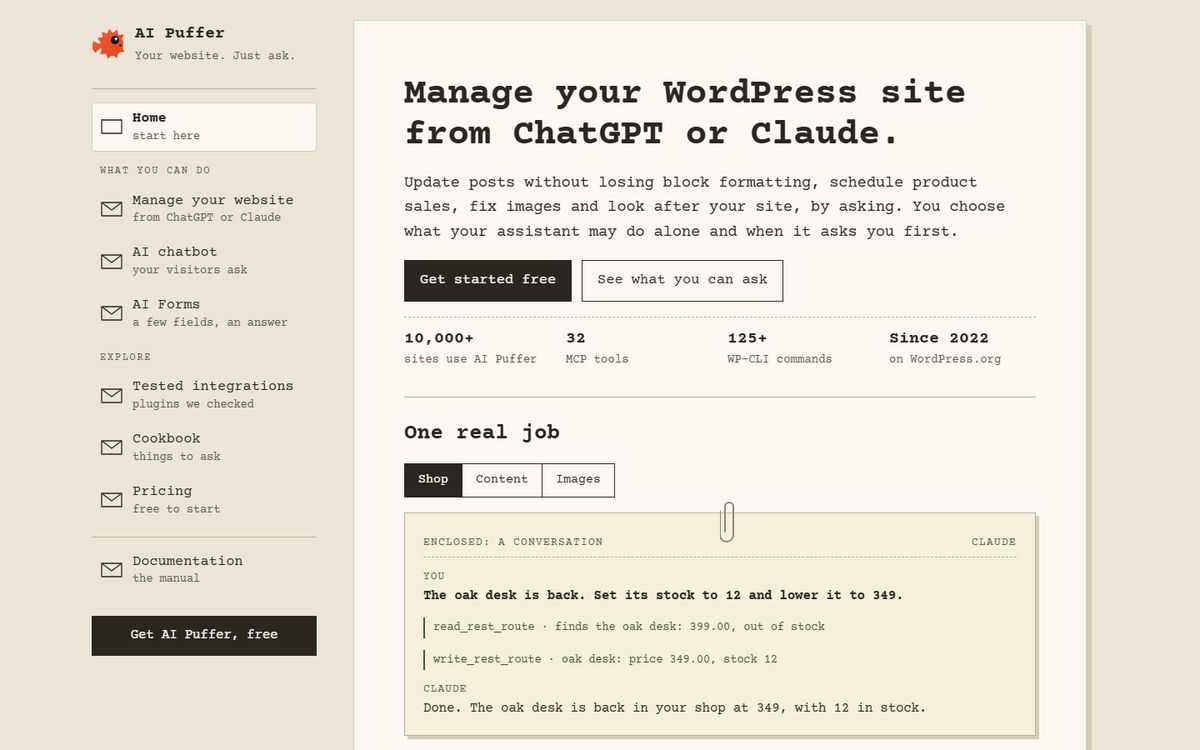
Pricing: Free: $0, with 2,000 website actions and 25 AI credits a month. Pro: $9.99/month billed monthly, or $7.99/month billed $95.88 yearly, with 10,000 plus 2,000 free actions and 1,000 plus 25 free AI credits. Max: $14.99/month billed monthly, or $11.99/month billed $143.88 yearly. Ultra: $29.99/month billed monthly, or $23.99/month billed $287.88 yearly. Prices are in USD, before tax, for a licence on one site. The page does not state a renewal price.. Checked Nov 4, 2026 on the vendor's pricing page. Prices change; confirm at checkout.
Pros
- The free plan lists 25 AI credits and 2,000 website actions a month, and the page says free AI credits need a verified AI Puffer Cloud account
- The listing says no key is needed with AI Puffer Cloud, and that you can also use your own API key, billed by your provider
- The listing says visitor messages go to the provider selected for that chatbot, chat logs are stored in your WordPress database and Cloud keeps diagnostic reports for 30 days
- Both billing views are printed: Pro is $9.99 a month billed monthly or $95.88 billed yearly
Cons
- The page does not state how many chatbot conversations one AI credit covers, so the free 25 credits cannot be turned into conversations
- The page says unused actions and included credits do not roll over, and that allowances renew every month, also on yearly plans
- Prices are for one site; for two, you choose 2 sites at checkout, and checkout is handled by a reseller, Freemius
2. Tidio
Best for: A hosted service that combines live chat, Flows and an AI agent, priced by conversation rather than by plugin licence
Tidio is a hosted chat and help-desk service with a WordPress plugin. Its Lyro AI Agent is counted by Lyro conversation: a conversation with at least one AI reply counts once, however many replies follow.
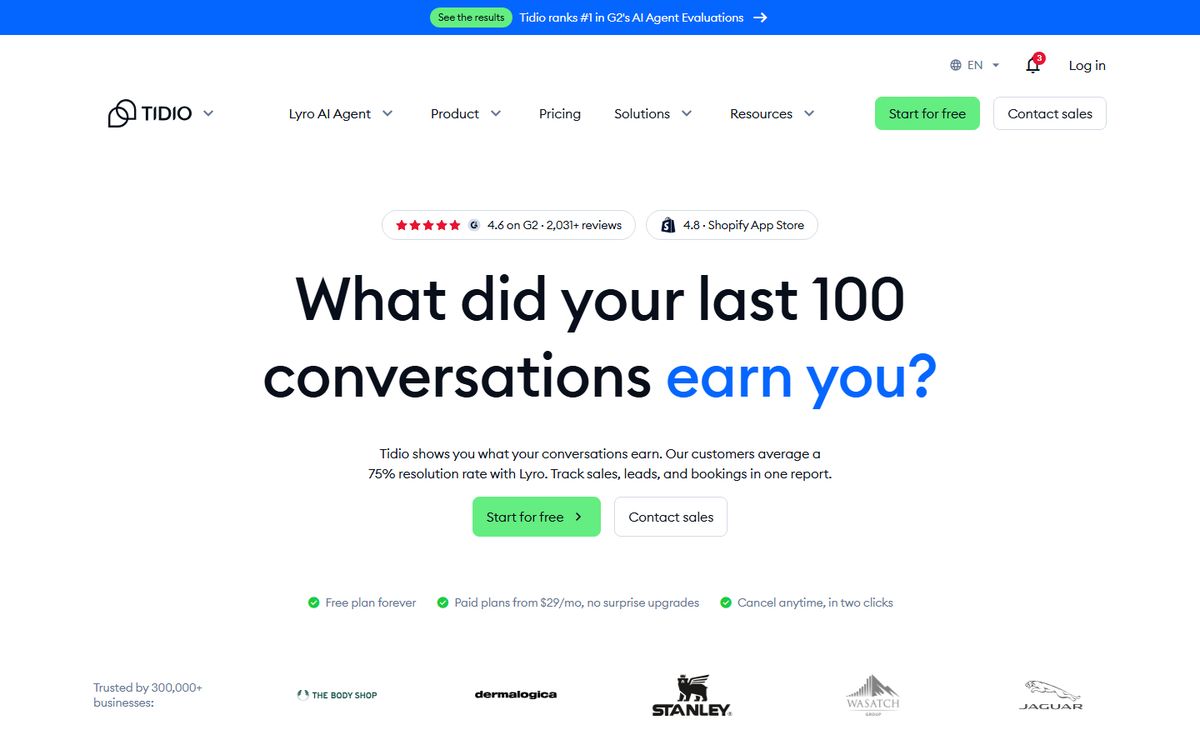
Pricing: Free: $0, 50 billable conversations, 50 Lyro AI conversations (listed as one-time on the plan card) and 100 Flows visitors reached. Starter: $24.17/month with annual billing (2 months free), 100 billable conversations. Growth: from $49.17/month with annual billing, from 250 billable conversations. Plus: from $300/month plus monthly usage. Lyro AI Agent alone: from $32.50/month, from 50 Lyro conversations. Prices are in USD in the US view. The page does not state a renewal price.. Checked Nov 4, 2026 on the vendor's pricing page. Prices change; confirm at checkout.
Pros
- The page defines its limits: a billable conversation includes a message from a human agent, and responses from Flows and Lyro are not counted as agent replies
- The terms, last updated March 12, 2026, list OpenAI, Anthropic and Google Cloud as AI providers and mark training on customer data as No for each
- The terms say customers may opt out of improvement training via support
- The Lyro table words the first 50 conversations as free (lifetime); the plan card says one-time
Cons
- The terms say Tidio may automatically upgrade your account to the plan your actual usage needs, starting the month after you exceed your plan, and you can ask to opt out
- The terms say Tidio may use aggregated, anonymised interaction data to tune model performance, and that input and output are not used to train foundation models exposed to other customers except in irreversibly aggregated form
- Each paid plan has two prices depending on the billing toggle, and the page does not state a renewal price
- The Plus plan starts at $300/month plus monthly usage, and the pricing page does not say whether you can use your own AI key
3. Chatway
Best for: A hosted live chat with a free plan and an AI agent billed per resolved conversation
Chatway is a hosted live-chat service with a WordPress plugin. The AI Support Agent is an add-on on every plan, trained on your website and knowledge base, and the page also lists Bring Your Own AI through API, webhooks or MCP.
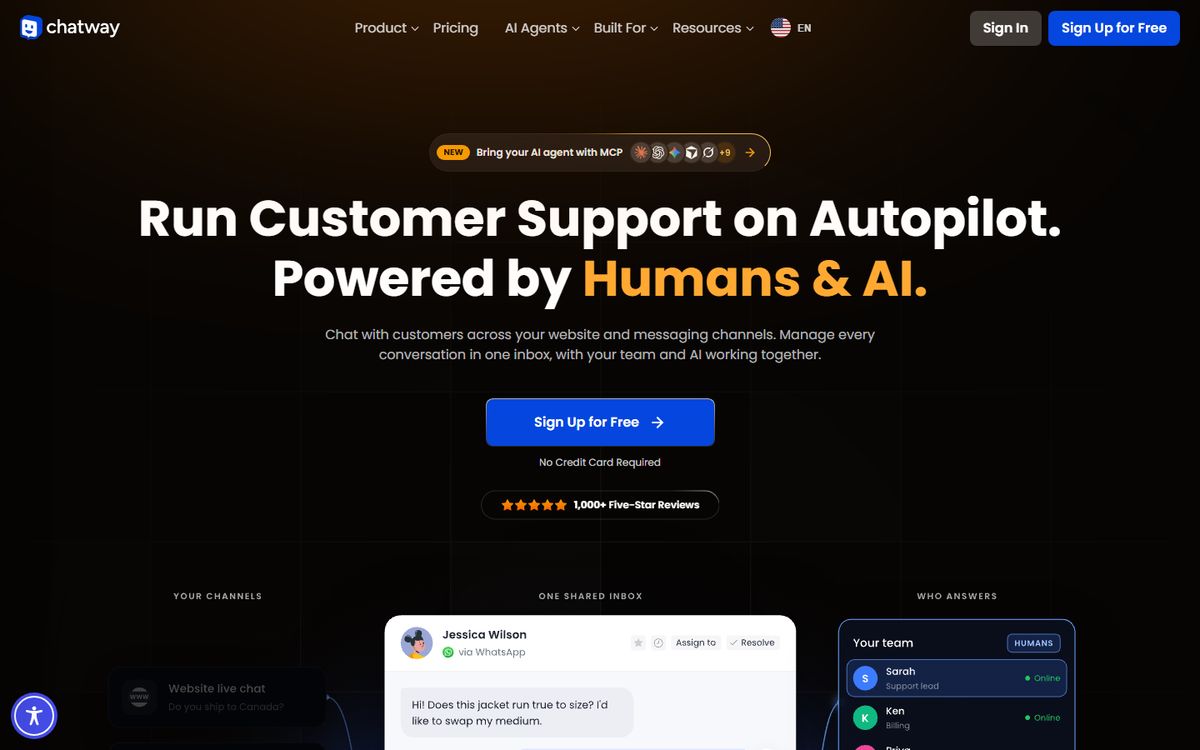
Pricing: Free: $0, 50 conversations a month, 1 seat. Business: $31/month billed yearly, or $39/month billed monthly, with 200 conversations a month and 2 seats. Plus: $159/month billed yearly, or $199/month billed monthly, with 1,000 conversations a month and 10 seats. The AI Support Agent add-on is $0.50 per resolved conversation, and the page offers 10 AI conversations free to get started. Prices are in USD. The page does not state a renewal price.. Checked Nov 4, 2026 on the vendor's pricing page. Prices change; confirm at checkout.
Pros
- Conversation limits are printed per plan: 50, 200 and 1,000 a month
- The AI agent is priced per resolved conversation at $0.50, so its cost follows resolutions rather than a flat fee
- Bring Your Own AI is listed as a feature; the pages do not say whether the built-in AI agent needs a key
- The FAQ states a refund within 30 days of purchase
Cons
- Past the monthly limit the widget stays visible, but the page says you cannot respond to new conversations manually or through APIs
- Seats and conversations are priced together: extra seats are $16/month each billed yearly, or $19 billed monthly
- The free plan keeps 30 days of chat history, and unlimited chat history needs a paid plan
- The pages do not name the AI provider behind the AI Support Agent; the FAQ says Chatway's AI is trained only on the data sources you provide
4. AI Engine
Best for: Chatbots on your own server with your own AI account, and answers from your own content on Pro
AI Engine's chatbots are in the free plugin, with popup, inline or full-screen display, voice and files. The vendor says Pro grounds the chatbot in your own content with embeddings and adds cross-site chatbots and usage insights.
Pricing: Free plugin, with chatbots in the free version. Pro Starter: $59/year for 1 website. Standard: $79/year for 5 websites. Professional: $149/year for 20 websites. Lifetime, paid once: Standard $299 for 1-5 websites, Professional $449 for 20 websites. The page does not state the renewal price; it says: Emails are sent before each renewal, and you can stop anytime. An API key from your AI provider is required, and the provider's usage charges are extra and not covered here.. Checked Nov 4, 2026 on the vendor's pricing page. Prices change; confirm at checkout.
Pros
- The free plugin lists chatbots with custom themes, voice chat, file uploads and persistent memory, per the vendor
- Pro adds a usage panel the vendor calls Usage Insights and Control, covering token spend, costs and access
- The pricing page says to ask within 14 days for a refund, and that every licence comes with a year of updates and help from the developer
- The plugin shows 90,000 active installs and a last update of November 2, 2026, the largest install base of the five
Cons
- Chatbot replies run on your own provider account: the vendor page asks for an API key or a local model, and the provider bills usage on top of any licence
- No conversation or message limit is stated on the vendor pages
- No renewal price appears on the pricing page, only a note that renewal emails are sent
- Answers from your own content (embeddings) are listed under Pro, not the free plugin
5. WPBot
Best for: A chatbot on your own server that works with or without an AI service, licensed by site count
WPBot's WordPress.org listing says it can be powered by OpenAI ChatGPT, Gemini or OpenRouter, or work without the AI services. The pricing page lists a WooCommerce module and Conversational Forms on Professional and Master, and a Voice Chat module on Master.
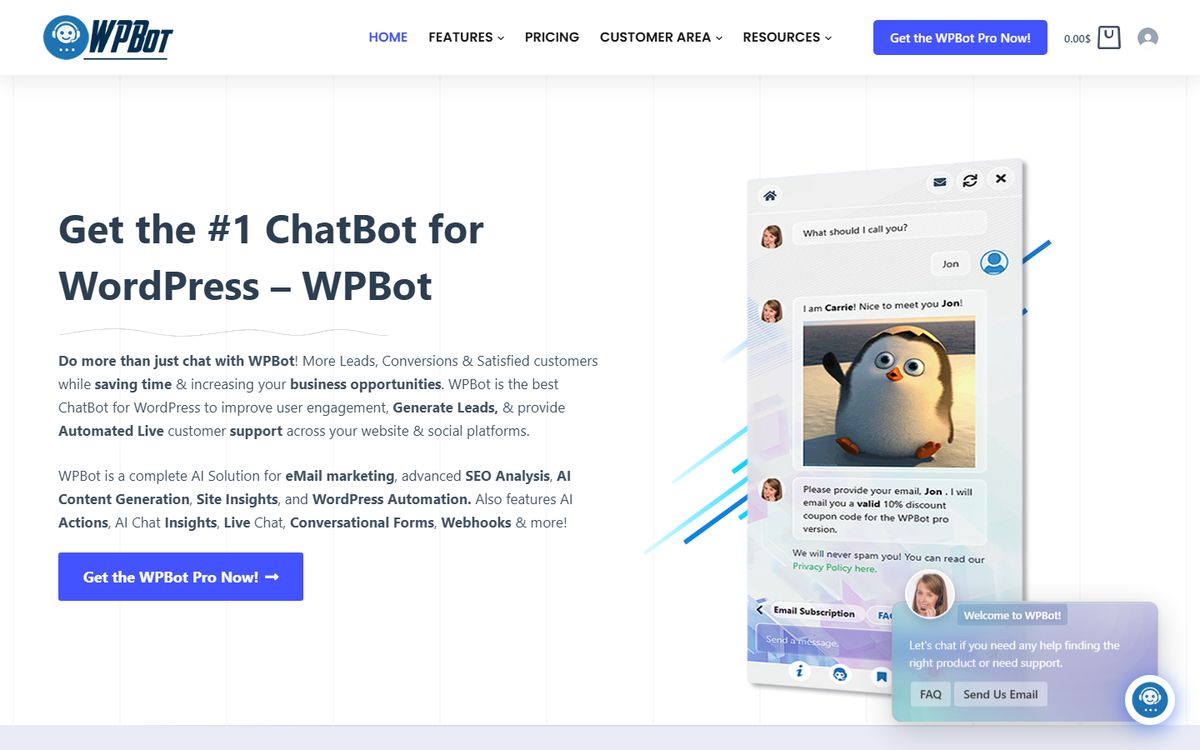
Pricing: Free plugin on WordPress.org. WPBot Pro Starter: $39/year for 1 WordPress site. Professional: $99/year for 2 sites. Master: $189/year for 5 sites. Lifetime tab: Starter $149 (struck-through $230) for 5 sites, Professional $279 (struck-through $480) for 10 sites, Master $369 (struck-through $680) for 50 sites. Prices are in USD and exclude VAT and taxes. The page does not state a renewal price for the yearly plans. AI features need your own API key, and the provider's usage charges are extra and not covered here.. Checked Nov 4, 2026 on the vendor's pricing page. Prices change; confirm at checkout.
Pros
- The listing says the built-in features are all free and the AI features need your own API key only when you enable them
- The listing states what is sent: chat messages, AI prompts and the site content you choose to train on go to the AI service you select
- A lifetime tab is printed: Starter $149 for 5 sites, Professional $279 for 10 sites and Master $369 for 50 sites, with Product Lifetime Updates listed on each
- The pricing page states a 14-day money-back guarantee
- The chatbot can run without an AI service, per the listing
Cons
- No conversation or message limit is stated on the pricing page or the listing
- The page does not state a renewal price; the yearly plans are shown as $39, $99 and $189 a year
- The yearly tiers cover 1, 2 and 5 WordPress sites, the lifetime tiers cover 5, 10 and 50, and the listing says multilanguage needs the Master licence
What is a WordPress chatbot, and what are the benefits?
As these vendors describe them, AI chatbots for WordPress are chat widgets on a WordPress site. What answers differs by product. AI Puffer's chatbot page describes one that answers from what you teach it: your pages, posts, products, questions and answers, notes and files, with a Customer support template as a starting point. Chatway and Tidio list live chat with a person alongside an AI agent, and AI Engine and WPBot list chatbots powered by AI models. AI Engine's pages also list a Workspace module, a full-screen AI chat in your WordPress admin, which is for you rather than for visitors.
AI Puffer, AI Engine and WPBot are plugins that run on your own WordPress website. Tidio and Chatway are live-chat services with a WordPress plugin. Tidio's listing says you can manage chat and chatbot settings from your WordPress admin panel and lists a mobile app, and Chatway's pricing page says you can manage live chats from the WordPress admin panel or the Chatway dashboard. WPBot's WordPress.org listing names 24/7 Automated Live Chat Support, Generate Leads and Convert, and Collect Information.
The benefits are what the vendors say the tools do, and I have not measured any of them or used these plugins. The pages describe answering visitor questions from your own content (AI Puffer, Tidio, Chatway, AI Engine, WPBot; AI Engine lists its content features under Pro), live chat with a person (Chatway, Tidio, and WPBot on its Master plan), collecting leads (WPBot) and help with abandoned carts (Tidio, Chatway, WPBot). On customer engagement, Chatway's e-commerce page ties its live visitors view and Start Chat button to it, and WPBot's listing says the chatbot can improve engagement.
Which AI chatbot plugin fits which job
- You want a free allowance and no AI account: AI Puffer lists 25 free AI credits a month through its Cloud, and Chatway offers 10 AI conversations free to get started. Both pages leave out what one free credit buys in conversations or what happens after the 10.
- You want live chat with a person behind the AI: Chatway and Tidio are hosted services priced by conversation. Chatway prints per-plan conversation limits, and Tidio also defines what counts as billable.
- You want to run it on your own server with your own AI account: AI Engine and WPBot are plugins licensed by site count, and neither page states a conversation limit. The AI provider bills usage separately.
- You want a free trial of the paid features: Tidio lists a 7-day free trial that needs no credit card and drops to the Free plan afterwards, and Chatway lists a 14-day free trial of its premium features. WPBot's pricing FAQ says it does not offer a free trial and points to a live demo and the Lite plugin. The AI Puffer and AI Engine pages I read state no free trial; AI Puffer has a free plan and AI Engine a free plugin.
- You manage several sites: AI Engine Professional covers 20 websites for $149 a year, and WPBot Master covers 5 sites for $189 a year or 50 on its lifetime tab for $369. AI Puffer prices a licence for one site.
What each chatbot can be trained on, and which handle WooCommerce, languages and live handoff
Every cell comes from the vendor's own page or WordPress.org listing, read November 4, 2026. Listed means the page says the feature exists; I have not set any of these up. A cell that says the pages do not state something means the pages I read were silent, not that the feature is missing. Licence or plan names are given where the page names one.
Two points to read the table with. Training means different things: AI Puffer's listing says its chatbot retrieves passages from your content and does not train a new AI model, while WPBot's listing offers fine tuning or a RAG vector database. And the tier matters for WPBot: the $39 a year Starter plan lists a Basic RAG database and no WooCommerce, language or live chat module, while Master at $189 a year lists all three.
| Product | Trained on | WooCommerce and carts | Languages | Live handoff |
|---|---|---|---|---|
| AI Puffer | Pages, posts, products, FAQs, question and answer pairs, notes and files. The listing says it retrieves passages and does not train a new AI model. | WooCommerce is optional, and the chatbot can answer from your products. Cart recovery is not stated. | Not stated | Not stated |
| Tidio | Knowledge-based responses are listed under the Lyro AI Agent add-on, and the listing says Lyro learns from your FAQs. | A WooCommerce integration shows visitor carts, order history and product cards in chat. The listing says chatbot campaigns can recover abandoned carts. | The live chat widget lists 6 languages: English, German, French, Spanish, Italian and Portuguese. The WordPress page says dozens of languages in its AI agent section. Multilanguage is ticked on all five plans. | Human handoff is listed under the Lyro AI Agent add-on |
| Chatway | Your website and knowledge base, per the pricing page | Paid plans: the pricing page lists Shopify & WooCommerce full sync, with orders and cart contents, from the Business plan up, and the Free plan list does not include it. The e-commerce page says agents see cart contents, order history and cart value and the AI agent can read store, order and cart data; the pricing page does not name a plan for the AI access. The page describes agents stepping in to prevent cart abandonment. | Paid plans: live translation and the multilingual widget are listed on the paid plans, with 20+ languages. The e-commerce page says the AI agent answers in multiple languages. | The e-commerce page says that for Shopify and WooCommerce stores the AI agent can hand conversations to your team when human support is needed, and Chatway is itself a live-chat service |
| AI Engine | Posts and PDFs as a knowledge base. The WordPress.org listing puts Embeddings & Vector Databases and Content-Aware under its Pro Features heading, and the product page lists Embeddings & Content Aware under Pro. | The listing puts Function Calling, which connects the AI to WooCommerce, and Extra MCP Tools, which add WooCommerce management to the MCP server, both under Pro Features. Cart recovery is not stated. | The listing says AI models support many languages but quality varies, and to test yours in the AI Playground | Not stated |
| WPBot | Pages, posts, custom post types, sitemap links, and PDF, CSV, XML or JSON uploads, through a RAG vector database. The listing says training an OpenAI model with fine tuning or RAG needs Professional or Master, while the pricing page lists a Basic RAG database on Starter and an Advanced one on Professional and Master. | The WooCommerce Module is on Professional and Master. The listing and pricing page describe abandoned cart recovery (Offsite Retargeting) without naming a tier. | The Multi Language Module is on Master, and the listing says multilanguage needs the Master licence | Live (Human) Chat with Slack is on Master |
What a chatbot costs per month
This table uses only published plan limits and prices, in each vendor's own currency, with the arithmetic shown. Where a page does not state how a limit maps to conversations, the cell says so and no figure is made up. AI provider usage charges are not included for any option that needs your own key.
| Option | Limit as published | Price as published | Per month, with arithmetic | Left out |
|---|---|---|---|---|
| AI Puffer Free | 2,000 website actions and 25 AI credits a month | $0 | $0 | Credits per conversation is not stated |
| AI Puffer Pro | 10,000 plus 2,000 free actions; 1,000 plus 25 free AI credits | $9.99/month billed monthly; $7.99/month billed $95.88 yearly | $9.99 monthly, or $7.99 times 12 = $95.88 a year | Credits per conversation and the renewal price are not stated |
| Tidio Free | 50 billable conversations; 50 Lyro conversations one time | $0 | $0 | Lyro conversations are one-off on the free plan |
| Tidio Starter | 100 billable conversations | $24.17/month with annual billing (2 months free) | $24.17 a month; $24.17 times 12 = $290.04 if billed for 12 months | The page does not print an annual total or a renewal price |
| Tidio Lyro AI Agent alone | From 50 Lyro conversations | From $32.50/month | $32.50 for the entry tier | Higher tiers are chosen on a slider |
| Chatway Free | 50 conversations a month, 1 seat | $0 | $0 | 30 days of chat history only |
| Chatway Business | 200 conversations a month, 2 seats | $31/month billed yearly; $39/month billed monthly | $31 times 12 = $372 a year, or $39 times 12 = $468 a year | Renewal price is not stated |
| Chatway Plus | 1,000 conversations a month, 10 seats | $159/month billed yearly; $199/month billed monthly | $159 times 12 = $1,908 a year, or $199 times 12 = $2,388 a year | Renewal price is not stated |
| Chatway AI Support Agent | Per resolved conversation | $0.50 per resolved conversation | 100 resolved conversations: 100 times $0.50 = $50, before any free conversations | The page words the 10 free AI conversations as to get started and does not state a monthly refresh |
| AI Engine Pro Starter | No limit stated; 1 website | $59/year | $59 divided by 12 months = $4.92 a month (to the nearest cent) | Provider usage; renewal price is not stated |
| WPBot Pro Starter | No limit stated; 1 site | $39/year | $39 divided by 12 months = $3.25 a month | Provider usage for AI features; renewal price is not stated |
| WPBot Pro Professional | No limit stated; 2 sites | $99/year | $99 divided by 12 months = $8.25 a month | Provider usage for AI features; renewal price is not stated |
Privacy and data handling
- AI Puffer (WordPress.org listing): the listing says visitor messages go to the provider you select for each chatbot, and that chat logs, usage records and local knowledge stay in your own WordPress database. It adds that the Cloud keeps diagnostic reports for 30 days.
- Tidio (terms, last updated March 12, 2026): the terms say customer data may pass to third-party AI providers only to deliver the service, and that those providers are contractually barred from training their own models on it. Annex A lists OpenAI, Anthropic and Google Cloud, and customers may opt out of improvement training via support.
- Chatway (pricing page FAQ): the FAQ says its AI is trained only on the sources you provide, such as text and website links. The pages do not describe where messages are processed.
- AI Engine (disclaimer page): users connect their own account with a provider of their choice and are bound by that provider's terms and privacy policies. The product page adds that its chatbots use your own API keys, so nothing sits between your site and the AI provider.
- WPBot (WordPress.org listing): the listing says chat messages, AI prompts and any site content you choose to train on are sent to the AI service you select. It does not say who may train on that data.
How the order was set
The first three criteria are scored from 0 to 2 on what the vendor's own pages answer: 2 is a clear statement, 1 is a partial one, 0 is no statement on the pages. The totals set the order. Price was not used.
One tie-break rule applies: ties break on published limits first, then on installs. Chatway, AI Engine and WPBot tie on 3. Chatway publishes limits and the other two do not, so Chatway ranks third. AI Engine and WPBot then tie on limits, so installs decide: AI Engine has 90,000 and WPBot has 5,000. Chatway scores 0 on the key criterion because its pages do not say whether the built-in AI agent needs a key. WPBot scores 1 on data because its listing says what is sent but not what is stored or who may train on it.
| Product | Limits published | Own key stated | Data documented | Total |
|---|---|---|---|---|
| AI Puffer | 2 | 2 | 2 | 6 |
| Tidio | 2 | 0 | 2 | 4 |
| Chatway | 2 | 0 | 1 | 3 |
| AI Engine | 0 | 2 | 1 | 3 |
| WPBot | 0 | 2 | 1 | 3 |
How I checked
Every price and statement comes from the vendor's own pricing, terms, chatbot, e-commerce or WordPress page, or its WordPress.org listing, read on November 4, 2026, with the monthly and yearly billing views read where a page has both. I did not buy a plan, and I have not used these plugins for this list.
The training, WooCommerce, language and handoff statements come from each vendor's chatbot, e-commerce, pricing and WordPress pages and its WordPress.org listing, read the same day. I did not turn any of these features on.
Prices are in the currency each page showed and were not converted. Tidio was read in its US view in dollars; its Monthly view was not read in dollars, so no Tidio monthly price is given.
No vendor printed a renewal price on the pages, so every renewal line says the page does not state it.
AI Engine ranks fourth on the scores because its pages publish no conversation limit and its data statements are one disclaimer page and one sentence on the product page about your own API keys. Meow Apps' privacy policy covers meowapps.com, the licence checks Pro plugins make (licence key, site address, plugin and WordPress versions, and it says nothing about your content or visitors is sent) and the site's own assistant. It does not describe what chatbot messages an AI Engine install sends to your AI provider, so its data score stays at 1.
Questions
What is the best AI chatbot plugin for WordPress?
It depends on the job, and I have not tested answer quality. Ranked on published limits, key requirements and data handling, AI Puffer scores highest, then Tidio and Chatway. AI Engine has the most installs, 90,000, but states no conversation limit and ranks fourth.
Is there a free AI chatbot plugin for WordPress?
Each has a free tier or free plugin, with limits. AI Puffer lists 25 AI credits a month, Chatway lists 50 conversations a month, Tidio lists 50 billable conversations and a one-time 50 Lyro conversations, and AI Engine and WPBot have free plugins whose AI use is billed by your provider.
Which AI chatbot plugins for WordPress have a free trial?
Tidio lists a 7-day free trial of all features and plans with no credit card, then the account drops to the Free plan. Chatway lists a 14-day free trial of its premium features. WPBot says it has no free trial and points to a live demo and a Lite version. The AI Puffer and AI Engine pages I read state no free trial, though both have a free tier.
Do AI chatbot plugins for WordPress need an OpenAI key?
It depends. AI Engine and the WPBot AI features say you need your own provider account and API key. AI Puffer says no key is needed with its Cloud and you can also use your own. The Chatway and Tidio pages do not say whether the built-in AI needs a key; Chatway lists Bring Your Own AI as a feature.
Did you test these chatbots?
No. This list is based on what each vendor publishes. I have not used these plugins for this list and have not tested how well any chatbot answers.