
Cookieless, privacy-friendly WordPress analytics. GDPR/CCPA compliant visitor data and clear graphs, with no data sharing.
- Installs
- 500,000+
- Rating
- 4.1 (759)
- Updated
- 8 days ago

Real-time visitor stats, session replay and heatmaps for your WordPress site. See exactly how visitors use your site - and why they leave.
| Last updated | August 19, 2026Updated in the last 3 months |
|---|---|
| Tested up to | WordPress 7.0.8Older than WordPress 7.1.4, the current release |
| Needs WordPress | 2.0.2 or newer |
| Needs PHP | Not stated |
| First published | February 11, 2008 |
| Support, last two months | 0 of 1 threads resolved (0%) |
4.2 / 5 from 56 reviews
| 5 stars | 42 |
|---|---|
| 4 stars | 2 |
| 3 stars | 1 |
| 2 stars | 2 |
| 1 star | 9 |
The Official StatCounter WordPress Plugin adds StatCounter to your site in a couple of clicks – no code editing required. StatCounter has provided reliable, real-time visitor analytics to millions of websites since 1999, and now includes session replay and heatmaps.
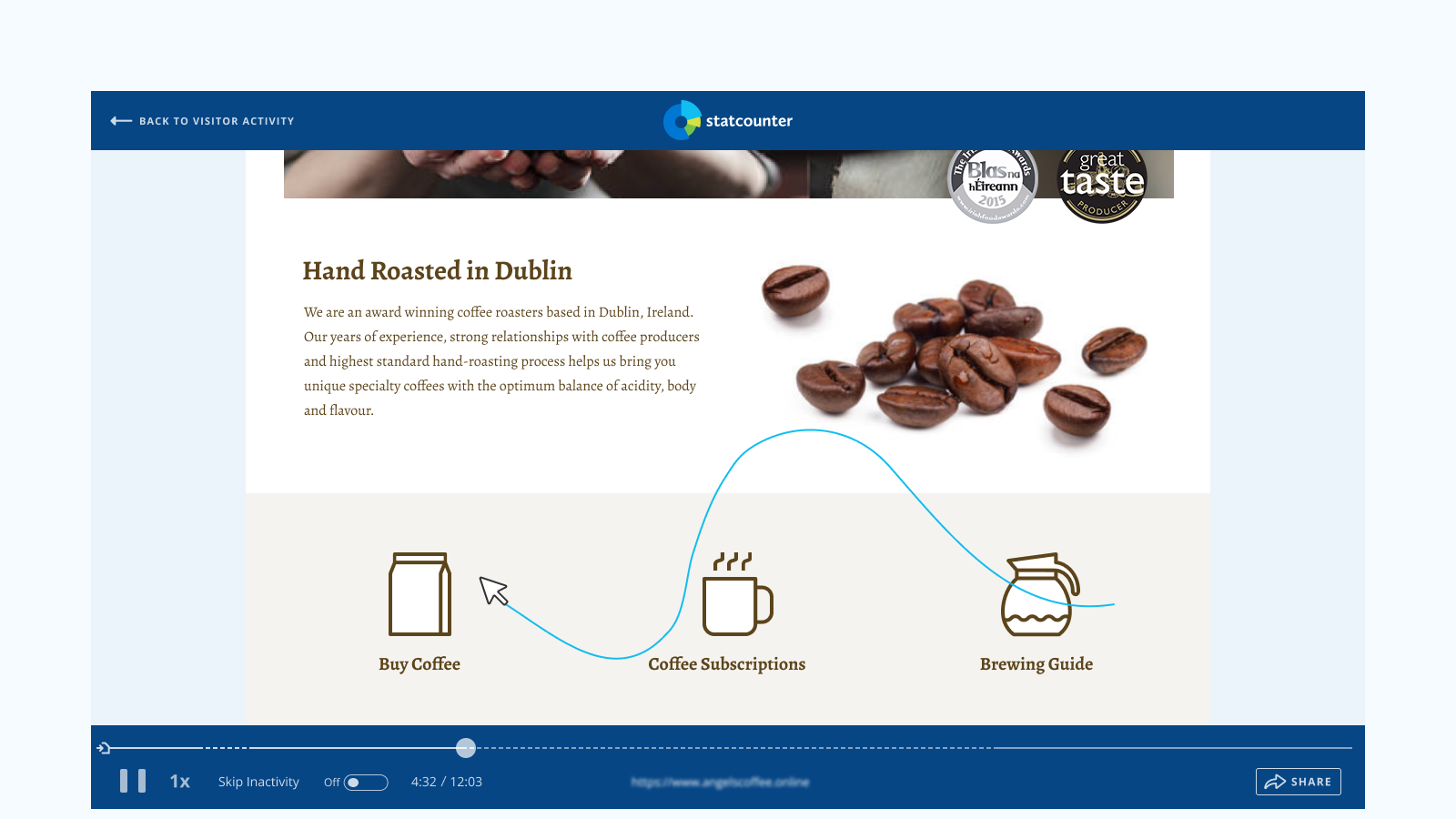
Session Replay
Watch recordings of real visits to your site – a video-like playback of each visitor’s clicks, scrolls and page navigation:
Heatmaps
See at a glance where your visitors click – and what they ignore:
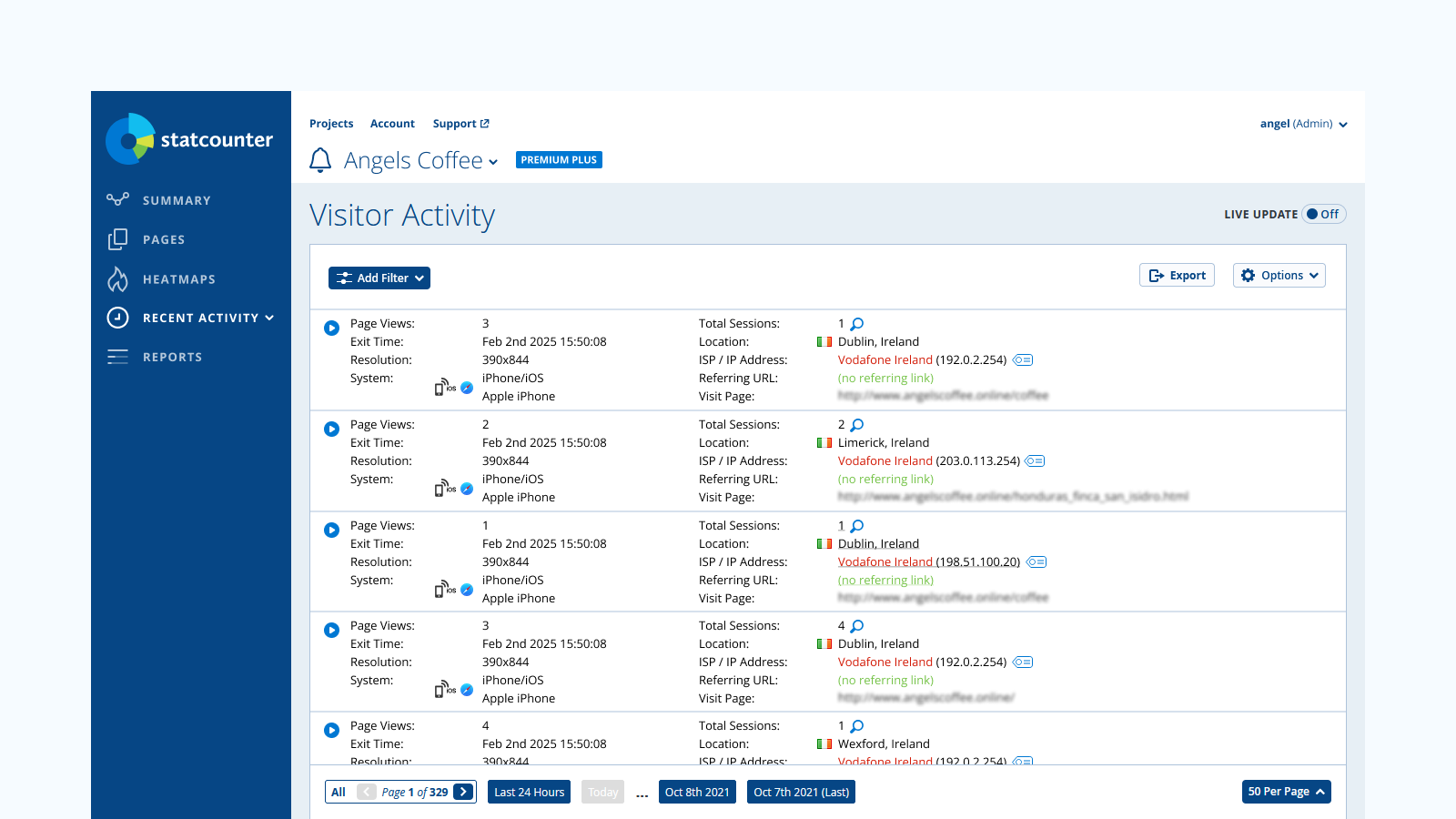
Real-Time Visitor Stats
All the classic StatCounter reports, updated in real time:
The opening of the plugin's own description. The full text, installation notes and changelog are on its WordPress.org page.
No. Activate the plugin, enter your StatCounter Project ID and Security Code, and the tracking code is added to every page automatically.
Yes – the Basic plan is free forever and includes real-time visitor stats. Session replay and heatmaps are premium features, and every new account starts with a 30-day free trial (no credit card required).
No. The StatCounter code is lightweight and loads asynchronously, so it does not block your pages from rendering.
Please contact us here with your query.
Added a dismissible review reminder for site admins (shown once, snoozable, only after tracking has been active for a couple of weeks). Updated plugin listing: new description and screenshots covering Session Replay and Heatmaps.

Cookieless, privacy-friendly WordPress analytics. GDPR/CCPA compliant visitor data and clear graphs, with no data sharing.
Simple, lightweight WordPress analytics with privacy-friendly visitor tracking. Cookieless and GDPR-ready. Setup in seconds, no cookie banner needed.

#348 by installs
Visitor statistics for WordPress with focus on data protection, transparency and clarity. Perfect as a widget in your WordPress Dashboard.

#651 by installs
Adds Matomo (former Piwik) statistics to your WordPress dashboard and is also able to add the Matomo Tracking Code to your blog.
Site Kit is a one-stop solution for WordPress users to use everything Google has to offer to make them successful on the web.
The best free Google Analytics plugin for WordPress. See how visitors find and use your website so you can grow your business with powerful analytics.
Read from the WordPress.org plugin API on , when WordPress 7.1.4 was the current release. WordPress.org rounds active installs into buckets. These are the directory's figures, not my verdict, and I haven't tested this plugin. The author takes donations at their donate page.


