
#149 by installs
GA Google Analytics – Connect Google Analytics to WordPress
Adds Google Analytics tracking code to your WordPress site. Supports many tracking features.
- Installs
- 400,000+
- Rating
- 4.9 (158)
- Updated
- 3 months ago

Site Kit is a one-stop solution for WordPress users to use everything Google has to offer to make them successful on the web.
Read from sitekit.withgoogle.comon
Site Kit is useful for you if you are... A site owner, A developer or agency, A plugin or a hosting provider
A script read this page, and kept only what the page's text backs up. These are the vendor's list prices and its own words, not a deal and not my review. Prices change and can differ by country, so confirm on the vendor's page before you buy.
| Last updated | October 19, 2026Updated in the last 3 months |
|---|---|
| Tested up to | WordPress 7.1.4Covers WordPress 7.1.4, the current release |
| Needs WordPress | 5.2 or newer |
| Needs PHP | 7.4 or newer |
| First published | October 31, 2019 |
| Support, last two months | 65 of 88 threads resolved (74%) |
4.2 / 5 from 1,012 reviews
| 5 stars | 739 |
|---|---|
| 4 stars | 51 |
| 3 stars | 36 |
| 2 stars | 41 |
| 1 star | 145 |
Site Kit is the official WordPress plugin from Google for insights about how people find and use your site. Site Kit is the one-stop solution to deploy, manage, and get insights from critical Google tools to make the site successful on the web. It provides authoritative, up-to-date insights from multiple Google products directly on the WordPress dashboard for easy access, all for free.
Bringing the best of Google tools to WordPress
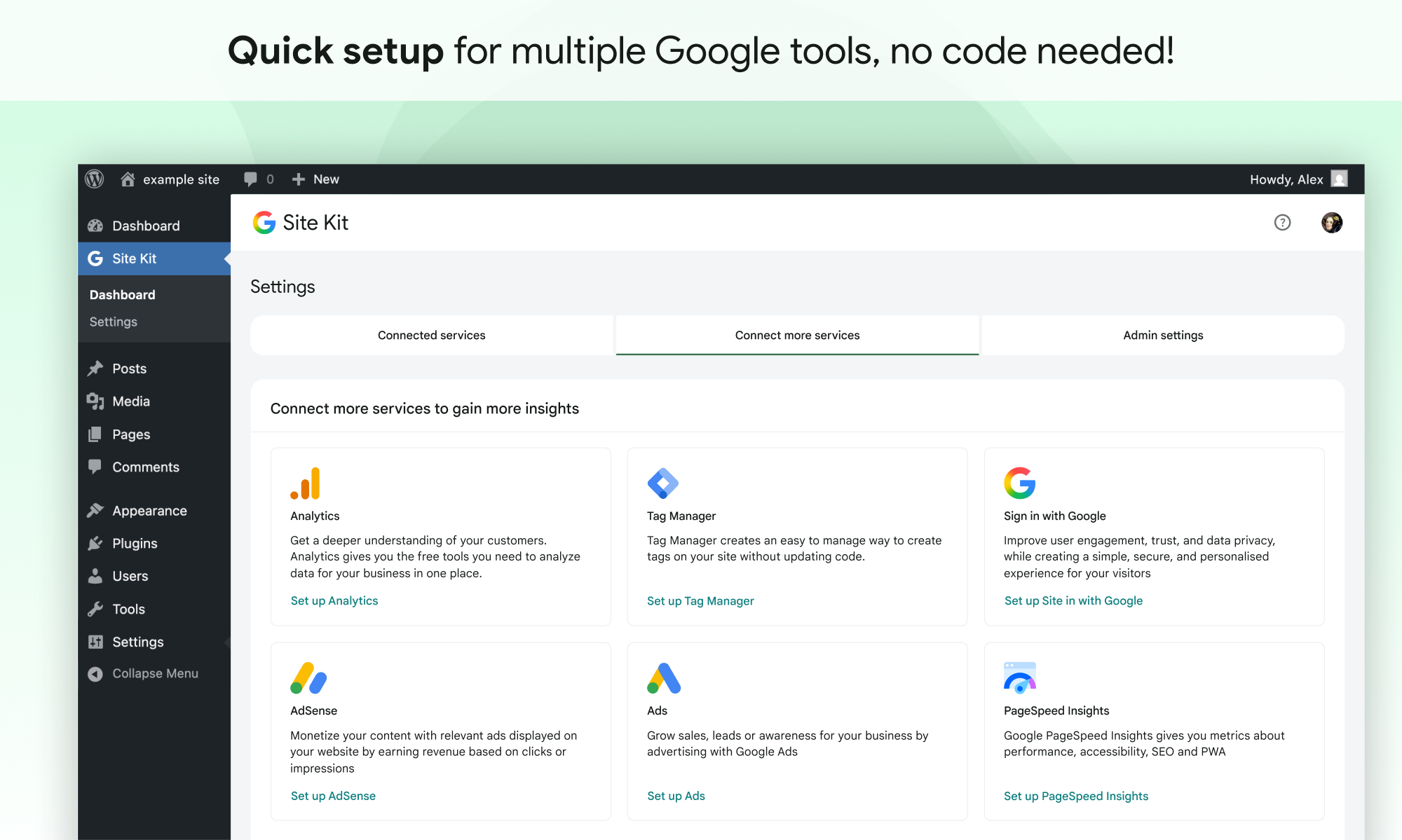
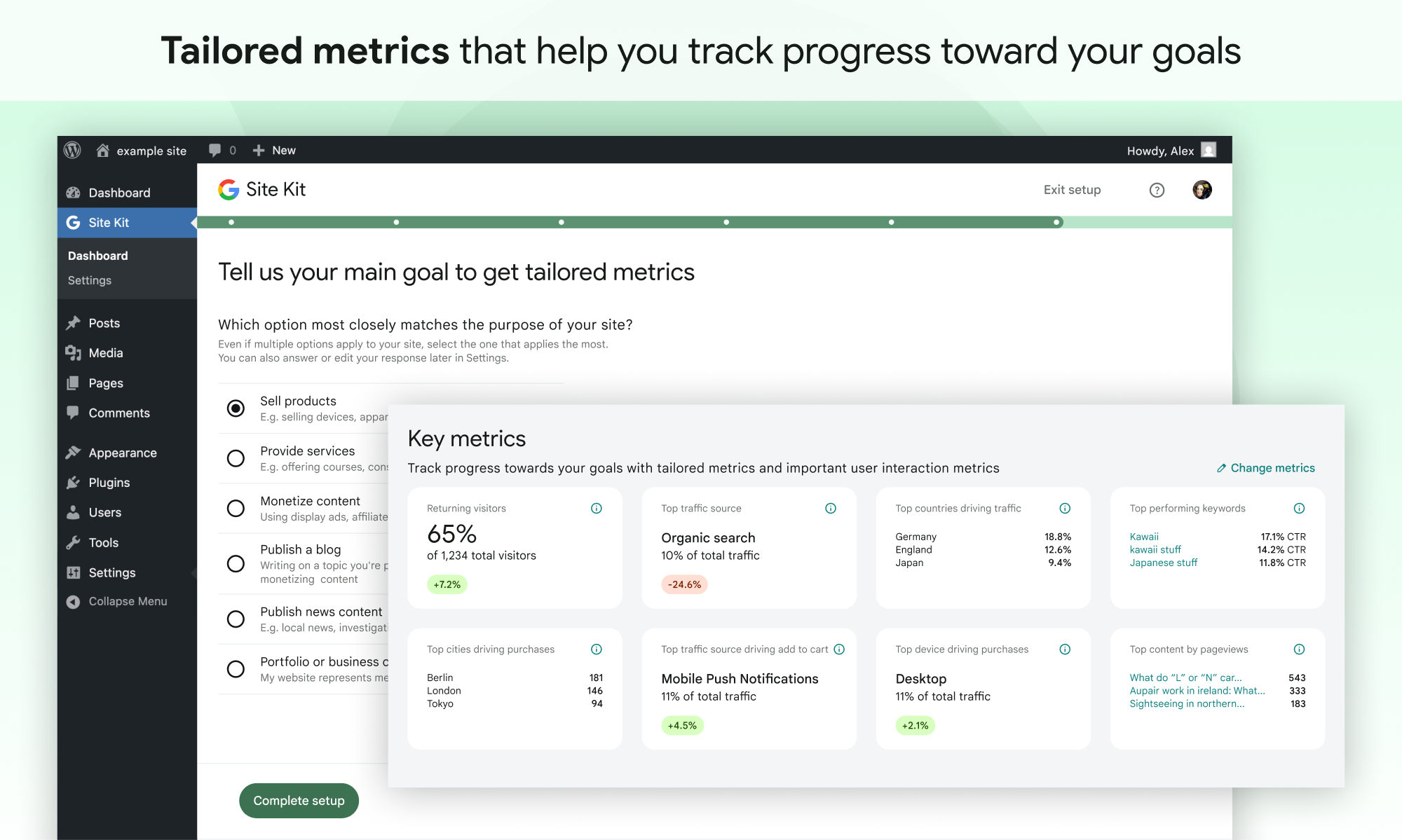
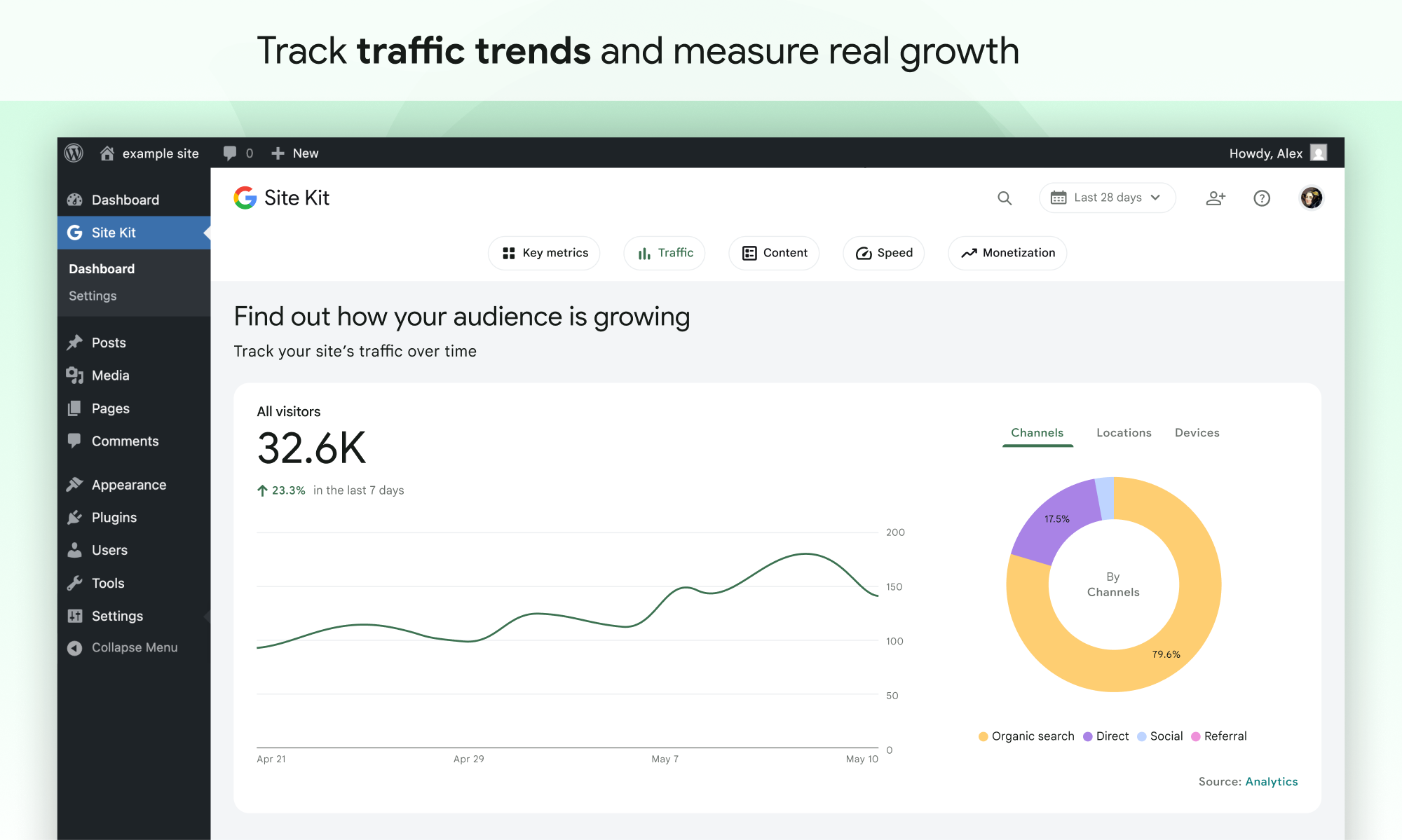
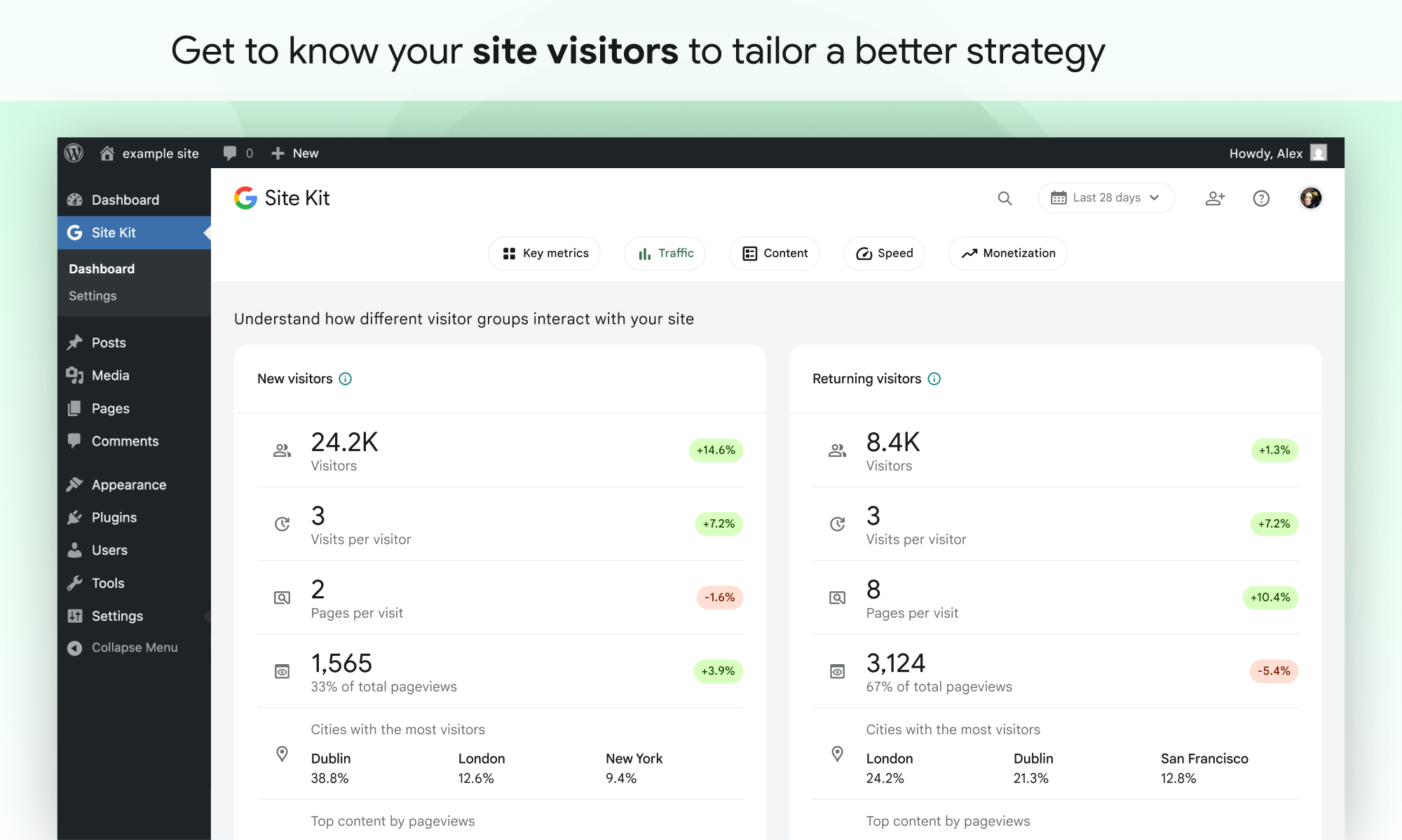
Site Kit includes powerful features that make using these Google products seamless and flexible:
Supported Google tools
Site Kit shows key metrics and insights from different Google products:
The opening of the plugin's own description. The full text, installation notes and changelog are on its WordPress.org page.
The Site Kit plugin is free and open source, and will remain so. Individual Google products included in Site Kit are subject to standard terms and fees (if any) for those products.
In order to successfully install and use Site Kit, your site must meet the following requirements:
It can take a few days after connecting Site Kit to a Google service for data to begin to display in your dashboard. The “gathering data” message typically appears when you’ve recently set up a Google service (i.e. just created a new Analytics account) and/or your site is new, and data is not yet available for display.
If you’re new to AdSense when you connect via Site Kit, your new AdSense account and your site will need to be manually reviewed and approved for ads by the AdSense team. Ads will not display until your account and site have been approved. Check out this guide for more information about the approval process and timeline.
When using Site Kit, site owners are responsible for managing notice and consent requirements – including GDPR requirements – as described in Google’s Terms of Service.
By default, Site Kit does anonymize IP addresses upon activation of the Google Analytics module. This setting can be turned off in Site Kit > Settings > Analytics > Anonymize IP addresses.
Please create a new topic on our WordPress.org support forum. Be sure to follow the support forum guidelines when posting.
Added
Enhanced
#149 by installs
Adds Google Analytics tracking code to your WordPress site. Supports many tracking features.

#772 by installs
Kliken's all-in-one marketing helps businesses reach high-intent customers, beat the competition and see sales growth while lowering conversion costs
The best free Google Analytics plugin for WordPress. See how visitors find and use your website so you can grow your business with powerful analytics.

#74 by installs
Native integration with Google that allows merchants to easily display their products across Google’s network.
Cookieless, privacy-friendly WordPress analytics. GDPR/CCPA compliant visitor data and clear graphs, with no data sharing.

#196 by installs
The original Google Fonts self-hosting plugin. Automagically caches your fonts locally — no configuration (or brains) required!
Read from the WordPress.org plugin API on , when WordPress 7.1.4 was the current release. WordPress.org rounds active installs into buckets. These are the directory's figures, not my verdict, and I haven't tested this plugin.

