
#149 by installs
GA Google Analytics – Connect Google Analytics to WordPress
Adds Google Analytics tracking code to your WordPress site. Supports many tracking features.
- Installs
- 400,000+
- Rating
- 4.9 (158)
- Updated
- 3 months ago

Privacy-friendly and lightweight Google Analytics alternative for WordPress sites. No cookies, just insights.
| Last updated | September 24, 2026Updated in the last 3 months |
|---|---|
| Tested up to | WordPress 7.1.4Covers WordPress 7.1.4, the current release |
| Needs WordPress | 6.2 or newer |
| Needs PHP | 7.4 or newer |
| First published | November 5, 2019 |
| Support, last two months | 1 of 1 threads resolved (100%) |
5.0 / 5 from 245 reviews
| 5 stars | 241 |
|---|---|
| 4 stars | 3 |
| 3 stars | 1 |
| 2 stars | 0 |
| 1 star | 0 |
Koko Analytics is a privacy-friendly and lightweight Google Analytics alternative for WordPress sites. It is a plug and play solution to get GDPR compliant insights into your website visitors without requiring any third-party services.
Why choose Koko Analytics?
Important insights
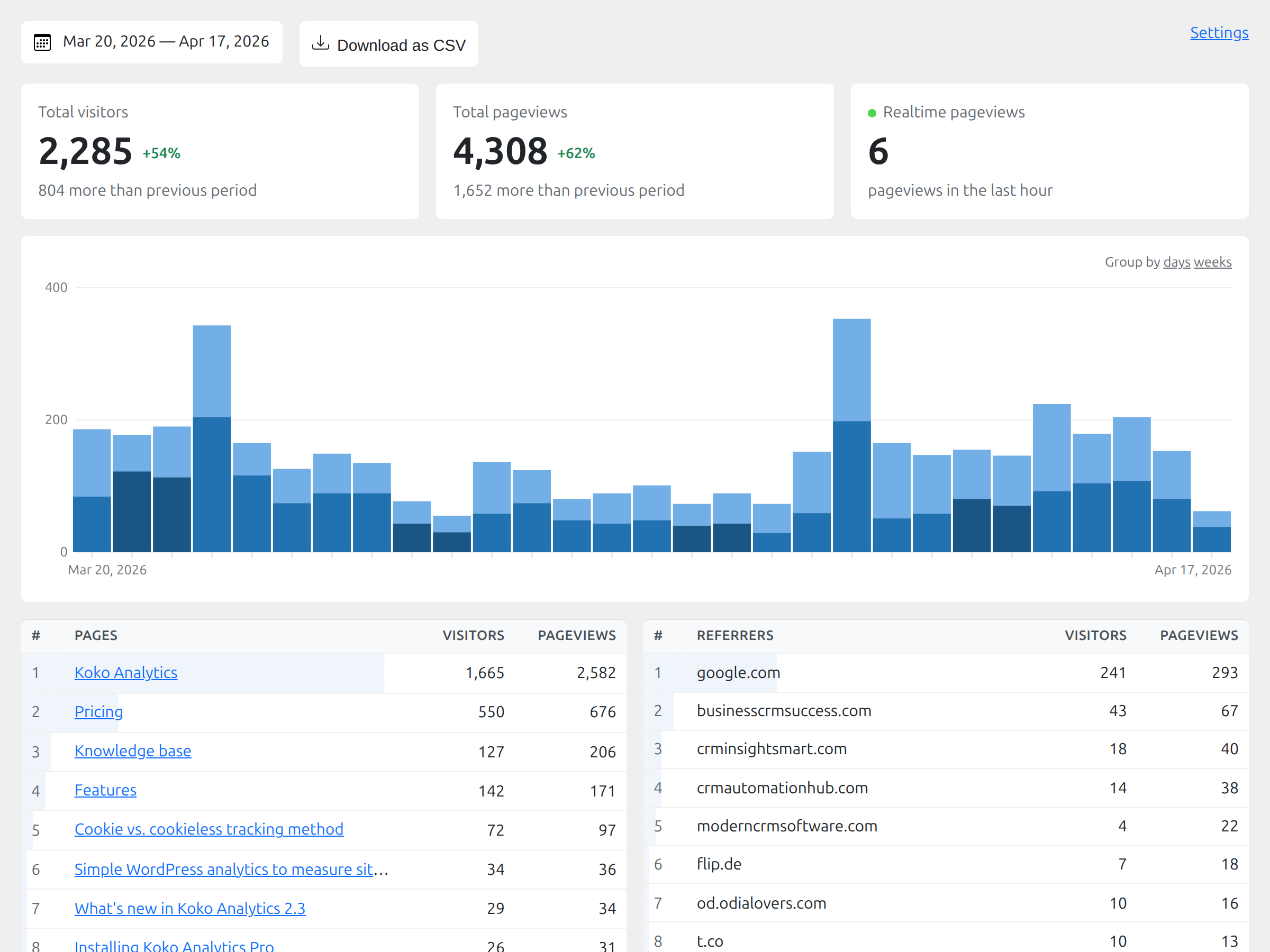
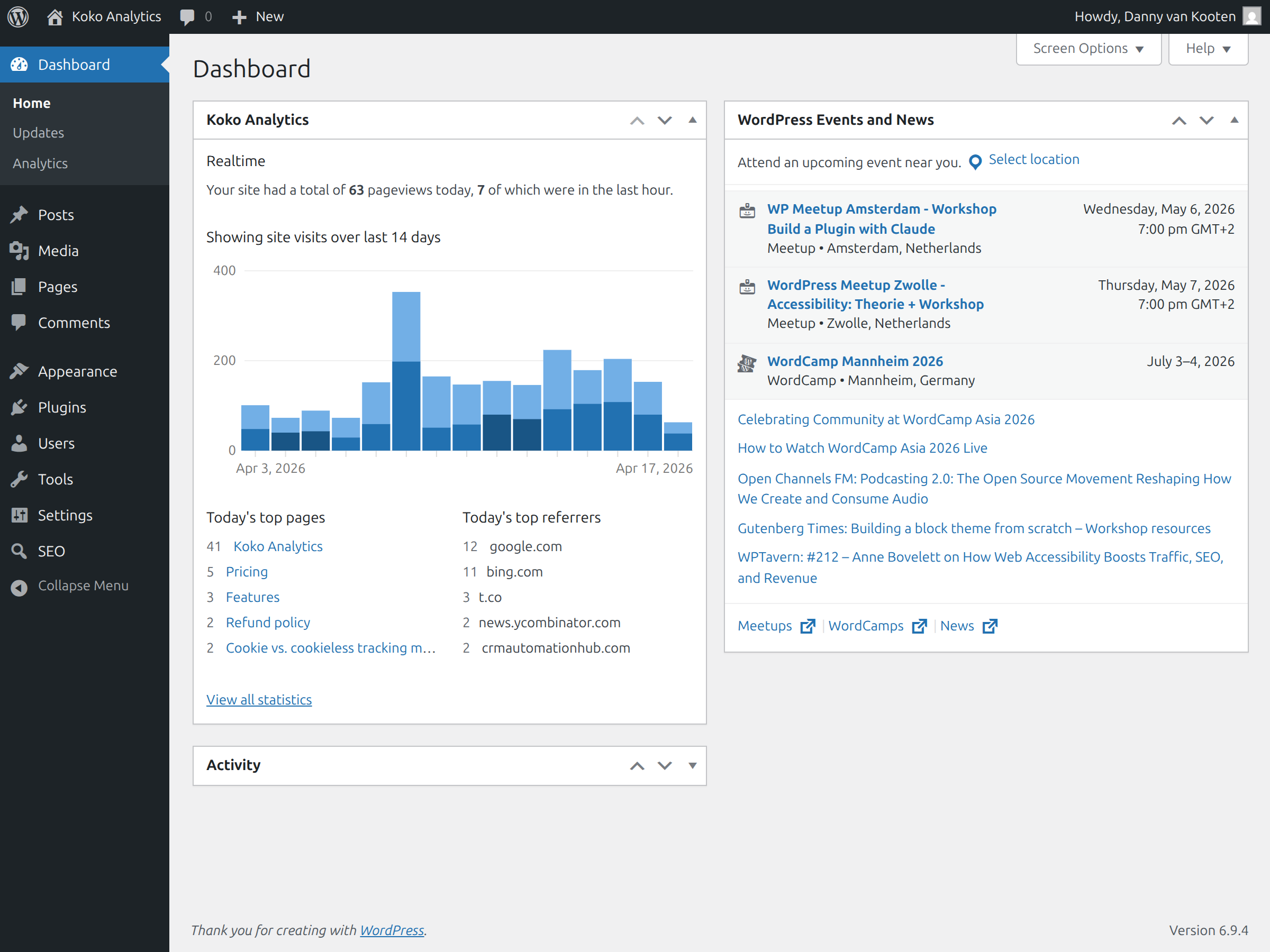
Koko Analytics provides you with simple and effective analytics. There are no complicated reports to dig through. All the important metrics are visible from a quick glance at your analytics dashboard, right inside your WordPress admin.
Privacy-friendly analytics
Koko Analytics is a privacy-friendly solution for WordPress. It can be used without any cookies, no personal data is processed or stored and nothing is shared with any third-party. That makes it suitable for GDPR, CCPA, and PECR-compliant website statistics.
Lightweight website statistics
Koko Analytics is lightweight. It adds less than 1 kilobyte of data to your pages and is fully compatible with all kinds of caching setups. WordPress is bypassed entirely for its collection endpoint, making the impact on your site’s performance as close to zero as possible.
Open source analytics
Koko Analytics is open source released under the GPL license, just like WordPress itself. The source code is publicly available. Everyone has the right to run, study, share or modify the source code.
Features
The opening of the plugin's own description. The full text, installation notes and changelog are on its WordPress.org page.
Yes. Koko Analytics is a WordPress analytics plugin that shows pageviews, visitors, top pages, and referrers inside your WordPress dashboard.
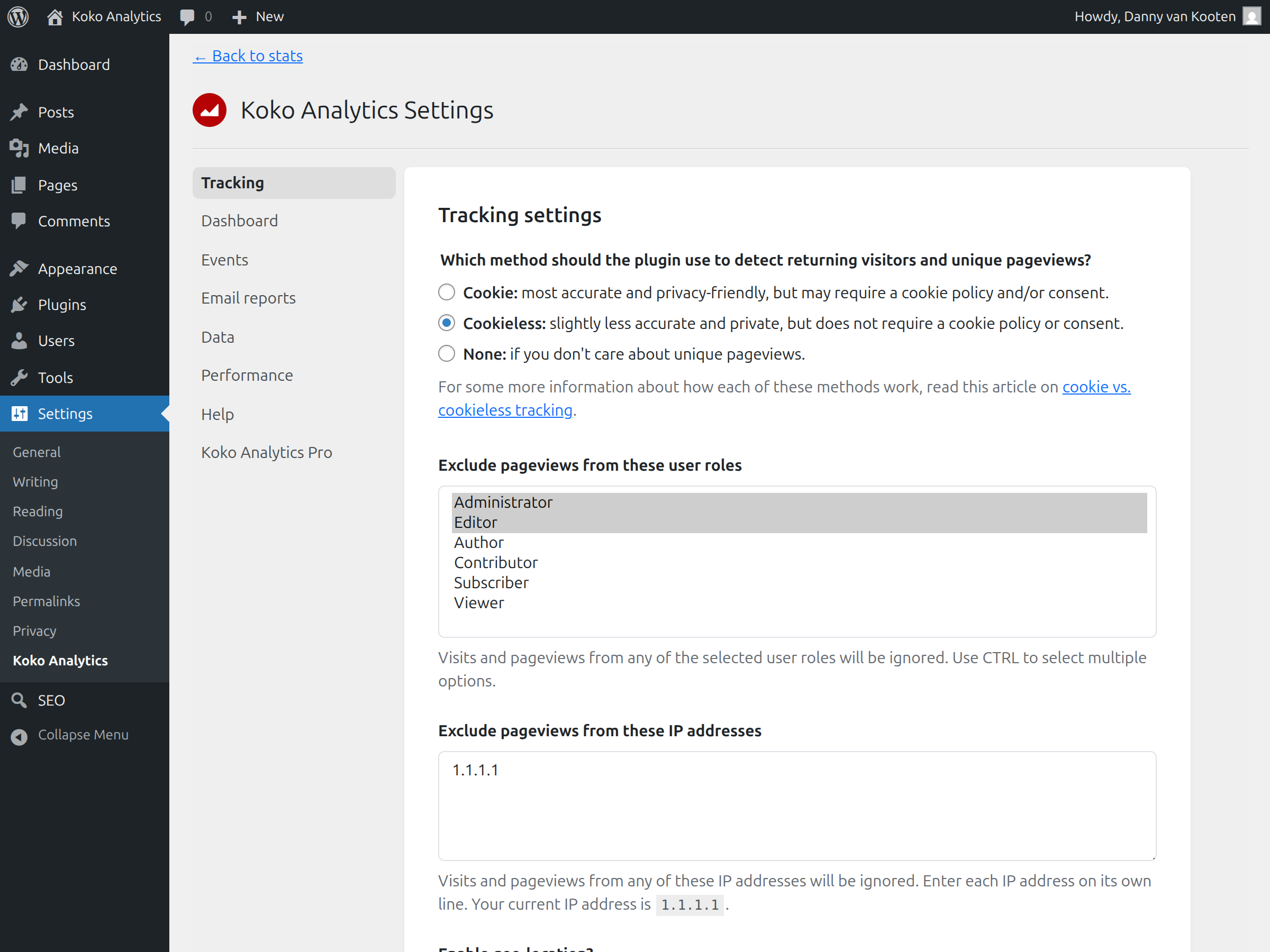
Cookies are optional in Koko Analytics. You can use the plugin without cookies for privacy-friendly website statistics. Read more in the guide: Does Koko Analytics use cookies?
No. Koko Analytics adds less than 1 KB to your HTML, works with cached pages, and uses an optimized collection endpoint to keep performance impact as low as possible.
Yes. Koko Analytics does not process or store personal data, does not use third-party analytics services, and only stores aggregated counts.
Yes. Koko Analytics is open source analytics released under the GPL license, just like WordPress itself. Anyone can inspect how it works.
No account is needed. Koko Analytics runs on your own WordPress site, and statistics start recording after activation.
#149 by installs
Adds Google Analytics tracking code to your WordPress site. Supports many tracking features.
Simple, lightweight WordPress analytics with privacy-friendly visitor tracking. Cookieless and GDPR-ready. Setup in seconds, no cookie banner needed.

#348 by installs
Visitor statistics for WordPress with focus on data protection, transparency and clarity. Perfect as a widget in your WordPress Dashboard.

#378 by installs
A simple, yet powerful WordPress analytics plugin that gives you privacy-friendly stats to grow your website. A Google Analytics alternative.
The best free Google Analytics plugin for WordPress. See how visitors find and use your website so you can grow your business with powerful analytics.
Cookieless, privacy-friendly WordPress analytics. GDPR/CCPA compliant visitor data and clear graphs, with no data sharing.
Read from the WordPress.org plugin API on , when WordPress 7.1.4 was the current release. WordPress.org rounds active installs into buckets. These are the directory's figures, not my verdict, and I haven't tested this plugin.


