
Easily add code snippets in WordPress. Insert header & footer scripts, add PHP code snippets with conditional logic, insert ads pixel code, and more.
- Installs
- 3+ million
- Rating
- 4.9 (1.9K)
- Updated
- 2 days ago

Manage WordPress files, edit code and add PHP, CSS, JavaScript and HTML snippets from your dashboard.
| Last updated | October 31, 2026Updated in the last 3 months |
|---|---|
| Tested up to | WordPress 7.1.4Covers WordPress 7.1.4, the current release |
| Needs WordPress | 5.0 or newer |
| Needs PHP | 7.4.0 or newer |
| First published | November 6, 2011 |
| Support, last two months | 0 of 2 threads resolved (0%) |
4.8 / 5 from 306 reviews
| 5 stars | 286 |
|---|---|
| 4 stars | 6 |
| 3 stars | 3 |
| 2 stars | 1 |
| 1 star | 10 |
Manage your WordPress site from one workspace. WPIDE brings a file manager, code editor and code snippets together in your dashboard, so you can browse files, edit code and add functionality without switching to FTP or changing your theme. Start free, then add advanced developer tools as your needs grow.
Video overview
Code snippets for WordPress — free
Add custom functionality, styles, scripts and markup without editing your theme’s files. Keep your snippets in one place, activate or deactivate them, and choose where they run.
The opening of the plugin's own description. The full text, installation notes and changelog are on its WordPress.org page.
Yes. File management, the code editor, code snippets, the public snippet library and code generators are included in the free plugin. Advanced features and tools are available on paid plans; see the plan comparison.
You can manage files from the WordPress dashboard without an FTP client when your hosting permissions allow it. Keep an independent backup and a way to access your files outside WordPress in case your site becomes unavailable.
Yes. Create a snippet in WPIDE, choose where it should run, and activate it. You can also use a shortcode to place supported snippets in content.
WPIDE checks PHP syntax before saving files and snippets. It keeps file backups and provides a recovery wizard for supported fatal errors; snippets that repeatedly fail can be deactivated automatically. These protections cannot catch every problem, so keep independent backups and test changes before using them on a live site.
No account is needed to browse the public library. WPIDE periodically retrieves the catalog from WPIDE Cloud and falls back to a bundled copy when the service is unavailable. Publishing and optional private cloud features use a connected Freemius installation.
WordPress supports FS_CHMOD_DIR and FS_CHMOD_FILE constants in wp-config.php. Consult your host before changing file permissions.
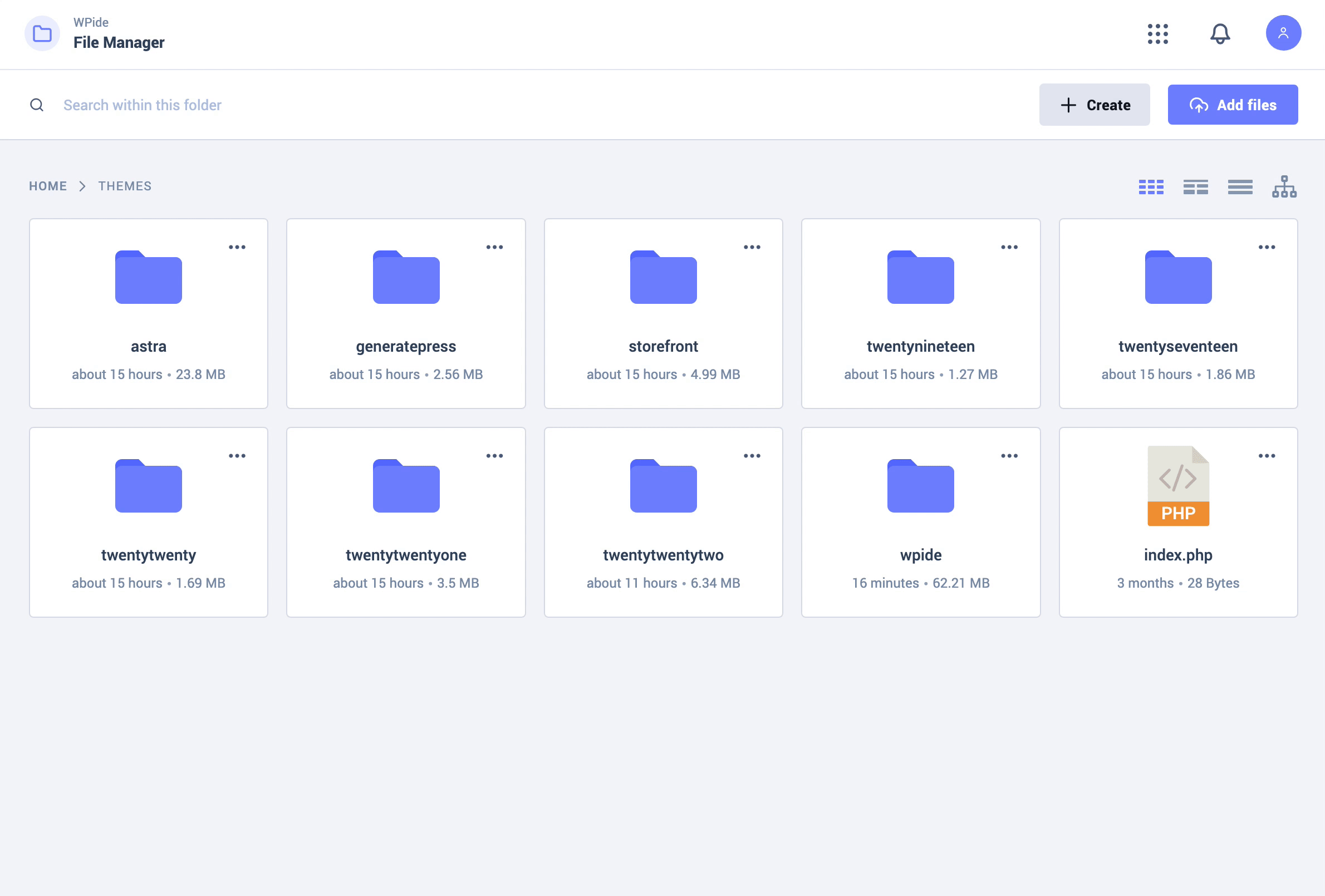
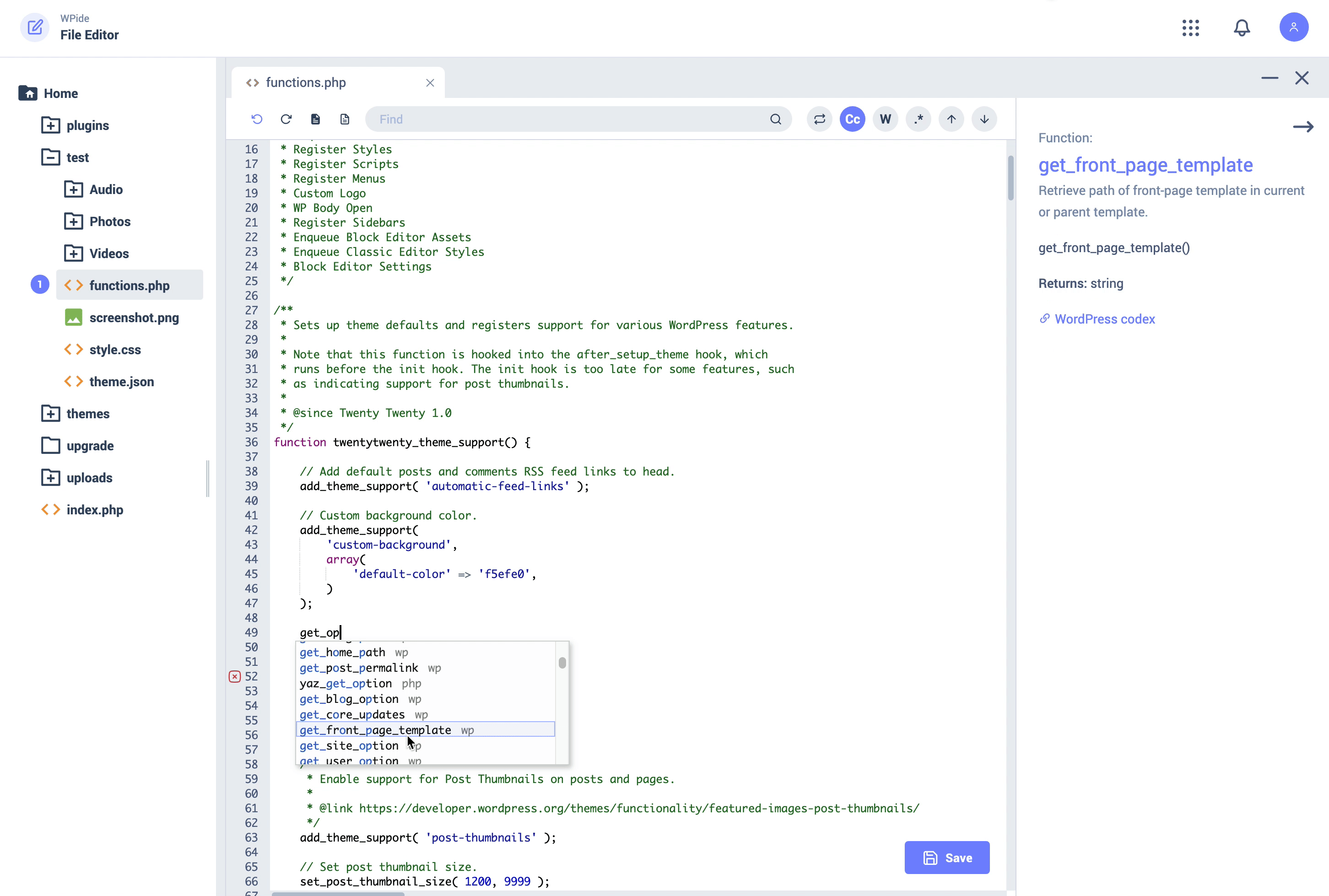


Easily add code snippets in WordPress. Insert header & footer scripts, add PHP code snippets with conditional logic, insert ads pixel code, and more.

#32 by installs
Manage custom WordPress code in one dashboard. Create PHP and HTML snippets, preview code, track snippet totals and reuse code across sites.

#45 by installs
file manager provides you ability to edit, delete, upload, download, copy and paste files and folders.

#214 by installs
Organize thousands of WordPress media files in folders / categories with ease.

#222 by installs
FileOrganizer is an intuitive file manager to easily edit, delete, upload, download, and manage all your WordPress files and folders right from the da …

Use Advanced File Manager to manage WordPress files, create archives, monitor storage limits, and build document libraries all directly from your Word …
Read from the WordPress.org plugin API on , when WordPress 7.1.4 was the current release. WordPress.org rounds active installs into buckets. These are the directory's figures, not my verdict, and I haven't tested this plugin.