
#32 by installs
Code Snippets
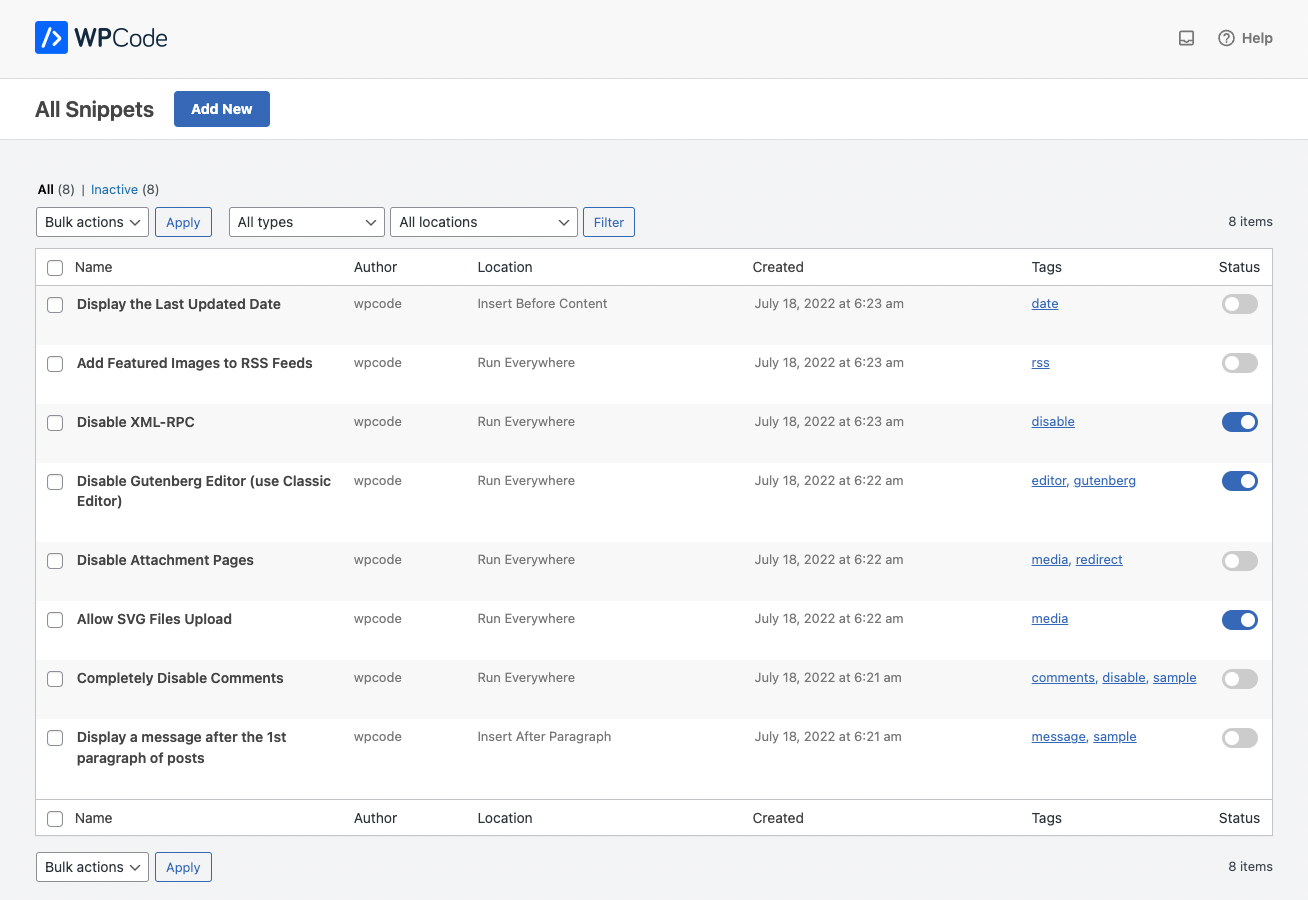
Manage custom WordPress code in one dashboard. Create PHP and HTML snippets, preview code, track snippet totals and reuse code across sites.
- Installs
- 1+ million
- Rating
- 4.7 (510)
- Updated
- 10 days ago

Easily add code snippets in WordPress. Insert header & footer scripts, add PHP code snippets with conditional logic, insert ads pixel code, and more.
Read from wpcode.comon
WPCode is perfect for any WordPress site owner as it makes it really easy to extend your site without having to load many plugins for specific features.
A script read this page, and kept only what the page's text backs up. These are the vendor's list prices and its own words, not a deal and not my review. Prices change and can differ by country, so confirm on the vendor's page before you buy.
| Last updated | October 29, 2026Updated in the last 3 months |
|---|---|
| Tested up to | WordPress 7.1.4Covers WordPress 7.1.4, the current release |
| Needs WordPress | 5.0 or newer |
| Needs PHP | 7.0 or newer |
| First published | July 12, 2012 |
| Support, last two months | 5 of 7 threads resolved (71%) |
4.9 / 5 from 1,915 reviews
| 5 stars | 1,840 |
|---|---|
| 4 stars | 17 |
| 3 stars | 6 |
| 2 stars | 9 |
| 1 star | 43 |
Insert Headers & Footers + Full WordPress Code Snippets Plugin
WPCode (formerly known as Insert Headers and Footers by WPBeginner) is the most popular code snippets plugin for WordPress used by over 2 million websites.
We make it easy for you to add code snippets in WordPress without having to edit your theme’s functions.php file.
Our simple insert headers and footers interface allows you to insert code like Google Analytics, custom CSS, Facebook Pixel, and more to your WordPress site’s header and footer as well other areas of your website. No need to edit your theme files!
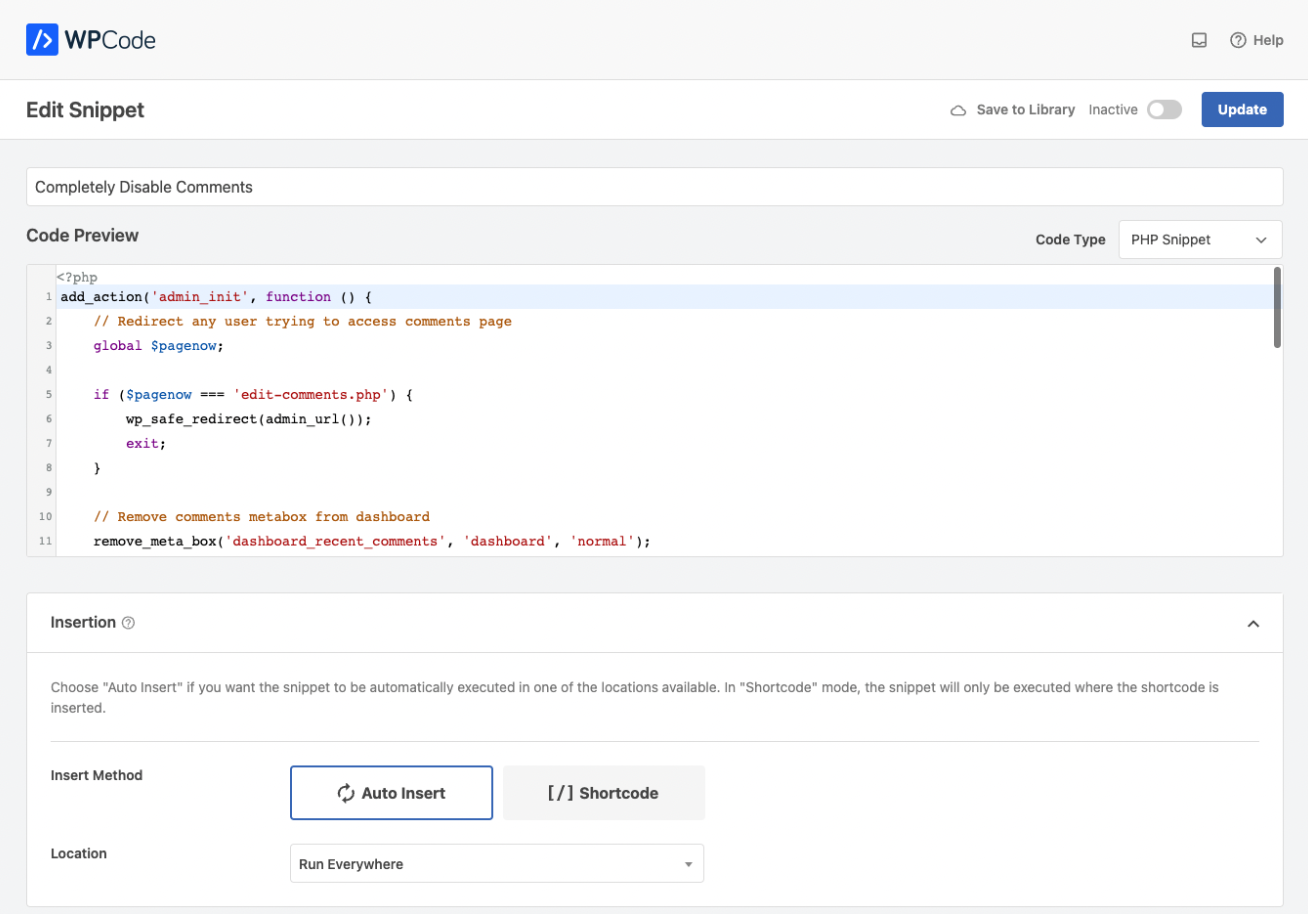
Aside from Header and Footer scripts, you can also use WPCode to insert custom PHP code snippets, JavaScript code snippets, CSS code snippets, HTML code snippets, and text snippets with full conditional logic support.
We took the pain out of adding custom code snippets in WordPress and made it easy.
I have been using Insert Headers and Footers and it is such a useful tool. Super helpful and the very best of its kind. Highly recommend
The_Gibble – WordPress user
Quick Overview of WPCode from WPBeginner
Introducing New WPCode Pro
The opening of the plugin's own description. The full text, installation notes and changelog are on its WordPress.org page.
Yes, you can insert your Google Analytics code in the Scripts in Header field.
Yes, to verify your account or to tag your page for Auto ads, paste the code AdSense gives you, into the Scripts in Header field.
No, the idea behind WPCode – Insert Headers, Footers, and Code Snippets plugin is so you can safely add code snippets.
All code snippets are stored in the WordPress database, independent of the theme upgrades.
Yes, if you don’t want the advanced code snippets functionality, then you can switch back to the old Insert Headers and Footers features by simply going to the Settings Menu and clicking on the Headers & Footers mode.
With WPCode, you can add any type of code snippet that you would otherwise add in your theme’s functions.php file or in a site-specific plugin.
This includes custom PHP snippets, JavaScript snippets, HTML snippet, CSS snippets, Text Snippets, Conversion pixels, Tracking scripts, AdSense or other banner ads code, and more.
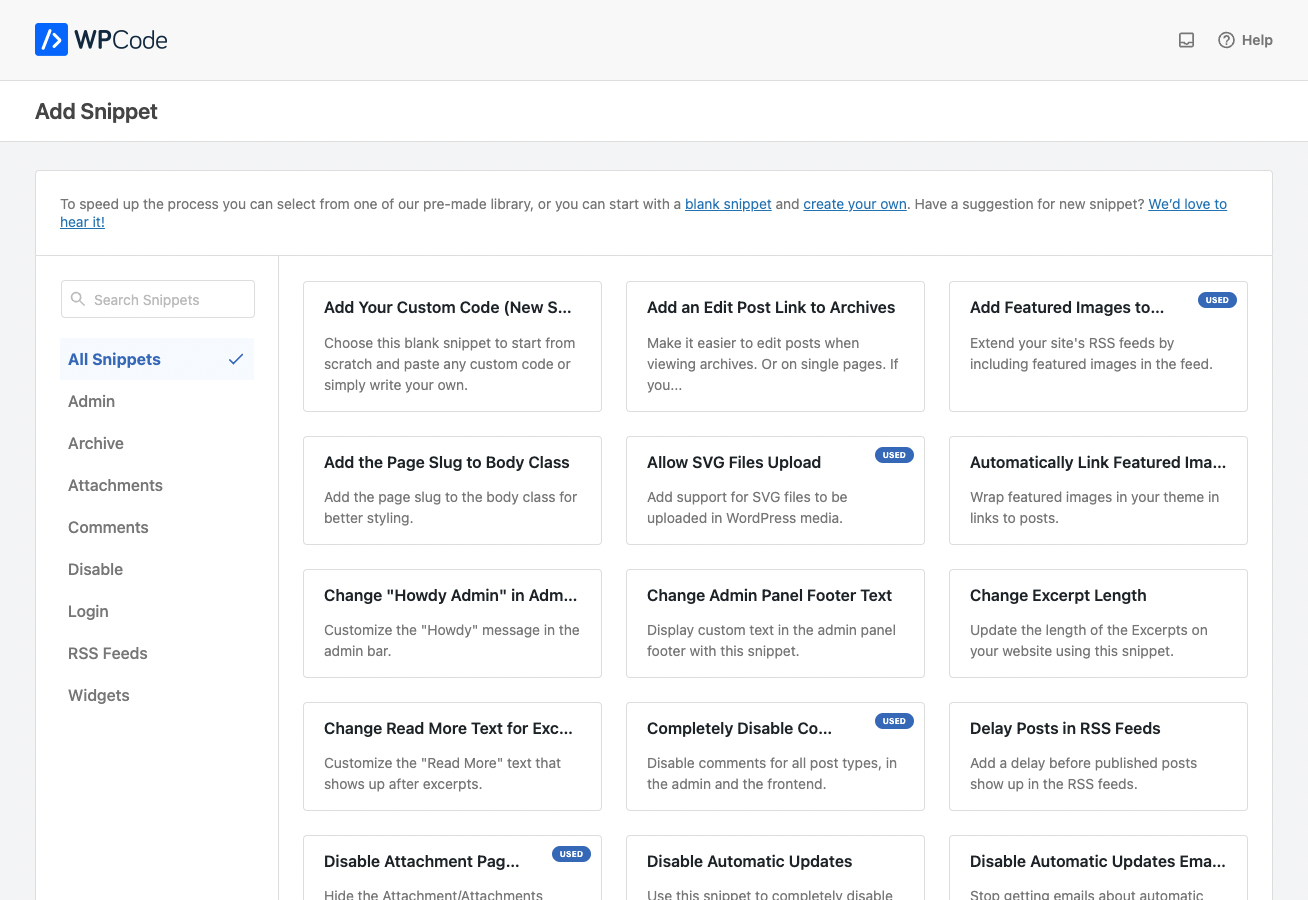
WPCode comes with a ready-made code snippets library that allows you to replace several popular plugins including:

#32 by installs
Manage custom WordPress code in one dashboard. Create PHP and HTML snippets, preview code, track snippet totals and reuse code across sites.

#359 by installs
Add Custom CSS to your WordPress site without any hassles.

Fast, file-based code snippets plugin. Insert header & footer scripts and add PHP, CSS, JS & HTML snippets with conditional logic. Zero DB queries.
Insert PHP, JavaScript, CSS, HTML, ads & tracking code into WordPress headers, footers, pages & content with conditional logic — no theme editing.

#105 by installs
Easily add tracking code snippets, conversion pixels, or other scripts required by third party services for analytics, marketing, or chat features.

#204 by installs
Include inline javascript, stylesheets, CSS code or anything you want in Header and Footer areas of your WordPress with ease.
Read from the WordPress.org plugin API on , when WordPress 7.1.4 was the current release. WordPress.org rounds active installs into buckets. These are the directory's figures, not my verdict, and I haven't tested this plugin.
