Type to search.

#214 by installs

FileBird – WordPress Media Library Folders & File Manager

by Ninja TeamVersion 6.5.9

Organize thousands of WordPress media files in folders / categories with ease.

Active installs
200,000+
#214 of 1,000
Downloads, all time
7.4M
7,376,782
Downloads, 30 days
198K
31.7K in the last 7
Rating
4.7 / 5
1,125 reviews
Last updated
18 days ago
Oct 13, 2026
Version
6.5.9
37 releases

Upkeep and compatibility

Last updatedOctober 13, 2026Updated in the last 3 months
Tested up toWordPress 7.1.4Covers WordPress 7.1.4, the current release
Needs WordPress3.0 or newer
Needs PHP7.4 or newer
First publishedJuly 2, 2018
Support, last two months2 of 2 threads resolved (100%)

Reviews

4.7 / 5 from 1,125 reviews

Reviews by star rating
5 stars978
4 stars59
3 stars18
2 stars8
1 star62

Downloads, last 30 days

Low 834 a dayHigh 85.7K a day

What the author says it does

The #1 WordPress plugin to organize your media library with folders.

✨ NEW: Organize WordPress pages and posts too, with the same drag-and-drop folders you already use for media.

TEST DRIVE | GO PRO (Lifetime License) 💎

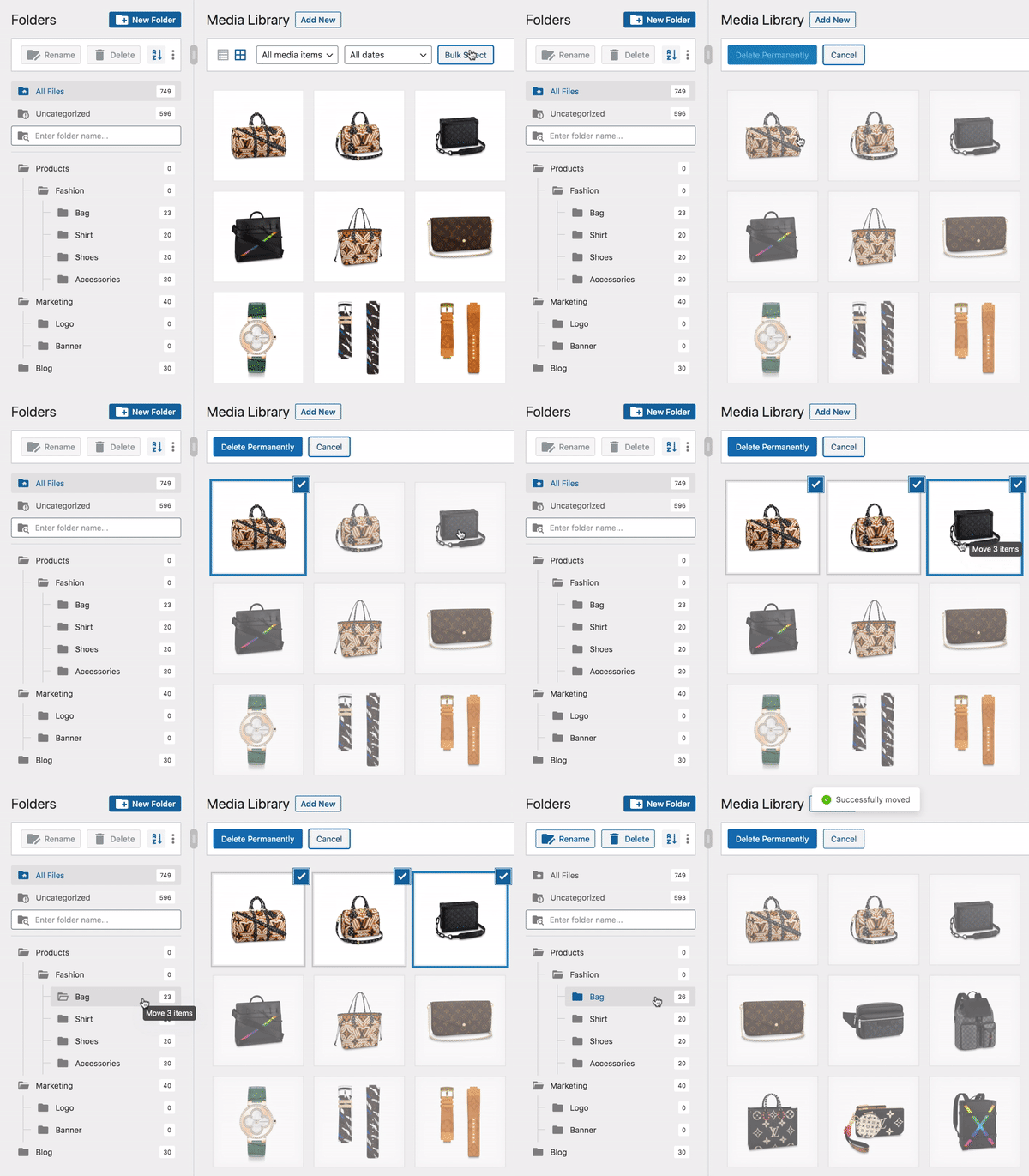
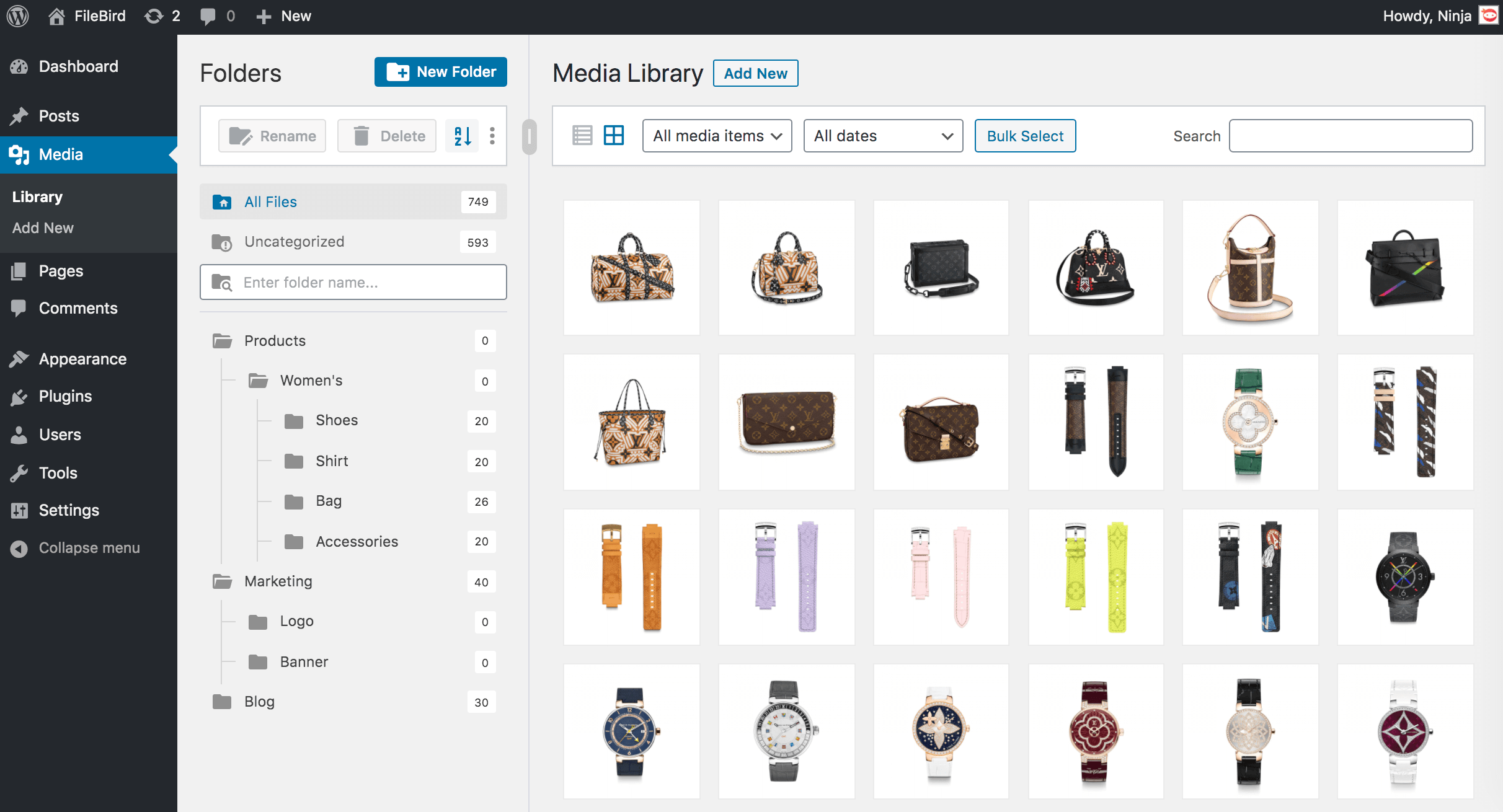
FileBird transforms your WordPress media library with intuitive folder organization, smooth drag & drop, and smart sorting. Locate images faster, easily insert them into Gutenberg blocks, quickly identify and remove unused files.

The free version allows you to create unlimited main folders and subfolders.

📌 FileBird Cloud Extension | Document Library Extension

Compare FileBird Free vs Pro

⚡️ FEATURES

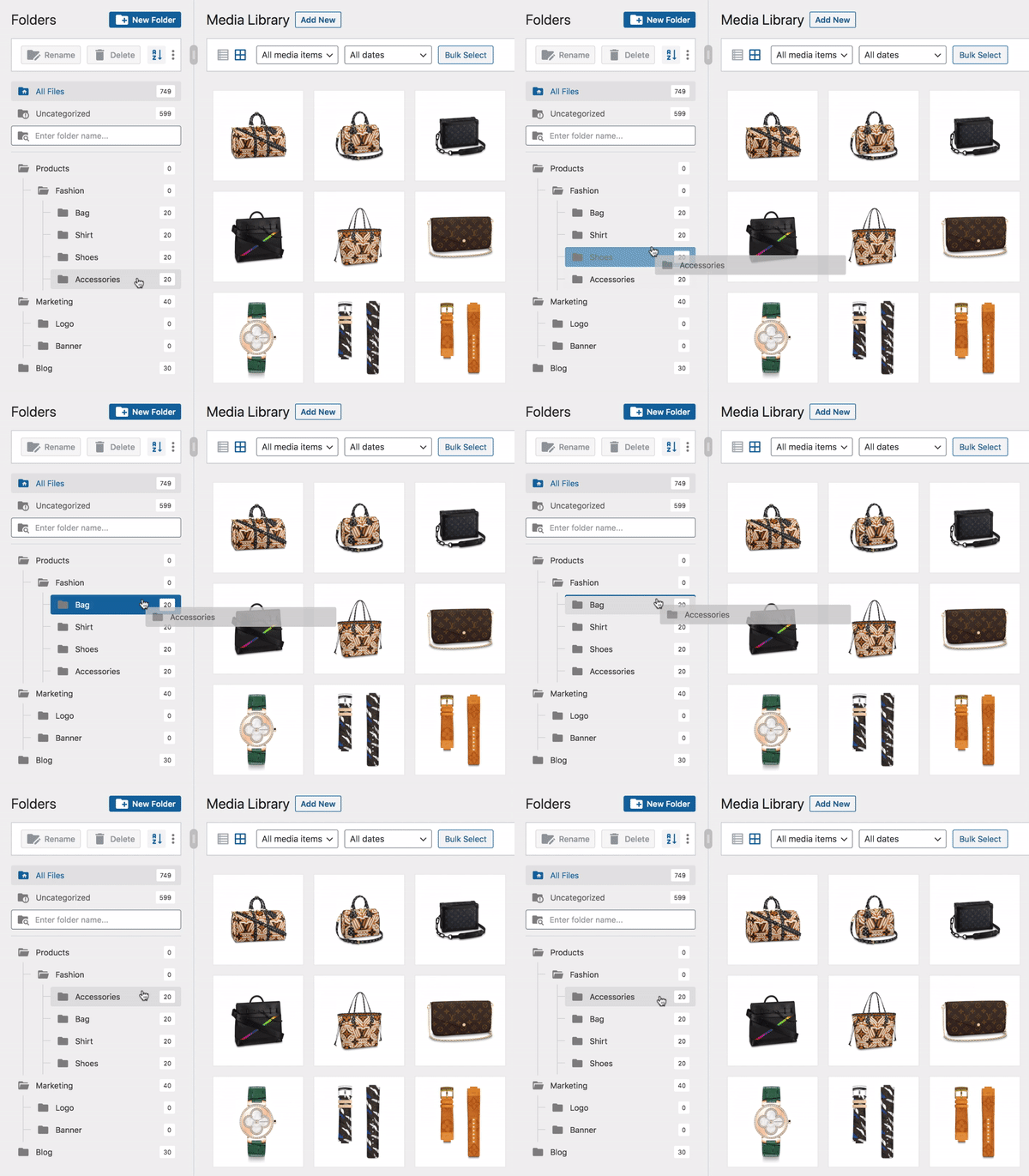
FileBird allows you to create virtual folders to categorize your WordPress media file uploads. So when you move files and folders around, it won’t break the permalinks to your images in the page/post content.

With FileBird, you can save time on WP media management, search for any files & folders, sort them out, add product image gallery, download/export media folders, etc. That’s a great way to boost your admin workflow and productivity.

Folder Tree Themes (PRO)

Instead of the traditional gray shade of folder icon, now you can transform your “Folderella” into Dropbox theme or Windows 11 styling.

Download Media Folder (PRO)

The opening of the plugin's own description. The full text, installation notes and changelog are on its WordPress.org page.

Questions the author answers

Do all of my previously uploaded files remain the same after I first install this plugin?

Yes, you can find all uploads in the All Files folder.

When I move an image to another folder, does this action affect how the image appears on the page/post?

No, it makes no changes to your images on the site’s front end.

If I create a folder or category, does this override the default WordPress path `wp-content/uploads/`?

No, it does not. The plugin helps organize files into folders visually. Every file permalink/URL remains unchanged.

Can I migrate my existing folders from another plugin?

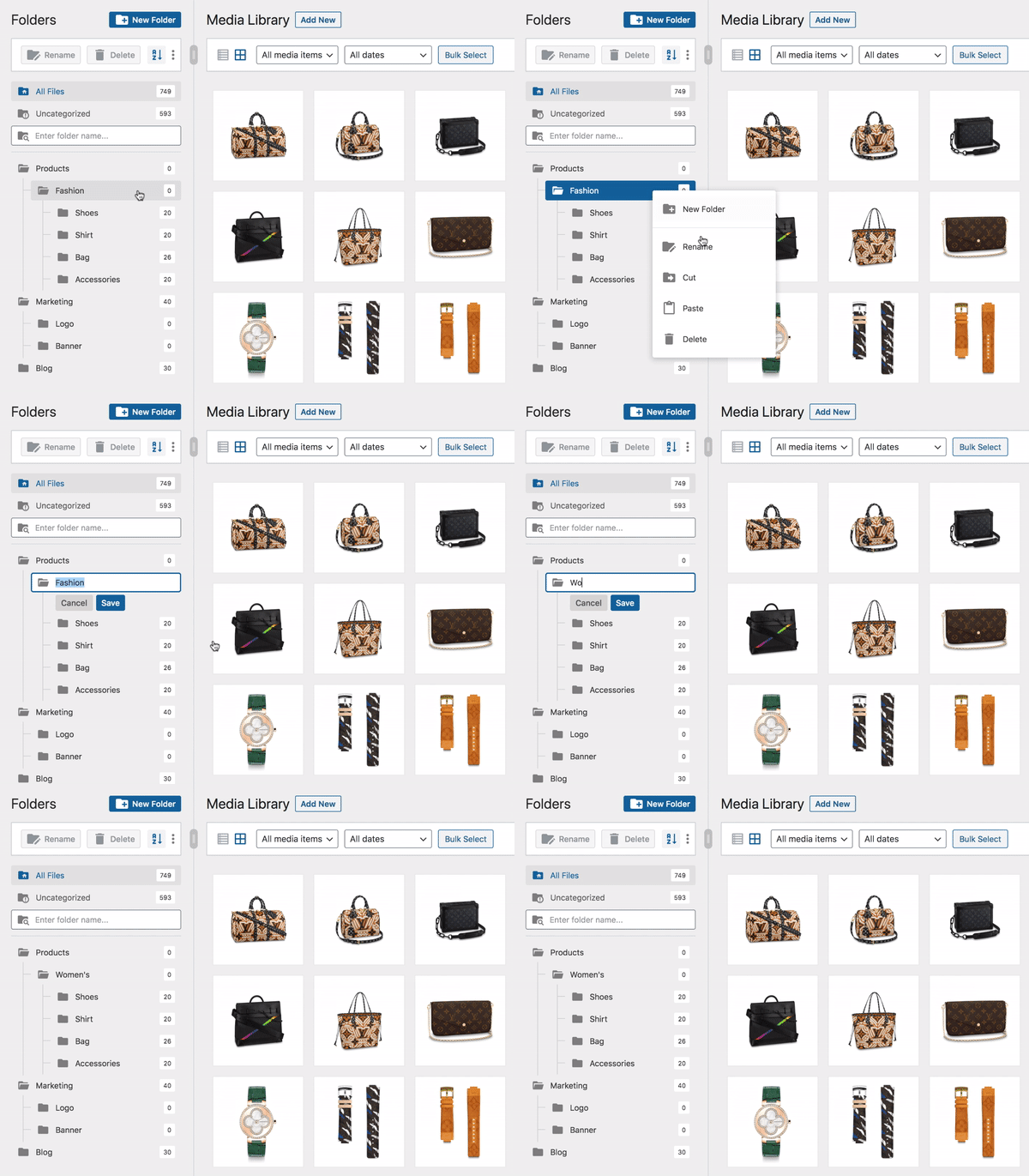
Yes. FileBird automatically detects and imports folder structures from Enhanced Media Library, WP Media Folder by JoomUnited, WordPress Media Library Folders by Max Foundry, Real Media Library, HappyFiles, and a few others. Your files stay in their folders after the switch without manual re-sorting.

Can I use folders for pages, posts, or WooCommerce products?

Yes. The free version includes basic folder support for posts and pages (one folder level). Deeper organization, including WooCommerce products, coupons, and other custom post types, plus multi-level folders for posts/pages, is available in FileBird Pro.

Is FileBird compatible with my page builder or theme?

FileBird’s free version works inside the core Media Library, Elementor free version and block editor. Deeper integrations with page builders and themes (Elementor Pro, Divi, Avada, Beaver Builder, WPBakery, and others) are part of FileBird Pro. Check the compatibility list for the full breakdown.

Latest changelog entry

Oct 13, 2026 – Version 6.5.9

  • Added: Backup management
  • Improved: Accessibility of the folder tree and settings page
  • Improved: Security (thanks to George Theodoridis)
  • Fixed: Conflict with WP Duplicate Page
  • Fixed: Folder download producing a corrupted zip on folders with many files (Pro version)

Screenshots

First 4 of 8, from WordPress.org.

Tagged

Plugins that share its tags

Organize uploaded media in folders, collections and galleries: A file manager for WordPress. Media management made easy with Real Media Library! (Alte …

Installs
100,000+
Rating
4.8 (297)
Updated
31 days ago

#45 by installs

File Manager

by mndpsingh287

file manager provides you ability to edit, delete, upload, download, copy and paste files and folders.

Installs
1+ million
Rating
4.6 (1.5K)
Updated
1 day ago

#54 by installs

Safe SVG

by 10up

Enable SVG uploads and sanitize them to stop XML/SVG vulnerabilities in your WordPress website.

Installs
1+ million
Rating
4.9 (79)
Updated
5 days ago

#222 by installs

FileOrganizer – WordPress File Manager

by Softaculous

FileOrganizer is an intuitive file manager to easily edit, delete, upload, download, and manage all your WordPress files and folders right from the da …

Installs
200,000+
Rating
4.8 (49)
Updated
38 days ago

#445 by installs

File Manager Pro – Filester

by Ninja Team

Best WordPress file manager without FTP access. Edit code with built-in editor, upload files, download plugins, download themes, manage wp directory, …

Installs
100,000+
Rating
4.9 (155)
Updated
5 days ago

Where this page's numbers come from

Read from the WordPress.org plugin API on , when WordPress 7.1.4 was the current release. WordPress.org rounds active installs into buckets. These are the directory's figures, not my verdict, and I haven't tested this plugin. The author takes donations at their donate page.