

Type to search.

#222 by installs

FileOrganizer – WordPress File Manager

by SoftaculousVersion 1.2.2

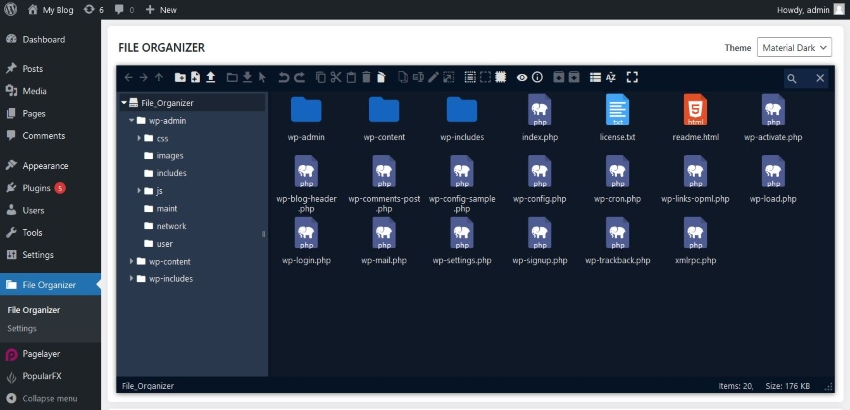
FileOrganizer is an intuitive file manager to easily edit, delete, upload, download, and manage all your WordPress files and folders right from the da …

Active installs
200,000+
#222 of 1,000
Downloads, all time
2.6M
2,554,113
Downloads, 30 days
65.3K
15K in the last 7
Rating
4.8 / 5
49 reviews
Last updated
38 days ago
Sep 23, 2026
Version
1.2.2
17 releases

Upkeep and compatibility

Last updatedSeptember 23, 2026Updated in the last 3 months
Tested up toWordPress 7.1.4Covers WordPress 7.1.4, the current release
Needs WordPress5.5 or newer
Needs PHP5.5 or newer
First publishedMarch 14, 2023
Support, last two monthsNo threads opened

Reviews

4.8 / 5 from 49 reviews

Reviews by star rating
5 stars45
4 stars1
3 stars1
2 stars2
1 star0

Downloads, last 30 days

Low 1.1K a dayHigh 3.4K a day

What the author says it does

FileOrganizer is a lightweight and easy-to-use WordPress file manager. Organize and manage your WordPress files with FileOrganizer without any control panel or FTP access. You can access, upload, download, edit, delete, zip, cut, copy, and paste files even outside the WordPress root directory.

Free Features

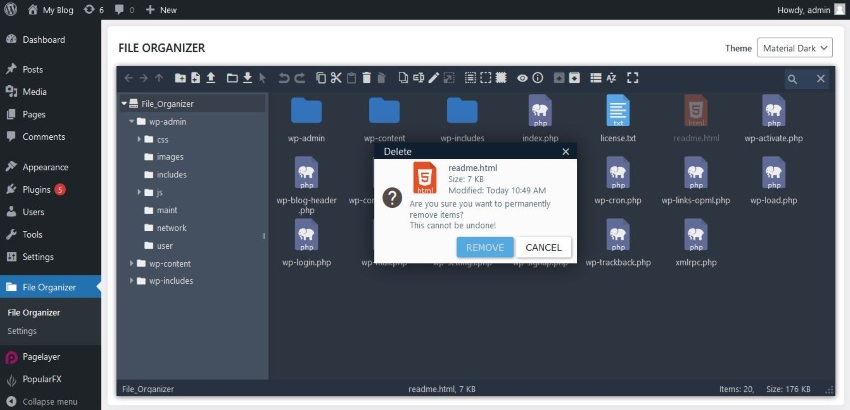
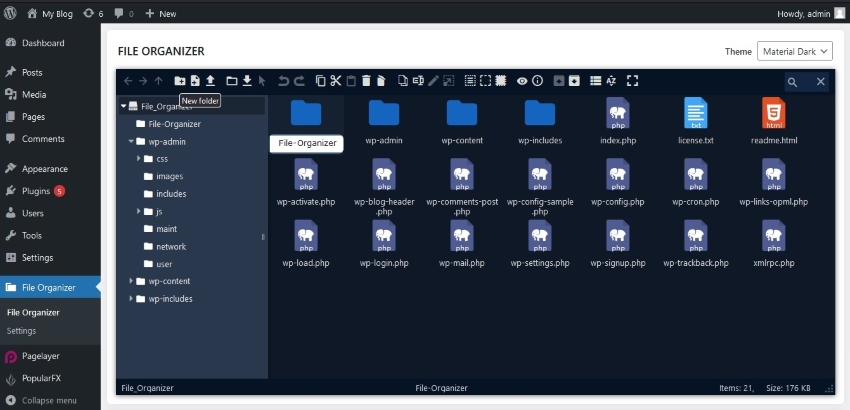
  • Files and directory Management: Supports all file operations on a remote server such as create files or directory, upload, download, rename, copy, etc.
  • Drag & drop: Easy drag-and-drop file transfer for uploading and moving files.
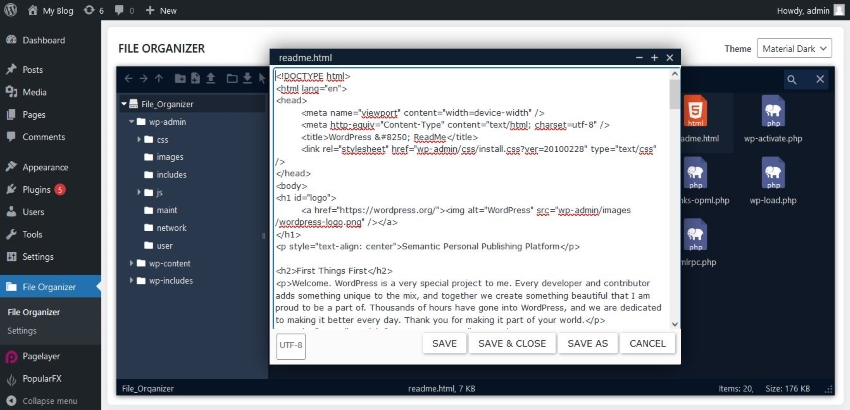
  • Built-in editor: FileOrganizer has a built-in editor for editing code and files.
  • Archive creation / extraction: Create or extract archives with one click(.zip, .tar)
  • File Previews: Supports previews for common file types including PDFs, pictures, videos, audio, and thumbnails.
  • Responsive: FileOrganizer is compatible with tablets and smartphones.
  • Search: The built-in search feature makes it simple to find your files.
  • File View: Offers both icons and list views for easy navigation.
  • Image Thumbnails: Display thumbnails for image files.
  • Support Shortcuts: Common keyboard shortcuts such as cut, copy, paste, etc. are available.
  • Toolbar: Rich Toolbar and context menu are available.
  • Directory Size: Calculates size of the directory.

The opening of the plugin's own description. The full text, installation notes and changelog are on its WordPress.org page.

Questions the author answers

How to install FileOrganizer

Go To your WordPress install -> Plugins -> Add New Button -> In Search Box, Look For FileOrganizer -> Click on Install.

Latest changelog entry

1.2.2 (September 23, 2026)

  • [Improvement Pro] Added Code Signing: Every update now verifies the code signature to ensure secure updates.

Screenshots

First 4 of 6, from WordPress.org.

Tagged

Plugins that share its tags

#445 by installs

File Manager Pro – Filester

by Ninja Team

Best WordPress file manager without FTP access. Edit code with built-in editor, upload files, download plugins, download themes, manage wp directory, …

Installs
100,000+
Rating
4.9 (155)
Updated
5 days ago

#45 by installs

File Manager

by mndpsingh287

file manager provides you ability to edit, delete, upload, download, copy and paste files and folders.

Installs
1+ million
Rating
4.6 (1.5K)
Updated
1 day ago

Organize uploaded media in folders, collections and galleries: A file manager for WordPress. Media management made easy with Real Media Library! (Alte …

Installs
100,000+
Rating
4.8 (297)
Updated
31 days ago

#463 by installs

Download Manager

by Shahjada

This File Management & Digital Store plugin will help you to control file downloads & sell digital products from your WP site.

Installs
100,000+
Rating
4.1 (1K)
Updated
5 days ago

Where this page's numbers come from

Read from the WordPress.org plugin API on , when WordPress 7.1.4 was the current release. WordPress.org rounds active installs into buckets. These are the directory's figures, not my verdict, and I haven't tested this plugin.