
#569 by installs
Ninja Tables – Easy Data Table Builder
Best WordPress table builder plugin packed with versatile features to create fully responsive data tables of any kind.
- Installs
- 70,000+
- Rating
- 4.6 (472)
- Updated
- 22 days ago

The best WordPress table plugin. Create responsive, and searchable tables and charts from Excel (.xlsx, .xls or .ods), CSV, XML, JSON, and PHP.
| Last updated | October 14, 2026Updated in the last 3 months |
|---|---|
| Tested up to | WordPress 7.1.4Covers WordPress 7.1.4, the current release |
| Needs WordPress | 4.0 or newer |
| Needs PHP | 7.4 or newer |
| First published | November 30, 2015 |
| Support, last two months | 6 of 6 threads resolved (100%) |
4.5 / 5 from 449 reviews
| 5 stars | 379 |
|---|---|
| 4 stars | 13 |
| 3 stars | 14 |
| 2 stars | 8 |
| 1 star | 35 |
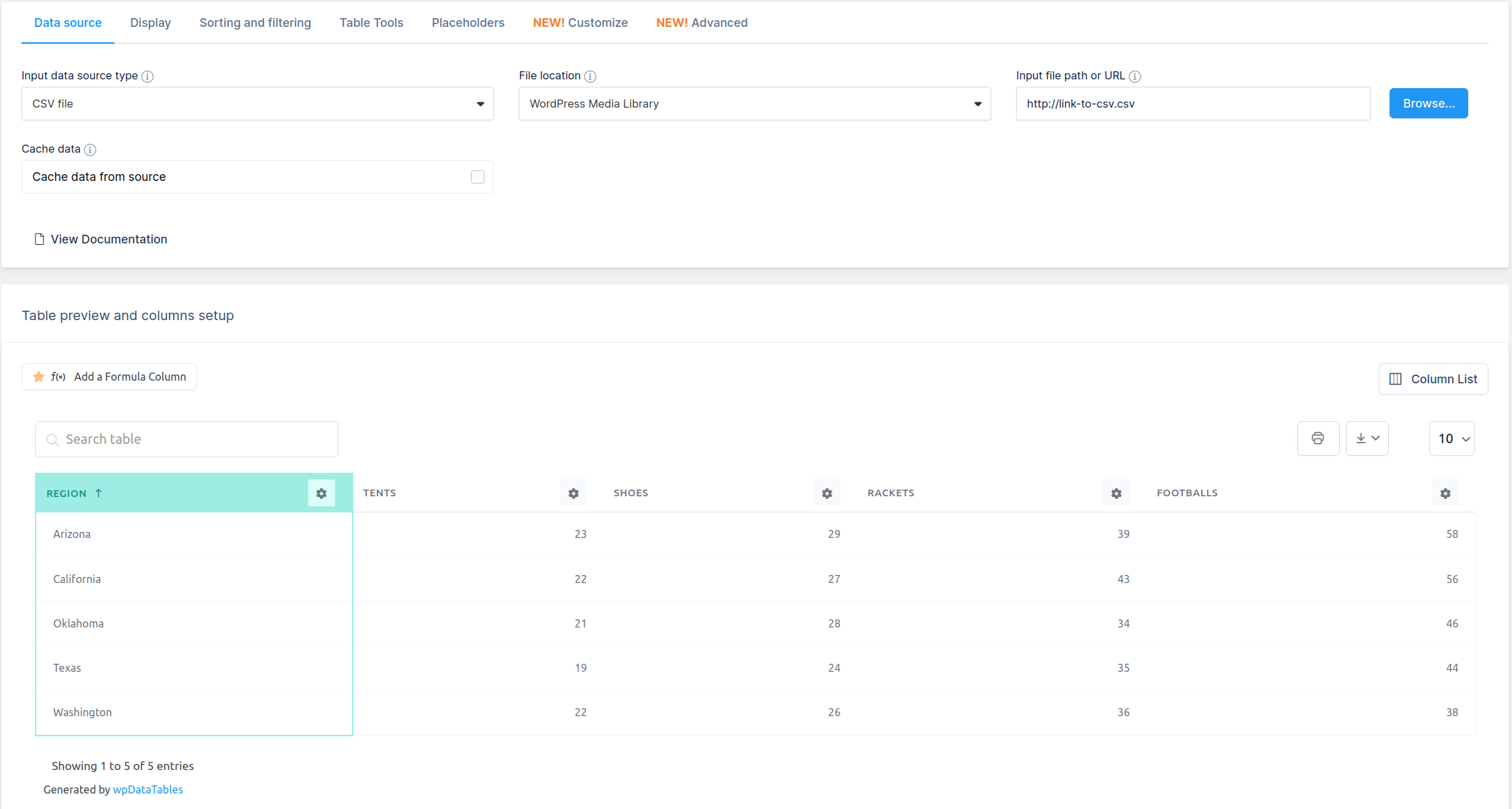
wpDataTables is a popular WordPress table plugin used to quickly create, data tables & charts from Excel, CSV, XML, JSON, PHP, and many other data sources. Use our table & charts plugin to represent vast amounts of complicated data in a concise, and user-friendly way everyone understands.
Thanks to our new premium integration, you can also create WooCommerce product tables that update automatically and have “Add to Cart” functionality.
The main benefits wpDataTables provides to its users are more time (as it automates displaying data on a website) and no need to learn to code.
We did the heavy lifting of coding, so you can enjoy the beautiful tables and charts in just a few clicks.
The Best WordPress Table Builder
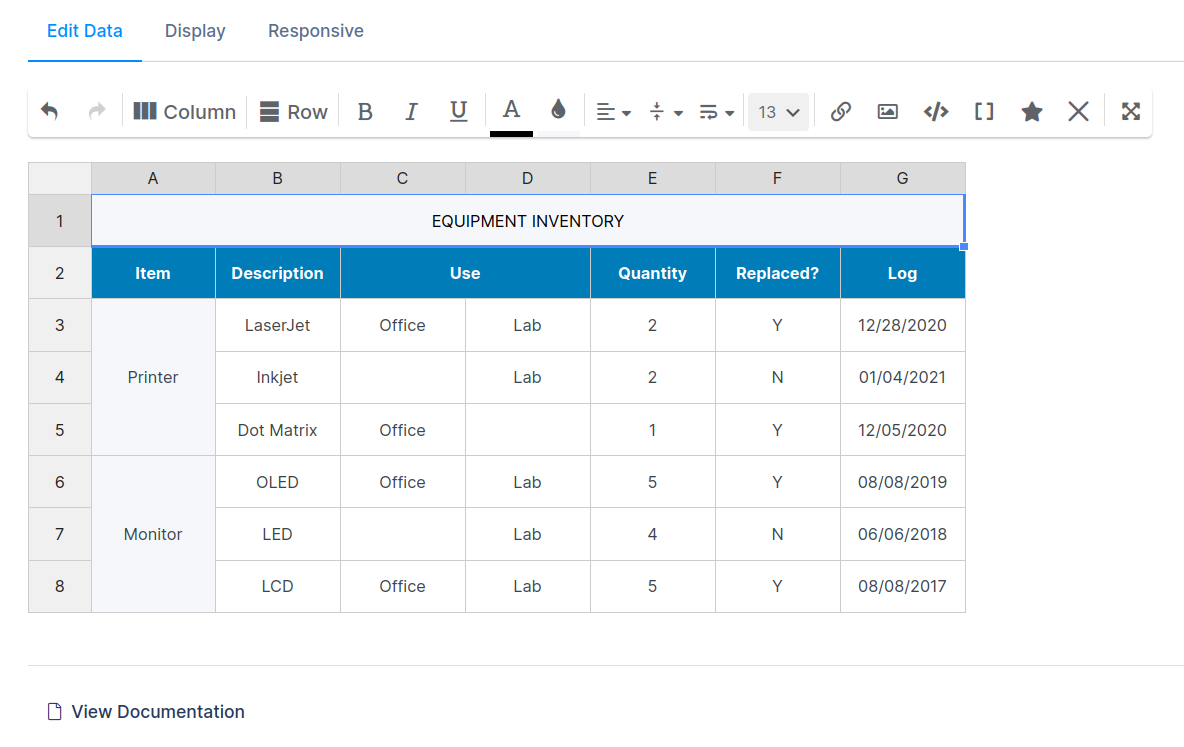
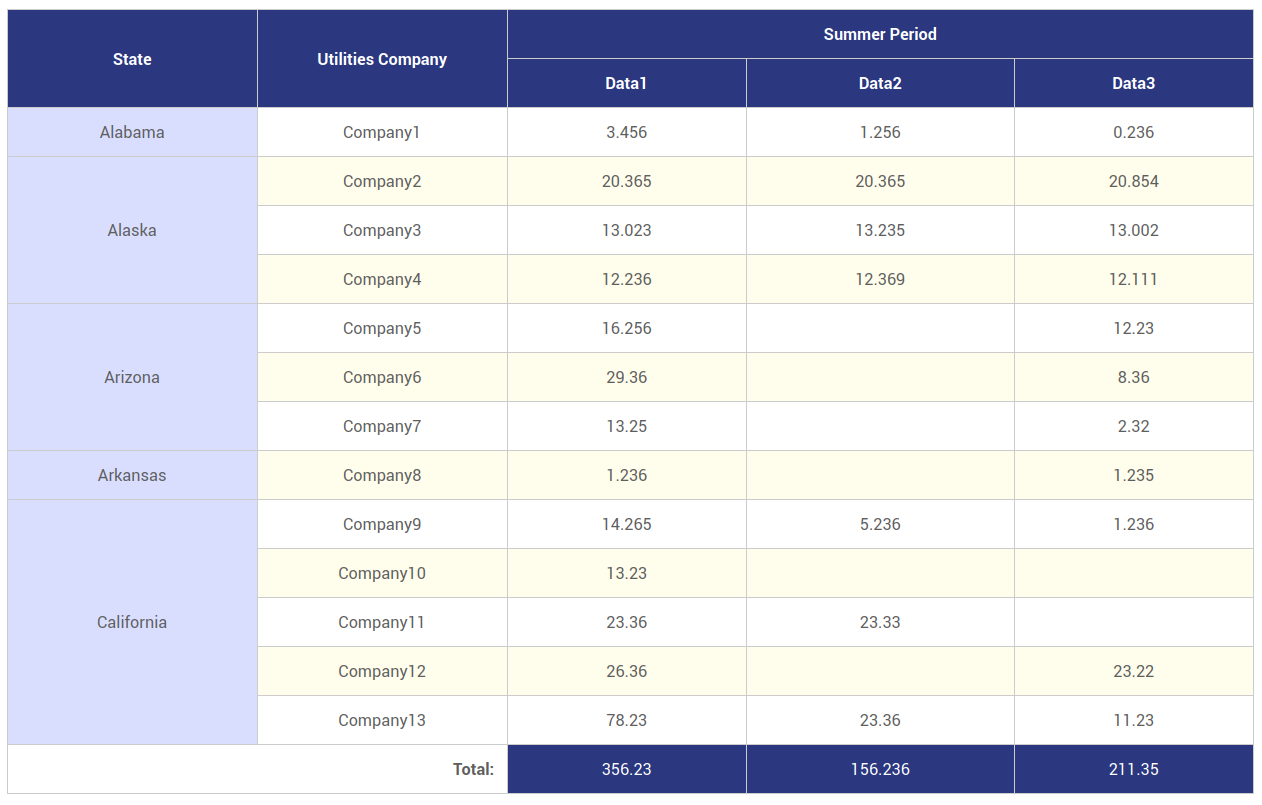
Our table builder serves an important purpose – creating simple WordPress tables from scratch. But don’t worry, these tables can be as simple or as complicated as you want as you can now merge cells, style each cell differently, add star ratings to cells, media and so much more.
Our main goal was to build a table & charts plugin with looks and functionalities. It’s similar to Excel but for WordPress websites & it’s less complicated.
Here is the list of features in those simple tables:
The opening of the plugin's own description. The full text, installation notes and changelog are on its WordPress.org page.
Usually this happens when PHP version is older than 5.4 is installed. Please first check this, and upgrade to PHP 5.4 or more, if that’s the issue.
Go to display tab of the table settings block and disable the “Info block” setting.
You can configure how the links will be opened by toggling the “URL target attribute” switch
In the Data tab of the Column Settings popup. It is up to you to define for each URL column if you prefer the link to open in a new or in the same tab.
Go to display tab of the table settings block and disable the “Rows per page” setting.
For every table column in the column settings modal you can find text fields “Cell content prefix” and “Cell content suffix” in Display tab.
Values from those text fields will be appeared before or/and after every cell content in a column.
This feature uses CSS for displaying the entered text, therefore sorting of the columns will not be affected.
Date format can be changed in wpDataTables Settings page using the “Date format” drop-down menu.
Other small bug fixes and stability improvements.

#569 by installs
Best WordPress table builder plugin packed with versatile features to create fully responsive data tables of any kind.

#96 by installs
Embed beautiful, accessible, and interactive tables into your WordPress website’s posts and pages, without having to write code!

#745 by installs
Drag and Drop Table Builder Plugin. Build Responsive Tables Easily.
Easily import any file of any size into any plugin, post type, custom field, or taxonomy. Supports WooCommerce, ACF, images, galleries, users, real es …

#581 by installs
Bulk import and export WordPress users and WooCommerce customers from CSV, including roles, passwords and any custom meta.

#710 by installs
A Table Field Add-on for the Advanced Custom Fields and Secure Custom Fields Plugin.
Read from the WordPress.org plugin API on , when WordPress 7.1.4 was the current release. WordPress.org rounds active installs into buckets. These are the directory's figures, not my verdict, and I haven't tested this plugin.
