
#96 by installs
TablePress – Tables in WordPress made easy
Embed beautiful, accessible, and interactive tables into your WordPress website’s posts and pages, without having to write code!
- Installs
- 600,000+
- Rating
- 5.0 (4.6K)
- Updated
- 19 days ago

Bulk import and export WordPress users and WooCommerce customers from CSV, including roles, passwords and any custom meta.
| Last updated | October 30, 2026Updated in the last 3 months |
|---|---|
| Tested up to | WordPress 7.1.4Covers WordPress 7.1.4, the current release |
| Needs WordPress | 5.5 or newer |
| Needs PHP | Not stated |
| First published | July 14, 2014 |
| Support, last two months | 6 of 7 threads resolved (86%) |
4.7 / 5 from 259 reviews
| 5 stars | 228 |
|---|---|
| 4 stars | 8 |
| 3 stars | 9 |
| 2 stars | 3 |
| 1 star | 11 |
Try it out on your free dummy site: Click here => https://demo.tastewp.com/import-users-from-csv-with-meta
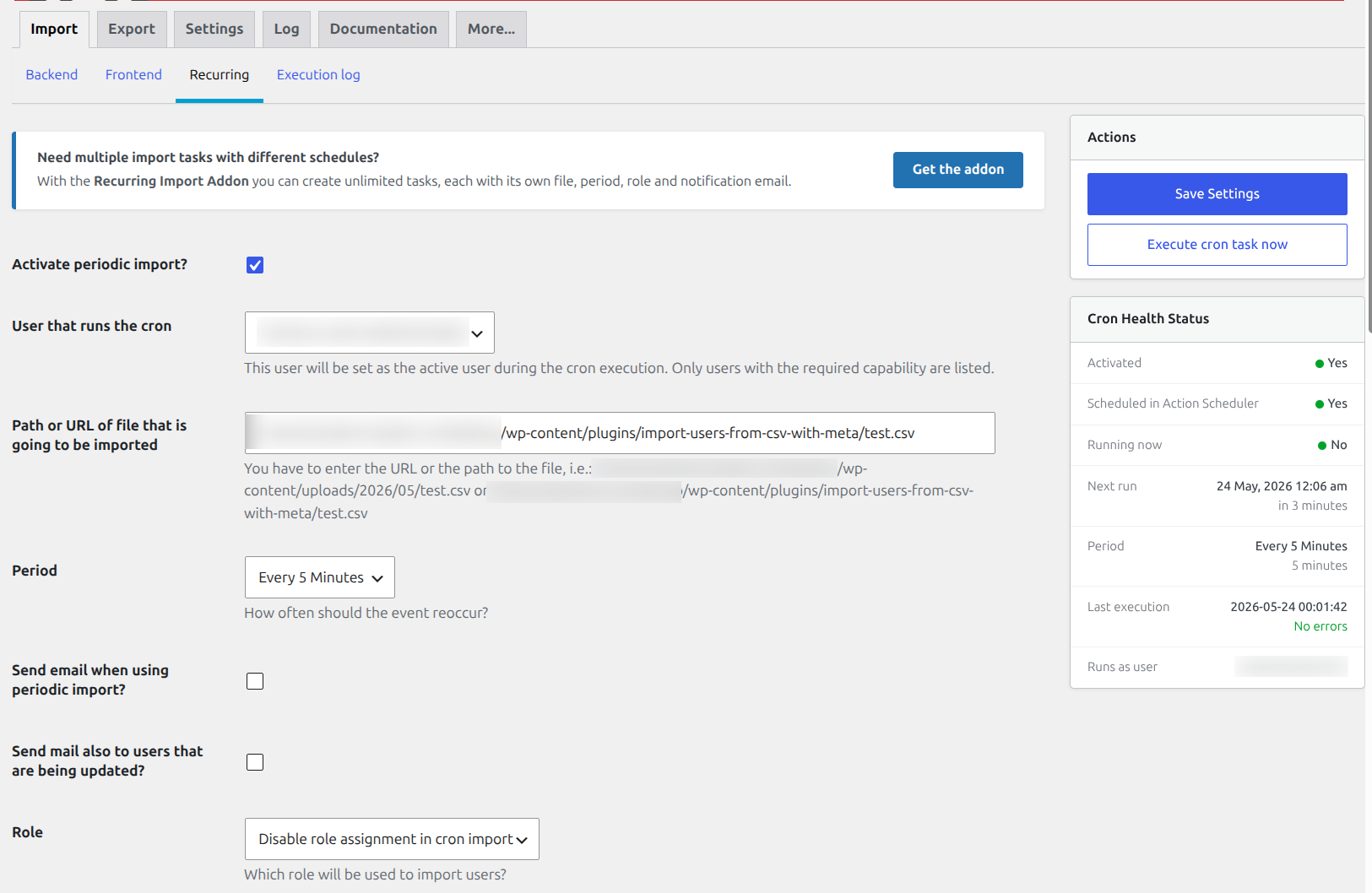
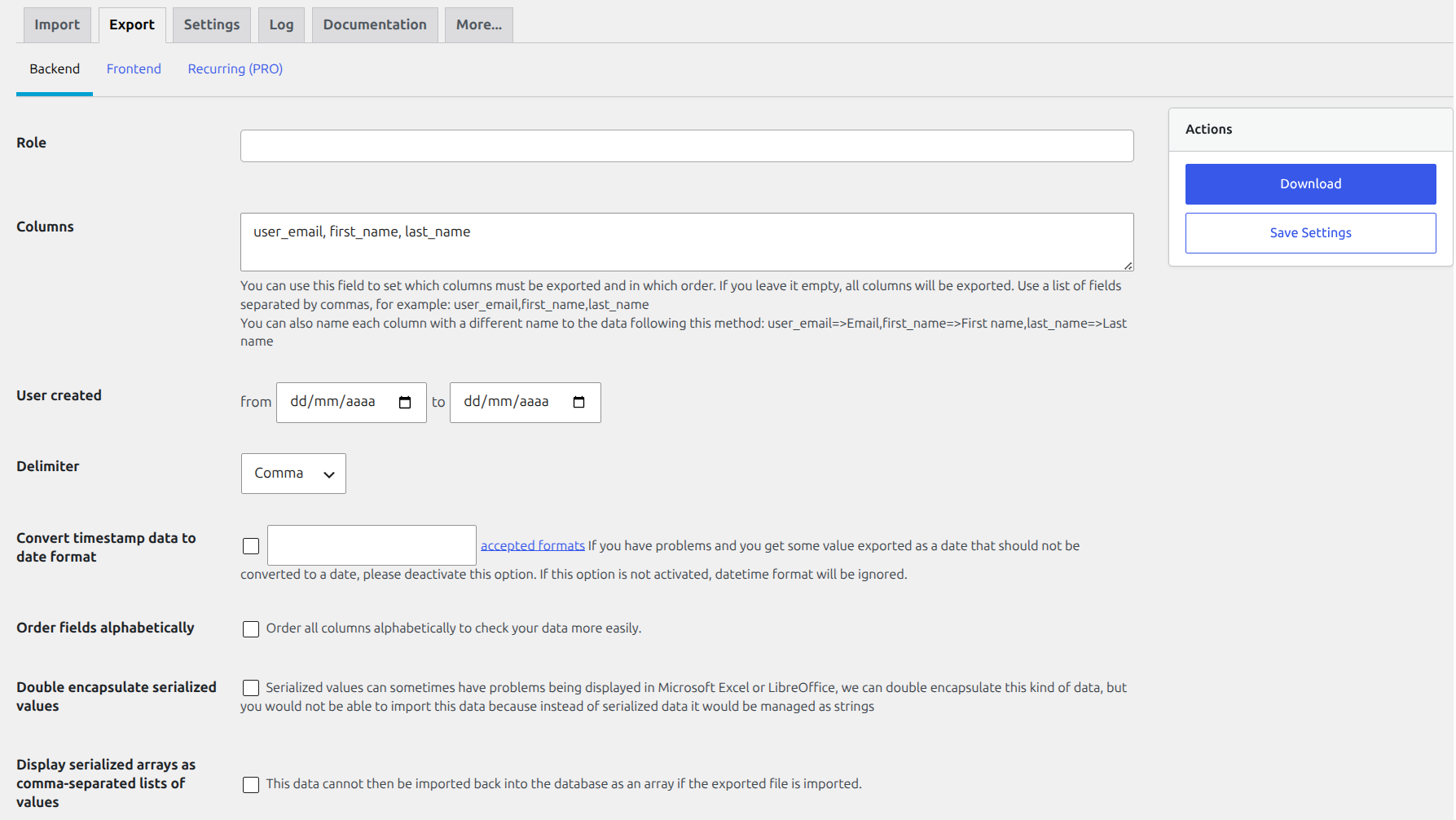
Import, export and migrate WordPress users and WooCommerce customers from a CSV file. Bulk-create or update thousands of users in seconds, schedule automatic recurring imports from a local file or URL, and carry over roles, passwords and any custom meta field. Works with WooCommerce, BuddyPress, Advanced Custom Fields, Paid Membership Pro, WooCommerce Memberships, WooCommerce Subscriptions and many more.
The opening of the plugin's own description. The full text, installation notes and changelog are on its WordPress.org page.
This is caused by the option that forces the users to reset their password. When it is used, each of those users is redirected to their password page on every page load until they change it, and if that destination cannot be reached (for example, because wp-admin is blocked for customers or subscribers by WooCommerce, by a membership plugin or by a security plugin) the browser ends up in a redirection loop.
By default they are sent to their WordPress profile page. If WooCommerce or WP User Manager are active, they are sent to the password section of the account page of those plugins instead. You can point them anywhere else using the acui_force_reset_password_edit_profile_url filter, and you can add your own exceptions (pages where the redirection must not happen) using acui_force_reset_password_redirect_condition.=…
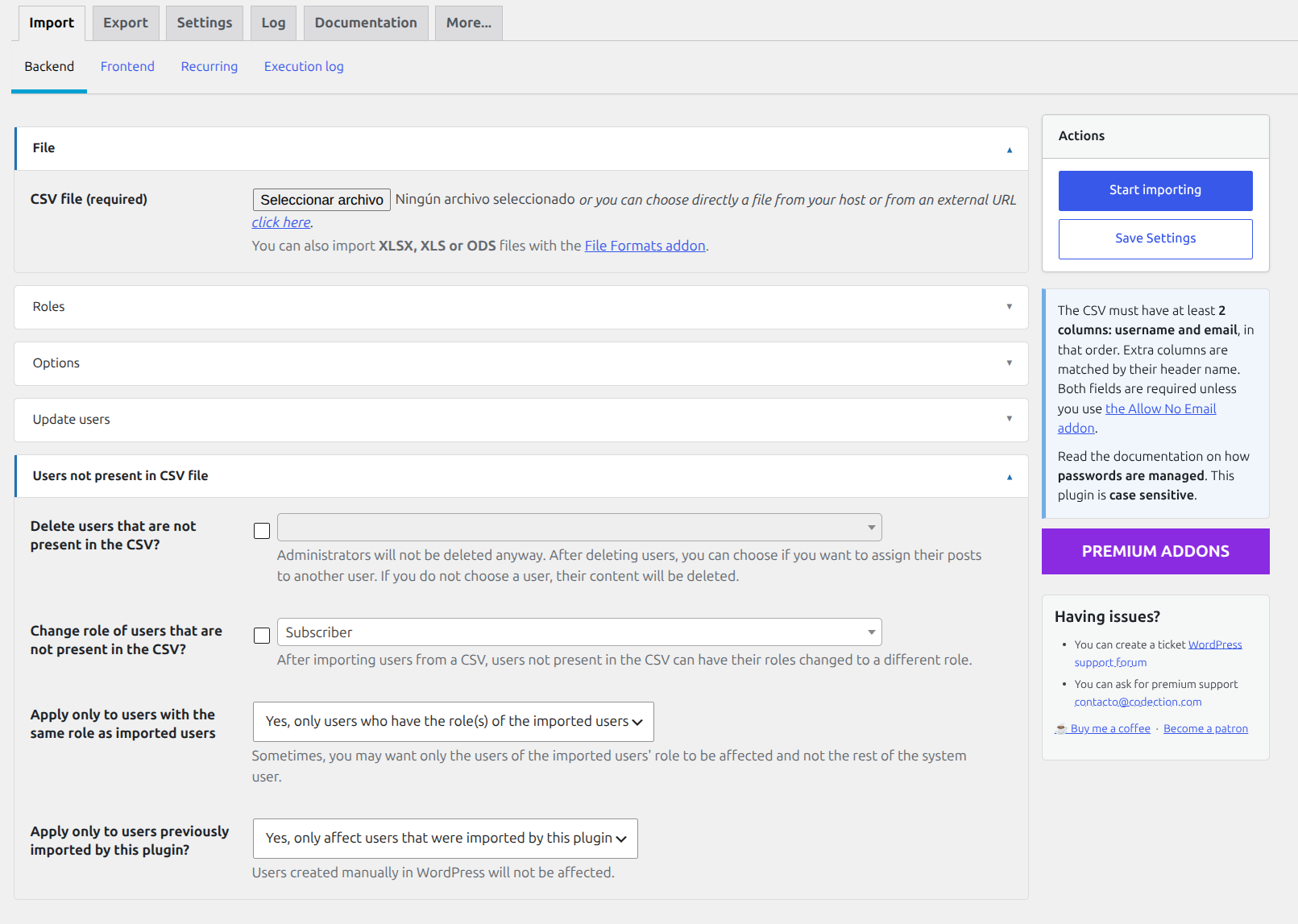
You should fill the first two columns with the next values: Username, Email.
The next columns are totally customizable and you can use whatever you want. All rows must contains same columns. User profile will be adapted to the kind of data you have selected. If you want to disable the extra profile information, please deactivate this plugin after make the import.
You can use a column called id in order to make inserts or updates of an user using the ID used by WordPress in the wp_users table. We have two different cases:
We can use a column called “Password” to manage a string that contains user passwords. We have different options for this case:
Plugin can import serialized data. You have to use the serialized string directly in the CSV cell in order the plugin will be able to understand it as an serialized data instead as any other string.

#96 by installs
Embed beautiful, accessible, and interactive tables into your WordPress website’s posts and pages, without having to write code!
Easily import any file of any size into any plugin, post type, custom field, or taxonomy. Supports WooCommerce, ACF, images, galleries, users, real es …
The best WordPress table plugin. Create responsive, and searchable tables and charts from Excel (.xlsx, .xls or .ods), CSV, XML, JSON, and PHP.

#712 by installs
Export post, page and custom post type data to CSV or JSON, and snapshot your site to detect added, removed or changed content.

#861 by installs
Complete Import & Export solution for Posts, Pages, Custom Posts, Users, Taxonomies, Comments, and more.

#899 by installs
Alternative CSV Importer plugin. Simple and powerful, best for geeks.
Read from the WordPress.org plugin API on , when WordPress 7.1.4 was the current release. WordPress.org rounds active installs into buckets. These are the directory's figures, not my verdict, and I haven't tested this plugin. The author takes donations at their donate page.

