
#96 by installs
TablePress – Tables in WordPress made easy
Embed beautiful, accessible, and interactive tables into your WordPress website’s posts and pages, without having to write code!
- Installs
- 600,000+
- Rating
- 5.0 (4.6K)
- Updated
- 19 days ago

Easily import any file of any size into any plugin, post type, custom field, or taxonomy. Supports WooCommerce, ACF, images, galleries, users, real es …
| Last updated | October 20, 2026Updated in the last 3 months |
|---|---|
| Tested up to | WordPress 7.1.4Covers WordPress 7.1.4, the current release |
| Needs WordPress | 5.0 or newer |
| Needs PHP | 7.4 or newer |
| First published | July 24, 2012 |
| Support, last two months | 1 of 1 threads resolved (100%) |
4.7 / 5 from 1,966 reviews
| 5 stars | 1,794 |
|---|---|
| 4 stars | 30 |
| 3 stars | 11 |
| 2 stars | 11 |
| 1 star | 120 |
WP All Import – Simple & Powerful XML, CSV, Google Sheets, and Excel Importer Plugin
“It’s a wonderful plugin that does so much, so well that it’s hard to list all of the features. But I’ll tell you this, I was able to import the content of a pair of websites running the ModX CMS into a WordPress install in less than 30 minutes. No joke!”
Alex Vasquez – DigiSavvy Co-Founder & WordCamp Los Angeles Organizer
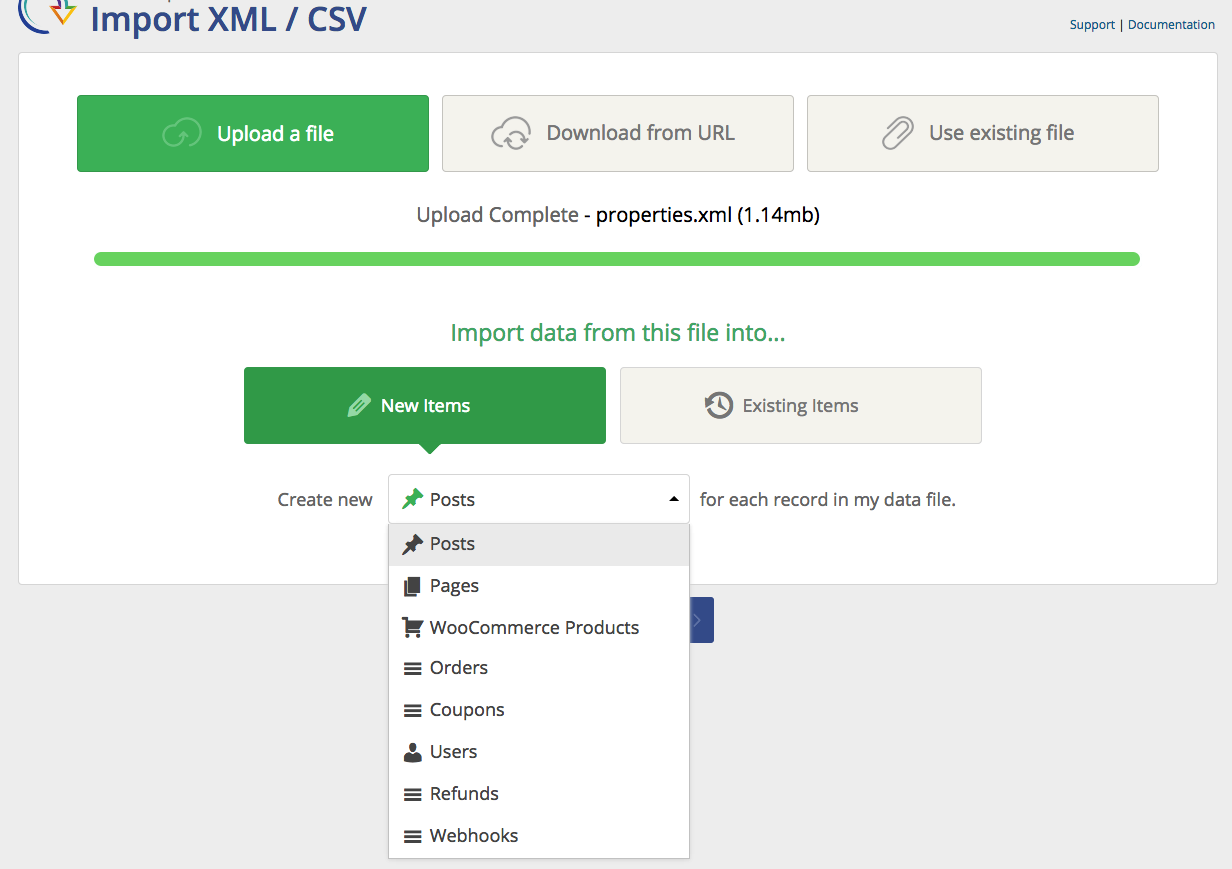
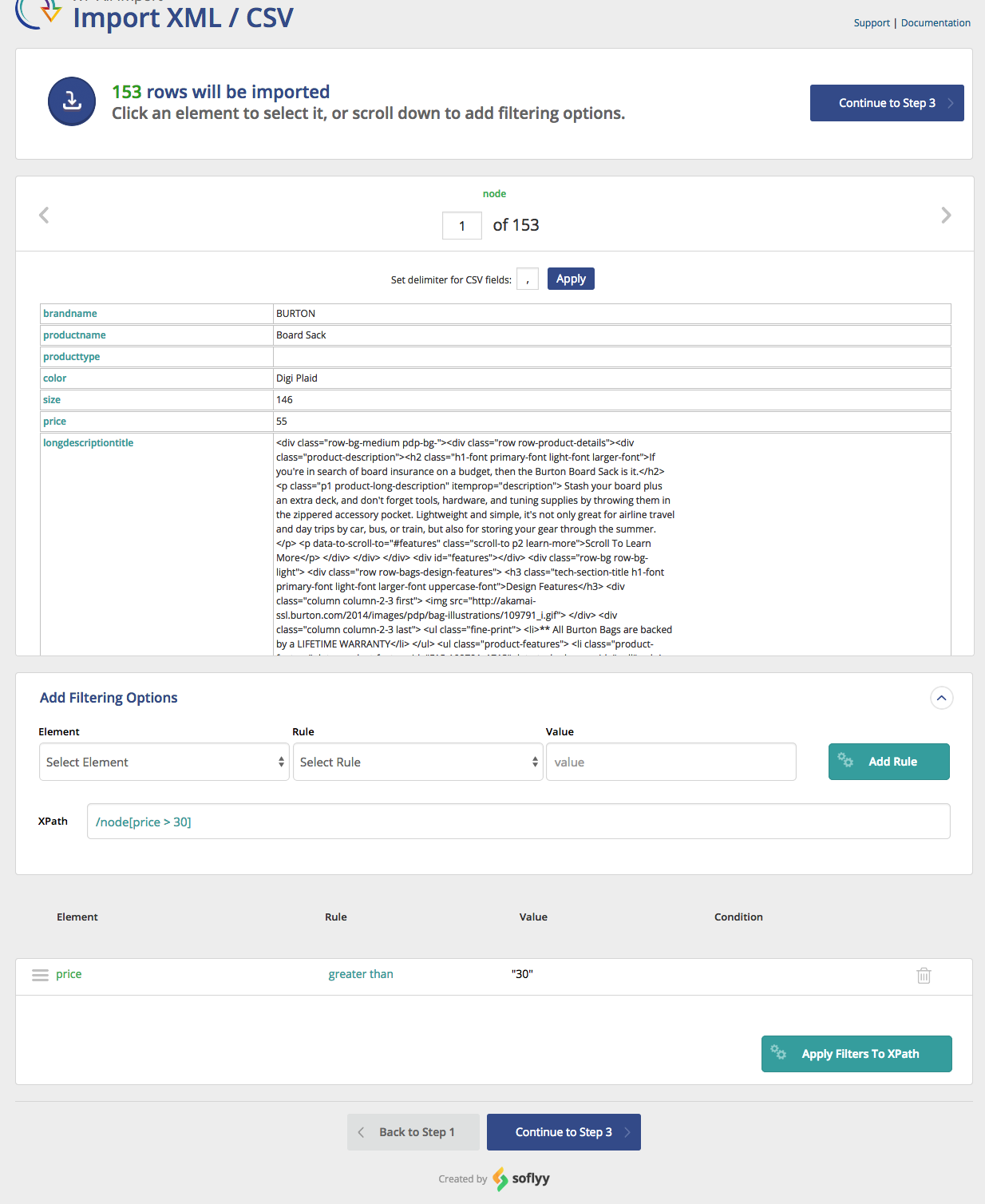
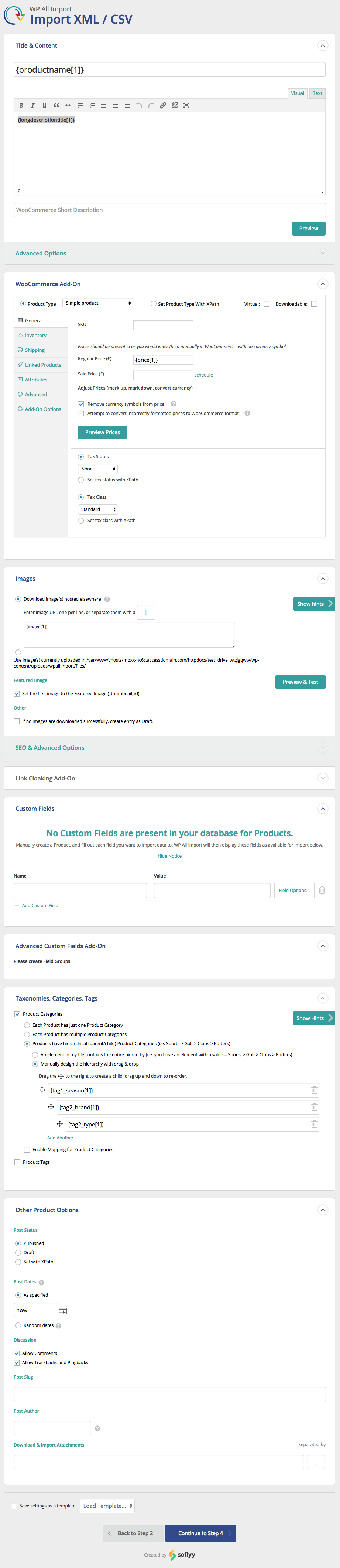
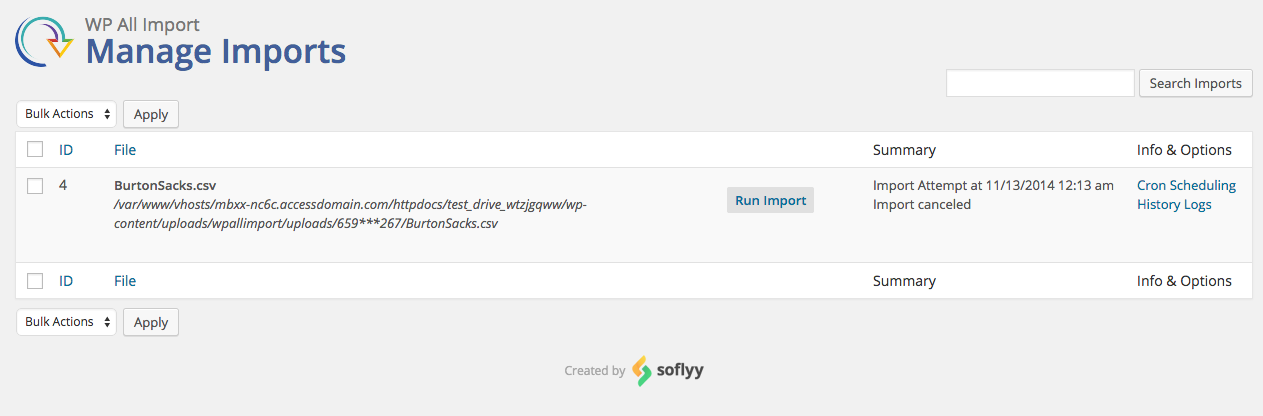
WP All Import has a four-step import process and an intuitive drag-and-drop interface that makes complicated import tasks simple and fast.
There are no special requirements that the elements in your file must be laid out in a certain way. WP All Import can import any XML, CSV, Excel spreadsheet, or Google Sheets file into WordPress.
WP All Import can be used for everything from migrating content from a legacy CMS to WordPress to building a store with affiliate datafeed to displaying live stock quotes or sports scores to building a real estate portal.
Check out our documentation and video tutorials to make the most of WP All Import.
The opening of the plugin's own description. The full text, installation notes and changelog are on its WordPress.org page.
Yes. You can import any standard WordPress post type, including posts, pages, categories, tags, users, comments, and images. You can also import custom data from third-party themes and plugins.
The default WordPress import tool uses a brute-force approach that often imports all or nothing. WP All Import is a lot more flexible and lets you filter, modify, and map incoming data elements so that you can import your data exactly as you want it.
Not when you use our plugins. Our Drag & Drop interface lets you map incoming data elements to any WordPress field. You can even modify the incoming data as part of the import process, so we can handle a wide variety of import layouts.
To import a CSV file into WordPress, just specify the CSV file as your import source. WP All Import will automatically recognize the file type and adjust the interface accordingly. You don’t need to do anything special to handle the CSV format.
To import XML data into WordPress, just specify the XML file as your import source. WP All Import will automatically recognize the file type and adjust the interface accordingly. You don’t need to do anything special to handle an XML file.
#96 by installs
Embed beautiful, accessible, and interactive tables into your WordPress website’s posts and pages, without having to write code!
#323 by installs
Take control of your WordPress core XML Sitemap and add a Google News Sitemap.

#581 by installs
Bulk import and export WordPress users and WooCommerce customers from CSV, including roles, passwords and any custom meta.
The best WordPress table plugin. Create responsive, and searchable tables and charts from Excel (.xlsx, .xls or .ods), CSV, XML, JSON, and PHP.

#667 by installs
Stops abuse of your site's XML-RPC by simply removing some methods used by attackers. While you can use the rest of XML-RPC methods.

#712 by installs
Export post, page and custom post type data to CSV or JSON, and snapshot your site to detect added, removed or changed content.
Read from the WordPress.org plugin API on , when WordPress 7.1.4 was the current release. WordPress.org rounds active installs into buckets. These are the directory's figures, not my verdict, and I haven't tested this plugin.
