
#96 by installs
TablePress – Tables in WordPress made easy
Embed beautiful, accessible, and interactive tables into your WordPress website’s posts and pages, without having to write code!
- Installs
- 600,000+
- Rating
- 5.0 (4.6K)
- Updated
- 19 days ago

Best WordPress table builder plugin packed with versatile features to create fully responsive data tables of any kind.
| Last updated | October 9, 2026Updated in the last 3 months |
|---|---|
| Tested up to | WordPress 7.1.4Covers WordPress 7.1.4, the current release |
| Needs WordPress | 6.0 or newer |
| Needs PHP | 7.4 or newer |
| First published | October 6, 2017 |
| Support, last two months | 1 of 1 threads resolved (100%) |
4.6 / 5 from 472 reviews
| 5 stars | 412 |
|---|---|
| 4 stars | 11 |
| 3 stars | 9 |
| 2 stars | 9 |
| 1 star | 31 |
Website | Playlist | Templates | Demo | User Guide
Ninja Tables is a feature-rich WordPress table plugin that provides all the solutions you need to create almost any type of WordPress table within minutes—all without writing a single line of code.
You can build any table, customize it however you want, and embed it anywhere on your website with a simple shortcode. Ninja Tables can make any filterable and interactive table for any amount of data.
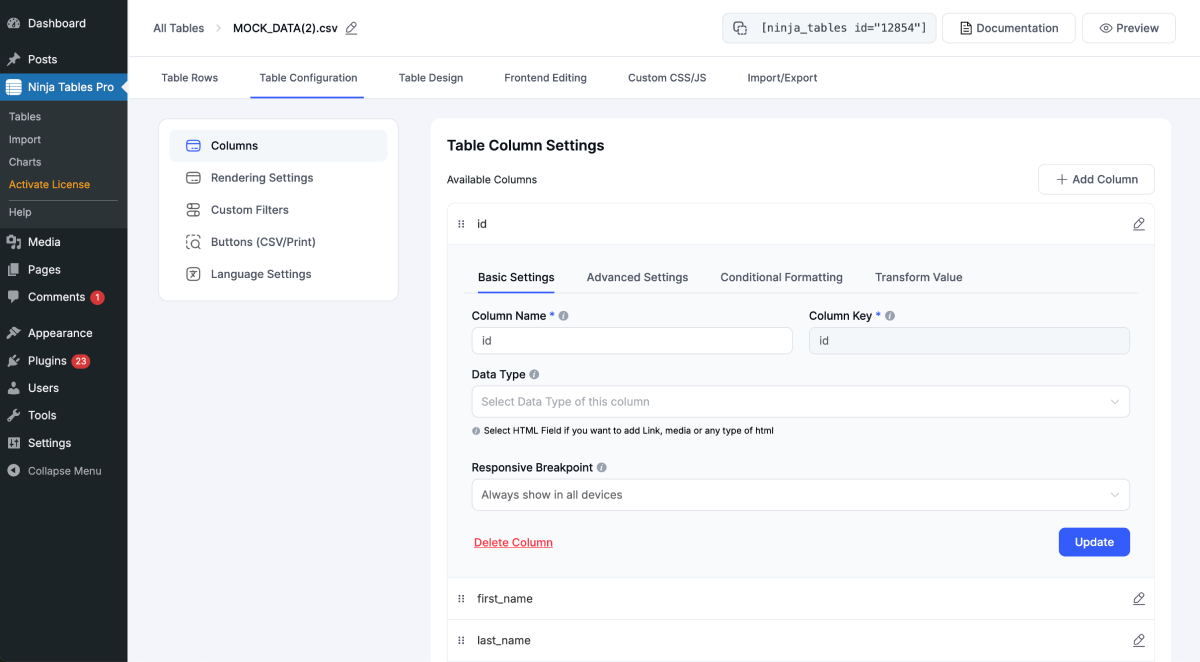
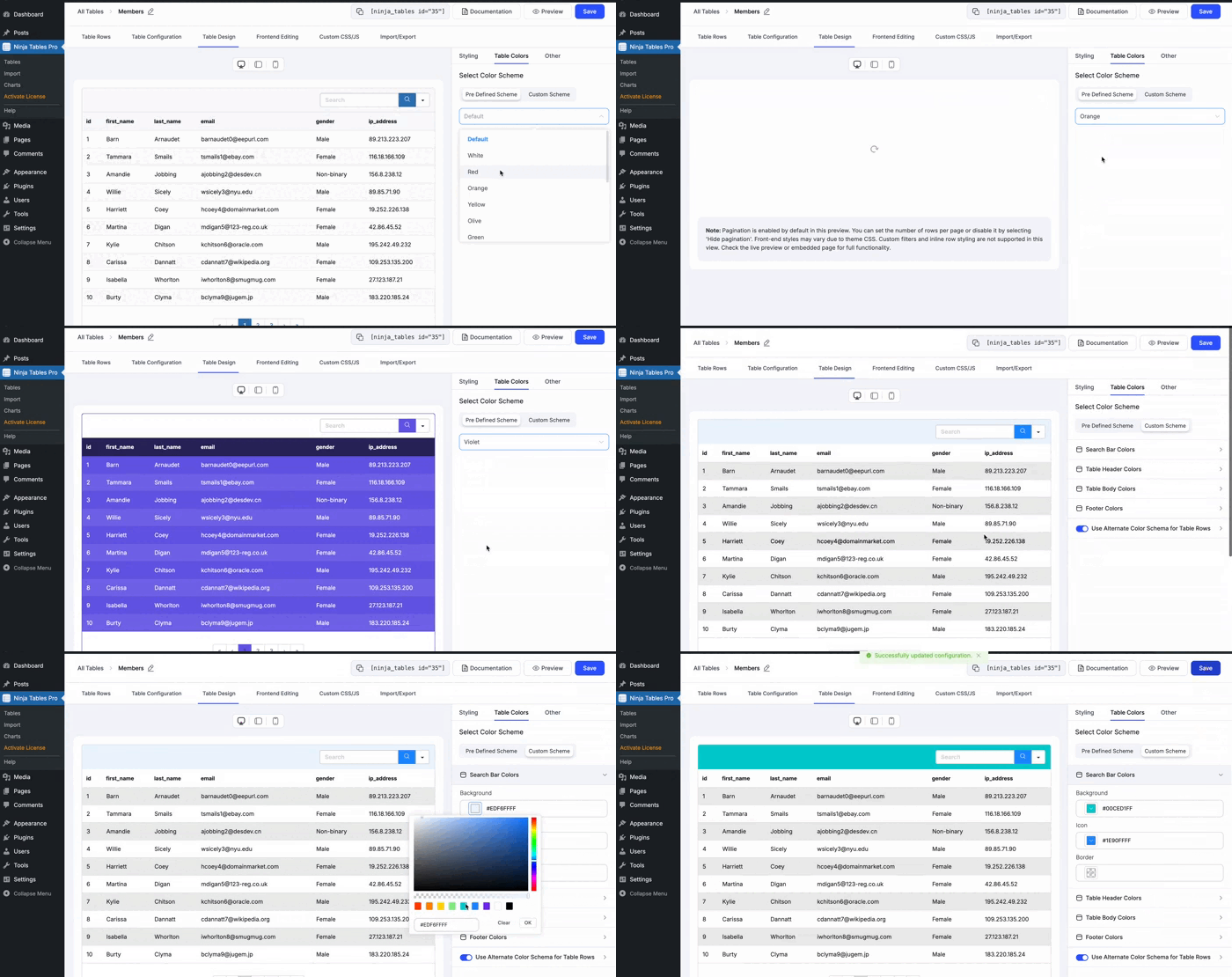
11 table creation options, 2 table modes – Advanced (Classic) and Simple (Basic)- Drag-and-drop, 100+ table styles, 50+ free table templates, and unlimited customization controls.
Check out the feature page.
All-in-one Table Builder Plugin in WordPress
Crafting a simple data table and customizing it to be the smartest-looking and functional table in WordPress is more or less automated with Ninja Tables. It’s the go-to table plugin for beginners and the perfect data visualization tool for pros.
Some of the tables Ninja Tables creates for you:
– Product display
– Feature comparison table
– Pricing table
– Product comparison table
– Academic tables
– Sports points or league table
– Posts table
– Employee statistics table
– Book review table
– Product specification table
– Media gallery table
– Movie review table and MORE!
Build All Kinds of Data Table
The opening of the plugin's own description. The full text, installation notes and changelog are on its WordPress.org page.
Yes, you can create FluentCart product tables with Ninja Tables. It’s free integration and all you need is products in FluentCart and connect your handpicked products to Ninja Tables.
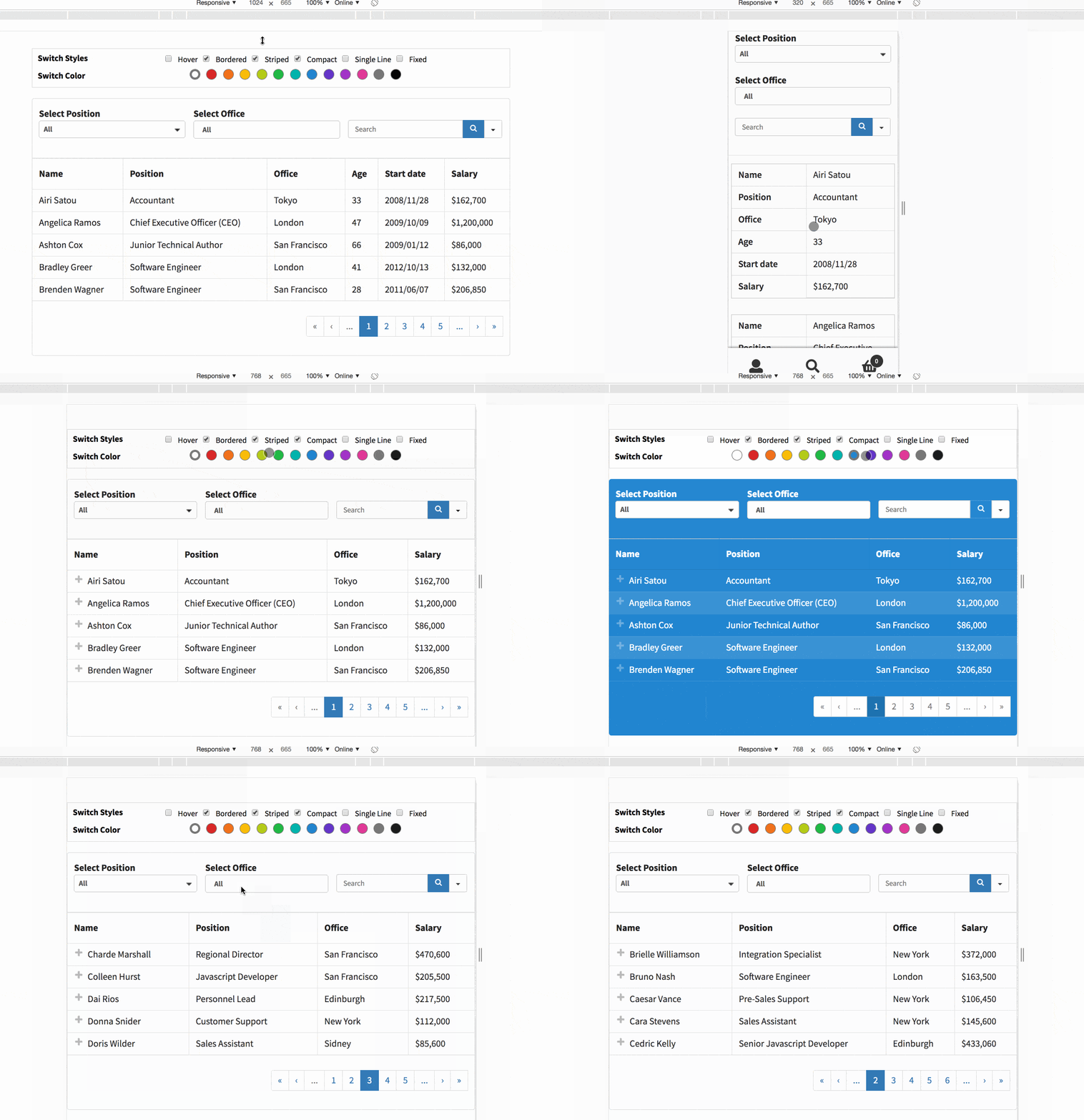
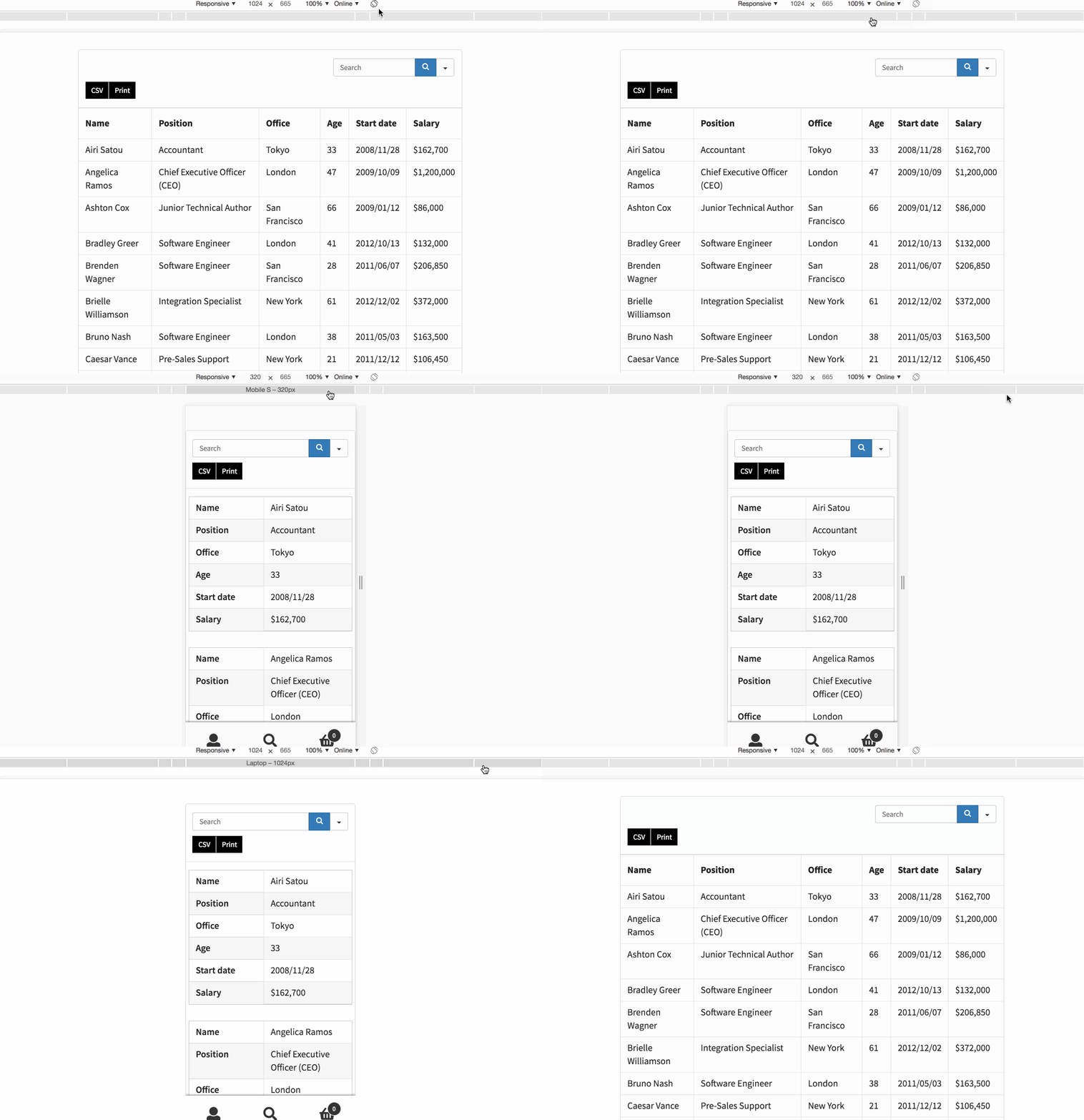
Tables created by Ninja Tables are mobile responsive and look elegant on any device.
Ninja Tables is the most beginner-friendly, non-techy, and easiest WordPress table plugin available. For better understanding, we have designed our documentation and user manuals so that even novices can utilize the full potential of the table builder.
Yes! Any table you create with Ninja Tables is SEO-friendly, and all table data are visible to search engines.
Ninja Tables has a fully functional free version available, ready for you to use, as well as a Premium version.
It is built for everyone- a newbie or an expert. The easy interface gives anyone the comfort of creating and customizing dynamic tables without coding.
#96 by installs
Embed beautiful, accessible, and interactive tables into your WordPress website’s posts and pages, without having to write code!
The best WordPress table plugin. Create responsive, and searchable tables and charts from Excel (.xlsx, .xls or .ods), CSV, XML, JSON, and PHP.

#745 by installs
Drag and Drop Table Builder Plugin. Build Responsive Tables Easily.

#710 by installs
A Table Field Add-on for the Advanced Custom Fields and Secure Custom Fields Plugin.

#790 by installs
Flexible Table Block is a custom block plugin for the WordPress block editor that allows you to create tables in any configuration.
Read from the WordPress.org plugin API on , when WordPress 7.1.4 was the current release. WordPress.org rounds active installs into buckets. These are the directory's figures, not my verdict, and I haven't tested this plugin.
