Type to search.

#174 by installs

WP Activity Log

by MelapressVersion 5.6.8

The #1 user-rated activity log plugin for event logging, activity monitoring and change tracking.

Active installs
300,000+
#174 of 1,000
Downloads, all time
10.2M
10,217,758
Downloads, 30 days
254.6K
58.5K in the last 7
Rating
4.7 / 5
490 reviews
Last updated
11 days ago
Oct 20, 2026
Version
5.6.8
69 releases

Upkeep and compatibility

Last updatedOctober 20, 2026Updated in the last 3 months
Tested up toWordPress 7.1.4Covers WordPress 7.1.4, the current release
Needs WordPress5.5 or newer
Needs PHP7.4 or newer
First publishedMay 23, 2013
Support, last two months3 of 6 threads resolved (50%)

Reviews

4.7 / 5 from 490 reviews

Reviews by star rating
5 stars434
4 stars11
3 stars8
2 stars9
1 star28

Downloads, last 30 days

Low 986 a dayHigh 50.5K a day

What the author says it does

Monitor activity on your WordPress sites and get clear insights into what’s happening with detailed user and event logging.

Keep WordPress logs of everything that happens on your sites and multisite networks with WP Activity Log instantly, without writing a line of code.

  • Easily detect suspicious activity on your WordPress site before it escalates
  • Record failed login attempts to detect potential security breaches and strengthen site protection
  • Track user logins and logouts to ensure SLAs are consistently met
  • Monitor user activity and productivity to boost accountability
  • Know exactly what all your users are doing in real time
  • Know what happened before an outage for faster, easier troubleshooting
  • Ensure compliance with regulations and standards like GDPR and PCI DSS
  • Better manage & organize your site and users for smoother operations
  • Simple setup ensures you start benefiting quickly and easily

WP Activity Log is a complete logging solution, helping hundreds of thousands of administrators and security professionals track changes on their websites thanks to real-time user activity monitoring.

💎 Need more extensive features? Unlock advanced reporting, exports/mirroring, session management, and real-time alerts with WP Activity Log premium or enterprise.

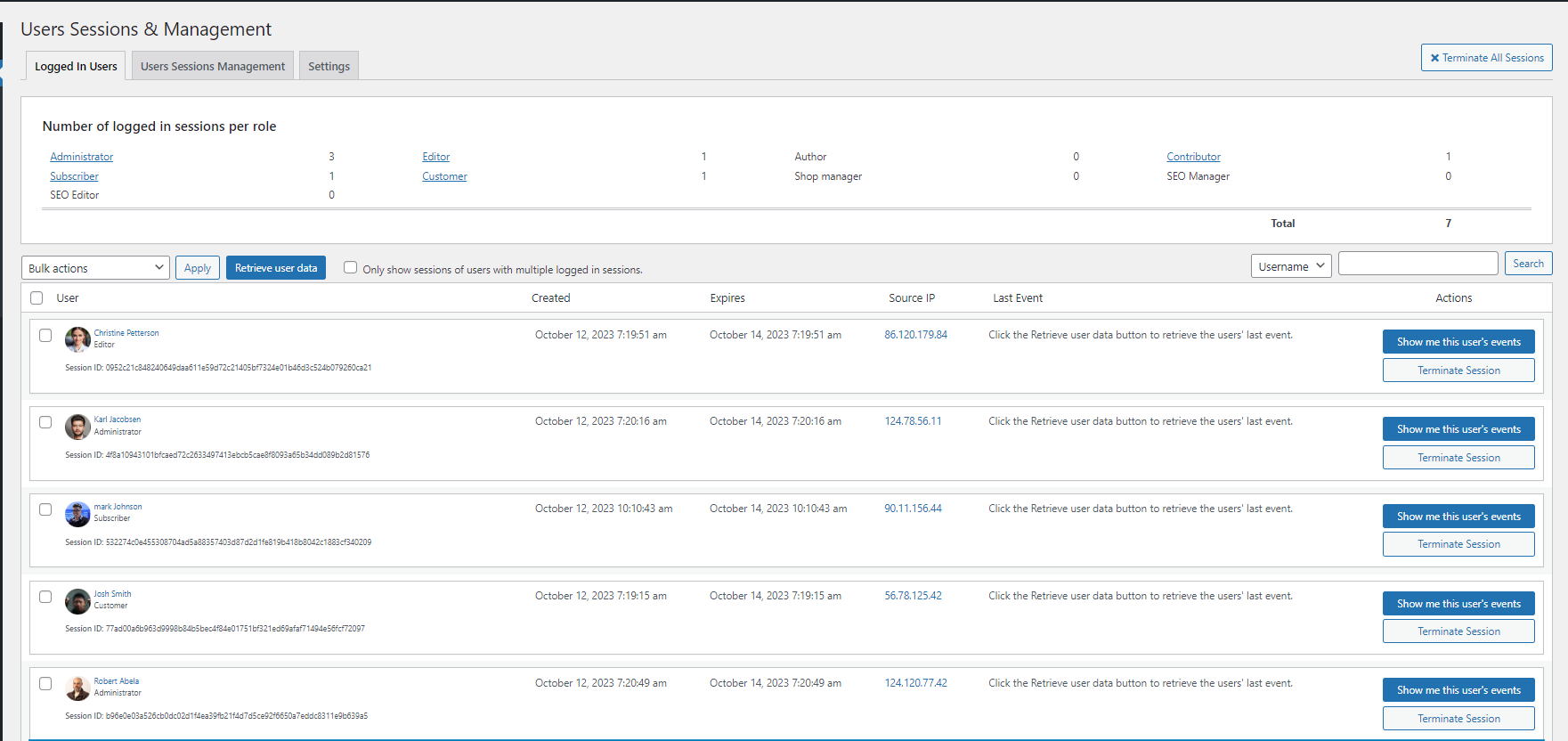
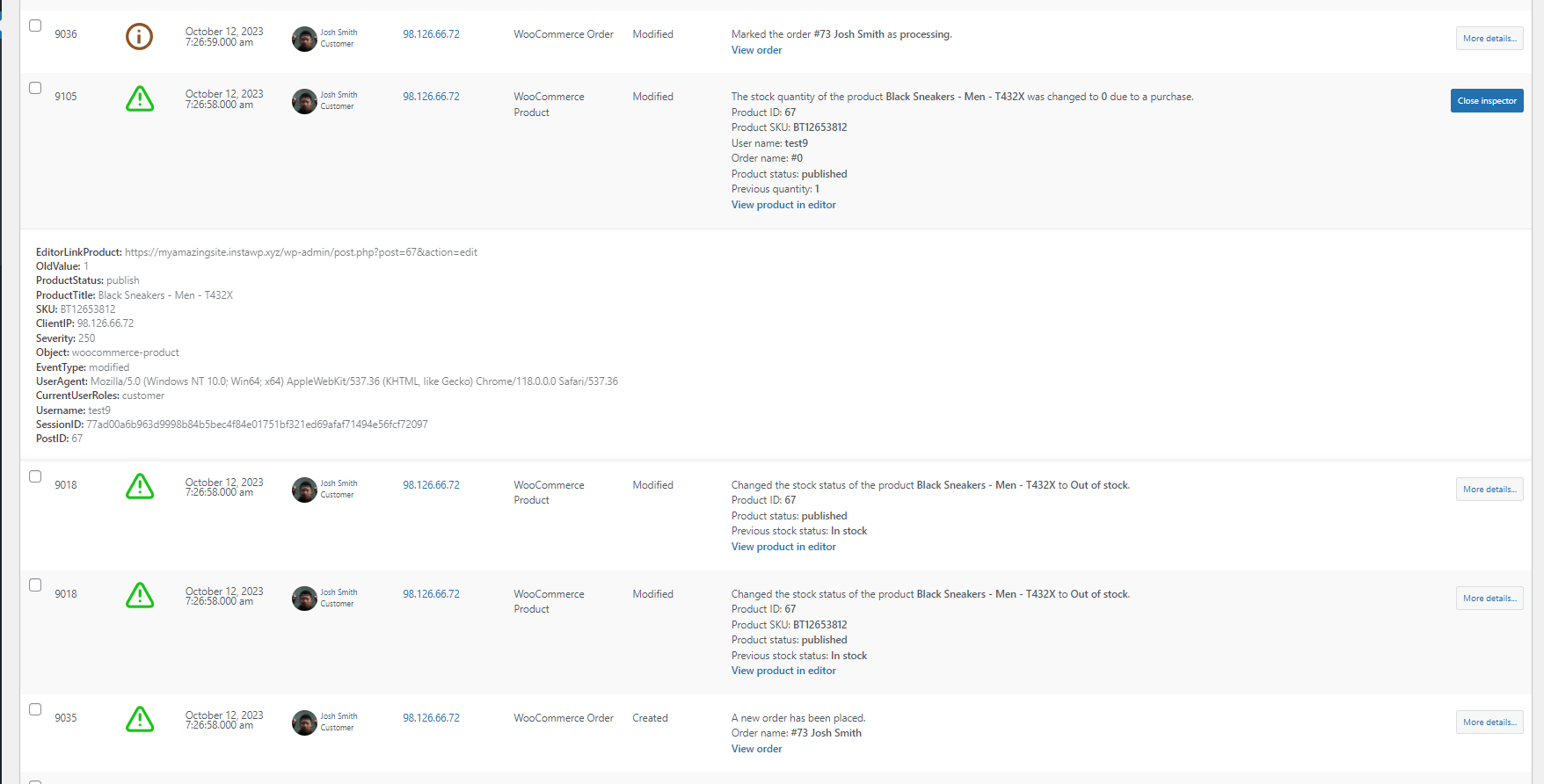
What WordPress changes WP Activity Log tracks

The opening of the plugin's own description. The full text, installation notes and changelog are on its WordPress.org page.

Questions the author answers

Does the free edition of WP Activity Log limit the data it collects?

No, the free edition does not limit the data the plugin collects whatsoever. All events logged by the premium edition are available in the free edition. The premium edition adds additional features such as extensive log filtering options, external database/log management service integration, user session management, and much more.

How long does WP Activity Log keep data for?

Log data can be kept indefinitely in both free and premium editions. By default, the plugin retains all audit logging data for 3 months however this can be changed from the initial configuration wizards or the plugin’s settings (activity log retention policies).

Where does the plugin store the log?

By default, the log is stored in the WordPress database. WP Activity Log Enterprise edition includes an option to save the activity log to an external database and log mirroring to AWS Cloudwatch, Loggly, Papertrail, Syslog, & other SIEMs

Can the log be exported?

Yes, the log can easily be exported as either CSV or HTML. The reports module in the Premium plugin is required for this functionality.

How does WP Activity Log Improve Security?

WP Activity Log keeps a record of security-related user and system activities, including logins, logouts, failed login attempts, changes to settings and configurations, and post edits among other things. This security log can not only uncover suspicious or untoward behaviour, but also aid in forensics and post-mortems for quicker recoveries.

Who can view the activity log?

By default, all users with administrator role can view the activity log. However, you can restrict this to a specific administrator or access can be given to other users through the plugin’s settings. Refer to the WordPress activity log privileges for more information on how you can do this.

Latest changelog entry

5.6.8 (2026-10-19)

• Functionality & plugin improvements

  • Improved the license activation flow after upgrading. Opening WP Activity Log now shows the license prompt when activation is required.
  • Refined the plugin’s licensing structure to support separate Freemius and EDD integrations.
  • Updated the Freemius SDK to version 2.13.5.

• Bug fixes

  • Fixed the ActionScheduler_Lock fatal error that caused a false “Deletion failed” message when deleting the plugin. Also fixed related missing-file warnings and recurring cron errors after deletion.

Screenshots

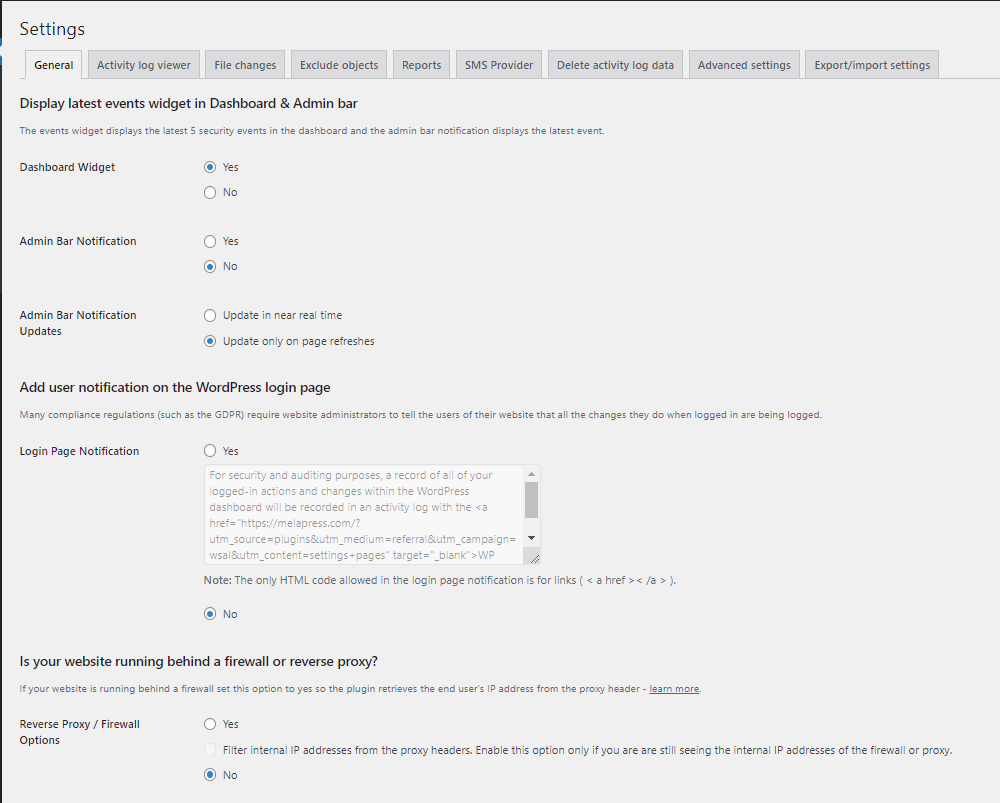
First 4 of 13, from WordPress.org.

Tagged

Plugins that share its tags

Real-time activity log and audit log for WordPress. Track every user action — logins, edits, plugin & settings changes — and get alerts.

Installs
70,000+
Rating
4.3 (76)
Updated
2 months ago

Monitor every change on your WordPress site — who did what, when, and where it came from — for a complete audit trail and stronger security.

Installs
200,000+
Rating
4.3 (74)
Updated
3 days ago

Where this page's numbers come from

Read from the WordPress.org plugin API on , when WordPress 7.1.4 was the current release. WordPress.org rounds active installs into buckets. These are the directory's figures, not my verdict, and I haven't tested this plugin.