#174 by installs
WP Activity Log
The #1 user-rated activity log plugin for event logging, activity monitoring and change tracking.
- Installs
- 300,000+
- Rating
- 4.7 (490)
- Updated
- 11 days ago

Track changes and user activities on your WordPress site. See who created a page, uploaded an attachment, and more, for a complete audit trail.
| Last updated | October 17, 2026Updated in the last 3 months |
|---|---|
| Tested up to | WordPress 7.1.4Covers WordPress 7.1.4, the current release |
| Needs WordPress | 6.3 or newer |
| Needs PHP | 7.4 or newer |
| First published | July 8, 2010 |
| Support, last two months | 3 of 4 threads resolved (75%) |
4.9 / 5 from 491 reviews
| 5 stars | 466 |
|---|---|
| 4 stars | 12 |
| 3 stars | 6 |
| 2 stars | 4 |
| 1 star | 3 |
Trusted by 300,000+ WordPress sites, rated 4.9 stars with 450+ five-star reviews, actively developed for 10+ years, and translated into 15+ languages.
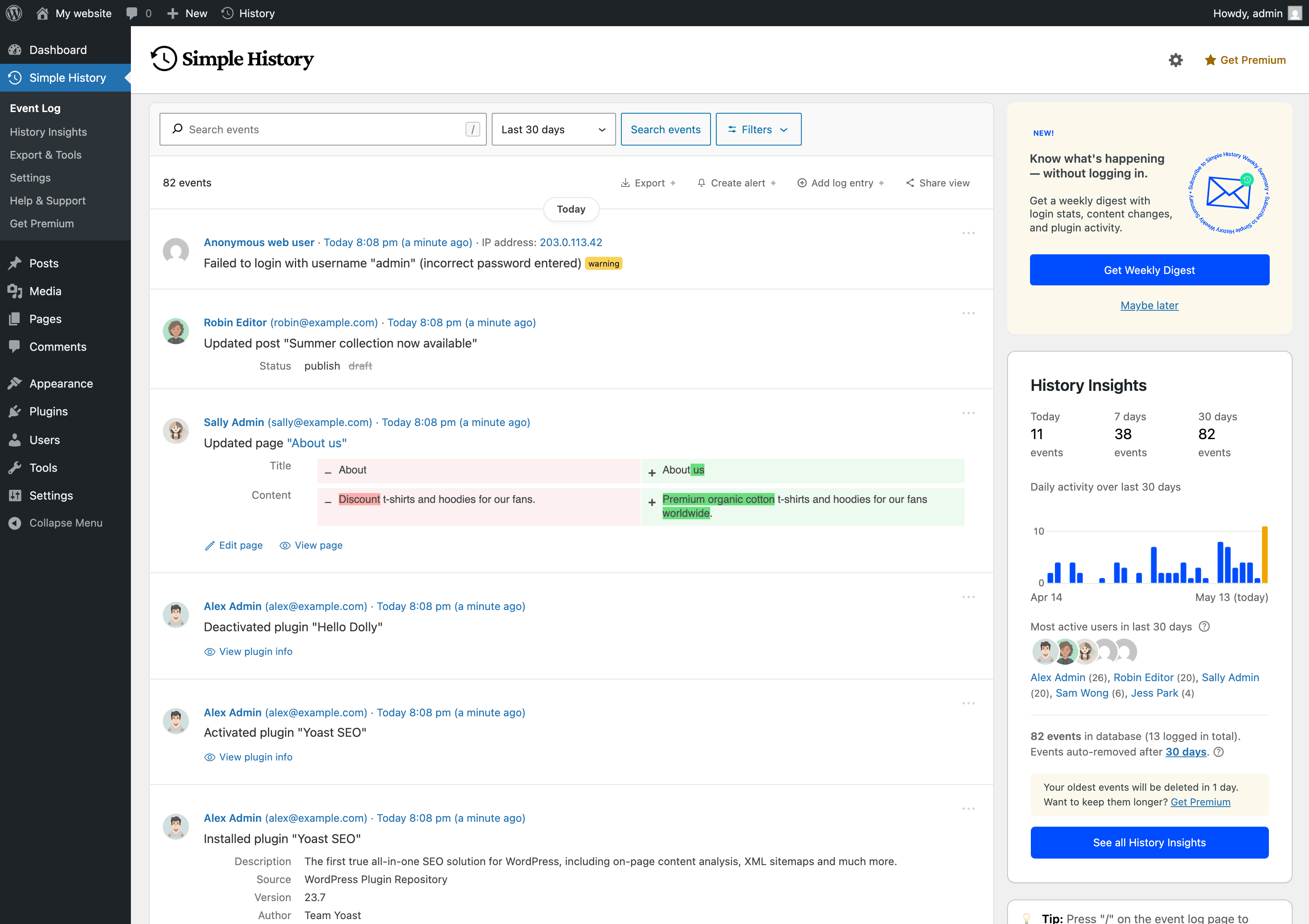
Simple History is the complete audit log for WordPress. It tracks every meaningful change — content edits, user logins, plugin updates, security events, and more — so site owners, teams, agencies, and developers always know who did what and when. Just install and activate; no configuration required.
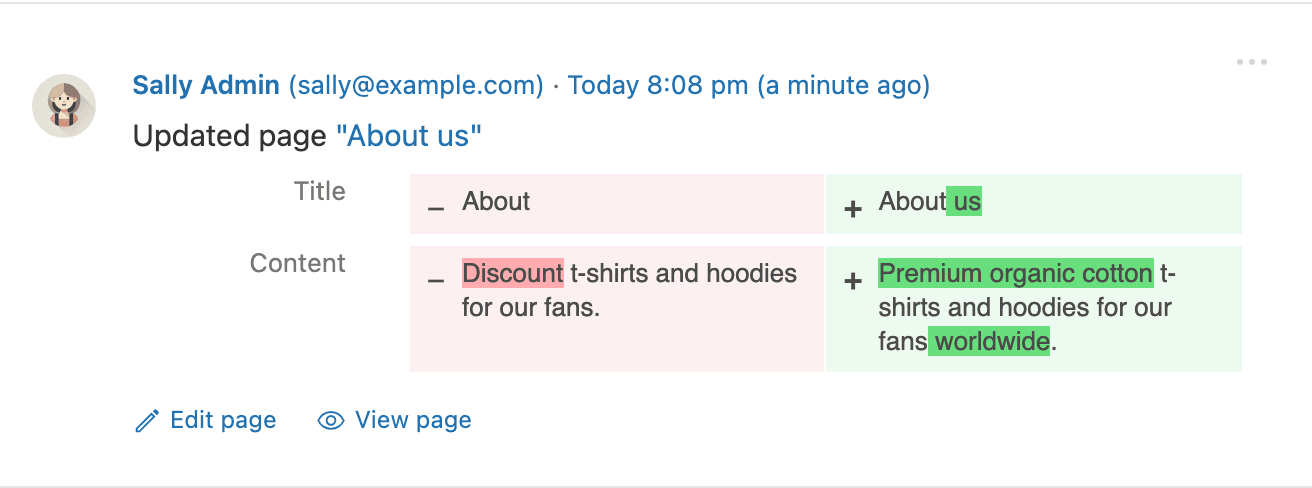
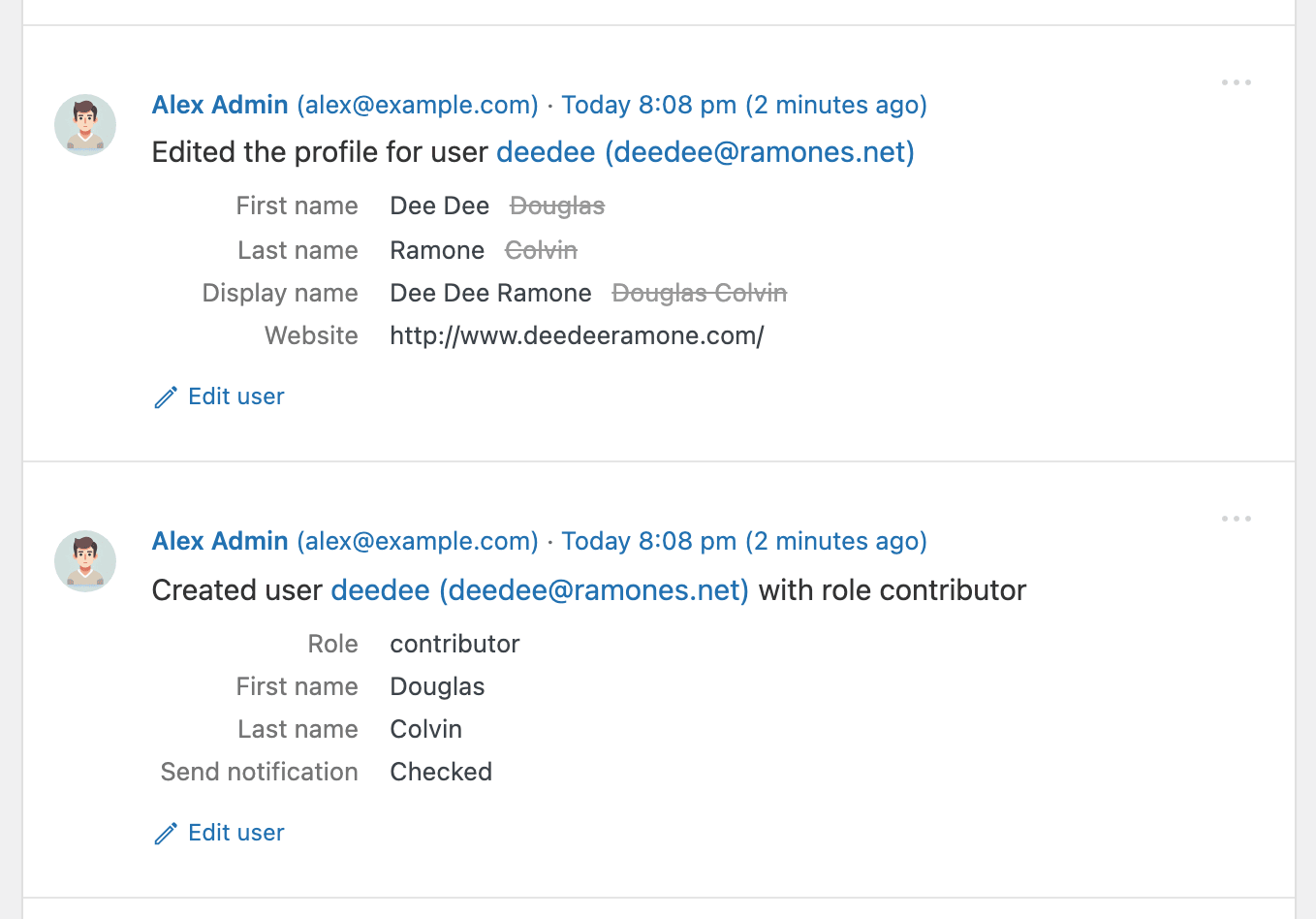
Every event is written to be read: plain language like Updated page “About us”, relative timestamps such as “5 minutes ago”, and before/after comparisons instead of raw data dumps.
🔍 How Simple History Helps in Real Situations
Track what’s happening on your site
“Has anyone done anything today? Ah, Sarah uploaded the new press release and created an article for it. Great — now I don’t have to do that.”
Identify issues and debug faster
“The site feels slow since yesterday. Has anyone done anything special? … Ah, Steven activated ‘naughty-plugin-x’, that must be it.”
Keep freelancers & agencies accountable
“I hired a developer to optimize my site. But did they actually do anything? A quick glance at Simple History shows me exactly what they worked on.”
Spot suspicious activity early
The opening of the plugin's own description. The full text, installation notes and changelog are on its WordPress.org page.
Yes! Simple History has been free for over 10 years and will remain free. To support development and unlock extra features, you can purchase the premium add-on. View premium features.
You can access the log in multiple ways:
Yes! You can customize the menu position in the plugin settings. Choose between showing Simple History at the top or bottom of the main menu, or inside the dashboard menu or tools menu.
No! Just install and activate the plugin, and it will start collecting activity logs automatically.
The log is stored in your WordPress database.
Yes, you can export logs in CSV or JSON format for further analysis.
Post edits are easier to read outside the log: Copy as JSON, log files and forwarded events list each changed field with its old and new value. This release also contains security fixes.
Screenshots and details in the release post
Added
#174 by installs
The #1 user-rated activity log plugin for event logging, activity monitoring and change tracking.

#560 by installs
Real-time activity log and audit log for WordPress. Track every user action — logins, edits, plugin & settings changes — and get alerts.

#220 by installs
Monitor every change on your WordPress site — who did what, when, and where it came from — for a complete audit trail and stronger security.
Highlight your company’s history, milestones, and key events directly inside Elementor using stunning vertical and horizontal timelines.
Read from the WordPress.org plugin API on , when WordPress 7.1.4 was the current release. WordPress.org rounds active installs into buckets. These are the directory's figures, not my verdict, and I haven't tested this plugin. The author takes donations at their donate page.