
#174 by installs
WP Activity Log
The #1 user-rated activity log plugin for event logging, activity monitoring and change tracking.
- Installs
- 300,000+
- Rating
- 4.7 (490)
- Updated
- 11 days ago

Real-time activity log and audit log for WordPress. Track every user action — logins, edits, plugin & settings changes — and get alerts.
| Last updated | August 31, 2026Updated in the last 3 months |
|---|---|
| Tested up to | WordPress 7.0.8Older than WordPress 7.1.4, the current release |
| Needs WordPress | 4.6 or newer |
| Needs PHP | Not stated |
| First published | December 6, 2013 |
| Support, last two months | 0 of 1 threads resolved (0%) |
4.3 / 5 from 76 reviews
| 5 stars | 57 |
|---|---|
| 4 stars | 7 |
| 3 stars | 0 |
| 2 stars | 2 |
| 1 star | 10 |
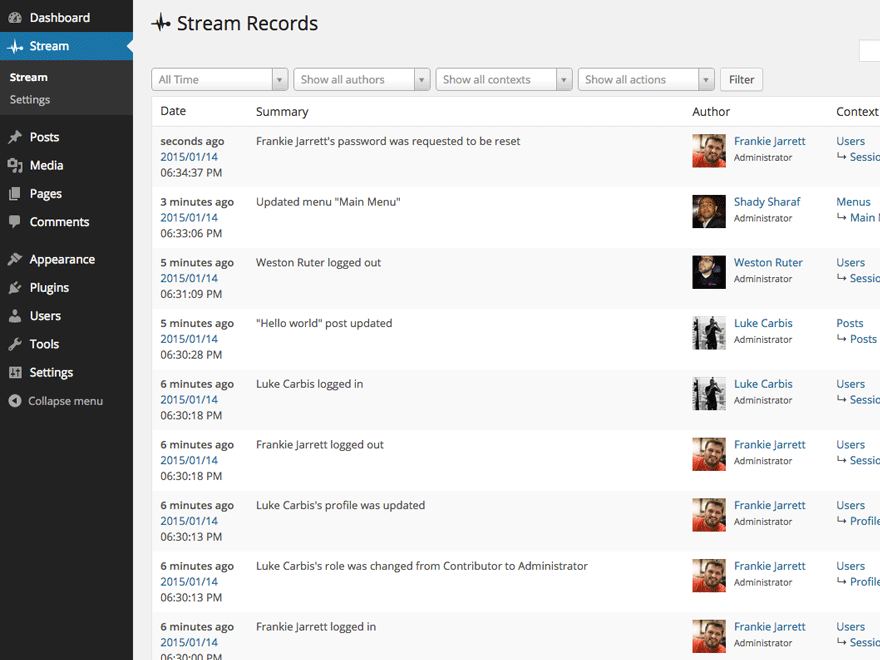
Stream is a complete activity log and audit trail for your WordPress site: see what changed, who changed it, and when. From plugin activations to post edits, login attempts to new user creation, every user and system action is recorded in an audit log built for debugging, security monitoring, and compliance.
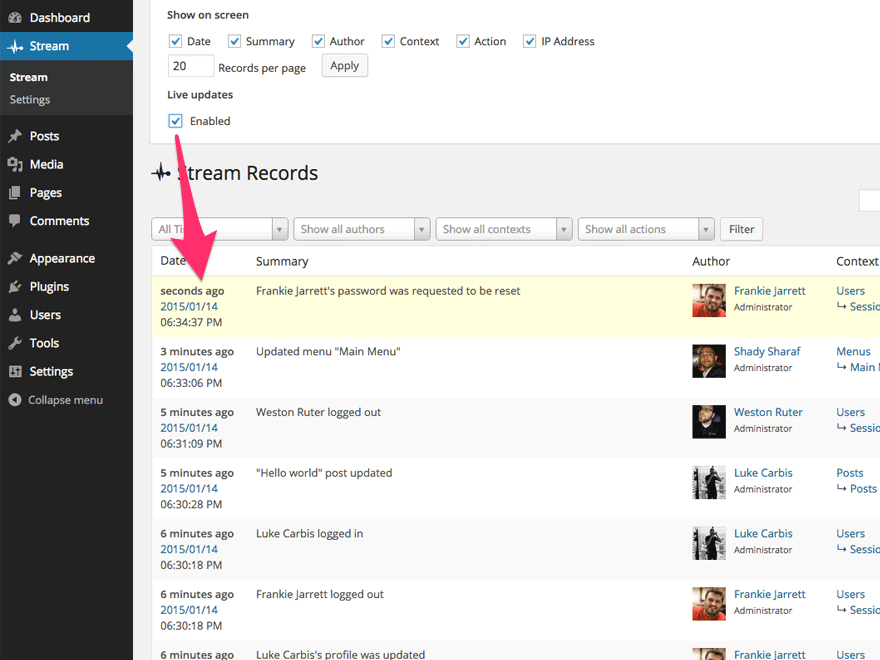
Every logged action is displayed in an activity stream and organized for easy filtering by User, Role, Context, Action or IP address. Admins can highlight entries in the activity log—such as suspicious user activity—to investigate what’s happening in real time. Stream also lets you configure email alerts and webhooks for integrations like Slack and IFTTT, so your team knows the moment something goes wrong.
Stream keeps its own logs healthy too: records are automatically purged on the retention schedule you choose, with batched deletion and orphaned-data cleanup that stay reliable even on very large sites.
Stream is also AI-ready: its abilities are exposed through the WordPress Abilities API and MCP Adapter, so AI assistants and other tools can securely query your site’s activity records.
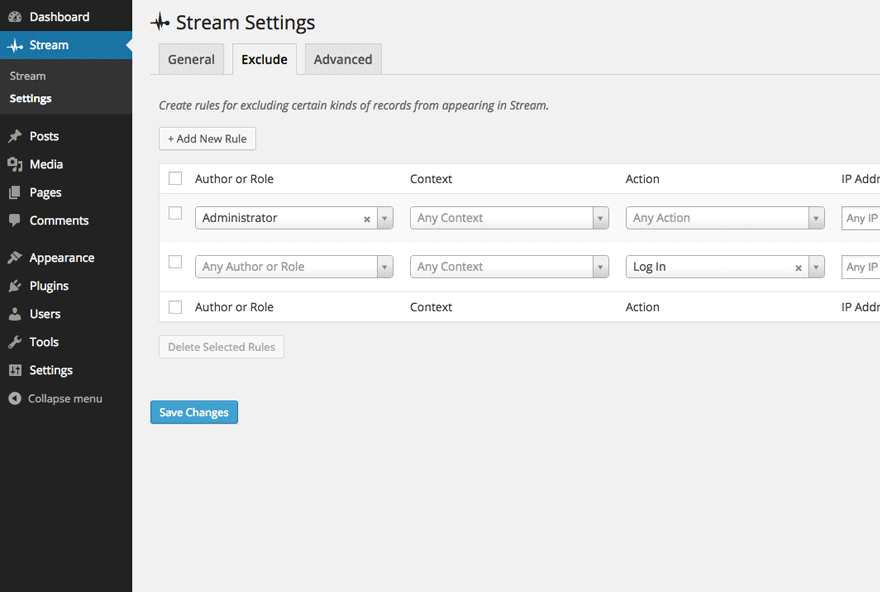
For advanced users, Stream supports a network view of all activity records on your Multisite, exclude rules to ignore certain kinds of user activity, and a WP-CLI command for querying records.
The opening of the plugin's own description. The full text, installation notes and changelog are on its WordPress.org page.
Security:
Bug Fixes:
#174 by installs
The #1 user-rated activity log plugin for event logging, activity monitoring and change tracking.

#175 by installs
Track changes and user activities on your WordPress site. See who created a page, uploaded an attachment, and more, for a complete audit trail.

#220 by installs
Monitor every change on your WordPress site — who did what, when, and where it came from — for a complete audit trail and stronger security.
Smart WordPress security that blocks bots automatically, guides you to what matters, and repairs problems — without drowning you in noise.
Firewall, Malware Scanner, Two Factor Auth, and Comprehensive Security Features, powered by our 24-hour team. Make security a priority with Wordfence.

#17 by installs
Connect ChatGPT, Claude, or another AI agent to your site. Plus backup, malware scan, firewall, stats, CDN, and SEO tools in one plugin.
Read from the WordPress.org plugin API on , when WordPress 7.1.4 was the current release. WordPress.org rounds active installs into buckets. These are the directory's figures, not my verdict, and I haven't tested this plugin.

