
The Elementor Website Builder has it all: drag and drop page builder, Atomic Editor, pixel perfect design, global and reusable style systems, mobile r …
- Installs
- 10+ million
- Rating
- 4.5 (7.3K)
- Updated
- 18 days ago

Connect ChatGPT, Claude, or another AI agent to your site. Plus backup, malware scan, firewall, stats, CDN, and SEO tools in one plugin.
Read from jetpack.comon
| Plan | Price | Billed | Renews at | Sites |
|---|---|---|---|---|
| Security | $9.95 | Not clear on the page | Not shown | 1 site |
| Growth | $9.95 | Not clear on the page | Not shown | 1 site |
| Complete (popular plan) | $24.95 | Not clear on the page | Not shown | 1 site |
laude (opens in a new tab)](https://claude.ai/directory/wordpress-com) Security Now $9.95~~, regularly $19.95~~/mo per month for the first year, billed yearly [Protect my s
laude (opens in a new tab)](https://claude.ai/directory/wordpress-com) Security Now $9.95~~, regularly $19.95~~/mo per month for the first year, billed yearly [Protect my s
utomatic social images from reusable templates Complete (popular plan) Popular Now $24.95~~, regularly $49.95~~/mo per month for the first year, billed yearly Save $108.36
Now $9.95~~, regularly $19.95~~/mo
Millions of sites choose Jetpack, straight from the people who run them.
A script read this page, and kept only what the page's text backs up. These are the vendor's list prices and its own words, not a deal and not my review. Prices change and can differ by country, so confirm on the vendor's page before you buy.
| Last updated | October 27, 2026Updated in the last 3 months |
|---|---|
| Tested up to | WordPress 7.1.4Covers WordPress 7.1.4, the current release |
| Needs WordPress | 7.0 or newer |
| Needs PHP | 7.4 or newer |
| First published | January 20, 2011 |
| Support, last two months | 49 of 60 threads resolved (82%) |
3.7 / 5 from 2,408 reviews
| 5 stars | 1,451 |
|---|---|
| 4 stars | 173 |
| 3 stars | 96 |
| 2 stars | 104 |
| 1 star | 584 |
Your WordPress site, now in the conversation
Jetpack connects your WordPress site to ChatGPT, Claude, and the other AI agents you already use. Ask in plain language to draft a post, see which pages got the most views, check your backups, or run a security scan, and your agent takes care of it on your site. There’s no MCP server to set up or host.
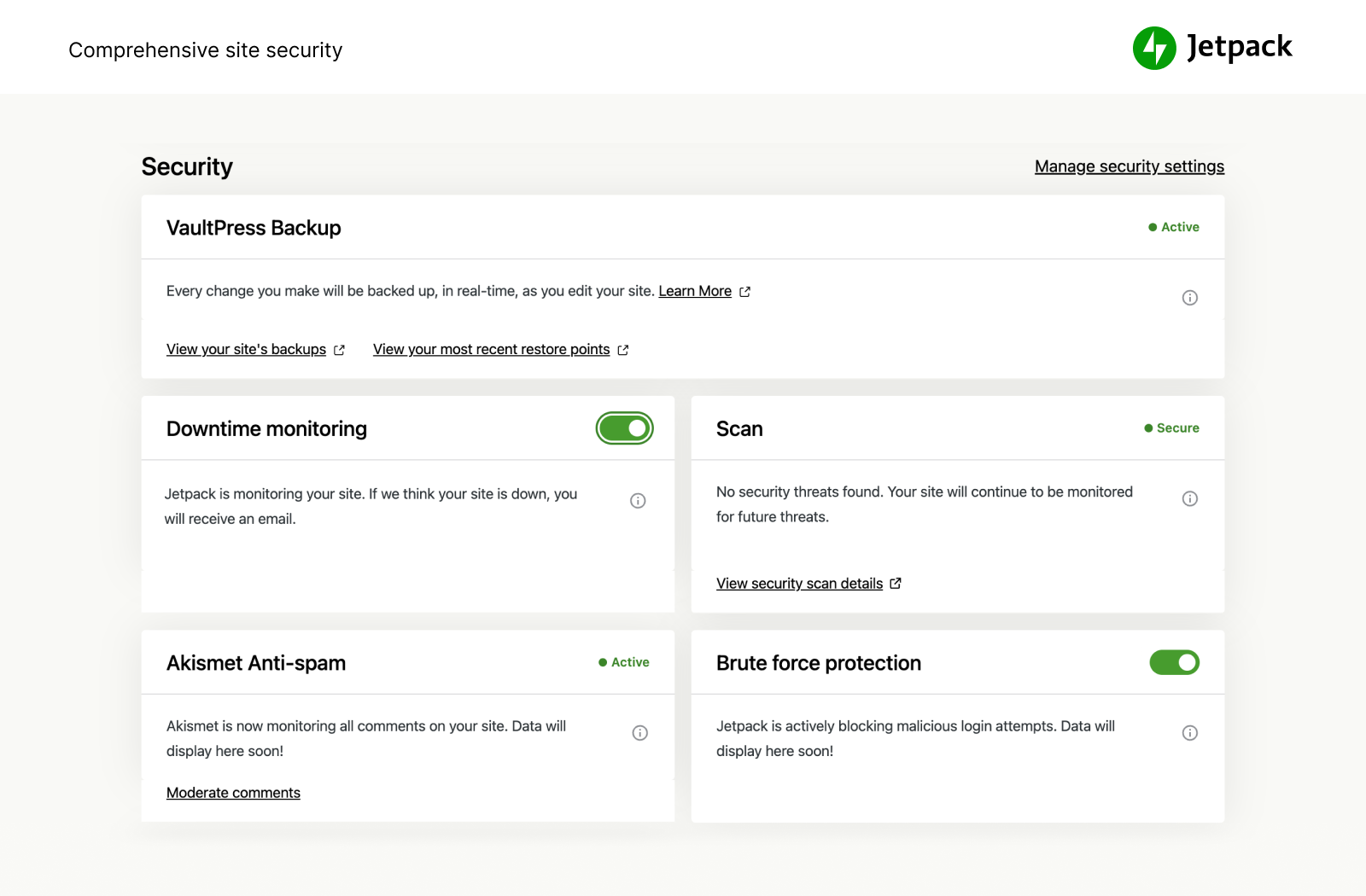
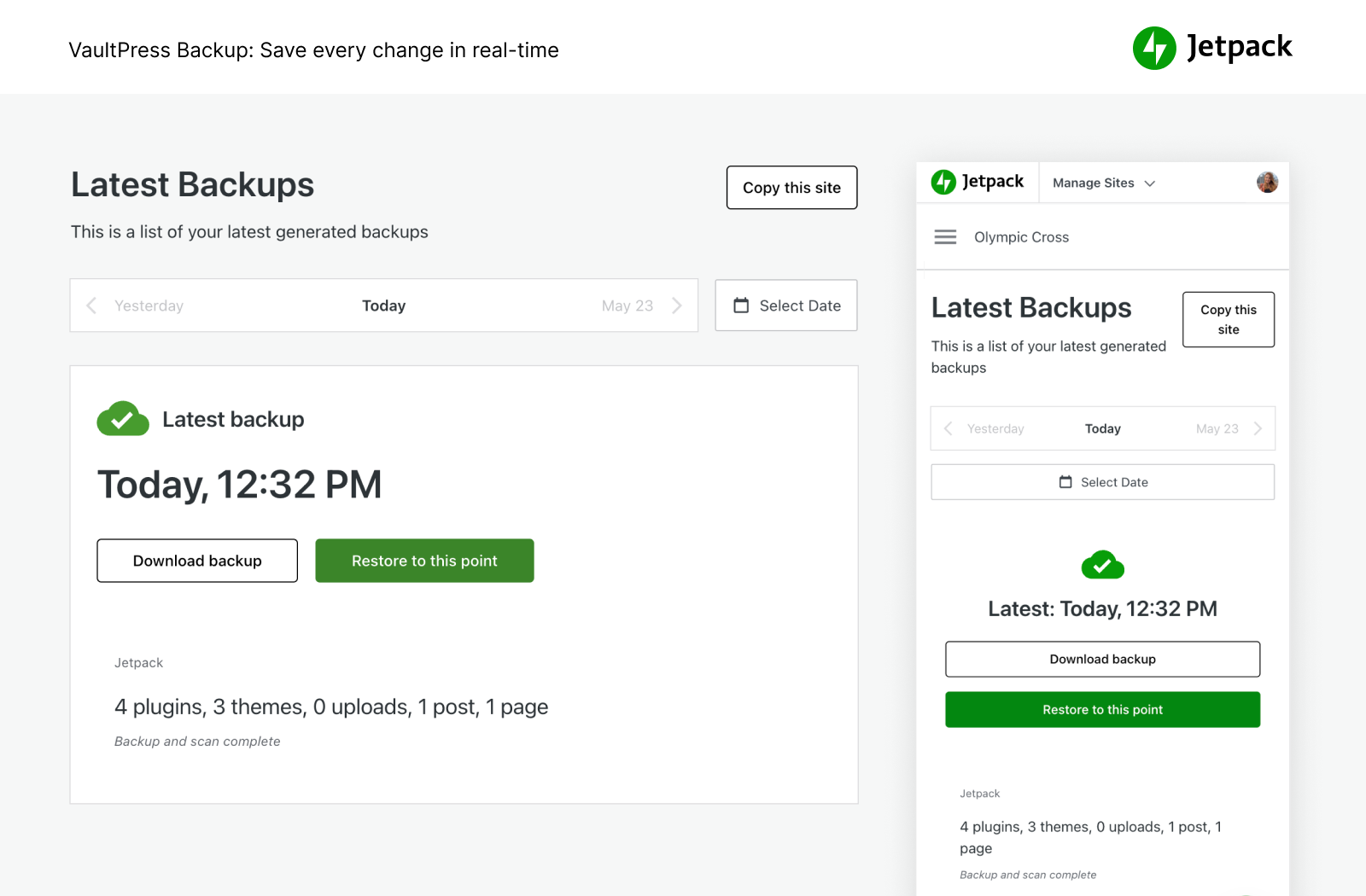
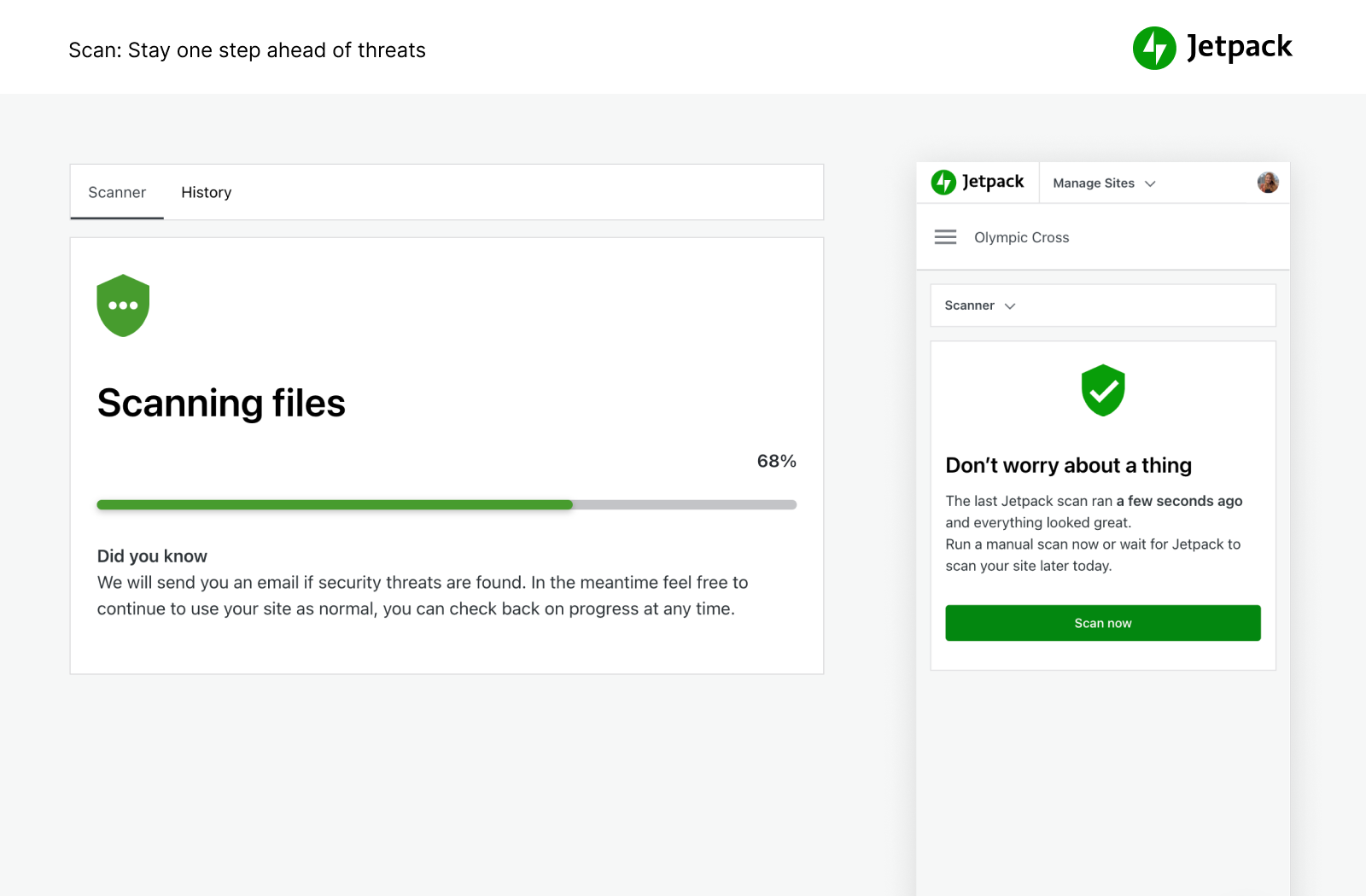
That works because Jetpack plugs your site into WordPress.com’s cloud, the same infrastructure that runs millions of sites. The heavy lifting happens there instead of on your host: backups stored off-site with one-click restores and full site migration, malware scanning, brute force protection, downtime monitoring, site analytics with Jetpack Stats, spam filtering, an image CDN, and ad-free video hosting. Plus a firewall, SEO tools, newsletters, social sharing, and forms.
“All these years later, Jetpack is the iCloud for my WordPress.” Matt Mullenweg, co-founder of WordPress (review)
How to get started with Jetpack
Installation is free, quick, and easy. From your WordPress dashboard, add a new plugin, search for Jetpack, and install it. Activate it and connect your WordPress.com account, then open Jetpack AI in your Jetpack menu to connect your AI agent. Unlock real-time backups, one-click malware fixes, and advanced stats by upgrading to a paid plan.
Need expert support?
The opening of the plugin's own description. The full text, installation notes and changelog are on its WordPress.org page.
Yes. Jetpack’s core features are free for non-commercial sites, including site stats, an image CDN, related posts, downtime monitoring, brute force protection, automatic sharing to social networks, SEO tools, and more.
Yes, and there’s nothing extra to install or host. Once you’ve connected your WordPress.com account, go to Jetpack AI in your Jetpack menu, enable MCP access, and choose your agent. Jetpack works with ChatGPT, Claude, Cursor, VS Code, and other MCP clients, and most of them connect in a few clicks. Your agent can then work with your content and with Jetpack features like Stats, Backup, Scan, and Newsletter.
MCP (Model Context Protocol) is the open standard that AI apps like ChatGPT and Claude use to connect to other tools. Jetpack provides the MCP connection for your WordPress site through WordPress.com, so you don’t have to install or run an MCP server yourself.
You stay in control. MCP access is off until you turn it on, and you choose which tools your agent can use to read your site and which it can use to make changes. You can turn individual tools off, or turn off MCP access entirely, at any time. With VaultPress Backup, you can also restore your site to an earlier point if a change doesn’t work out.
It depends on your site and what kind of protection, performance, and design you need. If you make money from your site, the answer is “yes.” Jetpack’s paid services include real-time backups, security scanning, spam filtering, video hosting, site monetization, search, priority support, and more.
Jetpack’s services run on WordPress.com’s cloud: backups, stats, the image CDN, spam filtering, and the connection to your AI agent. A free WordPress.com account links your site to them.

The Elementor Website Builder has it all: drag and drop page builder, Atomic Editor, pixel perfect design, global and reusable style systems, mobile r …

#14 by installs
Backup, restore or migrate your WordPress website to another host or domain. Schedule backups or run manually. Migrate in minutes.
The best WordPress backup and migration plugin. Quickly and easily backup ,migrate, copy, move, or clone your site from one location to another.

#55 by installs
A better way to manage dozens of WordPress websites.
90+ Elementor widgets & addons, 600+ templates, Mega Menu, WooCommerce, Display Conditions. The only Elementor addon AI agents can fully build with.

#264 by installs
Import and export your widgets.
Read from the WordPress.org plugin API on , when WordPress 7.1.4 was the current release. WordPress.org rounds active installs into buckets. These are the directory's figures, not my verdict, and I haven't tested this plugin.

