
Firewall, Malware Scanner, Two Factor Auth, and Comprehensive Security Features, powered by our 24-hour team. Make security a priority with Wordfence.
- Installs
- 5+ million
- Rating
- 4.7 (5K)
- Updated
- 31 days ago

Smart WordPress security that blocks bots automatically, guides you to what matters, and repairs problems — without drowning you in noise.
| Last updated | October 27, 2026Updated in the last 3 months |
|---|---|
| Tested up to | WordPress 7.2Covers WordPress 7.1.4, the current release |
| Needs WordPress | 5.7 or newer |
| Needs PHP | 7.4 or newer |
| First published | July 9, 2013 |
| Support, last two months | 1 of 1 threads resolved (100%) |
4.8 / 5 from 1,039 reviews
| 5 stars | 969 |
|---|---|
| 4 stars | 26 |
| 3 stars | 12 |
| 2 stars | 9 |
| 1 star | 23 |
Most security plugins hand you a dashboard full of alerts and expect you to know what to do next. Shield works differently.
It blocks threats automatically, repairs what it can on its own, and then shows you exactly what still needs your attention — ranked by impact, not volume. Less noise. More action.
🤖 Security That Runs Itself
The most powerful thing Shield does is what it handles without you:
🧭 Guided Security, Not Just a Dashboard
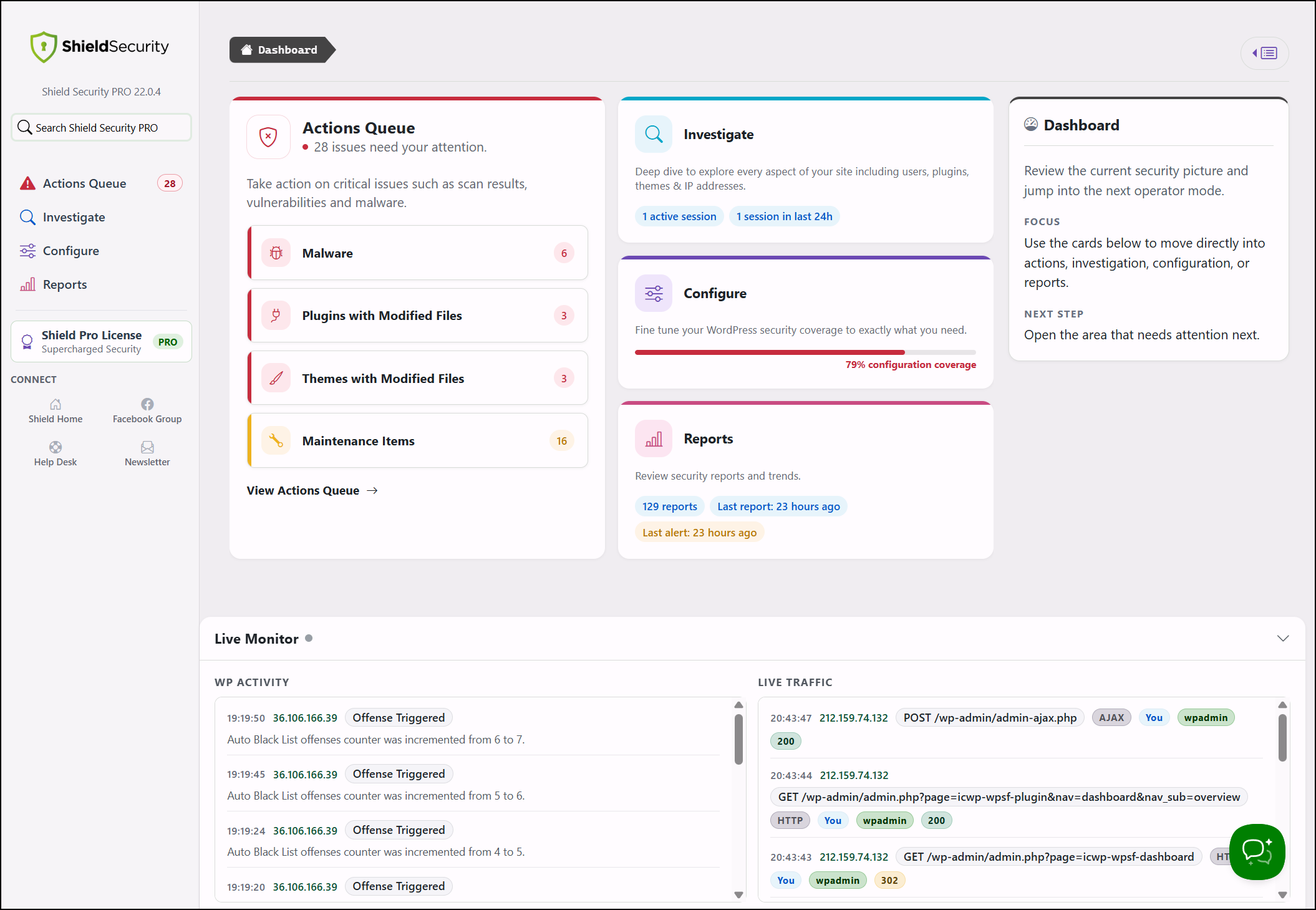
Shield organises your security into four focused areas so you always know where to look:
The opening of the plugin's own description. The full text, installation notes and changelog are on its WordPress.org page.
Shield assigns offense points to visitors who trigger security rules — failed logins, firewall blocks, silentCAPTCHA failures, and other signals. When a visitor’s points reach the configured threshold, they are blocked automatically. You can review blocked IPs, adjust thresholds, or add manual rules from the IP Rules section.
It analyses passive signals — timing, form interaction behaviour, and request characteristics — to distinguish automated requests from genuine visitors. There is no challenge to complete, no external site keys to set up, and no JavaScript that can break your forms. Everything stays on your server.
Your host or network firewall protects the server perimeter. Shield works inside WordPress, where it understands login attempts, user changes, plugin activity, file integrity, and attack patterns specific to WordPress. The two layers solve different problems and complement each other.
Yes. silentCAPTCHA protects the WordPress comment form in the free plugin. ShieldPRO extends coverage to Contact Form 7, Ninja Forms, WooCommerce, and a range of other integrations.
Generally, no. Running two plugins that control the same login or request flows leads to duplicate blocking, noisier logs, and harder troubleshooting. If you keep another plugin active, disable the areas where they overlap.
This usually happens after adding your own IP to the block list, or enabling 2FA when your site cannot deliver email codes.
Delete forceoff from the server once you are back in.
Firewall, Malware Scanner, Two Factor Auth, and Comprehensive Security Features, powered by our 24-hour team. Make security a priority with Wordfence.

WordPress login security with brute force protection, Two-factor authentication (2FA/MFA), firewall, IP/country blocking, and login monitoring

#346 by installs
The fastest firewall plugin for WordPress. Protect against a wide range of threats with minimal performance impact.

#882 by installs
Protect WordPress from malware, hackers, brute-force attacks & suspicious traffic. Includes firewall, login security, 2FA & vulnerability checks.
Easily improve site security with WordPress Hardening, Two-Factor Authentication (2FA), Login Protection, Vulnerability Detection and SSL certificate.

#51 by installs
Secure your WordPress site from brute-force attacks, threats, malware, and bots. Free to use and easy to set up.
Read from the WordPress.org plugin API on , when WordPress 7.1.4 was the current release. WordPress.org rounds active installs into buckets. These are the directory's figures, not my verdict, and I haven't tested this plugin. The author takes donations at their donate page.
