
Firewall, Malware Scanner, Two Factor Auth, and Comprehensive Security Features, powered by our 24-hour team. Make security a priority with Wordfence.
- Installs
- 5+ million
- Rating
- 4.7 (5K)
- Updated
- 31 days ago

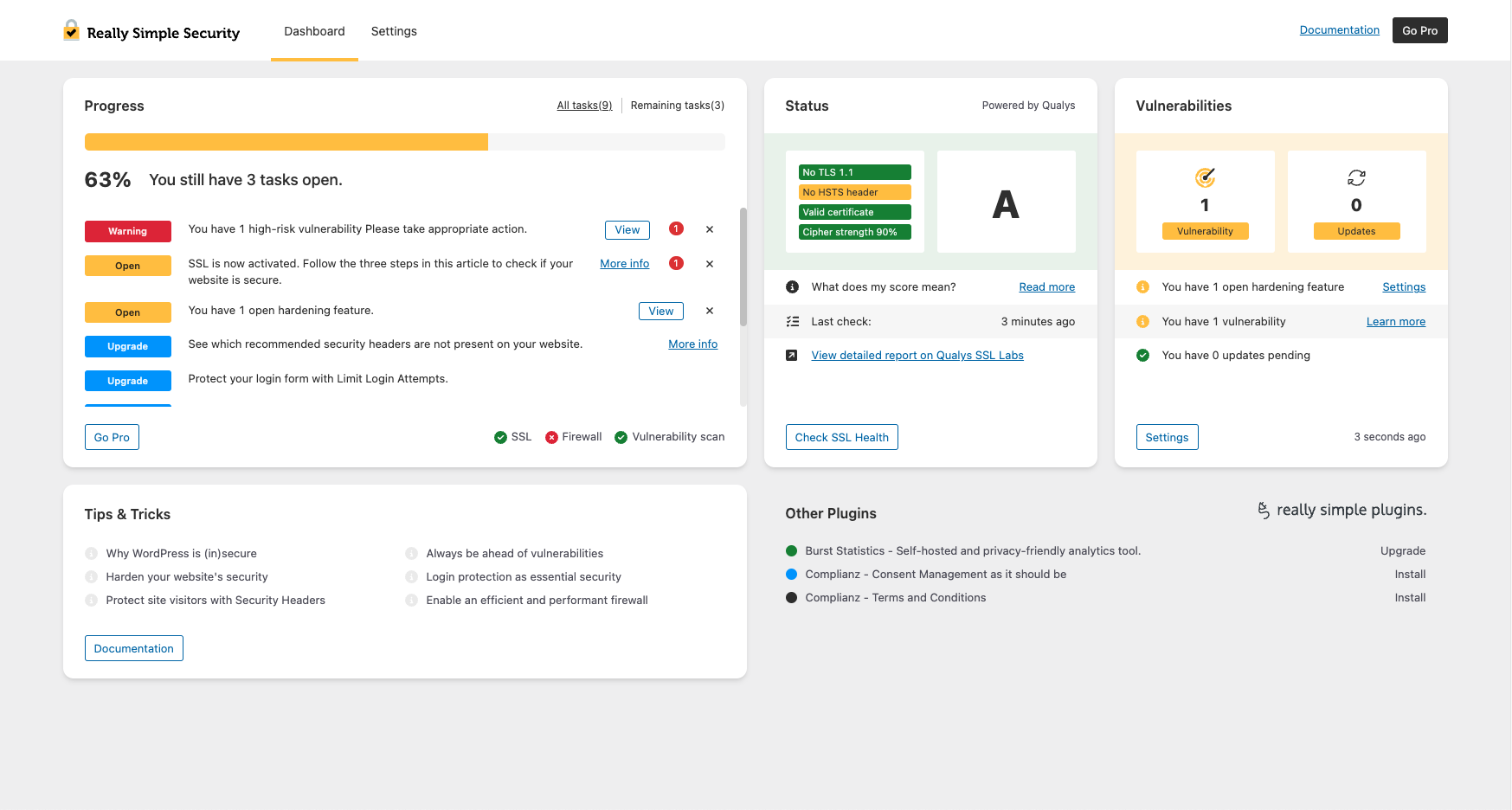
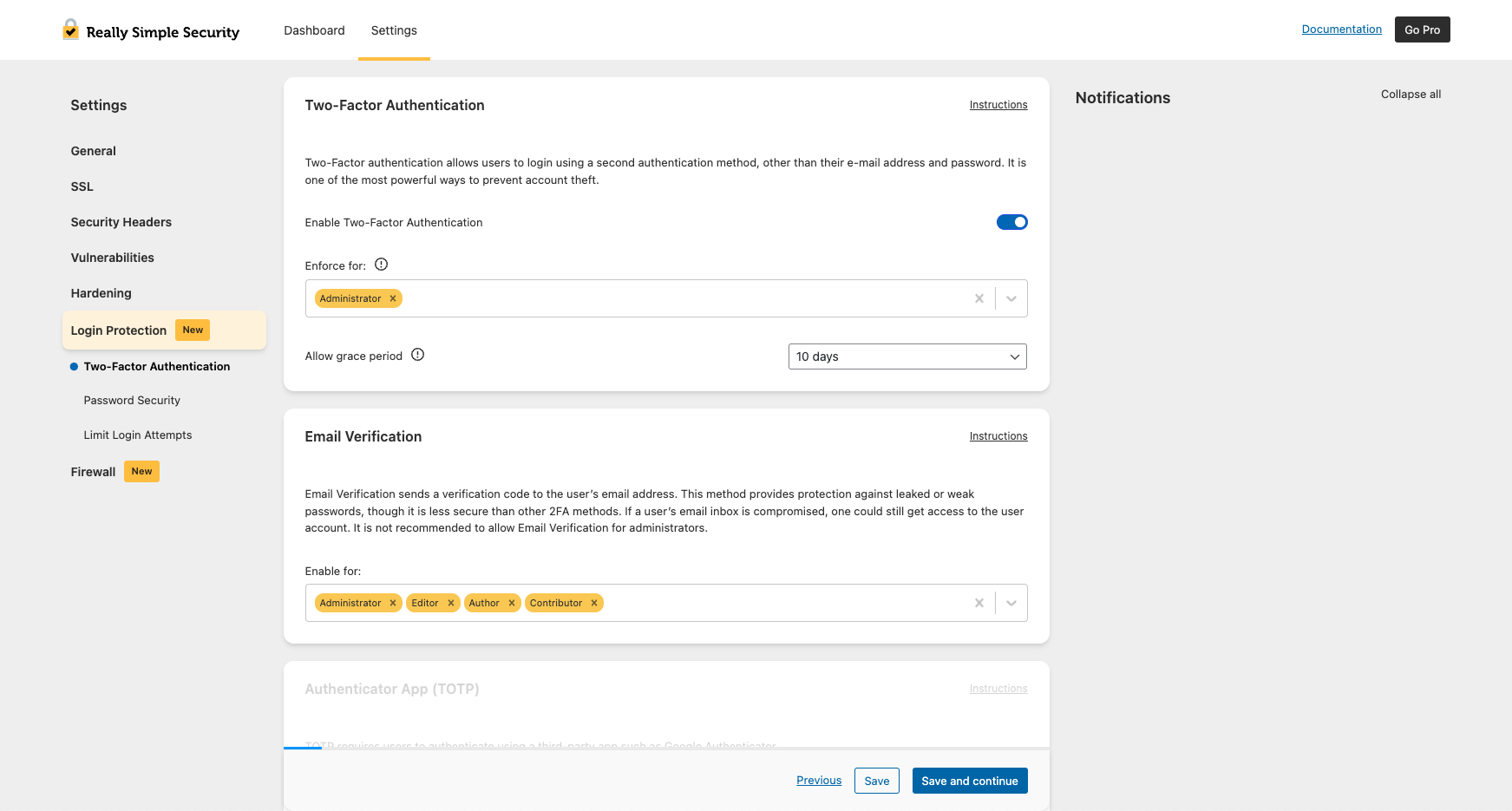
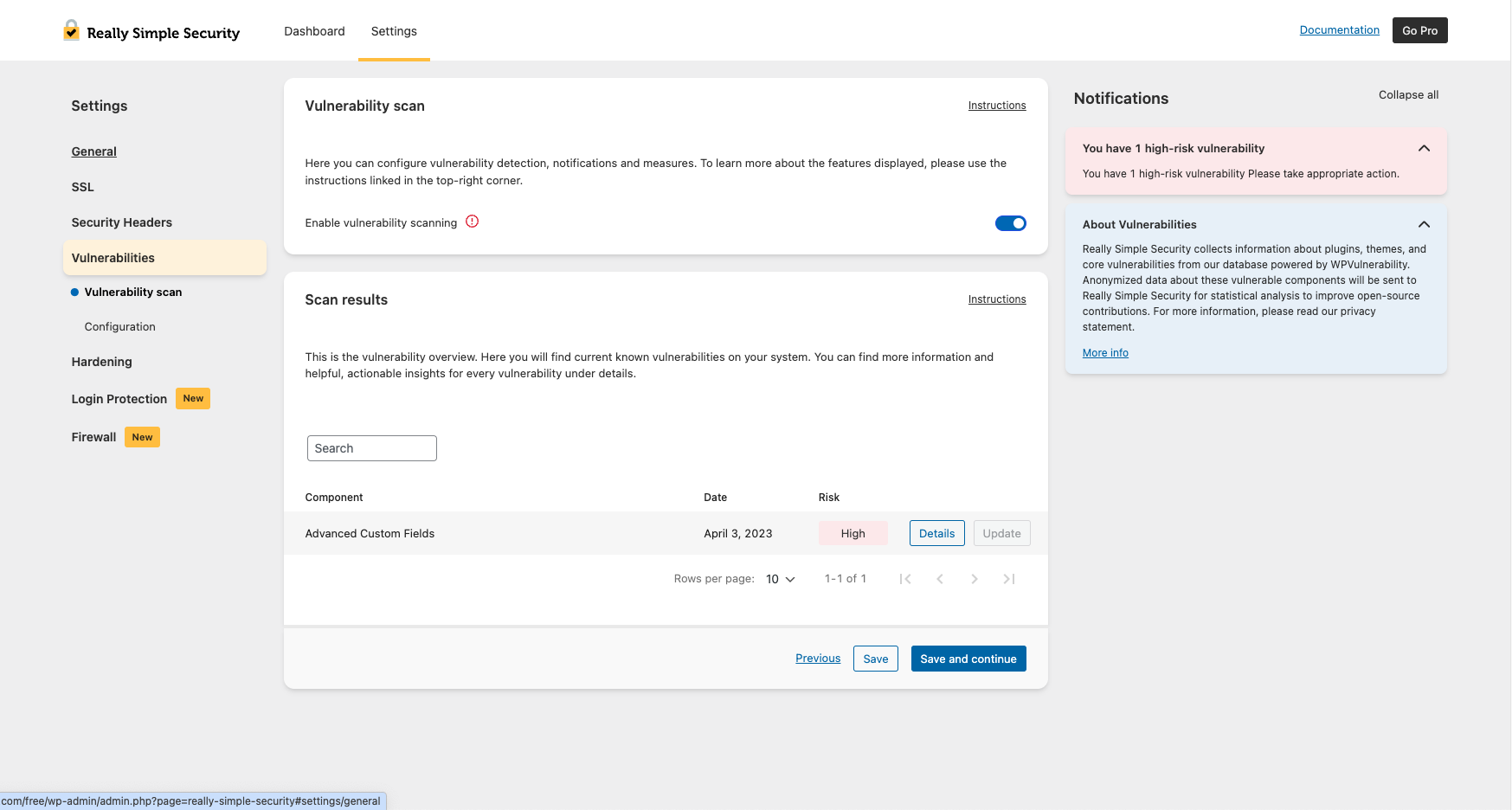
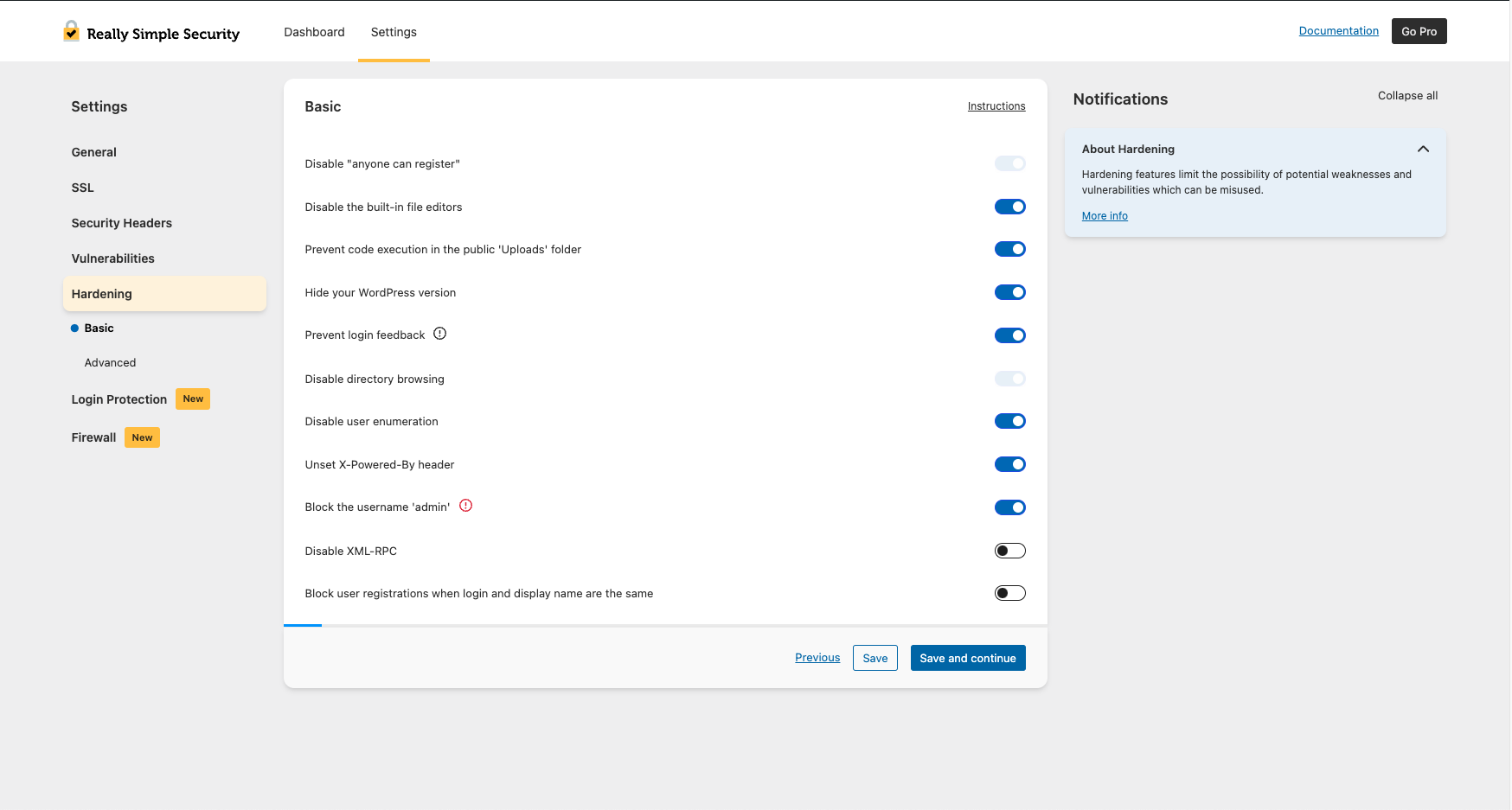
Easily improve site security with WordPress Hardening, Two-Factor Authentication (2FA), Login Protection, Vulnerability Detection and SSL certificate.
Read from really-simple-ssl.comon
A script read this page, and kept only what the page's text backs up. These are the vendor's list prices and its own words, not a deal and not my review. Prices change and can differ by country, so confirm on the vendor's page before you buy.
| Last updated | October 26, 2026Updated in the last 3 months |
|---|---|
| Tested up to | WordPress 7.1.4Covers WordPress 7.1.4, the current release |
| Needs WordPress | 6.6 or newer |
| Needs PHP | 7.4 or newer |
| First published | March 15, 2015 |
| Support, last two months | 8 of 8 threads resolved (100%) |
4.9 / 5 from 8,869 reviews
| 5 stars | 8,628 |
|---|---|
| 4 stars | 108 |
| 3 stars | 25 |
| 2 stars | 19 |
| 1 star | 89 |
Easily improve site security with WordPress Hardening, Two-Factor Authentication (2FA), Login Protection, Vulnerability Detection and SSL certificate.
Really simple, Effective and Performant WordPress Security
Really Simple Security is the most lightweight and easy-to-use security plugin for WordPress. It secures your WordPress website with SSL certificate generation, including proper 301 https redirection and SSL enforcement, scanning for possible vulnerabilities, Login Protection and implementing essential WordPress hardening features.
We believe that security should have the absolute minimum effect on website performance, user experience and maintainability. Therefore, Really Simple Security is:
Security Features
Easy SSL Migration
Migrates your website to HTTPS and enforces SSL in just one click.
WordPress Hardening
The opening of the plugin's own description. The full text, installation notes and changelog are on its WordPress.org page.
For more detailed explanations and documentation on all Really Simple Security features, please search the Knowledge Base
All features that made Really Simple SSL the most powerful and easy-to-use SSL generation and redirect plugin are still part of Really Simple Security. The plugin is developed with a modular approach: if you don’t want to use the full set of security features, the unused code will not be loaded and won’t have any effect on your site’s performance.
In our experience, security solutions for WordPress are often hard to configure, trigger many false positives and have a significant impact on site performance. We have been receiving requests from our users to simplify WordPress security for years, so that has become our mission!
You couldn’t make us happier! Really Simple Security is GPL licensed and co-created by the WordPress community. All feedback is highly appreciated and has always helped us to better understand users’ needs. For code contributions or suggestions, we’re on GitHub. For suggestions, please open a support ticket You can also express your appreciation by leaving a review.
Most mixed content issues are caused by URLs in CSS or JS files. For detailed instructions on how to find mixed content read this article.
We added the possibility to generate a Free SSL Certificate with Let’s Encrypt in our Really Simple Security Wizard. We have an updated list available for all possible integrations here. Please leave feedback about another integration, incorrect information, or you need help.
Firewall, Malware Scanner, Two Factor Auth, and Comprehensive Security Features, powered by our 24-hour team. Make security a priority with Wordfence.

#20 by installs
Simplified WordPress management. Manage site info, maintenance, security, & redirects.

WordPress login security with brute force protection, Two-factor authentication (2FA/MFA), firewall, IP/country blocking, and login monitoring

#312 by installs
Enable Two-Factor Authentication (2FA) using time-based one-time passwords (TOTP), email, and backup verification codes.

#317 by installs
Patchstack automatically identifies and mitigates security vulnerabilities in WordPress plugins, themes, and core.

#756 by installs
Protect your website by concealing vulnerable WordPress traces, plugins, themes, login/admin url. 2FA, Captcha, Firewall, Security Headers etc.
Read from the WordPress.org plugin API on , when WordPress 7.1.4 was the current release. WordPress.org rounds active installs into buckets. These are the directory's figures, not my verdict, and I haven't tested this plugin. The author takes donations at their donate page.