
Firewall, Malware Scanner, Two Factor Auth, and Comprehensive Security Features, powered by our 24-hour team. Make security a priority with Wordfence.
- Installs
- 5+ million
- Rating
- 4.7 (5K)
- Updated
- 31 days ago

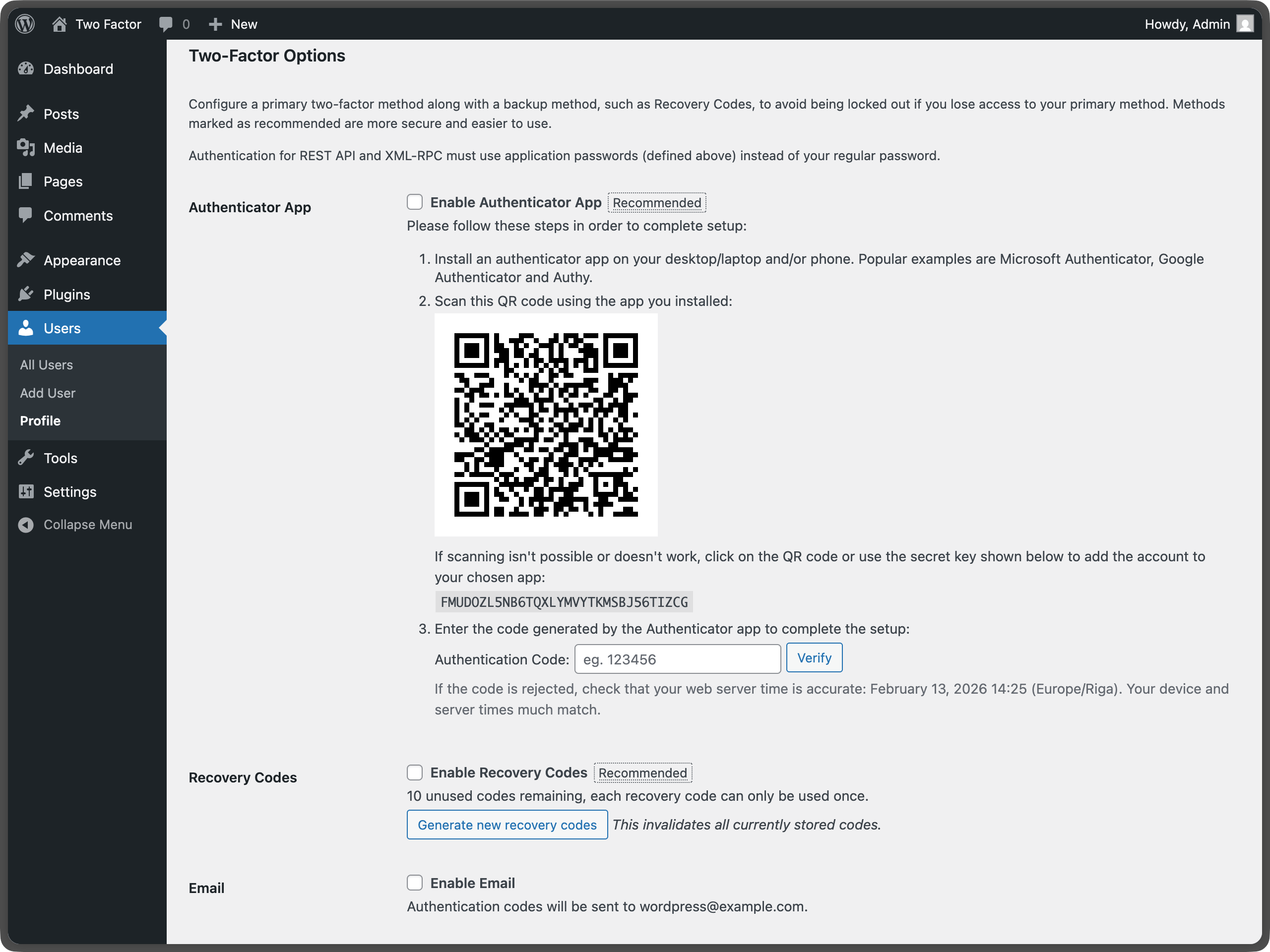
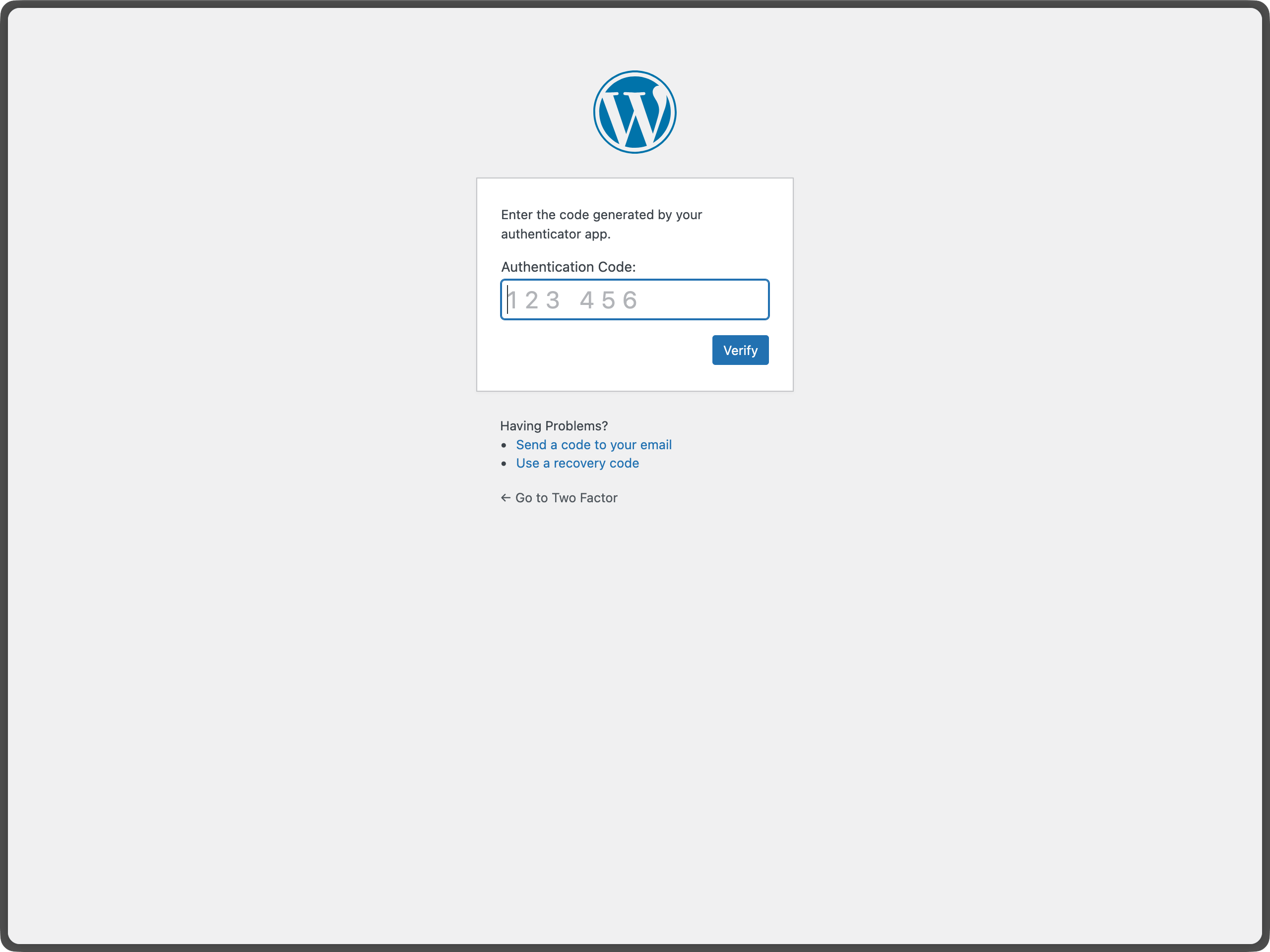
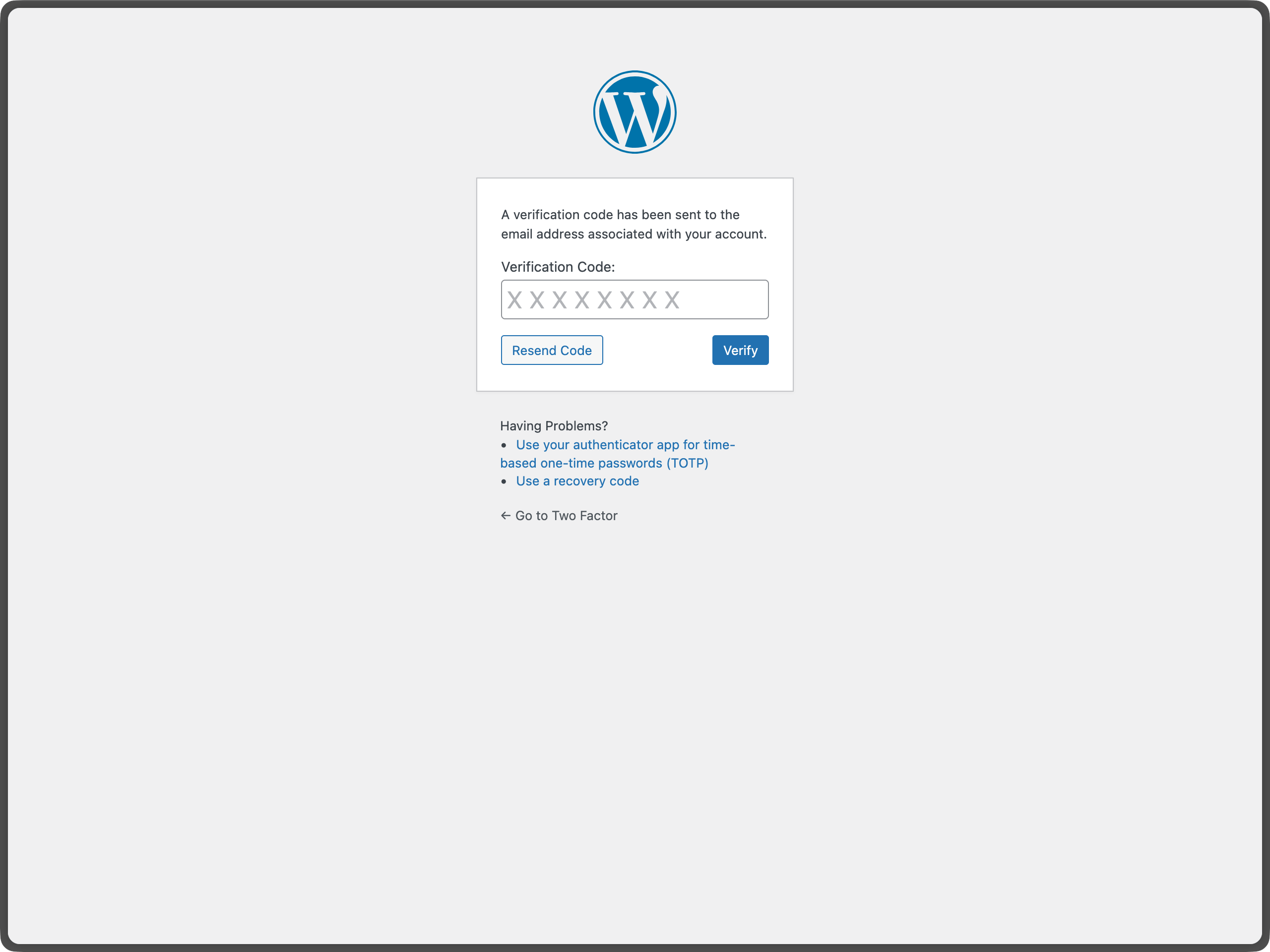
Enable Two-Factor Authentication (2FA) using time-based one-time passwords (TOTP), email, and backup verification codes.
| Last updated | September 28, 2026Updated in the last 3 months |
|---|---|
| Tested up to | WordPress 7.1.4Covers WordPress 7.1.4, the current release |
| Needs WordPress | 7.0 or newer |
| Needs PHP | 7.4 or newer |
| First published | August 10, 2015 |
| Support, last two months | 3 of 6 threads resolved (50%) |
4.7 / 5 from 209 reviews
| 5 stars | 184 |
|---|---|
| 4 stars | 15 |
| 3 stars | 0 |
| 2 stars | 2 |
| 1 star | 8 |
The Two-Factor plugin adds an extra layer of security to your WordPress login by requiring users to provide a second form of authentication in addition to their password. This helps protect against unauthorized access even if passwords are compromised.
Setup Instructions
Important: Each user must individually configure their two-factor authentication settings.
For Individual Users
For Site Administrators
The opening of the plugin's own description. The full text, installation notes and changelog are on its WordPress.org page.
This plugin supports the last two major versions of WordPress and the minimum PHP version supported by those WordPress versions.
The best place to report bugs, feature suggestions, or any other (non-security) feedback is at the Two Factor GitHub issues page. Before submitting a new issue, please search the existing issues to check if someone else has reported the same feedback.
The plugin contributors and WordPress community take security bugs seriously. We appreciate your efforts to responsibly disclose your findings, and will make every effort to acknowledge your contributions.
To report a security issue, please visit the WordPress HackerOne program.
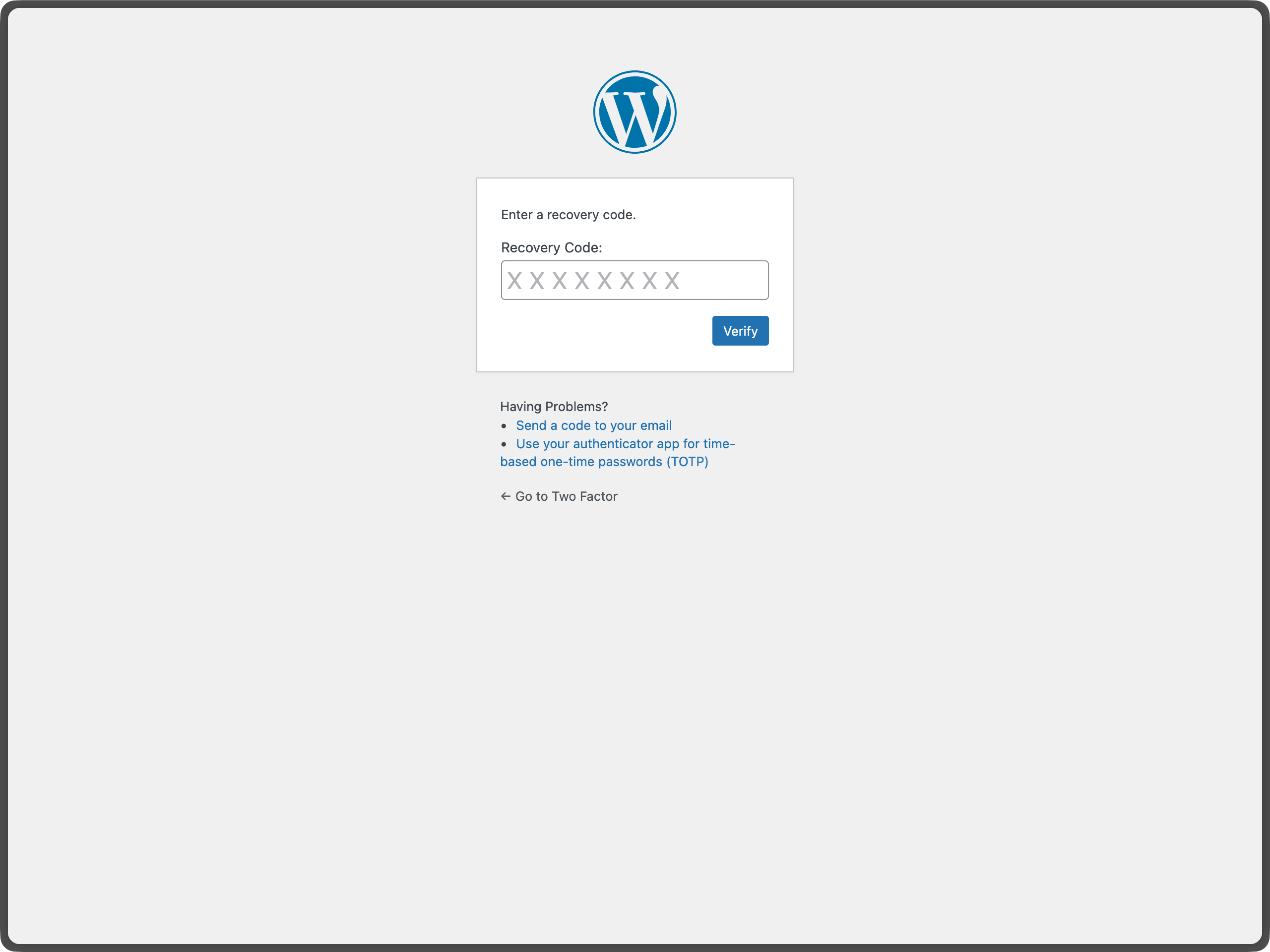
If you have backup codes enabled, you can use one of those to regain access. If you don’t have backup codes or have used them all, you’ll need to contact your site administrator to reset your account. This is why it’s important to always enable backup codes and keep them in a secure location.
The plugin previously supported FIDO U2F, which was a predecessor to WebAuthn. There is an open issue to add WebAuthn support here.
Yes. For passkeys and hardware security keys, you can install the Two-Factor Provider: WebAuthn plugin. It integrates directly with Two-Factor and adds WebAuthn-based authentication as an additional two-factor option for users.
Firewall, Malware Scanner, Two Factor Auth, and Comprehensive Security Features, powered by our 24-hour team. Make security a priority with Wordfence.
Easily improve site security with WordPress Hardening, Two-Factor Authentication (2FA), Login Protection, Vulnerability Detection and SSL certificate.

WordPress login security with brute force protection, Two-factor authentication (2FA/MFA), firewall, IP/country blocking, and login monitoring

#199 by installs
Limit rate of login attempts, including by way of cookies, for each IP. Fully customizable.

#314 by installs
WPS Limit login limit connection attempts by IP address

#756 by installs
Protect your website by concealing vulnerable WordPress traces, plugins, themes, login/admin url. 2FA, Captcha, Firewall, Security Headers etc.
Read from the WordPress.org plugin API on , when WordPress 7.1.4 was the current release. WordPress.org rounds active installs into buckets. These are the directory's figures, not my verdict, and I haven't tested this plugin.
