Questions the author answers
Will the Plugin Alter Anything on My Server?
Under the hood, this plugin never writes to, deletes, or modifies any existing files or directories on your server. Instead, it leverages WordPress’s built-in hook system and virtual URL rewrite rules—applied in memory—to seamlessly redirect and mask asset links. Rest assured, your core files, themes, and plugins remain exactly as you left them, with zero risk of unintended changes.
Is This Plugin Suitable for Someone Without PHP Knowledge?
Yes—100% beginner-friendly.
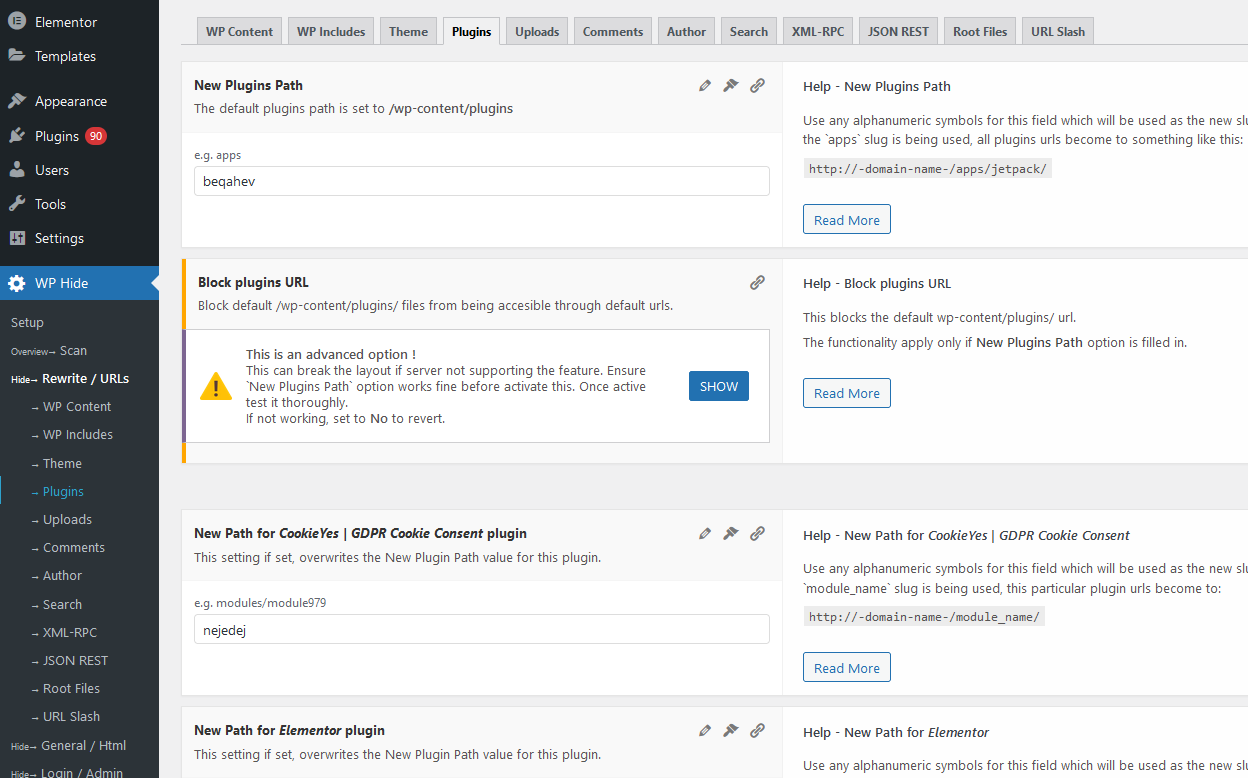
You don’t need to write a single line of PHP to customize or manage this plugin. Every feature is controlled via a clear, intuitive admin panel with descriptive labels, tooltips, and contextual help. Whether you want to hide common WordPress paths, rename your wp-content folder, or inject security headers, each option can be toggled on or off with a simple click.
Is There a Demo Available to Explore?
Yes, you can check out a live demo at https://demo.wp-hide.com/. Additionally, you can visit our official website, WP Hide and Security Enhancer, for more information.
Can I Use the Plugin on an Nginx Server?
Free Version: Does not auto generate native Nginx rewrite directives. However, you can still run it behind an Nginx reverse proxy or on hybrid setups (e.g., Apache + Nginx). However, it is fully compatible with Apache, LiteSpeed, IIS, and Nginx when used as a reverse proxy.
For Nginx conside WP Hide PRO.
Can I Still Update WordPress, Plugins, and Themes?
Yes, updates remain effortless.
Our plugin is designed to play nicely with the WordPress update process. You can upgrade your core, themes, and all other plugins through the dashboard or via WP-CLI without disabling WP Hide. All rewrite rules and filters persist through updates, so there’s no downtime or extra steps required.
Does the Plugin Affect My Website’s SEO?
Not in the slightest.
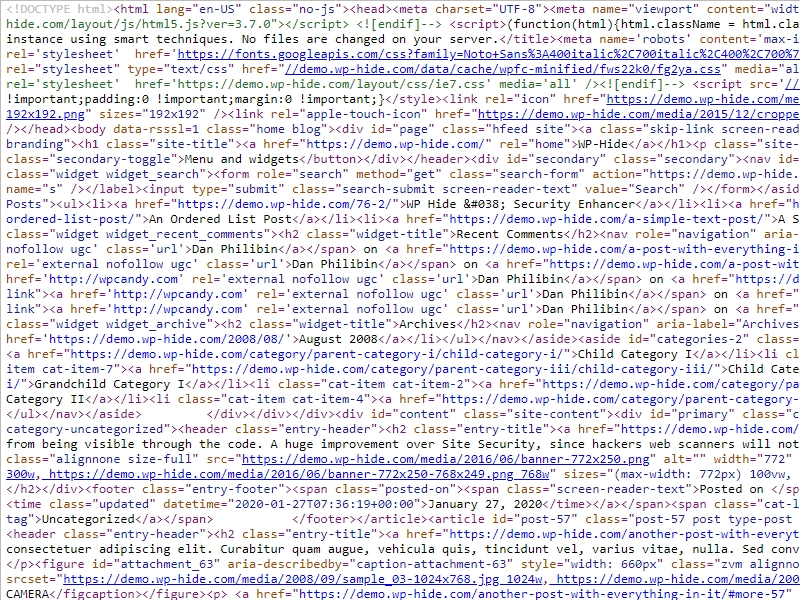
We only rewrite the paths to static assets (CSS, JS, images) and administrative URLs—your publicly visible content URLs (posts, pages, categories) remain unchanged. Search engines will continue to index your site normally, and any existing sitemaps or canonical tags will work exactly as before.