
#51 by installs
Security Optimizer – The All-In-One Protection Plugin
Secure your WordPress site from brute-force attacks, threats, malware, and bots. Free to use and easy to set up.
- Installs
- 1+ million
- Rating
- 4.5 (157)
- Updated
- 17 days ago

Loginizer is a WordPress security plugin which helps you fight against bruteforce attacks.
| Last updated | October 29, 2026Updated in the last 3 months |
|---|---|
| Tested up to | WordPress 7.1.4Covers WordPress 7.1.4, the current release |
| Needs WordPress | 3.0 or newer |
| Needs PHP | 5.5 or newer |
| First published | January 27, 2016 |
| Support, last two months | 3 of 5 threads resolved (60%) |
4.8 / 5 from 1,033 reviews
| 5 stars | 962 |
|---|---|
| 4 stars | 29 |
| 3 stars | 12 |
| 2 stars | 4 |
| 1 star | 26 |
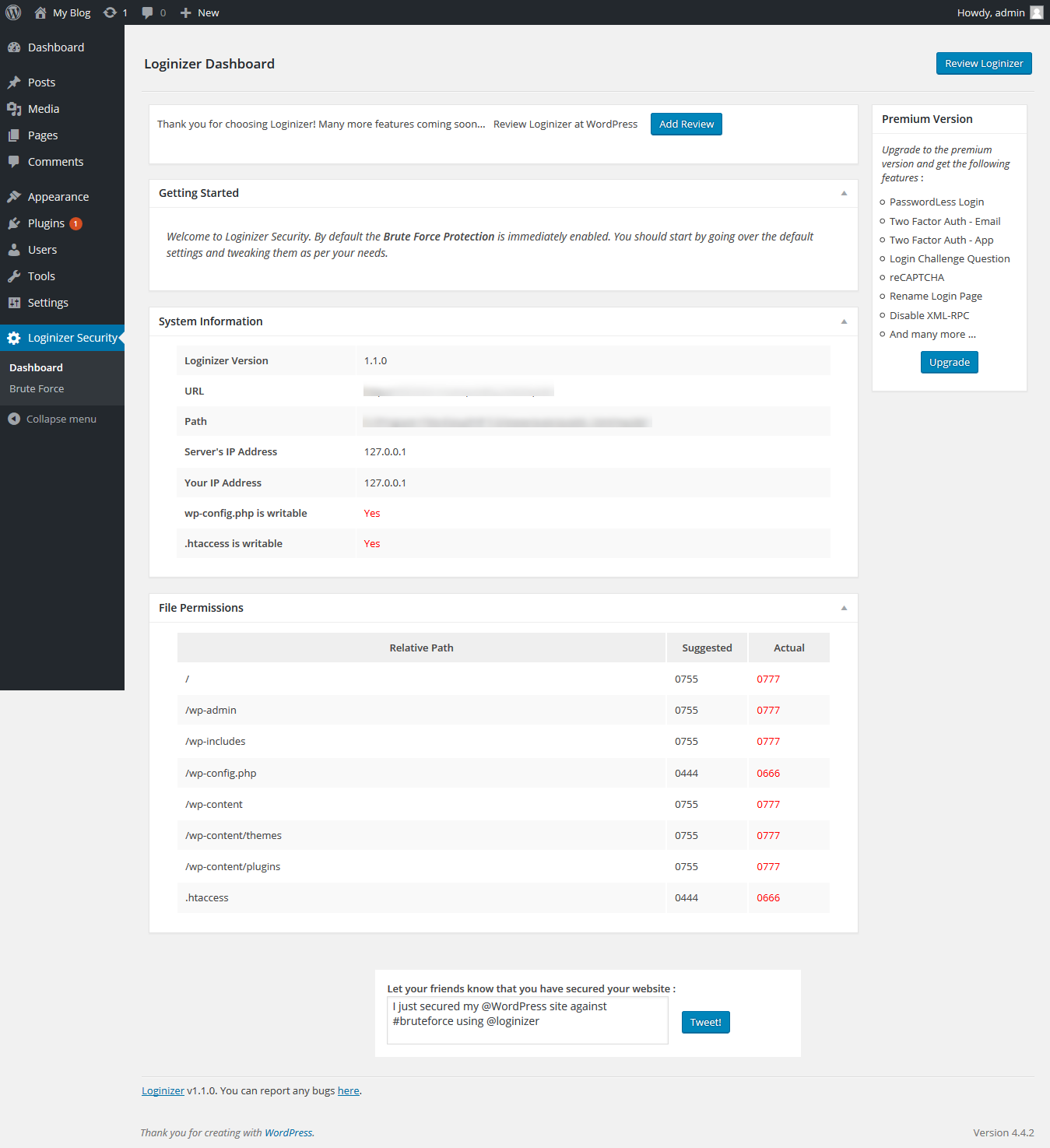
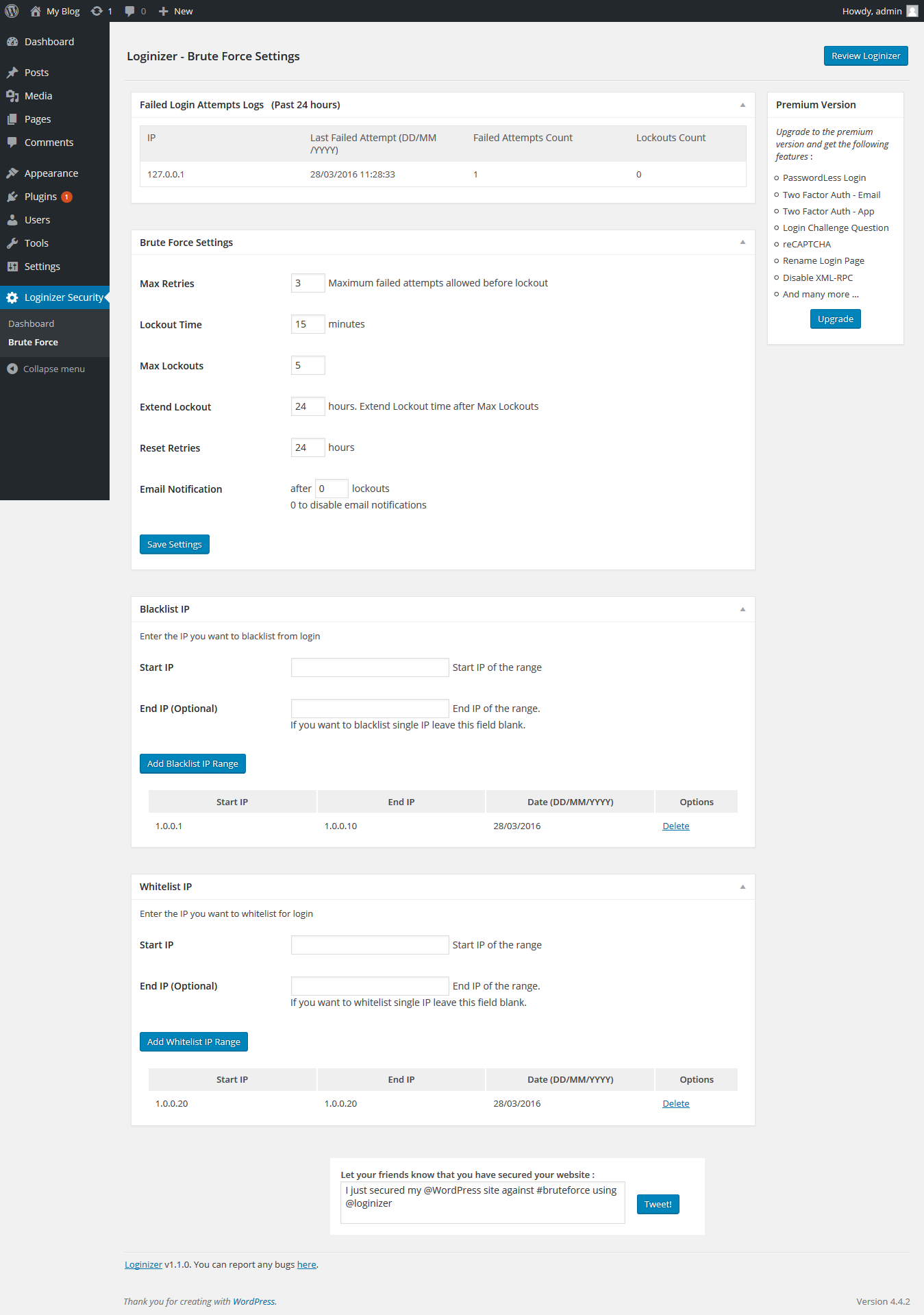
Loginizer is a WordPress plugin which helps you fight against bruteforce attack by blocking login for the IP after it reaches maximum retries allowed. You can blacklist or whitelist IPs for login using Loginizer. You can use various other features like Two Factor Auth, reCAPTCHA, PasswordLess Login, etc. to improve security of your website.
Loginizer is actively used by more than 1000000+ WordPress websites.
You can find our official documentation at https://loginizer.com/docs. We are also active in our community support forums on wordpress.org if you are one of our free users. Our Premium Support Ticket System is at https://loginizer.deskuss.com
Free Features :
Get Support and Pro Features
The opening of the plugin's own description. The full text, installation notes and changelog are on its WordPress.org page.

#51 by installs
Secure your WordPress site from brute-force attacks, threats, malware, and bots. Free to use and easy to set up.

#90 by installs
User Role Editor WordPress plugin makes user roles and capabilities changing easy. Edit/add/delete WordPress user roles and capabilities.

#157 by installs
Lets you edit the WordPress admin menu. You can re-order, hide or rename menus, add custom menus and more.

#199 by installs
Limit rate of login attempts, including by way of cookies, for each IP. Fully customizable.

#314 by installs
WPS Limit login limit connection attempts by IP address

#401 by installs
Hide My WP Ghost is a WordPress security plugin that hides WP paths and protects your site with Path Security, Firewall, Brute Force Protection, 2FA
Read from the WordPress.org plugin API on , when WordPress 7.1.4 was the current release. WordPress.org rounds active installs into buckets. These are the directory's figures, not my verdict, and I haven't tested this plugin.