
Firewall, Malware Scanner, Two Factor Auth, and Comprehensive Security Features, powered by our 24-hour team. Make security a priority with Wordfence.
- Installs
- 5+ million
- Rating
- 4.7 (5K)
- Updated
- 31 days ago

Protect WordPress from malware, hackers, brute-force attacks & suspicious traffic. Includes firewall, login security, 2FA & vulnerability checks.
| Last updated | October 27, 2026Updated in the last 3 months |
|---|---|
| Tested up to | WordPress 7.1.4Covers WordPress 7.1.4, the current release |
| Needs WordPress | 5.0 or newer |
| Needs PHP | 7.2 or newer |
| First published | August 24, 2016 |
| Support, last two months | 32 of 40 threads resolved (80%) |
4.8 / 5 from 397 reviews
| 5 stars | 366 |
|---|---|
| 4 stars | 6 |
| 3 stars | 3 |
| 2 stars | 3 |
| 1 star | 19 |
Brute force, Login security & Two Factor Auth (2FA). Limit login. Malware & Vulnerabilities scan. FireWall. Enterprise ready security plugin.
SECURITY PLUGIN BY CLEANTALK (SPBCT)
We focus on eliminating the most common security threats for WordPress. At the same time, we strive to ensure that site performance remains unaffected. To achieve this, each release goes through automated and expert-driven testing pipelines. We also verify performance using Google PageSpeed Insights and GTMetrix. Typically, we release a new version twice a month to keep features up to date and protection strong.
SECURITY FEATURES
FREE TRIAL THEN $9 PER YEAR
The opening of the plugin's own description. The full text, installation notes and changelog are on its WordPress.org page.
Hackers want to get access to your website and use it to get backlinks from your site to improve their site’s PageRank or redirect your visitors to malicious sites or use your website to send spam and viruses or other attacks.These attacks can damage your reputation with readers and commentators if you fail to tackle it.
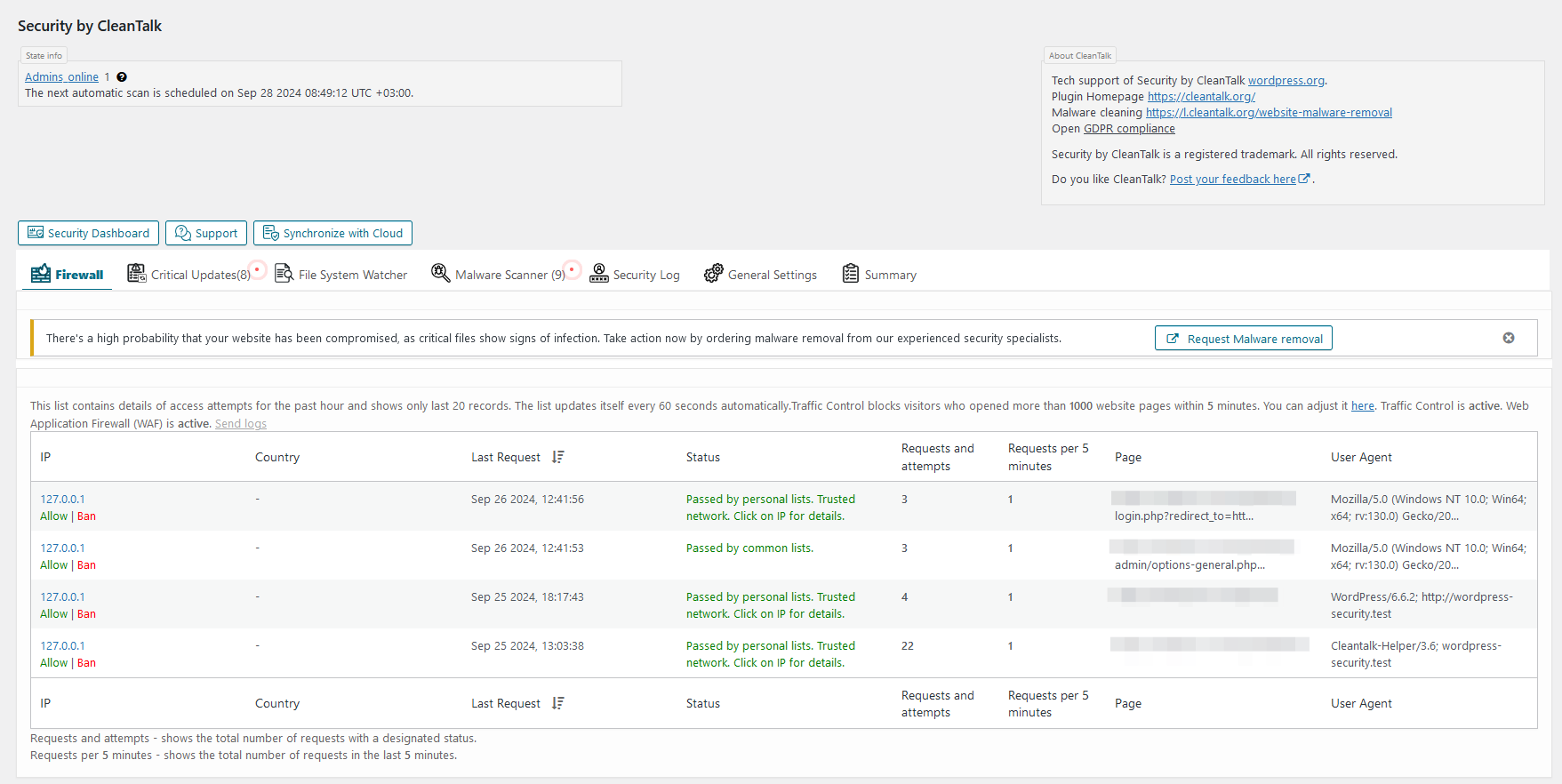
Please use the wrong username or password to log-in to your WP admin panel to see how the Security Plugin works. Then you may log-in with your correct account name and see the logs for the last actions in the settings or our plugin. Also, Audit Log will display the last visited URL’s of the current user.
Yes, the plugin is compatible with WordPress MultiUser.
Go to your CleanTalk account->Log. Use filters to sort data for analyses.
Security logs provide you to receive and keep information for 45 days. You have the following possibilities:
1. Time period for all records you want to see.
• Website for which you want to see security records. Leave the field empty to see security records for all websites.
• Choose an event you want to see:
Yes, it is possible. Go to your CleanTalk account->Change email https://cleantalk.org/my/change-email
Access Key allows you to keep statistics up to 45 days in the cloud and different additional settings and has more possibilities to sort the data and analyses. Our plugin evolves to Cloud Technology and all its logs are transferred to Cloud. Cloud Service takes data processing and data storage and allows to reduce your webserver load.

Firewall, Malware Scanner, Two Factor Auth, and Comprehensive Security Features, powered by our 24-hour team. Make security a priority with Wordfence.

WordPress login security with brute force protection, Two-factor authentication (2FA/MFA), firewall, IP/country blocking, and login monitoring

#51 by installs
Secure your WordPress site from brute-force attacks, threats, malware, and bots. Free to use and easy to set up.
The Sucuri WordPress Security plugin is a security toolset for security integrity monitoring, malware detection and security hardening.
A true Web Application Firewall to protect and secure WordPress.

#401 by installs
Hide My WP Ghost is a WordPress security plugin that hides WP paths and protects your site with Path Security, Firewall, Brute Force Protection, 2FA
Read from the WordPress.org plugin API on , when WordPress 7.1.4 was the current release. WordPress.org rounds active installs into buckets. These are the directory's figures, not my verdict, and I haven't tested this plugin.

