
Firewall, Malware Scanner, Two Factor Auth, and Comprehensive Security Features, powered by our 24-hour team. Make security a priority with Wordfence.
- Installs
- 5+ million
- Rating
- 4.7 (5K)
- Updated
- 31 days ago

The Sucuri WordPress Security plugin is a security toolset for security integrity monitoring, malware detection and security hardening.
| Last updated | October 14, 2026Updated in the last 3 months |
|---|---|
| Tested up to | WordPress 7.1.4Covers WordPress 7.1.4, the current release |
| Needs WordPress | 6.0 or newer |
| Needs PHP | 7.4 or newer |
| First published | November 18, 2011 |
| Support, last two months | 2 of 2 threads resolved (100%) |
4.2 / 5 from 386 reviews
| 5 stars | 288 |
|---|---|
| 4 stars | 21 |
| 3 stars | 9 |
| 2 stars | 4 |
| 1 star | 64 |
At Sucuri, we are dedicated to keeping your website safe and secure. With a focus on protection and monitoring, we offer solutions that help you stay ahead of potential threats for your WordPress site.
Our services include everything from malware detection to performance optimization, all designed to give you peace of mind.
We understand the importance of your online presence and are here to support you every step of the way. Join us, and let’s work together to ensure your website remains secure and resilient.
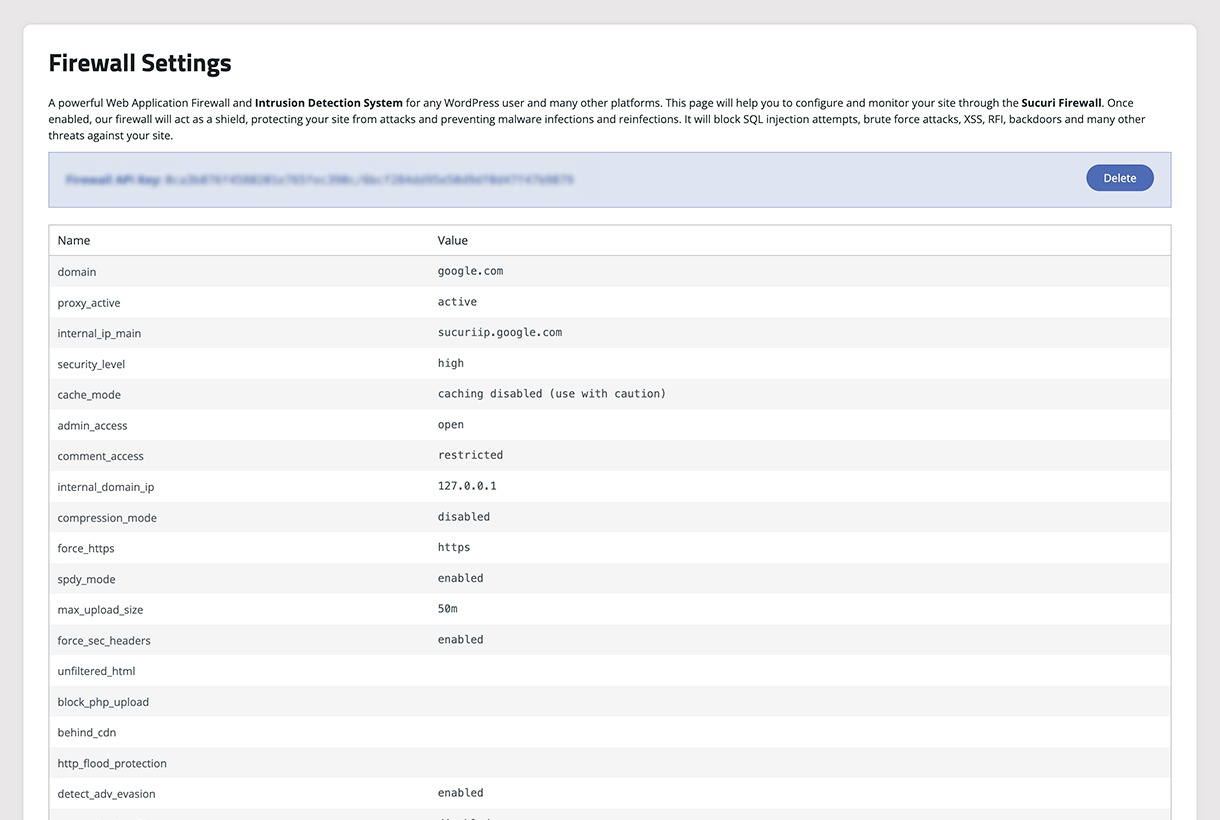
The Sucuri Security Monitoring Plugin is designed to safeguard your WordPress site with ease and reliability. Our plugin offers a range of essential security features, including:
The opening of the plugin's own description. The full text, installation notes and changelog are on its WordPress.org page.
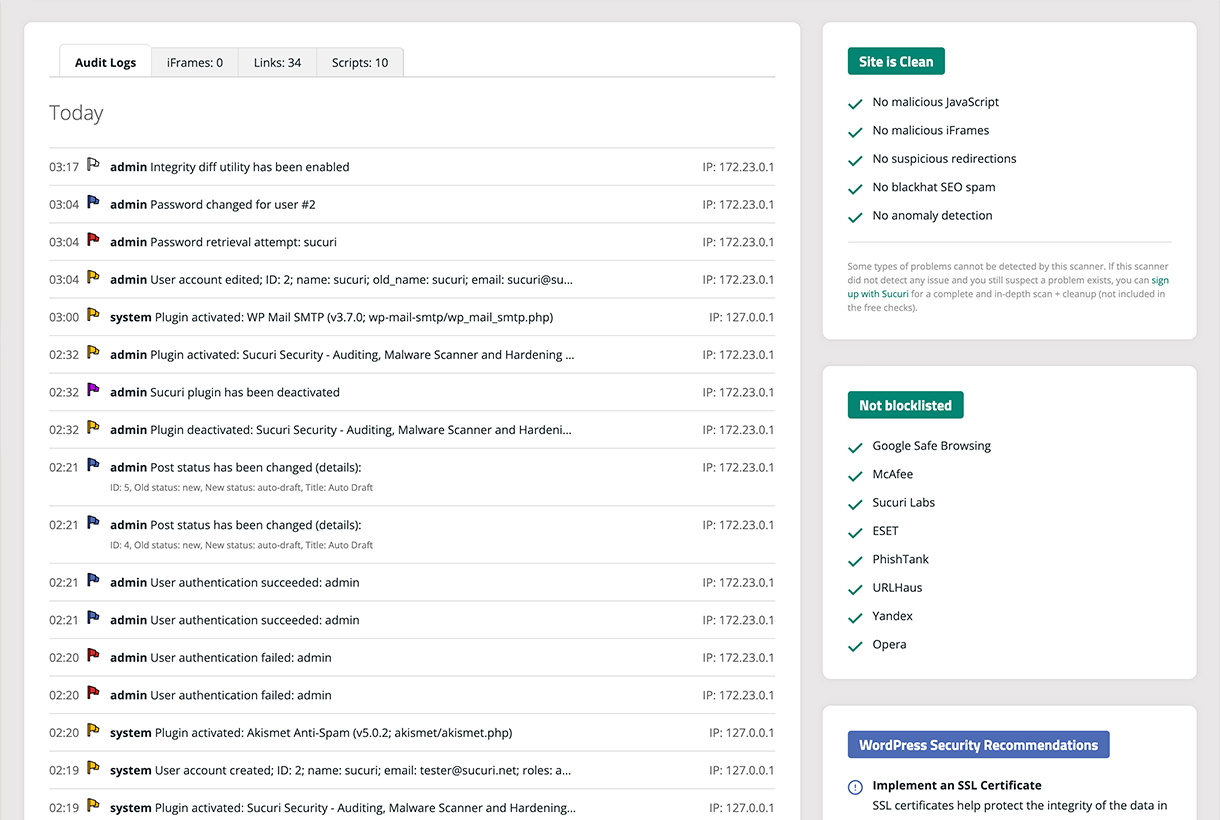
One of the standout features of our WordPress plugin is the comprehensive audit logging system. At Sucuri, we recognize that every change within your application can be a potential security event. From user logins to content modifications, our audit logs are designed to capture all security-related activities on your site.
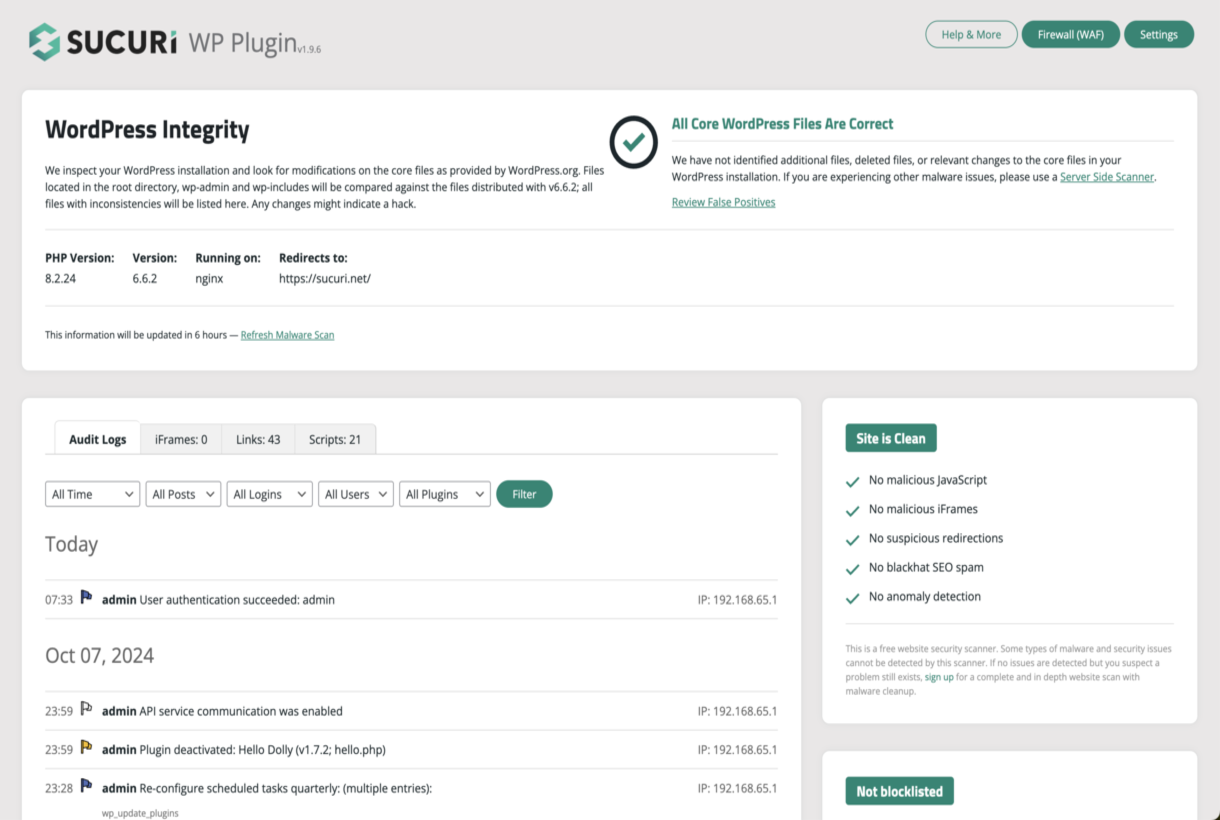
Security File Integrity Monitoring has been fundamental to the world of security. It’s the act of comparing a known good with the current state. If the current state differs from the known good, you know you have a problem. This is the basis of a lot of host intrusion detection systems. We have built that into this plugin.
Once this plugin is installed and activated, we automatically scan your site searching for known malware, viruses, blacklisting status, website errors, out-of-date software, and malicious code.
We access your site just like a regular visitor would as this helps us catch threats that try to stay hidden from bots or search engines. This feature is powered by our free website security scanner – SiteCheck.
Another very interesting feature of the website Security Malware Scanner is that it checks various blocklist engines, including the following:
Our team cleans thousands of websites every day, giving us deep insight into the most effective ways to protect WordPress sites.
We’ve used that experience to create a list of actionable recommendations available in the Hardening & Prevention section of this plugin.
To name a few (note that this will depend on your environment), these actions are:
Even with the strongest security measures, no site is 100% safe from hacking. When a compromise occurs, the Post-Hack section of our plugin guides you through four critical steps to help you regain control of your site:
These steps are designed to help you recover faster after a security incident.

Firewall, Malware Scanner, Two Factor Auth, and Comprehensive Security Features, powered by our 24-hour team. Make security a priority with Wordfence.
A true Web Application Firewall to protect and secure WordPress.

#356 by installs
Free daily vulnerability scans & WordPress security, powered by WPScan (an Automattic brand) and its 60,000+ vulnerability database. No setup needed!

#522 by installs
WordPress security plugin with malware scanner, IP blocking, audit logs, antivirus scans, firewall, 2FA, brute force login security, and more.

#882 by installs
Protect WordPress from malware, hackers, brute-force attacks & suspicious traffic. Includes firewall, login security, 2FA & vulnerability checks.

#886 by installs
Protect your WordPress with SecuPress, analyze and ensure the safety of your website daily.
Read from the WordPress.org plugin API on , when WordPress 7.1.4 was the current release. WordPress.org rounds active installs into buckets. These are the directory's figures, not my verdict, and I haven't tested this plugin. The author takes donations at their donate page.
