
The Sucuri WordPress Security plugin is a security toolset for security integrity monitoring, malware detection and security hardening.
- Installs
- 600,000+
- Rating
- 4.2 (386)
- Updated
- 17 days ago

Free daily vulnerability scans & WordPress security, powered by WPScan (an Automattic brand) and its 60,000+ vulnerability database. No setup needed!
| Last updated | August 12, 2026Updated in the last 3 months |
|---|---|
| Tested up to | WordPress 7.0.8Older than WordPress 7.1.4, the current release |
| Needs WordPress | 6.9 or newer |
| Needs PHP | 7.2 or newer |
| First published | May 31, 2022 |
| Support, last two months | 3 of 4 threads resolved (75%) |
4.6 / 5 from 123 reviews
| 5 stars | 108 |
|---|---|
| 4 stars | 3 |
| 3 stars | 1 |
| 2 stars | 2 |
| 1 star | 9 |
Free daily vulnerability scans & WordPress security, powered by WPScan (an Automattic brand) and its 60,000+ vulnerability database. No setup needed!
TOTAL SITE SECURITY FROM WORDPRESS EXPERTS
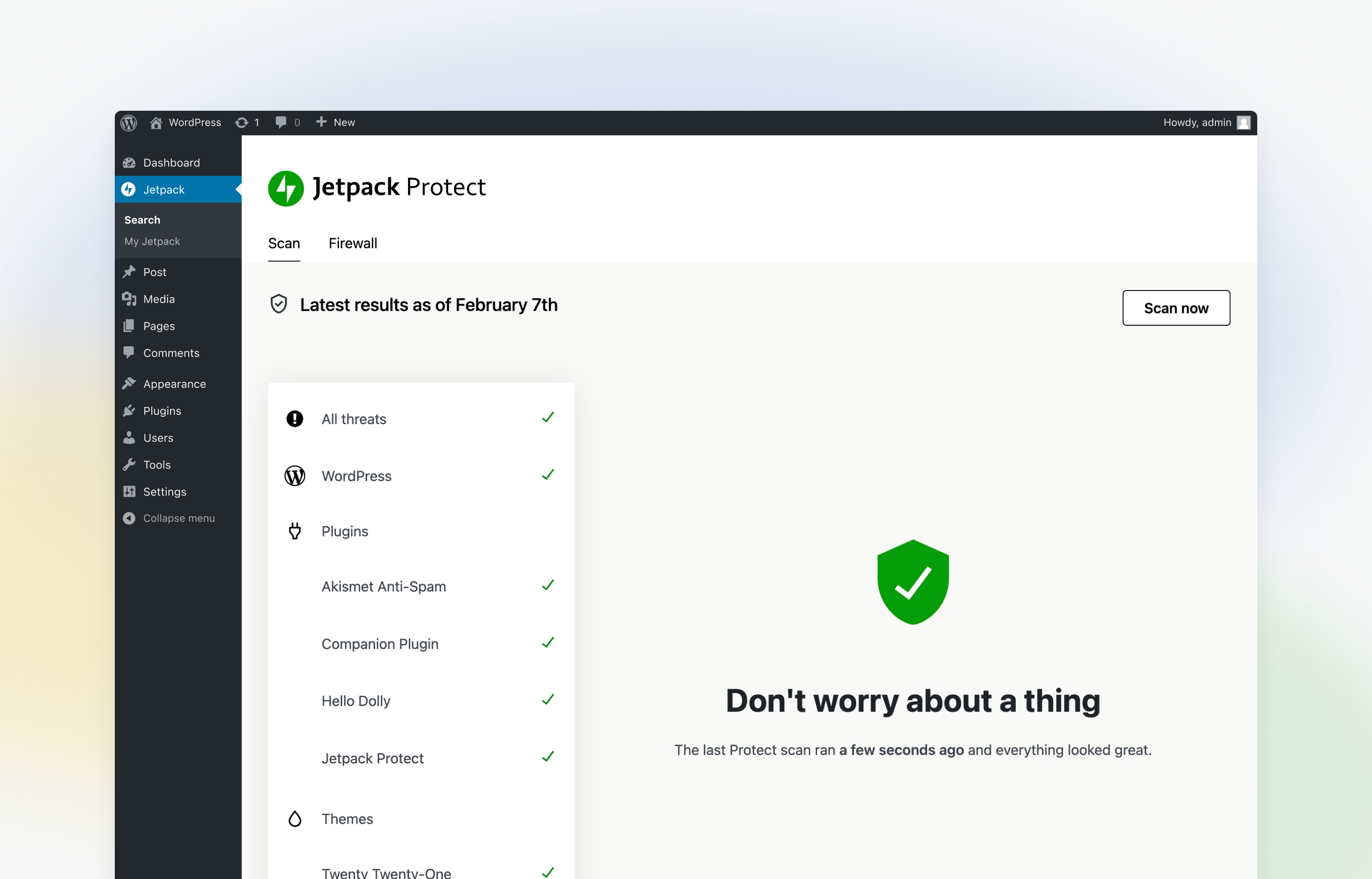
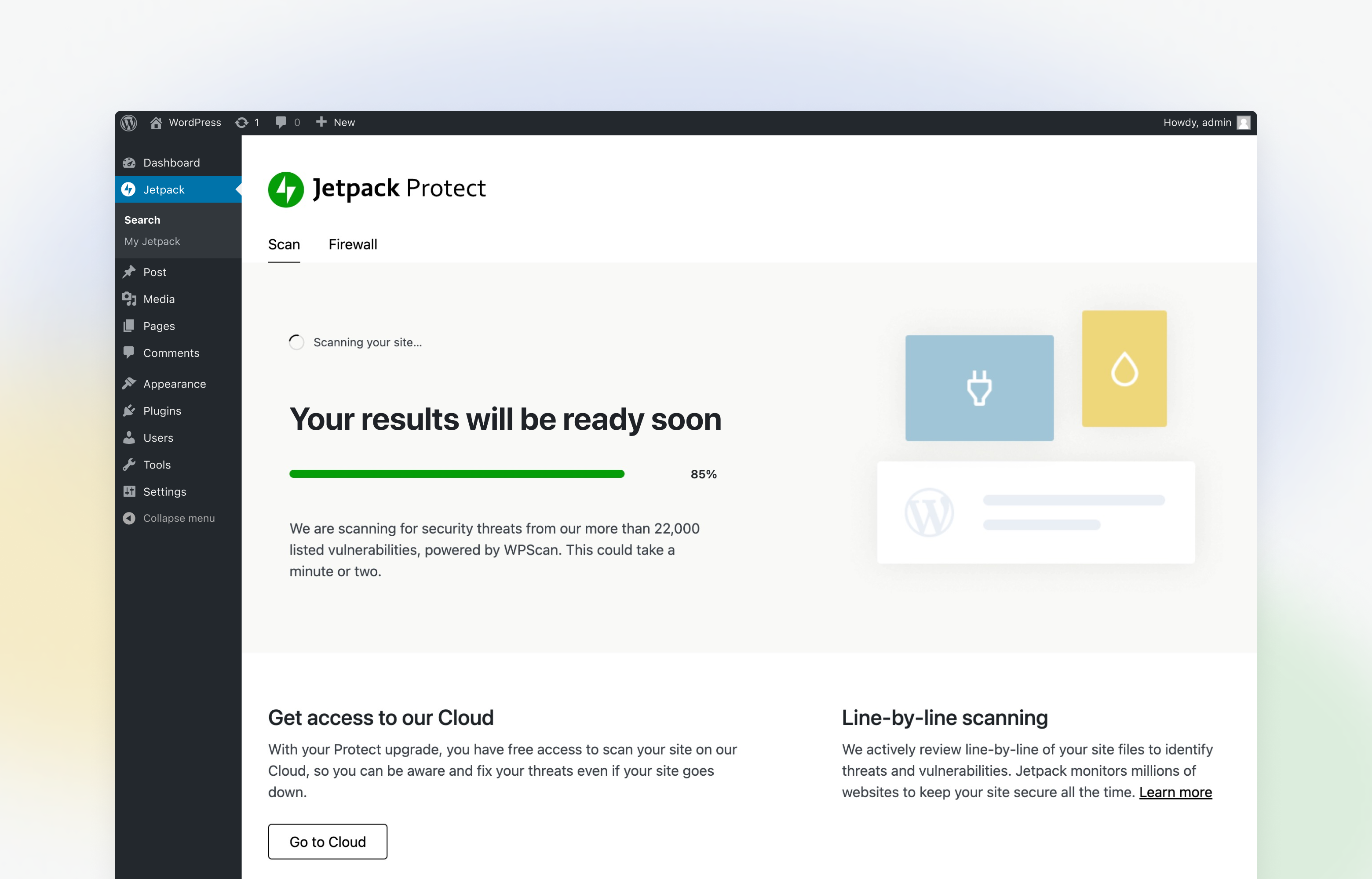
Jetpack Protect is a free and essential WordPress security plugin that scans your site and warns you about vulnerabilities, keeping your site one step ahead of security threats. It’s easy to use; setup requires just a few clicks!
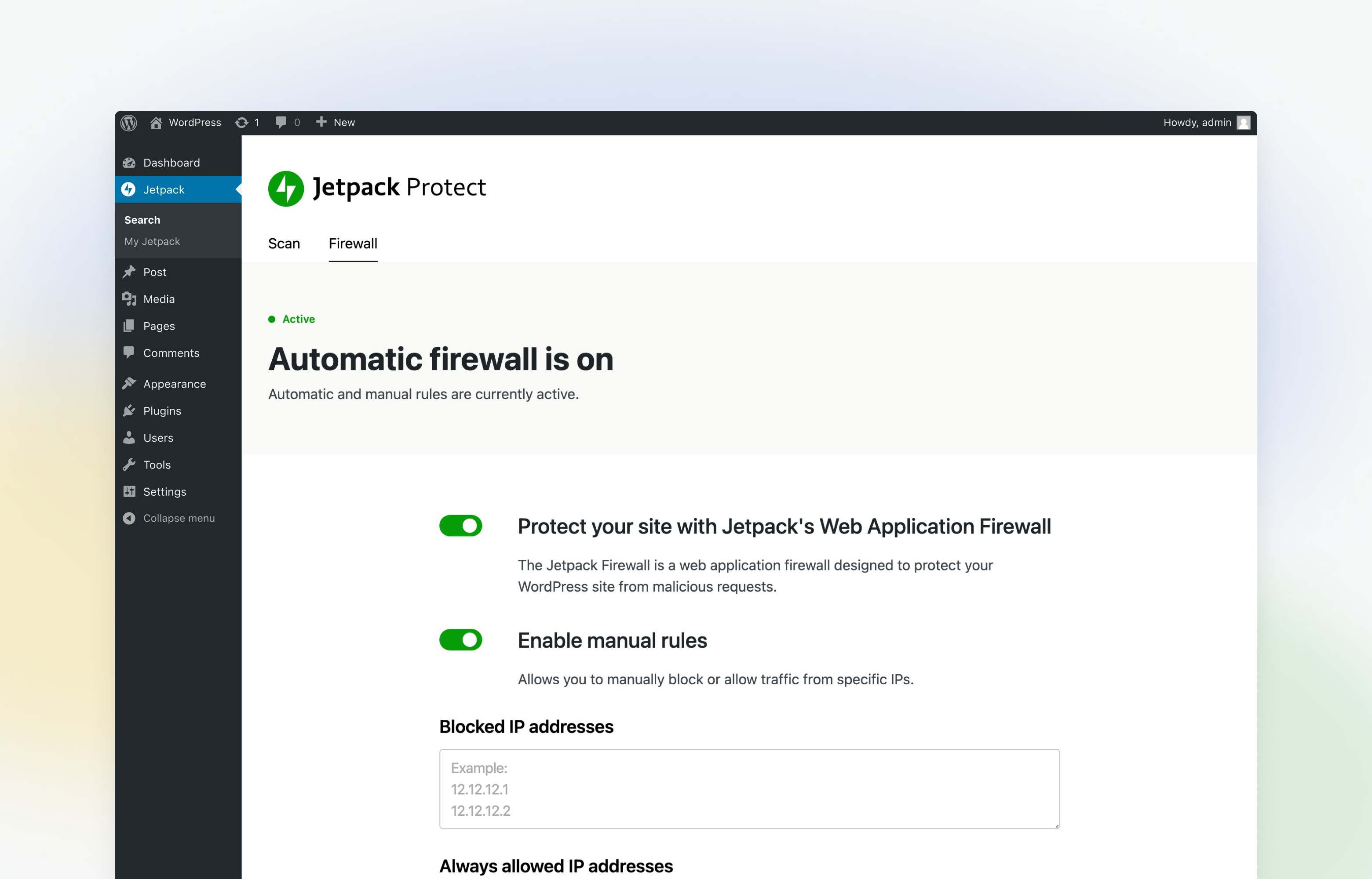
By upgrading Protect, you also unlock malware scanning with one-click fixes for most issues and instant notifications when threats are detected. Our automated Web Application Firewall (WAF) also protects your site from bad actors around the clock.
Jetpack Protect is created by WordPress experts; our parent company Automattic is behind Jetpack, WordPress.com, WooCommerce, WPScan, and much more. There is no better company to understand the security needs of WordPress sites.
WHAT DOES JETPACK PROTECT (FREE) CHECK FOR?
Jetpack Protect scans your site on a daily basis and warns you about:
– The version of WordPress installed, and any associated vulnerabilities
– What plugins are installed, and any related vulnerabilities
– What themes are installed, and any associated vulnerabilities
What are vulnerabilities? Why do I need to scan my site regularly?
The opening of the plugin's own description. The full text, installation notes and changelog are on its WordPress.org page.
Protect is a free WordPress security scanner plugin that scans your site and lets you know possible vulnerability and other security threats on your installed plugins, themes, and core files.
The free plan scans your site for WordPress version, plugin, and theme vulnerabilities from our extensive vulnerability database (53,500) that is powered by WPScan.
Jetpack Protect does not require the Jetpack plugin to run and secure your site.
Jetpack Protect is a new WordPress security plugin from Jetpack containing our security features only. You can start with Jetpack Protect’s free vulnerability scanning features and upgrade Jetpack Protect to access automated malware scanning and our web application firewall. By upgrading Protect, you are enabling Jetpack Scan to the plugin.
Jetpack Protect requires a publicly accessible site to perform the vulnerability scan.
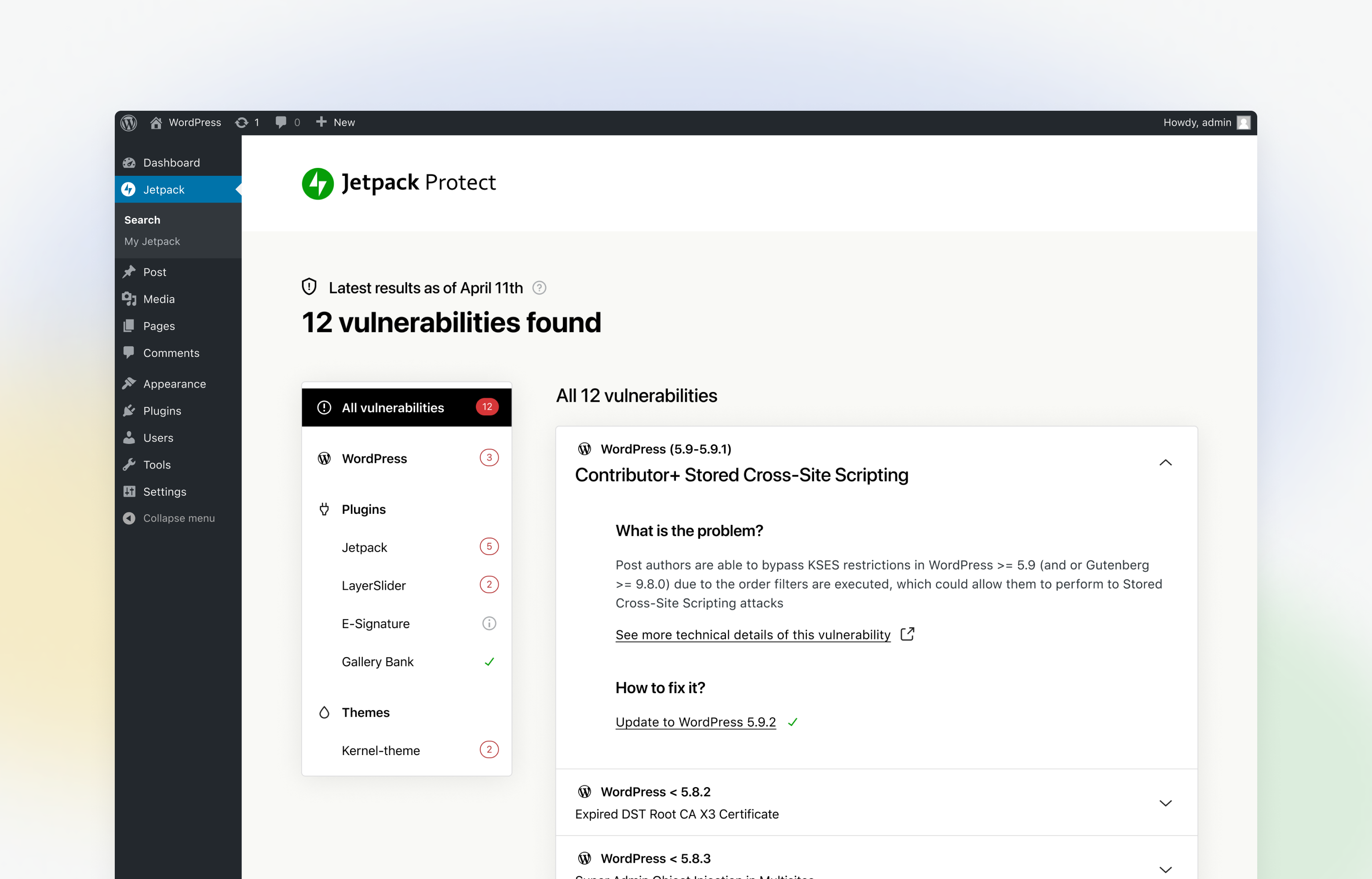
You can visit Jetpack Protect dashboard in your WordPress admin panel to see the security threats and malware found by the integrated malware scanner.
When the vulnerability scanner finds a security threat, you can view the recommended actions on the Jetpack Protect dashboard to secure your sites.
If you have upgraded Protect, your site will also be automatically scanned for malware each day, and you will be notified instantly via email if any threats are detected. You will be able to fix most issues in one click.
The Sucuri WordPress Security plugin is a security toolset for security integrity monitoring, malware detection and security hardening.

#886 by installs
Protect your WordPress with SecuPress, analyze and ensure the safety of your website daily.
Firewall, Malware Scanner, Two Factor Auth, and Comprehensive Security Features, powered by our 24-hour team. Make security a priority with Wordfence.
Harden your site security with Login Security, Two-Factor Authentication (2FA), Vulnerability Scanner, Firewall, and more. Formerly iThemes Security.
A true Web Application Firewall to protect and secure WordPress.

#522 by installs
WordPress security plugin with malware scanner, IP blocking, audit logs, antivirus scans, firewall, 2FA, brute force login security, and more.
Read from the WordPress.org plugin API on , when WordPress 7.1.4 was the current release. WordPress.org rounds active installs into buckets. These are the directory's figures, not my verdict, and I haven't tested this plugin.


