
Block spam comments, defend against login attacks, strengthen site security. Anti-spam, brute-force protection & two-factor authentication built in.
- Installs
- 50,000+
- Rating
- 4.5 (370)
- Updated
- 3 days ago

Harden your site security with Login Security, Two-Factor Authentication (2FA), Vulnerability Scanner, Firewall, and more. Formerly iThemes Security.
| Last updated | October 14, 2026Updated in the last 3 months |
|---|---|
| Tested up to | WordPress 7.1.4Covers WordPress 7.1.4, the current release |
| Needs WordPress | 6.5 or newer |
| Needs PHP | 7.4 or newer |
| First published | October 23, 2010 |
| Support, last two months | 3 of 12 threads resolved (25%) |
4.6 / 5 from 3,992 reviews
| 5 stars | 3,419 |
|---|---|
| 4 stars | 177 |
| 3 stars | 46 |
| 2 stars | 61 |
| 1 star | 289 |
Reduce your WordPress website’s risk to nearly zero with Kadence Security
Formerly iThemes Security. Looking for iThemes? Learn more here.
On average, 30,000 websites are hacked every day.* Cyberattacks in the US increased by 57% in 2022.** Bad actors who want to hack your site, steal your data, and cripple your business are a 24/7/365 threat.
You need a proactive, strategic approach to WordPress website security that protects your site from brute force attacks, malware infections, and other cyber threats.
Kadence Security shields your site from cyberattacks and prevents security vulnerabilities. It automatically locks out bad users identified by our Brute Force Protection Network that is nearly 1 million sites strong and leverages your own blacklist. It secures and protects your most commonly attacked part of your WordPress website – user login authentication.
With Patchstack integration (Pro) protects your site before you even have a chance to address vulnerabilities and before a plugin or theme vendor or developer can even issue a patch.
That’s 24/7/365 always-on truly Kadence Security.
🌐 Secure your Website in Minutes
The opening of the plugin's own description. The full text, installation notes and changelog are on its WordPress.org page.
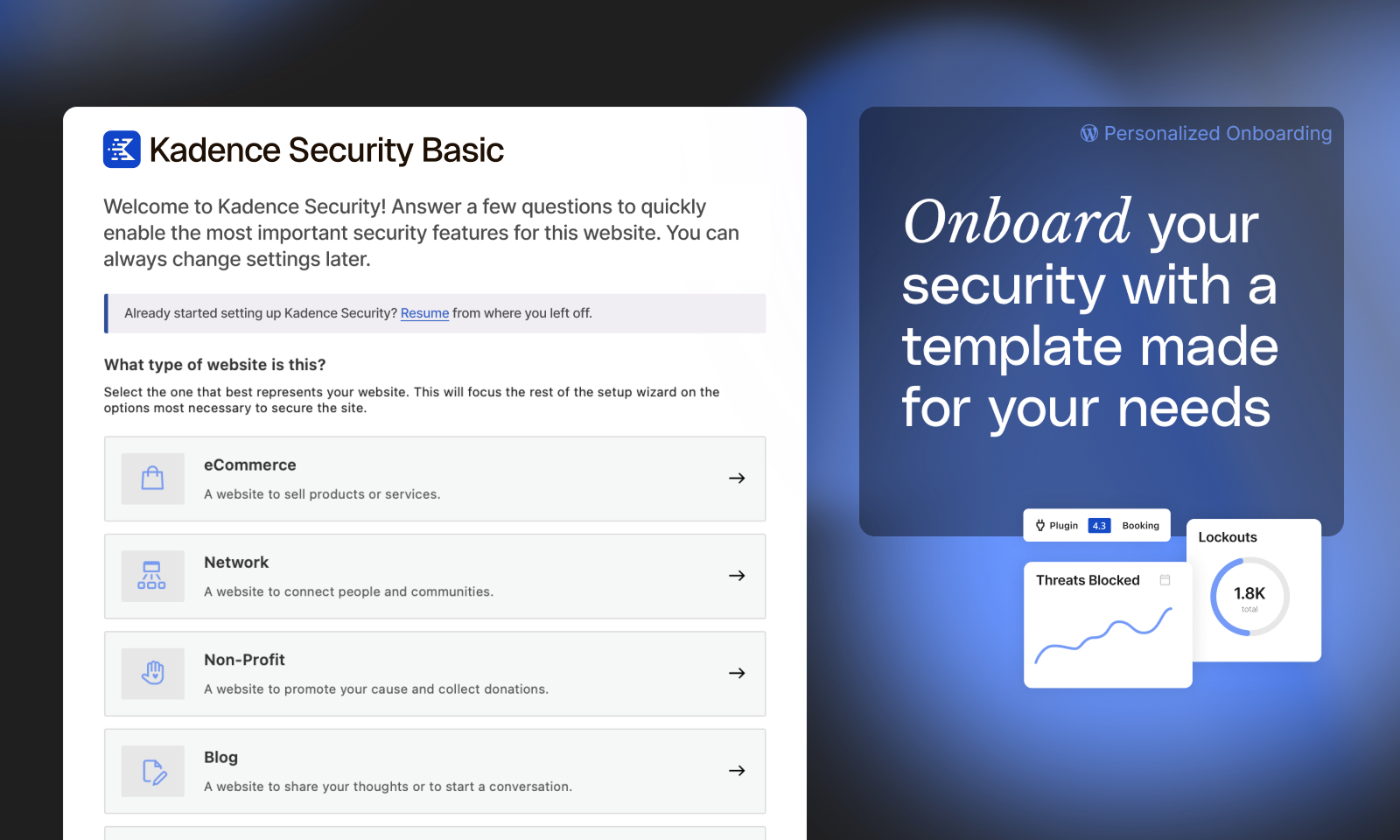
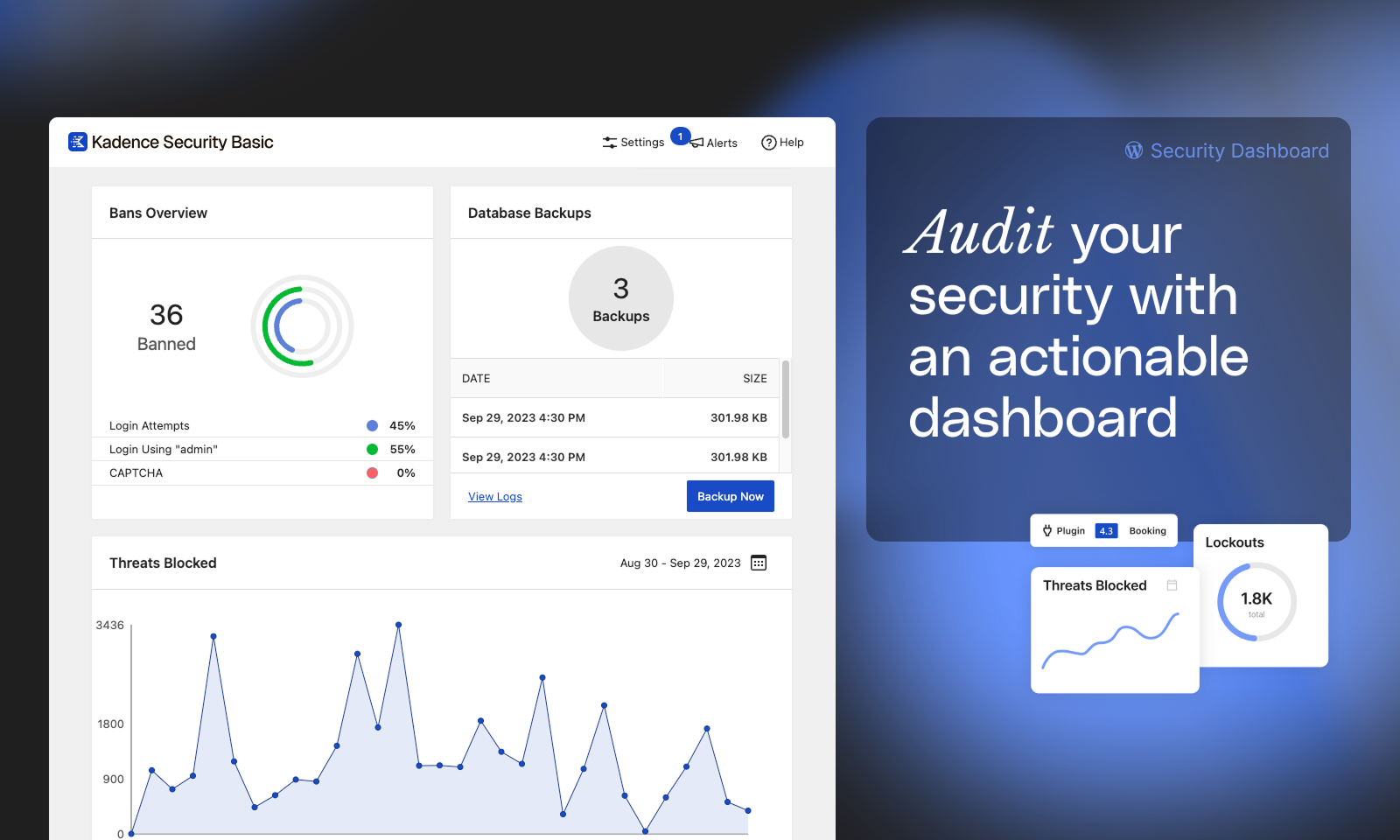
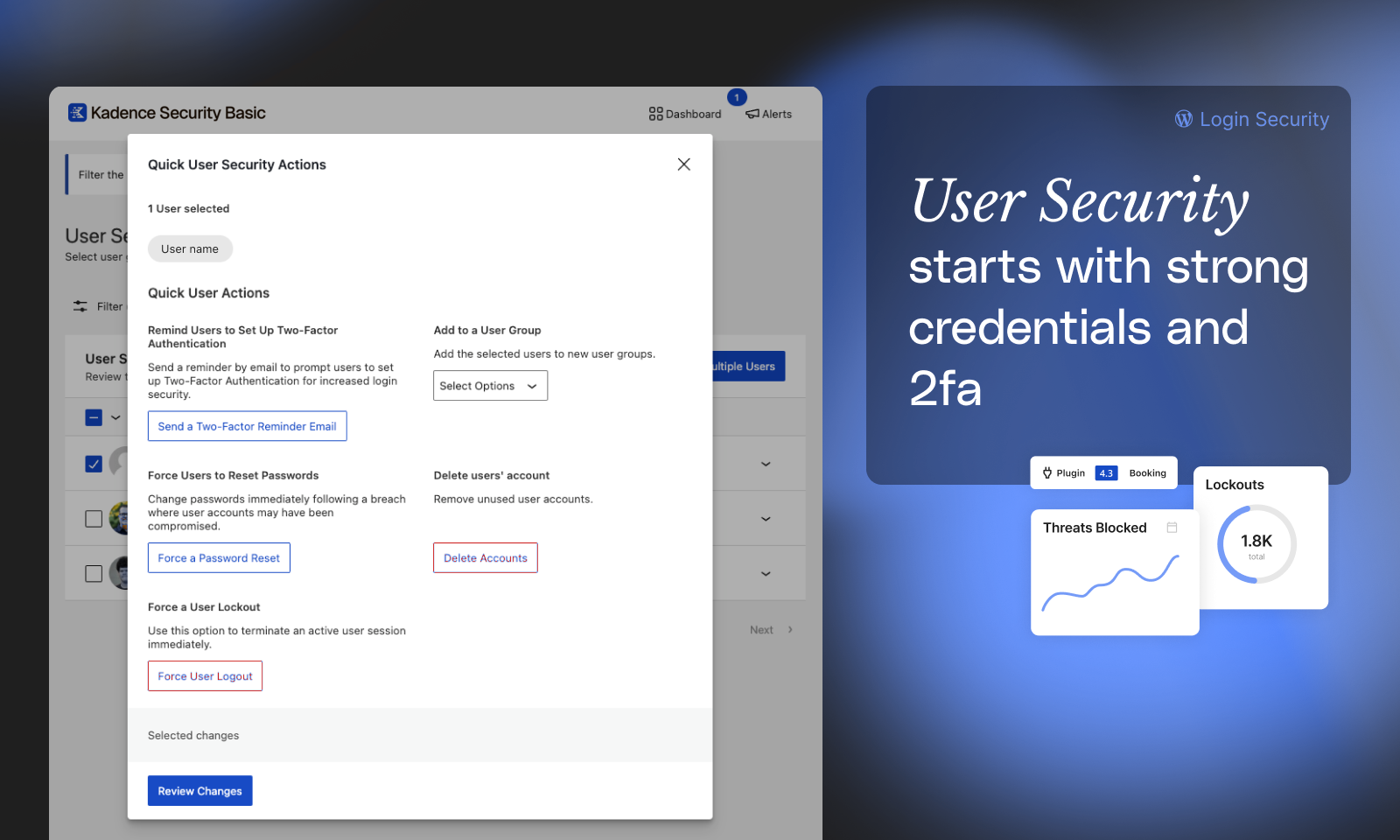
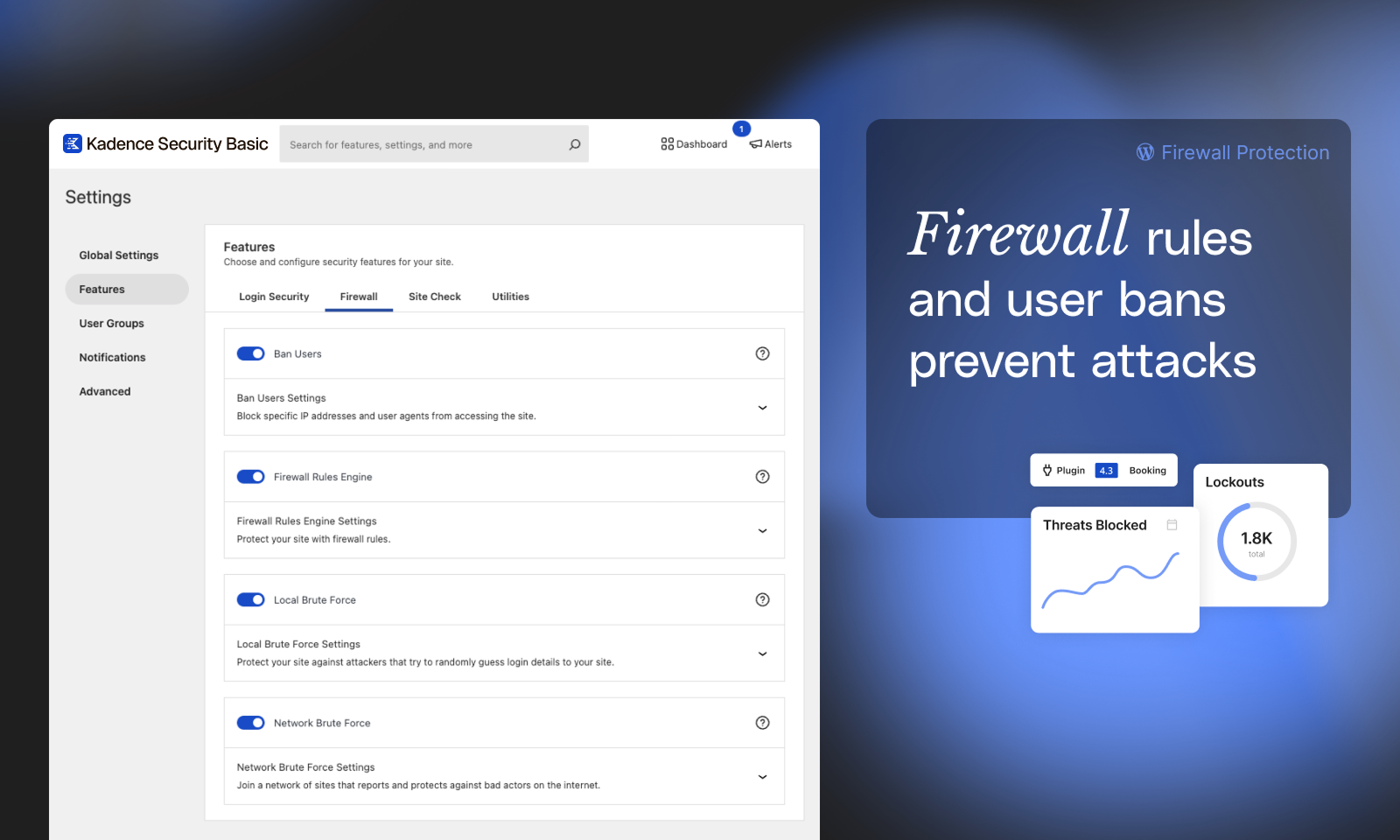
Block spam comments, defend against login attacks, strengthen site security. Anti-spam, brute-force protection & two-factor authentication built in.
Firewall, Malware Scanner, Two Factor Auth, and Comprehensive Security Features, powered by our 24-hour team. Make security a priority with Wordfence.

#57 by installs
Protect your WordPress site with All-In-One Security (AIOS): easy-to-use login security, a powerful firewall, and much more.
The Sucuri WordPress Security plugin is a security toolset for security integrity monitoring, malware detection and security hardening.
A true Web Application Firewall to protect and secure WordPress.

#356 by installs
Free daily vulnerability scans & WordPress security, powered by WPScan (an Automattic brand) and its 60,000+ vulnerability database. No setup needed!
Read from the WordPress.org plugin API on , when WordPress 7.1.4 was the current release. WordPress.org rounds active installs into buckets. These are the directory's figures, not my verdict, and I haven't tested this plugin.


