
WordPress login security with brute force protection, Two-factor authentication (2FA/MFA), firewall, IP/country blocking, and login monitoring
- Installs
- 1+ million
- Rating
- 4.8 (1.5K)
- Updated
- 38 days ago

Protect your WordPress site with All-In-One Security (AIOS): easy-to-use login security, a powerful firewall, and much more.
| Last updated | October 30, 2026Updated in the last 3 months |
|---|---|
| Tested up to | WordPress 7.1.4Covers WordPress 7.1.4, the current release |
| Needs WordPress | 5.3 or newer |
| Needs PHP | 7.4 or newer |
| First published | June 3, 2013 |
| Support, last two months | 9 of 21 threads resolved (43%) |
4.7 / 5 from 1,720 reviews
| 5 stars | 1,557 |
|---|---|
| 4 stars | 53 |
| 3 stars | 22 |
| 2 stars | 15 |
| 1 star | 73 |
THE TOP RATED WORDPRESS SECURITY AND FIREWALL PLUGIN
All-in-One Security (AIOS) is a WordPress security plugin from the same, trusted team that brought you UpdraftPlus.
It’s called ‘All-In-One’ because it’s packed full of ways to keep your WordPress website(s) safe and secure.
It includes:
Login security features keep bots at bay. Lock out users based on a configurable number of login attempts, get two-factor authentication and more.
File and database security. Get notified of file changes that occur outside of normal operations. Block access to key files and scan files and folders to spot insecure permissions.
Firewall. Get PHP, .htaccess and 6G firewall rules courtesy of Perishable Press. Spot and block fake Google Bots and more!
Spam prevention. Prevent annoying spam comments and reduce unnecessary load on the server. Automatically and permanently block IP addresses that exceed a set number of spam comments.
Audit log. View events happening on your WordPress website. Find out if a plugin or theme has been added, removed, updated and more.
WHY ALL-IN-ONE SECURITY?
AIOS has a near-perfect 4.7 / 5-star user rating across more than 1 million installs.
The opening of the plugin's own description. The full text, installation notes and changelog are on its WordPress.org page.
Customers of ‘Free’ AIOS can get support from this very webpage. Select ‘Support’ from the tabs above and post a topic. We aim to respond to all support requests within 24 hours during the working week.
Yes. AIOS works smoothly with most popular WordPress plugins.
Yes. WordPress Security is something that evolves over time. We update AIOS with new security features (and fixes if required) on a regular basis so you can be assured that your site will keep benefitting from new security protection techniques for as long as you need them.
No.
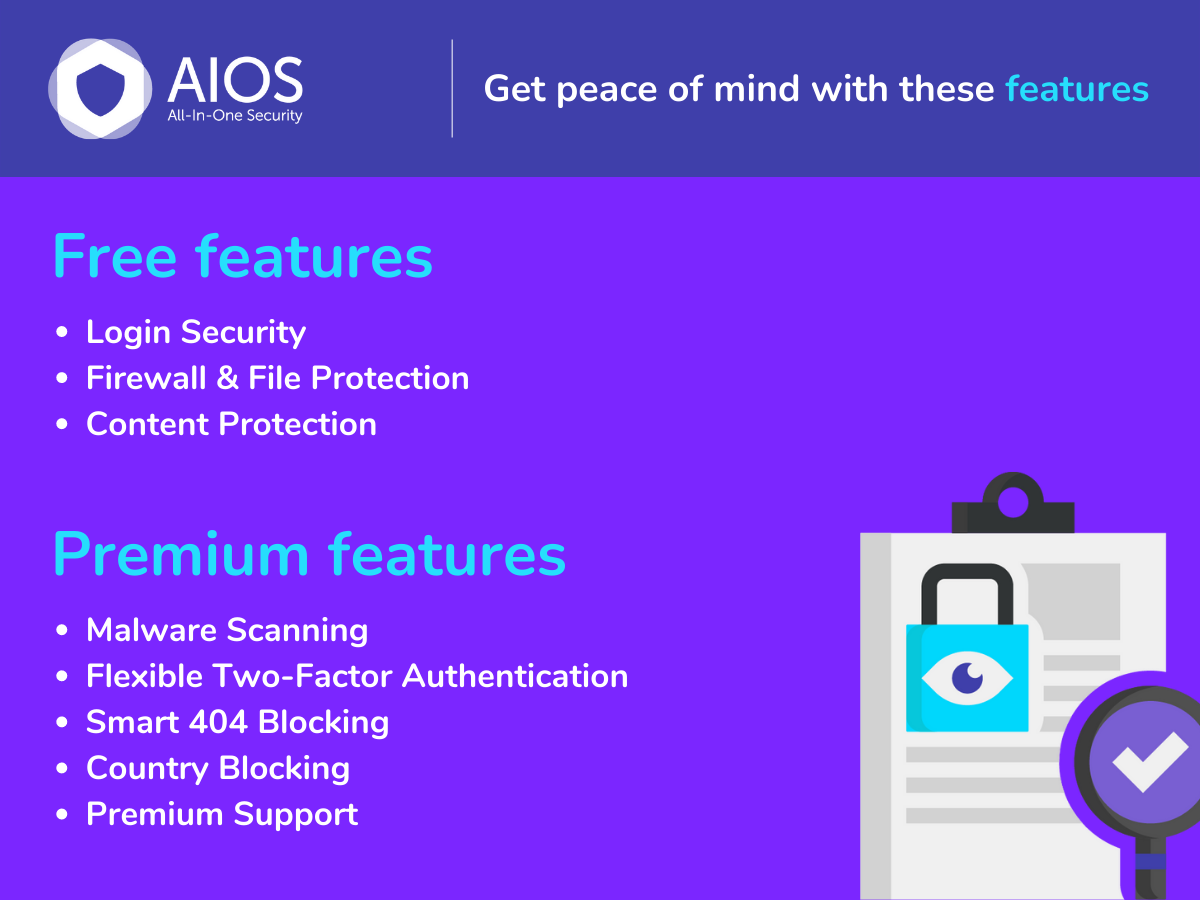
The decision is yours to make. ‘Free’ AIOS incorporates a web application firewall, comprehensive login security tools including two-factor authentication and all the latest recommended WordPress security practices and techniques.
But if your WordPress site is a business website, if it showcases what you do, or who you are, we generally recommend AIOS Premium. Prices start from as little as $70 for the year.
AIOS Premium scans your WordPress website for malware whilst also monitoring your site’s response time and uptime, notifying you of any issues within 24 hours, AIOS Premium customers also benefit from hands-on ticketed support via email (rather than via WP Support forums).
Additional security tools include Country Blocking, Smart 404 Error Blocking and Advanced Two Factor Authentication.
WordPress login security with brute force protection, Two-factor authentication (2FA/MFA), firewall, IP/country blocking, and login monitoring

#522 by installs
WordPress security plugin with malware scanner, IP blocking, audit logs, antivirus scans, firewall, 2FA, brute force login security, and more.
Firewall, Malware Scanner, Two Factor Auth, and Comprehensive Security Features, powered by our 24-hour team. Make security a priority with Wordfence.

#51 by installs
Secure your WordPress site from brute-force attacks, threats, malware, and bots. Free to use and easy to set up.
Harden your site security with Login Security, Two-Factor Authentication (2FA), Vulnerability Scanner, Firewall, and more. Formerly iThemes Security.
The Sucuri WordPress Security plugin is a security toolset for security integrity monitoring, malware detection and security hardening.
Read from the WordPress.org plugin API on , when WordPress 7.1.4 was the current release. WordPress.org rounds active installs into buckets. These are the directory's figures, not my verdict, and I haven't tested this plugin. The author takes donations at their donate page.


