
Firewall, Malware Scanner, Two Factor Auth, and Comprehensive Security Features, powered by our 24-hour team. Make security a priority with Wordfence.
- Installs
- 5+ million
- Rating
- 4.7 (5K)
- Updated
- 31 days ago

WordPress login security with brute force protection, Two-factor authentication (2FA/MFA), firewall, IP/country blocking, and login monitoring
| Last updated | September 23, 2026Updated in the last 3 months |
|---|---|
| Tested up to | WordPress 7.1.4Covers WordPress 7.1.4, the current release |
| Needs WordPress | 5.0 or newer |
| Needs PHP | Not stated |
| First published | August 3, 2016 |
| Support, last two months | 3 of 8 threads resolved (38%) |
4.8 / 5 from 1,488 reviews
| 5 stars | 1,402 |
|---|---|
| 4 stars | 31 |
| 3 stars | 8 |
| 2 stars | 10 |
| 1 star | 37 |
Protect your WordPress website against brute force attacks, bot attacks, and unauthorized login attempts with one of the most trusted login security plugins for WordPress.
Limit Login Attempts Security strengthens your WordPress login security by limiting failed login attempts, blocking malicious IPs, securing wp-login.php, protecting XML-RPC, and adding powerful firewall and 2FA protection without slowing down your website.
Trusted by 2 million WordPress websites, Limit Login Attempts Security is designed specifically to protect the most targeted part of your website: the login page.
Why Use Limit Login Attempts Security?
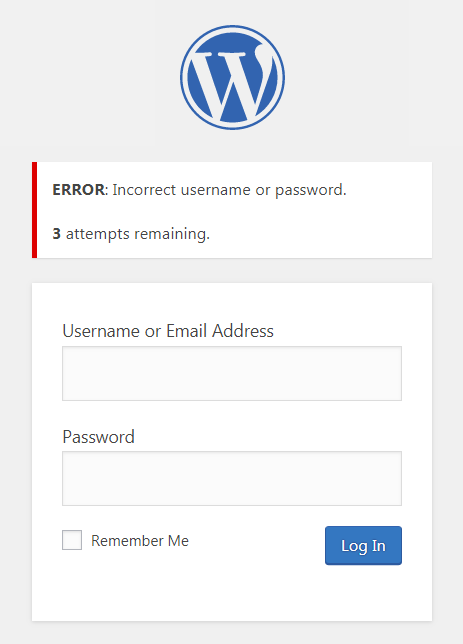
By default, WordPress allows unlimited login attempts. This creates a major security vulnerability where bots and attackers can repeatedly guess usernames and passwords until they gain access. This is especially important in the age of AI, where attackers now have access to faster and more sophisticated tools than ever before.
Limit Login Attempts Security helps stop:
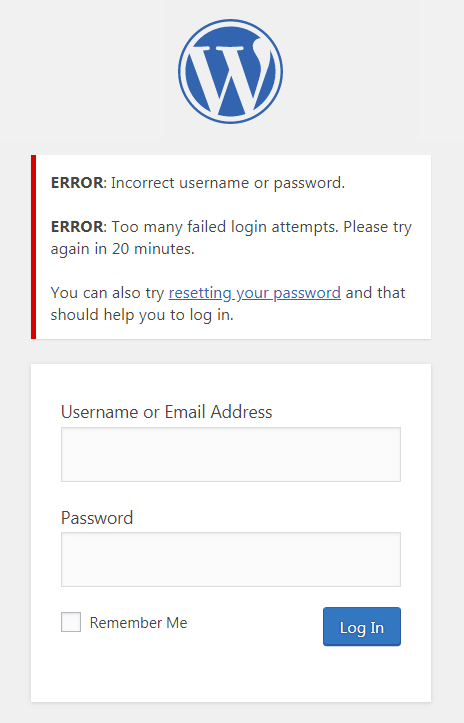
The plugin automatically blocks excessive login attempts and locks out suspicious IP addresses and usernames before attackers can gain access.
Features Included in the Free Version
The opening of the plugin's own description. The full text, installation notes and changelog are on its WordPress.org page.
If you are using contemporary hosting, it’s likely your site uses a proxy domain service like CloudFlare, Sucuri, Nginx, etc. They replace your user’s IP address with their own. If the server where your site runs is not configured properly (this happens a lot) all users will get the same IP address. This also applies to bots and hackers. Therefore, locking one user will lead to locking everybody else out.
An easy way to check if the attack is legitimate is to copy the IP address from the lockout notification and check its location using a IP locator tool. If the location is not somewhere you recognize and you have received several failed login attempts, then you are likely being attacked. You might notice dozens or hundreds of IPs each day.
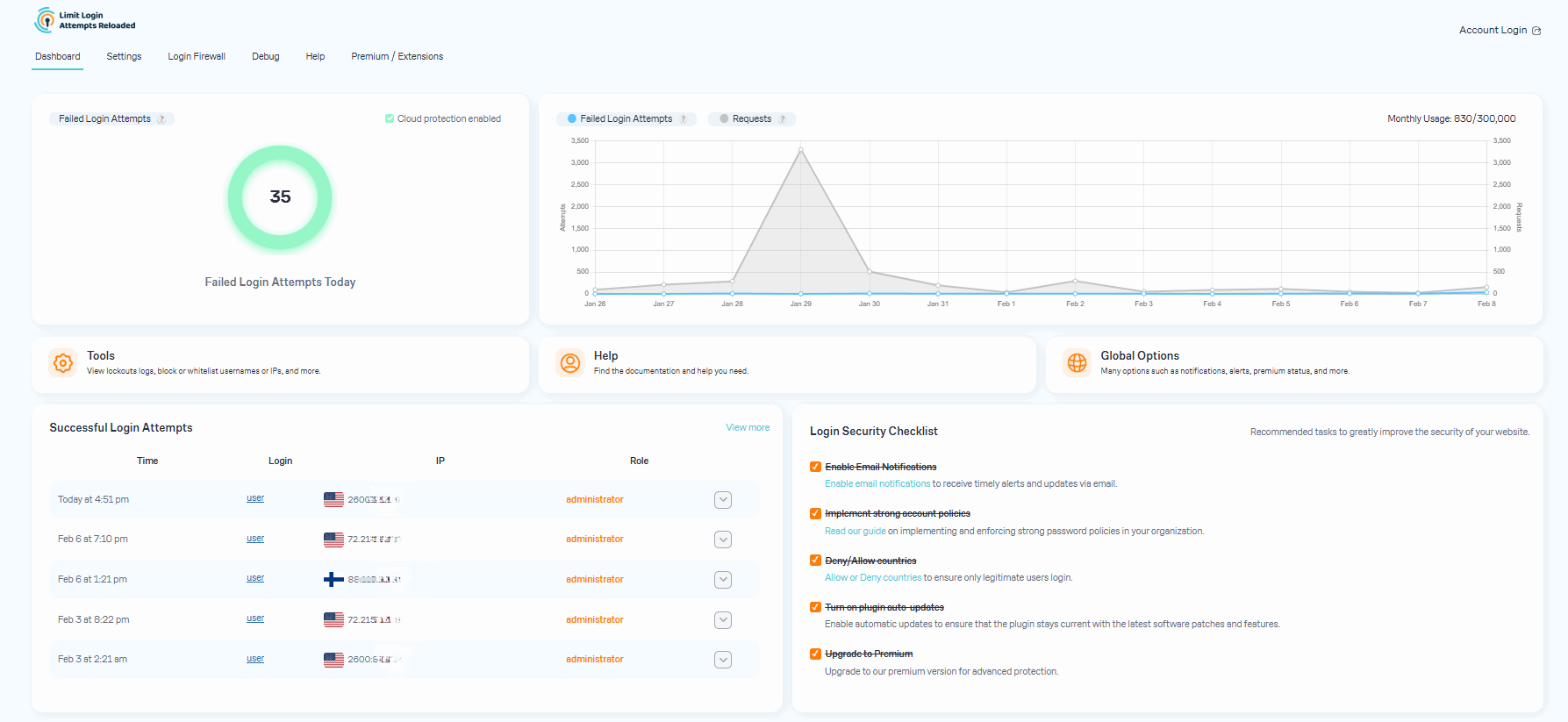
After you upgrade to our premium version, you will see a new dashboard in your WordPress admin that shows all attacks that will now relay through our cloud service. On the graph, you’ll see requests and failed login attempts. Each request will represent the cloud app validating an IP, which also includes denied logins.
Some users find it hard to believe that they could experience numerous unsuccessful login attempts, particularly when their site has just been established or has minimal human traffic. The plugin is not responsible for generating these failed login attempts. Newly created websites are frequently hosted on shared IP addresses, making it easy for hackers to discover them.
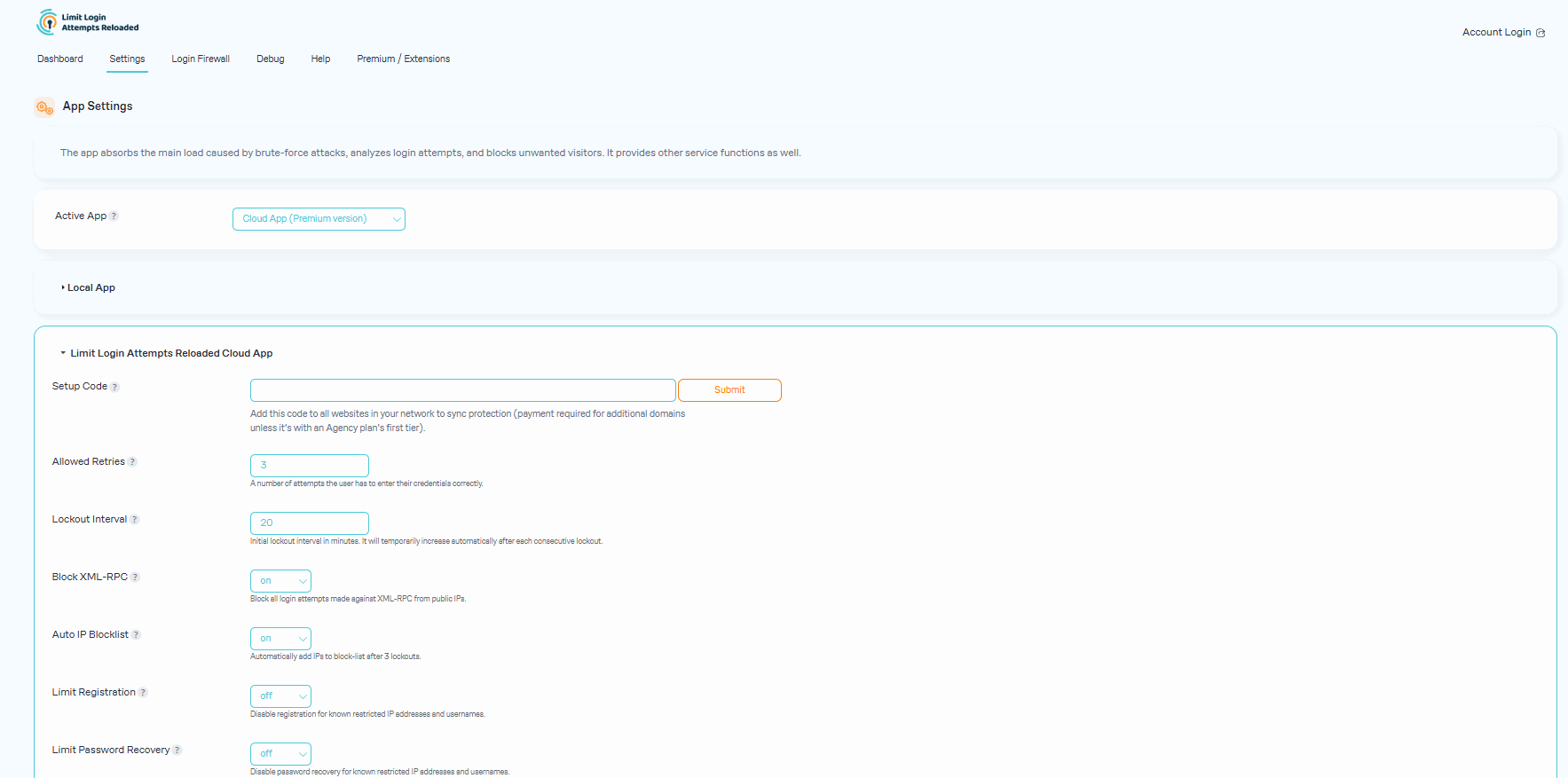
The premium plan’s resource limits start from 100,000 requests per month, which should accept almost any heavy brute-force attack. We monitor all of our sites and will alert the user if it appears they are going over their limits. If limits are reached, we will suggest to the user upgrading to the next plan.
The URLs being protected are your login page (wp-login.php, wp-admin), xmlrpc.php, WooCommerce login page, and any custom login page you have that uses regular WordPress login hooks.
Firewall, Malware Scanner, Two Factor Auth, and Comprehensive Security Features, powered by our 24-hour team. Make security a priority with Wordfence.

#57 by installs
Protect your WordPress site with All-In-One Security (AIOS): easy-to-use login security, a powerful firewall, and much more.

#308 by installs
This Anti-Malware scanner searches for Malware, Viruses, and other security threats and vulnerabilities on your server and it helps you fix them.

#401 by installs
Hide My WP Ghost is a WordPress security plugin that hides WP paths and protects your site with Path Security, Firewall, Brute Force Protection, 2FA

#522 by installs
WordPress security plugin with malware scanner, IP blocking, audit logs, antivirus scans, firewall, 2FA, brute force login security, and more.

#882 by installs
Protect WordPress from malware, hackers, brute-force attacks & suspicious traffic. Includes firewall, login security, 2FA & vulnerability checks.
Read from the WordPress.org plugin API on , when WordPress 7.1.4 was the current release. WordPress.org rounds active installs into buckets. These are the directory's figures, not my verdict, and I haven't tested this plugin. The author takes donations at their donate page.