
Easily improve site security with WordPress Hardening, Two-Factor Authentication (2FA), Login Protection, Vulnerability Detection and SSL certificate.
- Installs
- 3+ million
- Rating
- 4.9 (8.9K)
- Updated
- 5 days ago

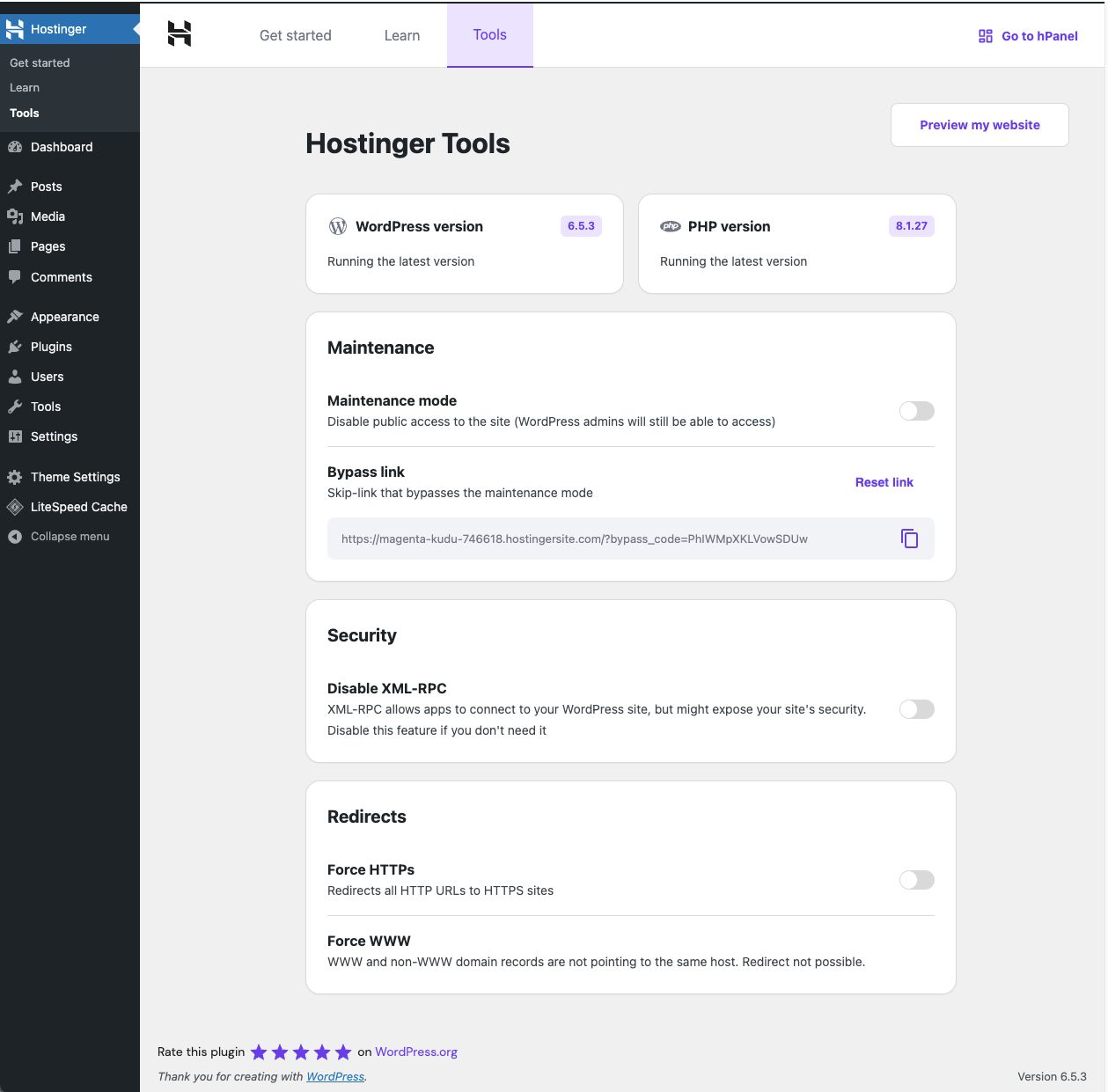
Simplified WordPress management. Manage site info, maintenance, security, & redirects.
| Last updated | October 21, 2026Updated in the last 3 months |
|---|---|
| Tested up to | WordPress 7.1.4Covers WordPress 7.1.4, the current release |
| Needs WordPress | 5.5 or newer |
| Needs PHP | 8.1 or newer |
| First published | November 3, 2023 |
| Support, last two months | 1 of 1 threads resolved (100%) |
3.5 / 5 from 40 reviews
| 5 stars | 18 |
|---|---|
| 4 stars | 6 |
| 3 stars | 4 |
| 2 stars | 1 |
| 1 star | 11 |
Hostinger Tools is an all-in-one plugin designed to streamline essential tasks for WordPress site administrators. This plugin offers a range of features to help you manage your site’s information, maintenance mode, security, and redirects effectively.
Features:
Basic Info
Maintenance Mode
Security
Redirects
LLMs.txt Generation
Hostinger Tools is the new version of the previous Hostinger plugin, offering an updated and enhanced experience.
The opening of the plugin's own description. The full text, installation notes and changelog are on its WordPress.org page.
If you set up a WordPress site on Hostinger’s managed WordPress hosting account, this plugin will be automatically installed.
Alternatively, you can install the plugin directly from your WordPress dashboard. Just go to Plugins > Add New Plugins, search for “Hostinger Tools” in the plugin repository, click Install, and then Activate.
The Hostinger Tools Plugin is available for free. However, the AI Assistant features for content creation are distributed with a different plugin exclusive to our Business and Cloud hosting plans customers.
The Hostinger Tools Plugin is designed to work seamlessly on any hosting platform, ensuring wide compatibility and ease of use. However, the plugin requires these minimum requirements:
* PHP 8.1 or greater
* MySQL 5.6 or greater
Yes, the educational resources you can find in this plugin are available on our Hostinger Academy YouTube channel and Hostinger Tutorials website.
3.0.80 (2026-10-21)
3.0.79 (2026-10-07)
3.0.78 (2026-09-22)
3.0.77 (2026-08-25)
Easily improve site security with WordPress Hardening, Two-Factor Authentication (2FA), Login Protection, Vulnerability Detection and SSL certificate.

#975 by installs
XO Security is a plugin to enhance login related security.
Firewall, Malware Scanner, Two Factor Auth, and Comprehensive Security Features, powered by our 24-hour team. Make security a priority with Wordfence.

#17 by installs
Connect ChatGPT, Claude, or another AI agent to your site. Plus backup, malware scan, firewall, stats, CDN, and SEO tools in one plugin.

WordPress login security with brute force protection, Two-factor authentication (2FA/MFA), firewall, IP/country blocking, and login monitoring

#46 by installs
Loginizer is a WordPress security plugin which helps you fight against bruteforce attacks.
Read from the WordPress.org plugin API on , when WordPress 7.1.4 was the current release. WordPress.org rounds active installs into buckets. These are the directory's figures, not my verdict, and I haven't tested this plugin.
