
Firewall, Malware Scanner, Two Factor Auth, and Comprehensive Security Features, powered by our 24-hour team. Make security a priority with Wordfence.
- Installs
- 5+ million
- Rating
- 4.7 (5K)
- Updated
- 31 days ago

Patchstack automatically identifies and mitigates security vulnerabilities in WordPress plugins, themes, and core.
| Last updated | July 28, 2026Updated in the last year |
|---|---|
| Tested up to | WordPress 7.0.8Older than WordPress 7.1.4, the current release |
| Needs WordPress | 5.2 or newer |
| Needs PHP | 5.6 or newer |
| First published | November 1, 2021 |
| Support, last two months | 0 of 1 threads resolved (0%) |
4.9 / 5 from 61 reviews
| 5 stars | 58 |
|---|---|
| 4 stars | 1 |
| 3 stars | 0 |
| 2 stars | 0 |
| 1 star | 2 |
Patchstack is a powerful tool that helps identify security vulnerabilities within your websites’ plugins, themes, and WordPress core. It is powered by the WordPress ecosystem’s most active community of ethical hackers. Patchstack is trusted by leading WordPress experts such as Pagely, Cloudways, GridPane, Plesk, and others!
Patchstack is a security plugin for WordPress that finds WP core, plugin and theme vulnerabilities in your websites.
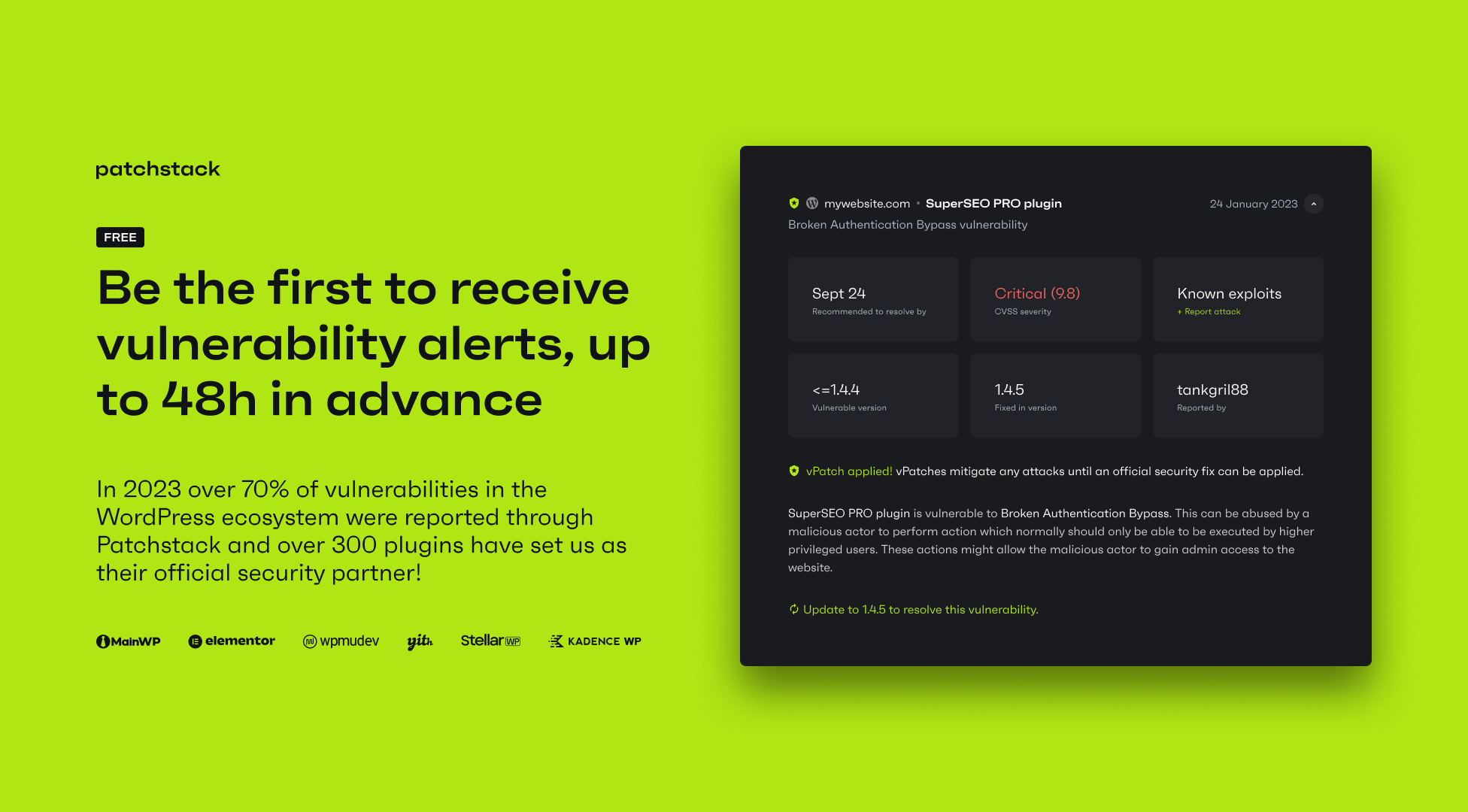
The free version includes up to 48-hour early warning for new vulnerabilities found by our security research community. It also allows you to automatically update vulnerable software, manage updates remotely, and get snapshot reports on your sites’ security status.
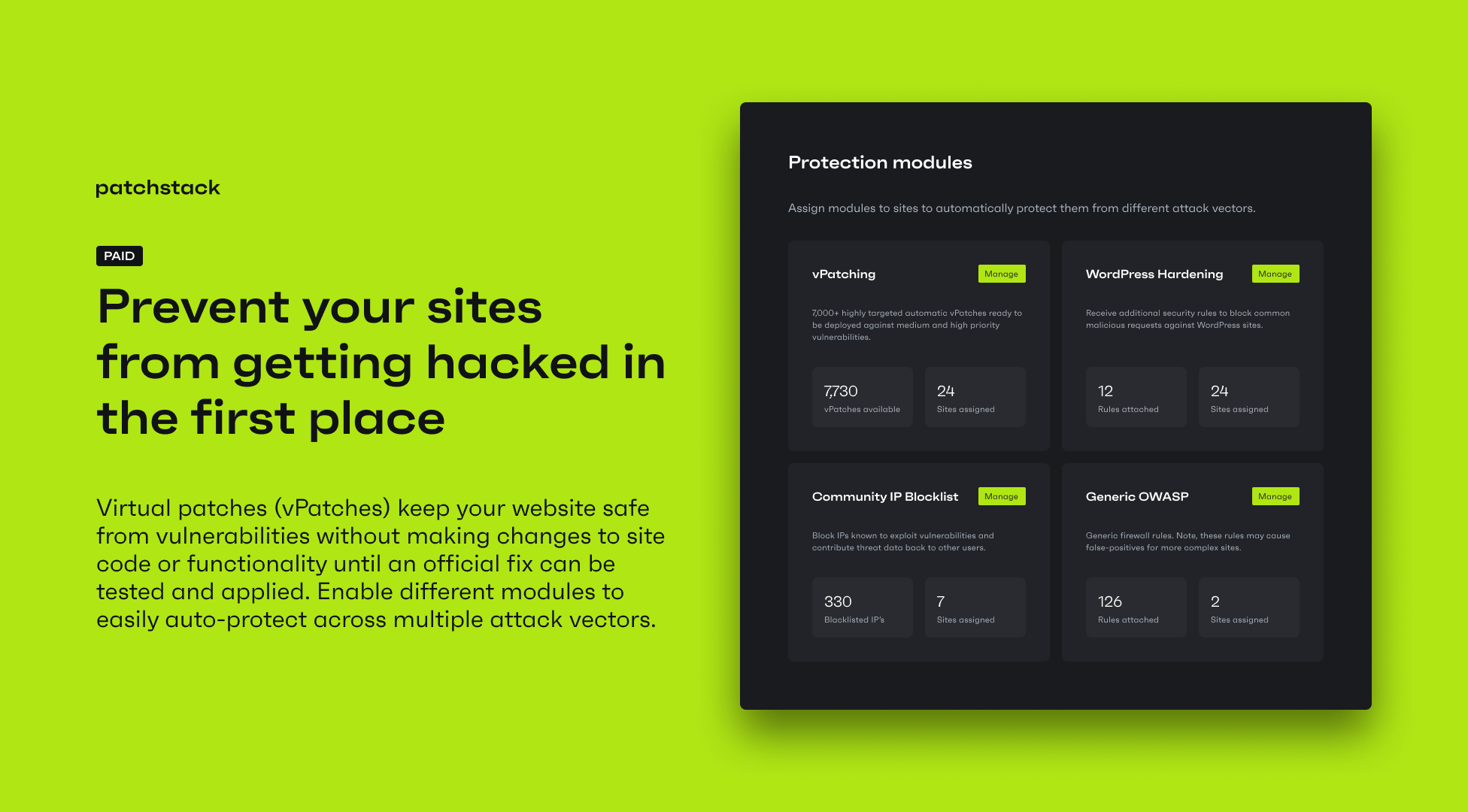
The paid version includes automatic vulnerability protection. Patchstack deploys highly targeted rules on a per-site basis, only when a specific vulnerability is detected on a site.
This prevents vulnerable components from being exploited without modifying website code, or impacting site performance or functionality. Patchstack’s paid version includes access to 12,000+ individual protection rules (vPatches).
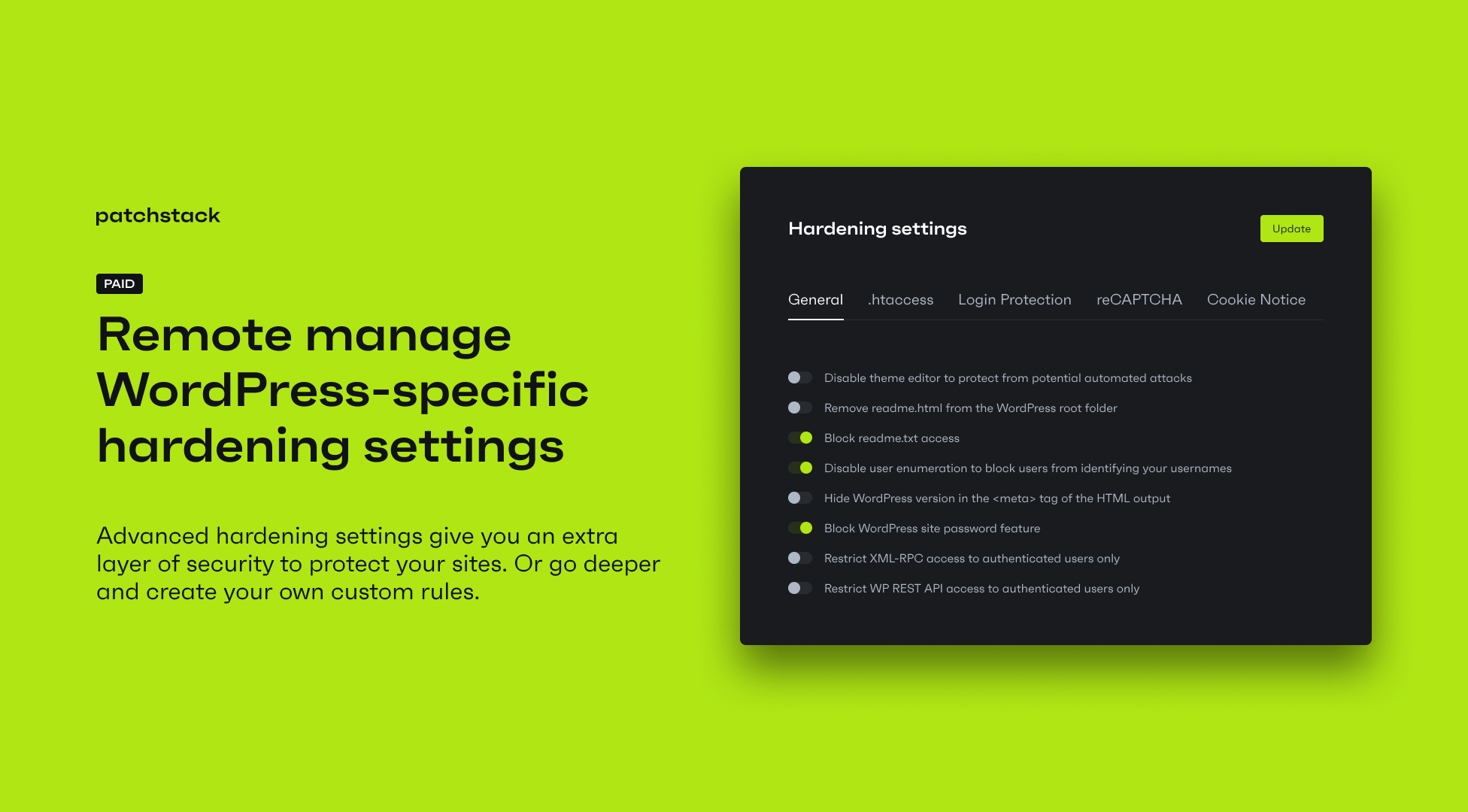
Patchstack paid version also includes other preventive security features, such as 2 factor authentication, WordPress specific hardening rules, a Community IP blocklist for malicious IP addresses, advanced security settings, and custom protection rules.
The opening of the plugin's own description. The full text, installation notes and changelog are on its WordPress.org page.
A worrisome website hacking statistic is that well over 90% of WordPress vulnerabilities are related to plugins or themes. One report found that up to 98% of WordPress vulnerabilities are due to plugins, while another study reported that 95% were caused by plugins and themes.
The Patchstack Personal (Free) plan alerts you if vulnerabilities are present in the plugins, themes, or WordPress core installed on your site.
By staying informed, you can reduce the time and resources spent fixing WordPress security issues and avoid costly clean-ups.
You can detect security vulnerabilities in your WordPress plugins, themes, and core. You’ll receive email notifications if vulnerabilities are found, and access a central security overview for up to 3 websites using the Patchstack App.
You can optionally enable vPatching for individual sites for $5/month.
With the Patchstack Developer plan, you can protect your sites against known plugin and theme vulnerabilities through automatic virtual patches — non-intrusive firewall rules that block exploit attempts.
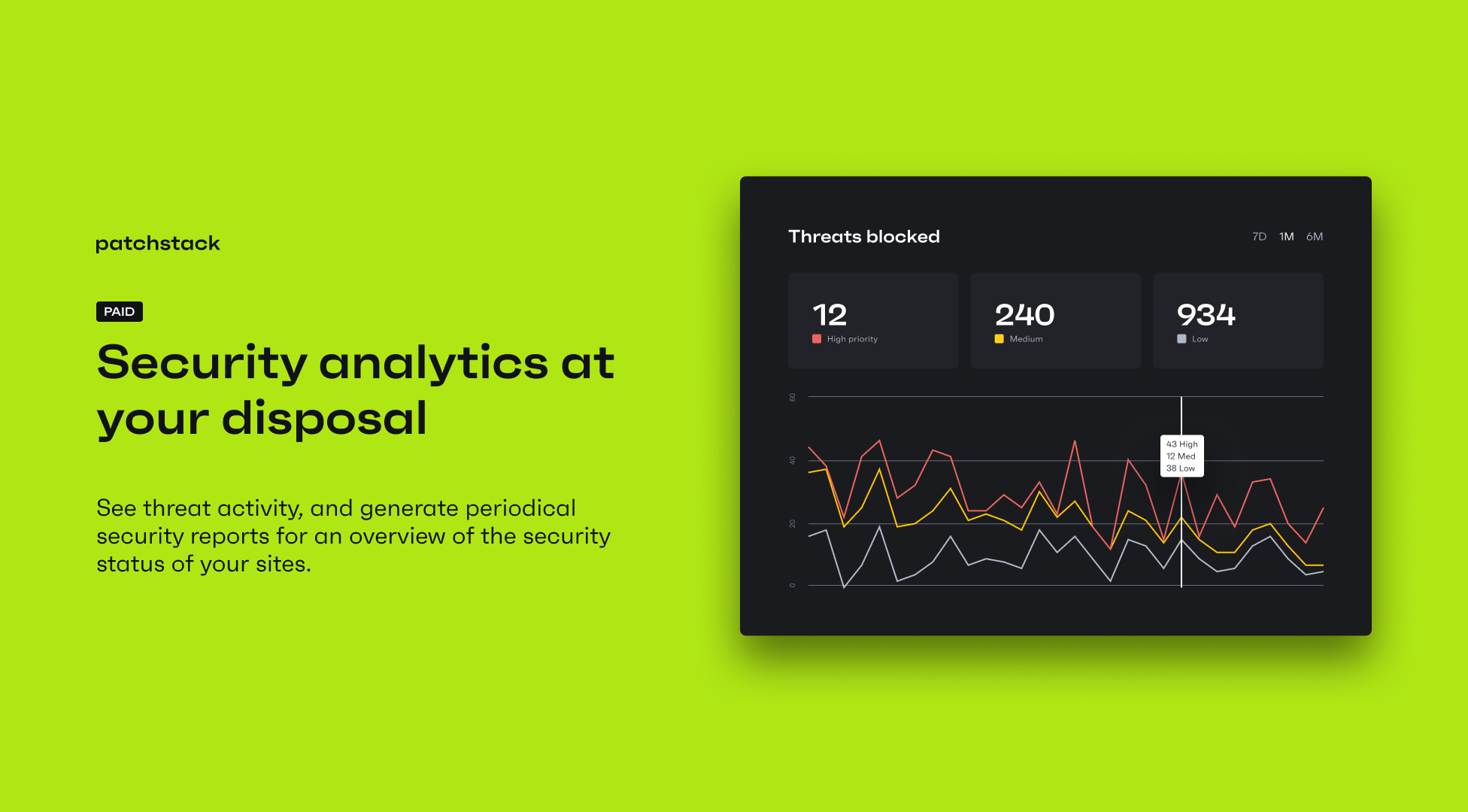
You also gain access to advanced hardening options, 2FA, CAPTCHA, security reports, and various alert types.
No external checks are performed. The plugin matches the installed plugins, themes, and WordPress core on your site with our vulnerability database to identify vulnerable versions.
To view the plugin changelog, go here.
Firewall, Malware Scanner, Two Factor Auth, and Comprehensive Security Features, powered by our 24-hour team. Make security a priority with Wordfence.
Easily improve site security with WordPress Hardening, Two-Factor Authentication (2FA), Login Protection, Vulnerability Detection and SSL certificate.

WordPress login security with brute force protection, Two-factor authentication (2FA/MFA), firewall, IP/country blocking, and login monitoring

#51 by installs
Secure your WordPress site from brute-force attacks, threats, malware, and bots. Free to use and easy to set up.

#57 by installs
Protect your WordPress site with All-In-One Security (AIOS): easy-to-use login security, a powerful firewall, and much more.
The Sucuri WordPress Security plugin is a security toolset for security integrity monitoring, malware detection and security hardening.
Read from the WordPress.org plugin API on , when WordPress 7.1.4 was the current release. WordPress.org rounds active installs into buckets. These are the directory's figures, not my verdict, and I haven't tested this plugin.

