
#560 by installs
Stream – Activity Log & Audit Trail
Real-time activity log and audit log for WordPress. Track every user action — logins, edits, plugin & settings changes — and get alerts.
- Installs
- 70,000+
- Rating
- 4.3 (76)
- Updated
- 2 months ago

Monitor every change on your WordPress site — who did what, when, and where it came from — for a complete audit trail and stronger security.
| Last updated | October 28, 2026Updated in the last 3 months |
|---|---|
| Tested up to | WordPress 7.1.4Covers WordPress 7.1.4, the current release |
| Needs WordPress | 6.2 or newer |
| Needs PHP | 7.4 or newer |
| First published | May 23, 2013 |
| Support, last two months | 6 of 6 threads resolved (100%) |
4.3 / 5 from 74 reviews
| 5 stars | 53 |
|---|---|
| 4 stars | 5 |
| 3 stars | 8 |
| 2 stars | 3 |
| 1 star | 5 |
An easy to use, fully supported WordPress activity log plugin.
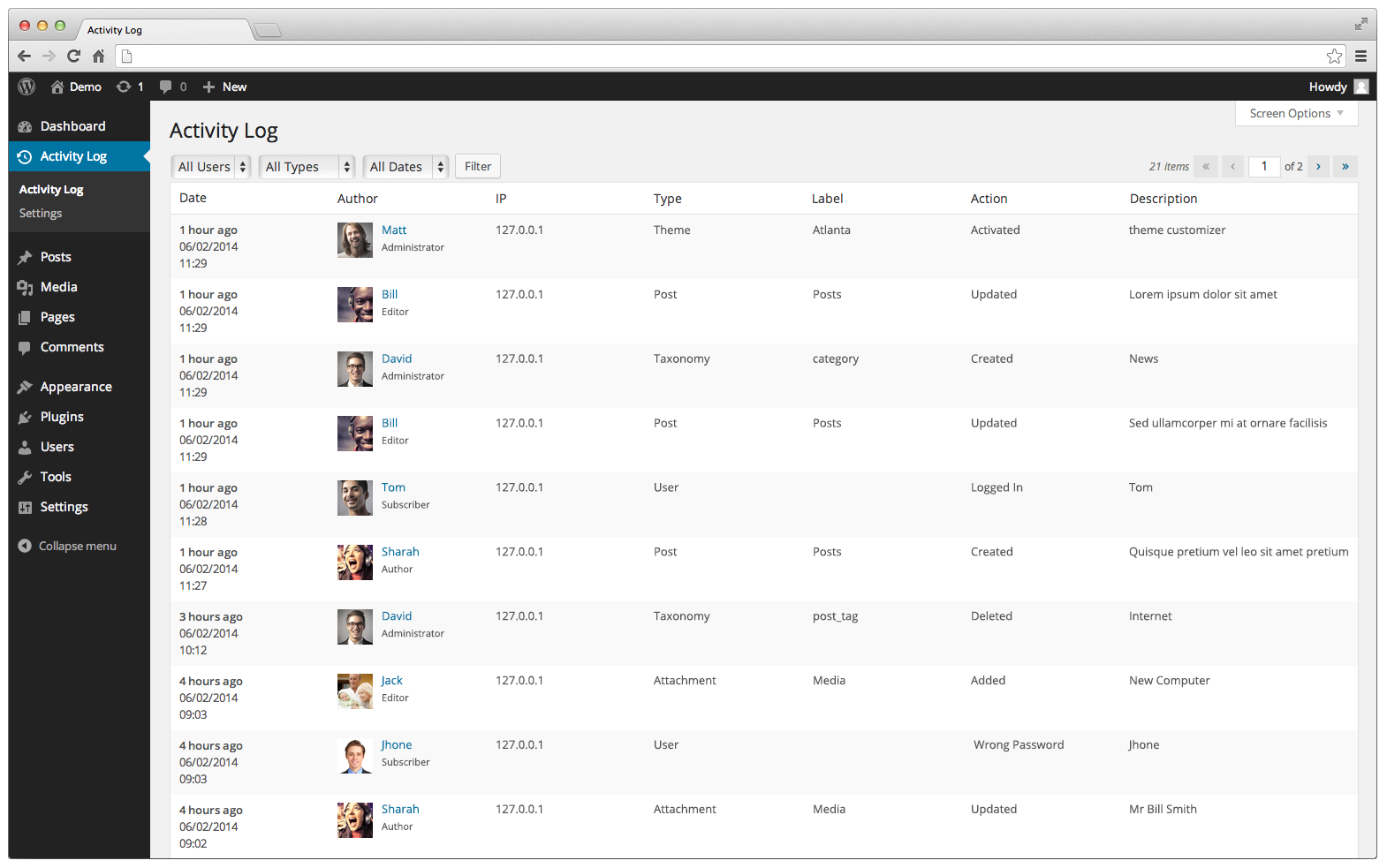
Want to know exactly who does what on your WordPress site? Activity Log works like an airplane’s black box: it quietly records every action in the WordPress admin — and now every request made through the REST API, WP-CLI, WP-Cron, and more — so you always know:
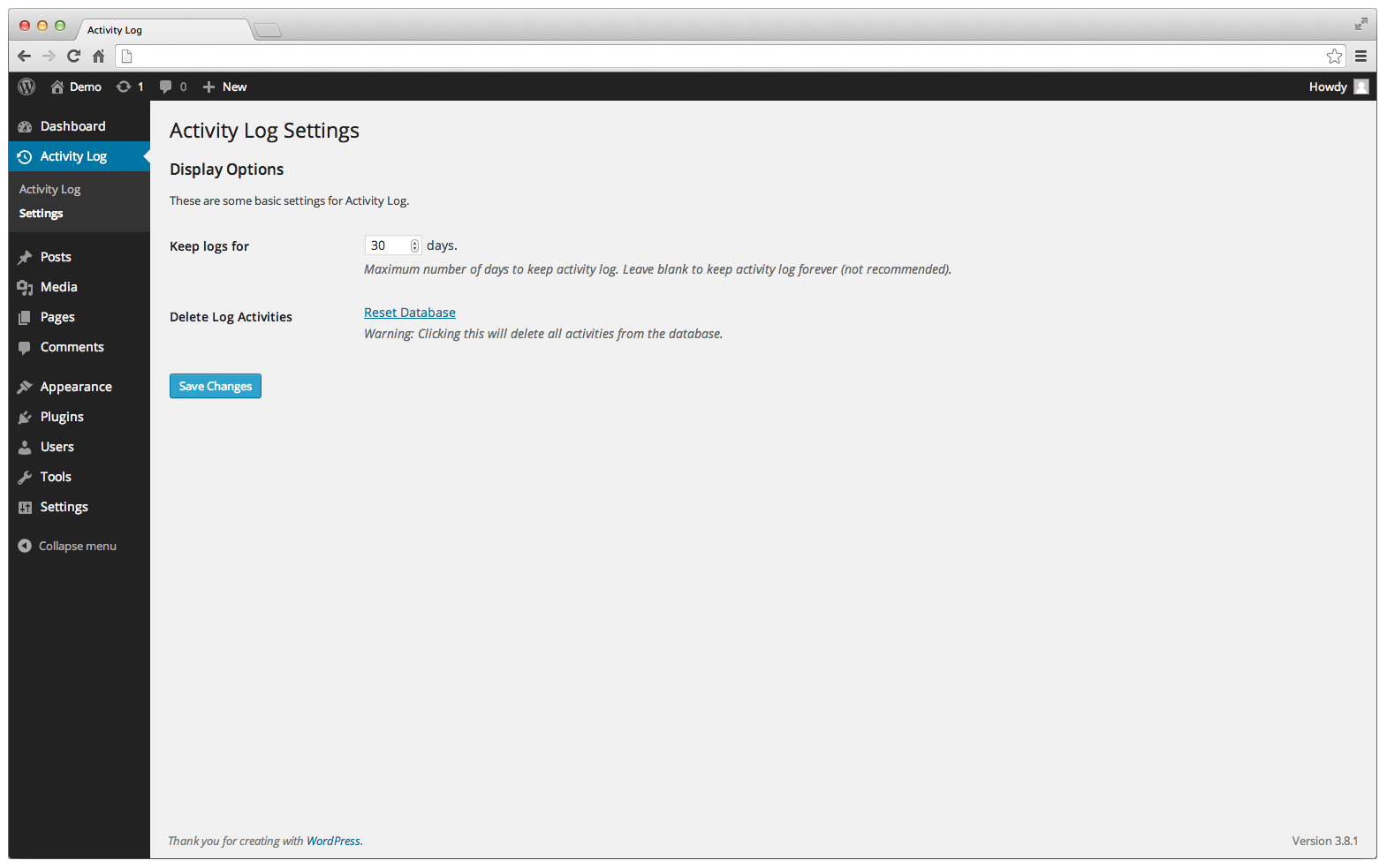
The plugin doesn’t require any setup; it works right out of the box, runs on its own database table so it doesn’t slow down your site, and stays out of your way until you need it.
What’s New
The opening of the plugin's own description. The full text, installation notes and changelog are on its WordPress.org page.
Requires PHP 7.4 for list management functionality.
This plugin is released under a GPL license.
No. Activity Log stores every event in its own dedicated database table instead of mixing into WordPress’ core tables, so logging has minimal impact on your site’s performance, even under heavy traffic.
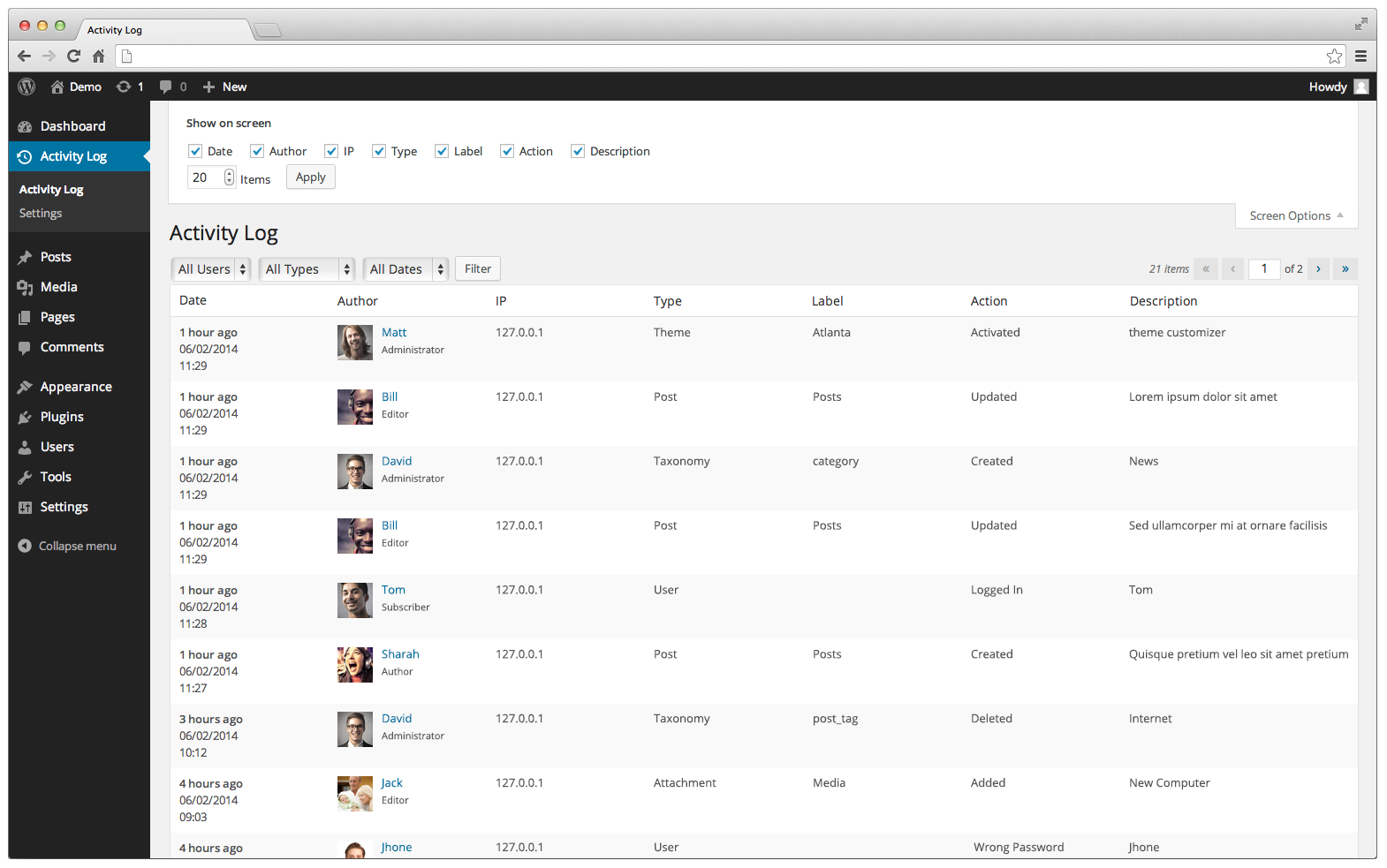
You can easily export logs with Activity Log. We also support exporting filtered results. Filter by the time the action took place, roles, users, options, action type, and more.
Yes. Each log entry records its Request Source, so you can tell whether a change was made through the WP Admin, the REST API, WP-CLI, WP-Cron, XML-RPC, or the WP Abilities API. If the request was authenticated with an Application Password, its name is shown as well. Use the Source filter on the log screen to narrow results down to a specific channel.
Yes. For settings, posts, users, user roles, comments, plugin versions, themes, WordPress core version, widgets, and terms, Activity Log stores the old and new value of each changed field and shows them in the log entry details. Secret values such as passwords and API keys are redacted, and long values are truncated to keep the log table small.
#560 by installs
Real-time activity log and audit log for WordPress. Track every user action — logins, edits, plugin & settings changes — and get alerts.
Smart WordPress security that blocks bots automatically, guides you to what matters, and repairs problems — without drowning you in noise.
Firewall, Malware Scanner, Two Factor Auth, and Comprehensive Security Features, powered by our 24-hour team. Make security a priority with Wordfence.

#17 by installs
Connect ChatGPT, Claude, or another AI agent to your site. Plus backup, malware scan, firewall, stats, CDN, and SEO tools in one plugin.
Easily improve site security with WordPress Hardening, Two-Factor Authentication (2FA), Login Protection, Vulnerability Detection and SSL certificate.

#20 by installs
Simplified WordPress management. Manage site info, maintenance, security, & redirects.
Read from the WordPress.org plugin API on , when WordPress 7.1.4 was the current release. WordPress.org rounds active installs into buckets. These are the directory's figures, not my verdict, and I haven't tested this plugin.


