
Firewall, Malware Scanner, Two Factor Auth, and Comprehensive Security Features, powered by our 24-hour team. Make security a priority with Wordfence.
- Installs
- 5+ million
- Rating
- 4.7 (5K)
- Updated
- 31 days ago

Get better WordPress login security; add two-factor authentication (2FA) for all your users with this easy-to-use plugin.
| Last updated | October 14, 2026Updated in the last 3 months |
|---|---|
| Tested up to | WordPress 7.1.4Covers WordPress 7.1.4, the current release |
| Needs WordPress | 5.7 or newer |
| Needs PHP | 7.4 or newer |
| First published | March 20, 2020 |
| Support, last two months | 11 of 16 threads resolved (69%) |
4.7 / 5 from 184 reviews
| 5 stars | 165 |
|---|---|
| 4 stars | 3 |
| 3 stars | 1 |
| 2 stars | 2 |
| 1 star | 13 |
A free and easy-to-use two-factor authentication plugin for WordPress
Add an extra layer of security to your WordPress website login and protect your users. Enable two-factor authentication (2FA), the best protection against password leaks, automated password guessing, and brute force attacks.
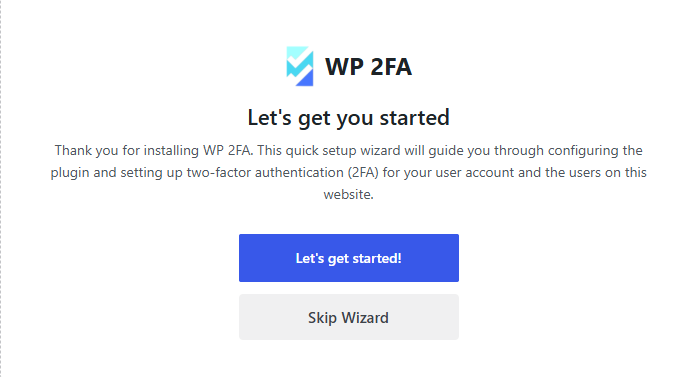
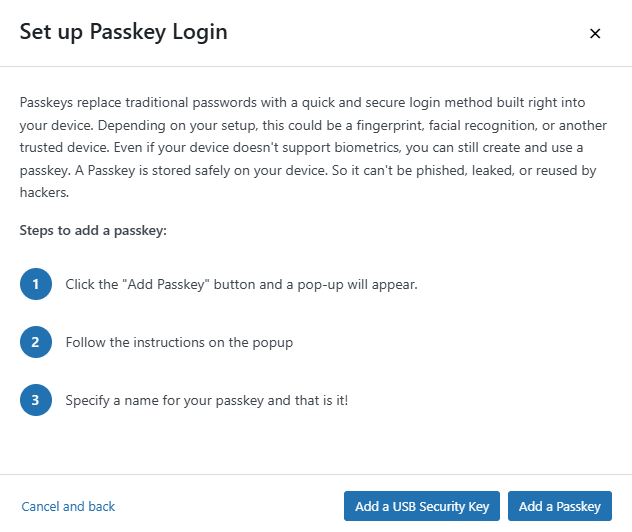
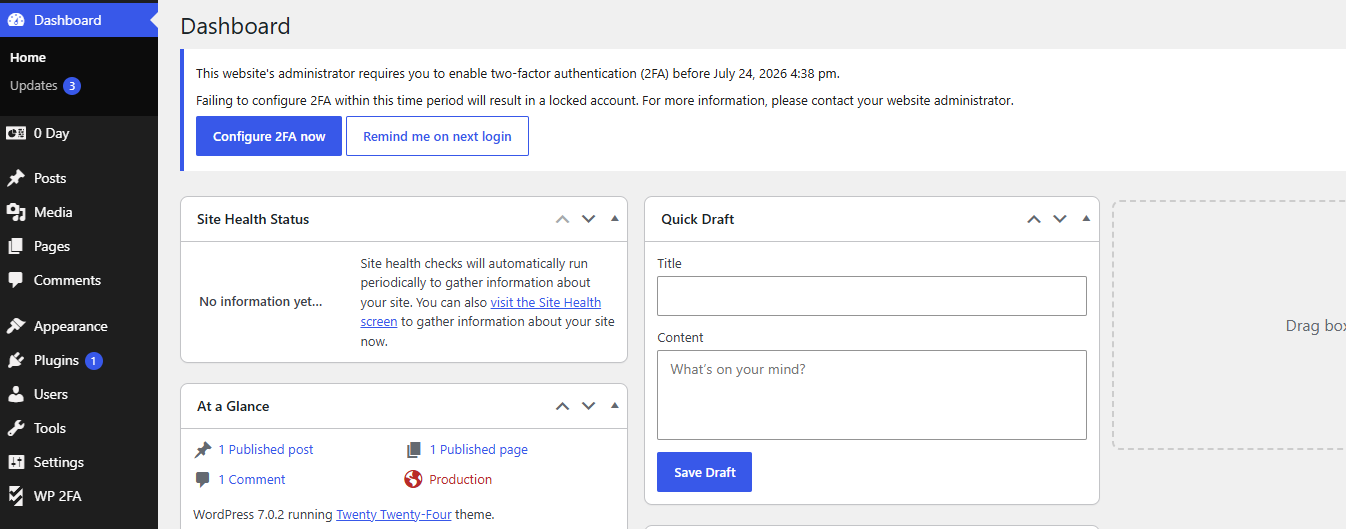
Use the WP 2FA plugin to enable two-factor authentication for your WordPress administrator, enforce 2FA for all your website users, or for users with specific roles. This plugin is very easy to use; everything can be configured via wizards with clear instructions, so even non-technical users can set up 2FA without requiring technical assistance.
🔒 WP 2FA key plugin features and capabilities
The opening of the plugin's own description. The full text, installation notes and changelog are on its WordPress.org page.
No, the plugin does not send any data to us whatsoever. The only data we receive is license data from the premium edition of the plugin.
The free edition of WP 2FA includes the following 2FA methods: Authenticator app 2FA and code over email. This allows you to use Google Authenticator OTP The premium edition adds YubiKey, one-click email link, SMS 2FA, and Authy push notifications.
WP 2FA includes a REST API that allows developers to enable and verify 2FA during custom authentication flows, such as AJAX-based login forms, mobile apps, or headless WordPress websites. Refer to the REST API in WP 2FA documentation for more information.
WP 2FA includes backup authentication methods so that if the primary authentication method fails, you and your users can still log in. The free version of the plugin includes backup codes, which can be configured during 2FA configuration or at any point after that from the profile page. The premium edition adds 2FA backup codes over email.
In the unlikely event that you are unable to supply your 2FA code, there are several steps you can take to gain access to your WordPress dashboard. First, check if there is another administrator who can reset your 2FA. If this is not possible, manually deactivate the plugin, log in without 2FA, re-activate the plugin, and then reconfigure your 2FA.
Yes, WP 2FA is multisite compatible. The plugin can be activated at the network level. 2FA policies can be enforced on all users, a subsection of users, or per site on the network. It also supports network setups with different domains.
• Functionality & plugin improvements *
• Bug fixes *

Firewall, Malware Scanner, Two Factor Auth, and Comprehensive Security Features, powered by our 24-hour team. Make security a priority with Wordfence.
Easily improve site security with WordPress Hardening, Two-Factor Authentication (2FA), Login Protection, Vulnerability Detection and SSL certificate.

WordPress login security with brute force protection, Two-factor authentication (2FA/MFA), firewall, IP/country blocking, and login monitoring

#57 by installs
Protect your WordPress site with All-In-One Security (AIOS): easy-to-use login security, a powerful firewall, and much more.
Harden your site security with Login Security, Two-Factor Authentication (2FA), Vulnerability Scanner, Firewall, and more. Formerly iThemes Security.

#312 by installs
Enable Two-Factor Authentication (2FA) using time-based one-time passwords (TOTP), email, and backup verification codes.
Read from the WordPress.org plugin API on , when WordPress 7.1.4 was the current release. WordPress.org rounds active installs into buckets. These are the directory's figures, not my verdict, and I haven't tested this plugin.

