
Firewall, Malware Scanner, Two Factor Auth, and Comprehensive Security Features, powered by our 24-hour team. Make security a priority with Wordfence.
- Installs
- 5+ million
- Rating
- 4.7 (5K)
- Updated
- 31 days ago

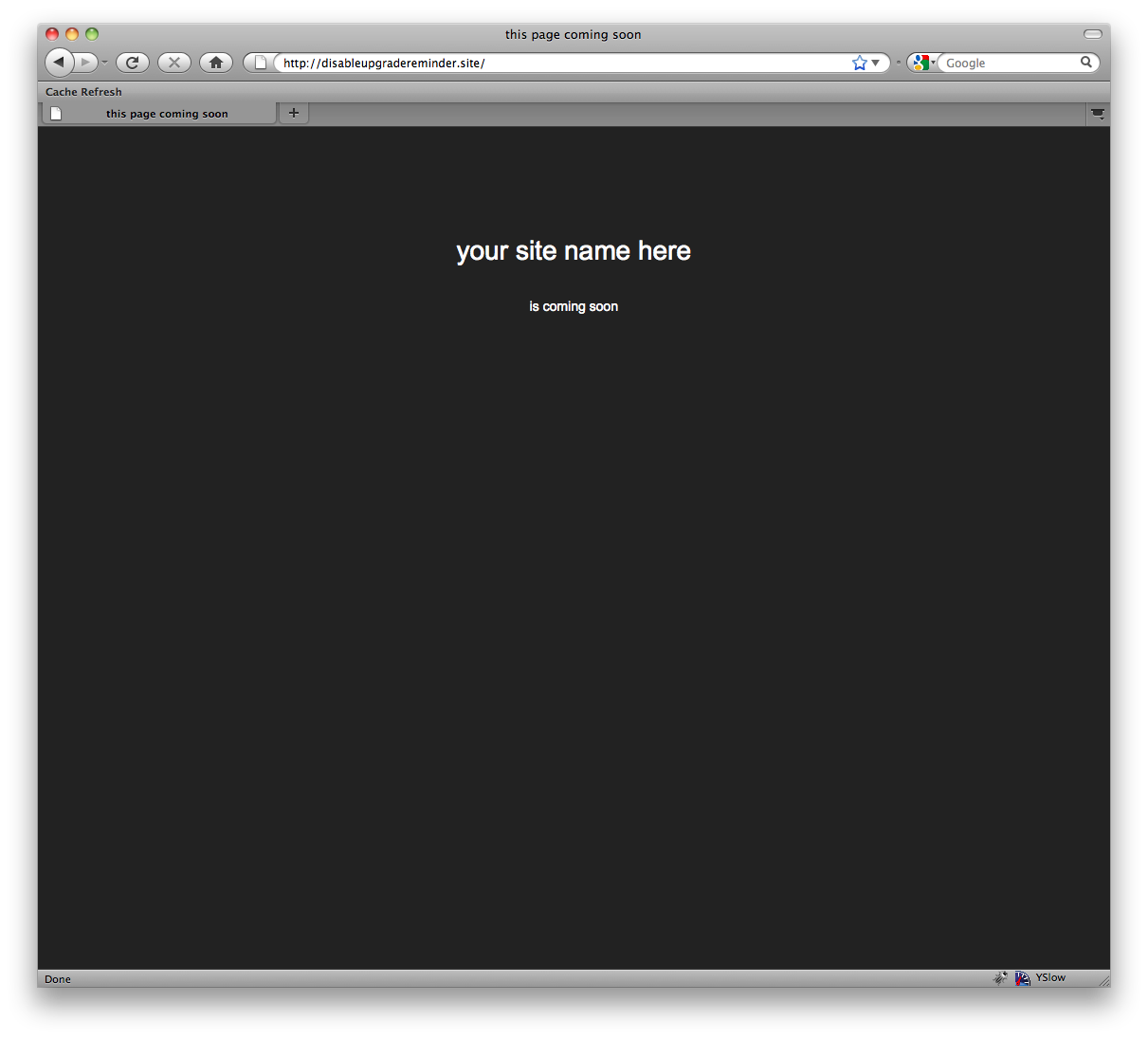
Creates a 'Coming Soon' page that will show for all users who are not logged in
| Last updated | March 8, 2024Not updated for over a year |
|---|---|
| Tested up to | WordPress 6.4.14Older than WordPress 7.1.4, the current release |
| Needs WordPress | 2.7 or newer |
| Needs PHP | Not stated |
| First published | June 21, 2009 |
| Support, last two months | No threads opened |
4.5 / 5 from 111 reviews
| 5 stars | 91 |
|---|---|
| 4 stars | 5 |
| 3 stars | 4 |
| 2 stars | 0 |
| 1 star | 11 |
Check out the latest WordPress deals for your site.
Creates a ‘Coming Soon’ page that will show for all users who are not logged in. Useful for developing a site on a live server, without the world being able to see it
The opening of the plugin's own description. The full text, installation notes and changelog are on its WordPress.org page.
If you’ve disabled the plugin, it won’t show anything anymore. To be extra super-sure, try deleting the plugin files. Usually, though, the issue is that you’re seeing a cached version of the page. Try force-refreshing your browser, and then try clearing your cache on the server and force refreshing again. If you have a caching plugin like W3 Total Cache, make sure you clear that too!
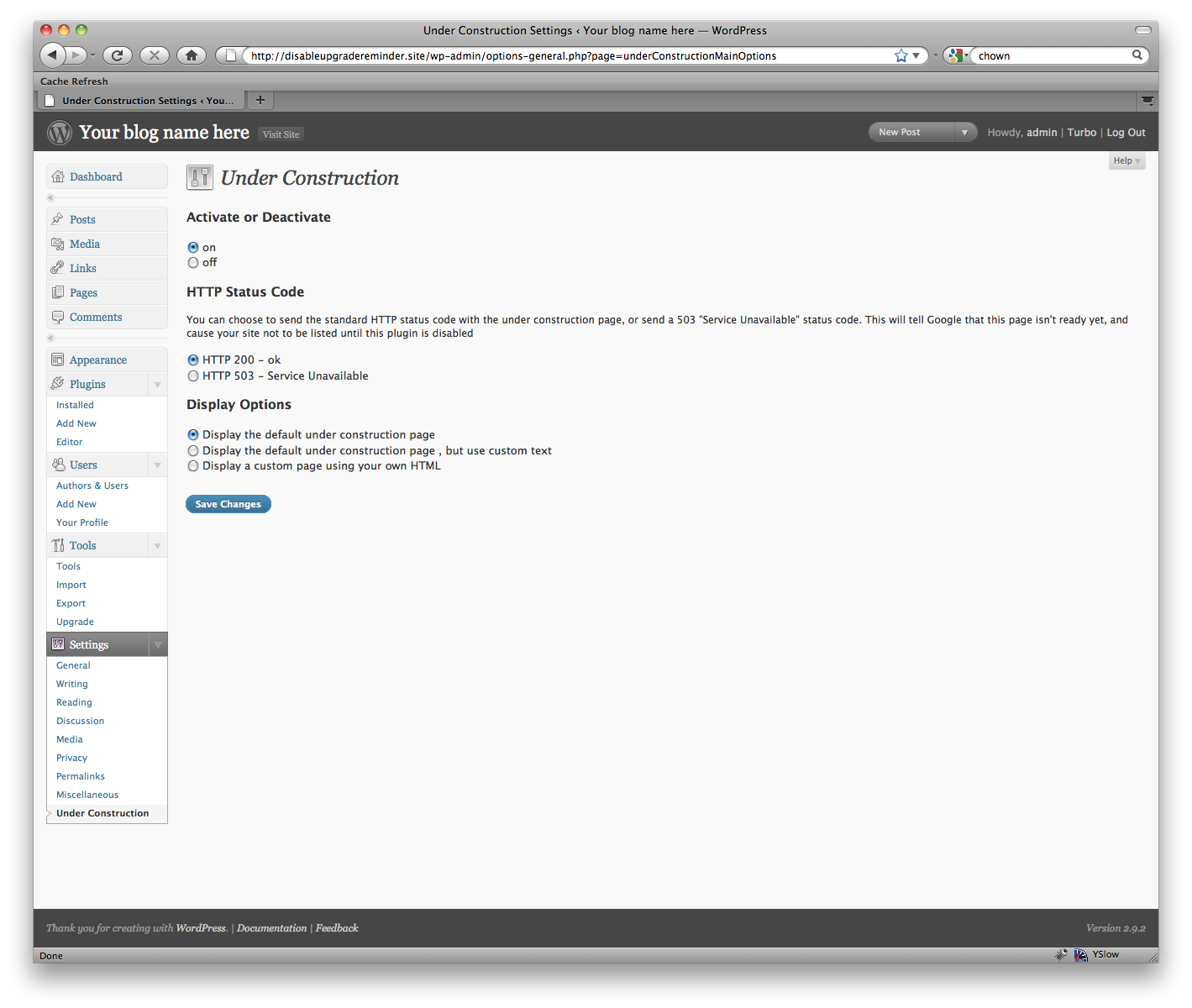
As long as you’re logged in, you won’t be able to see it. That’s a feature! This way, while you’re logged in you can work as usual. To preview what it looks like, either a) log out, or b) try viewing it in another browser
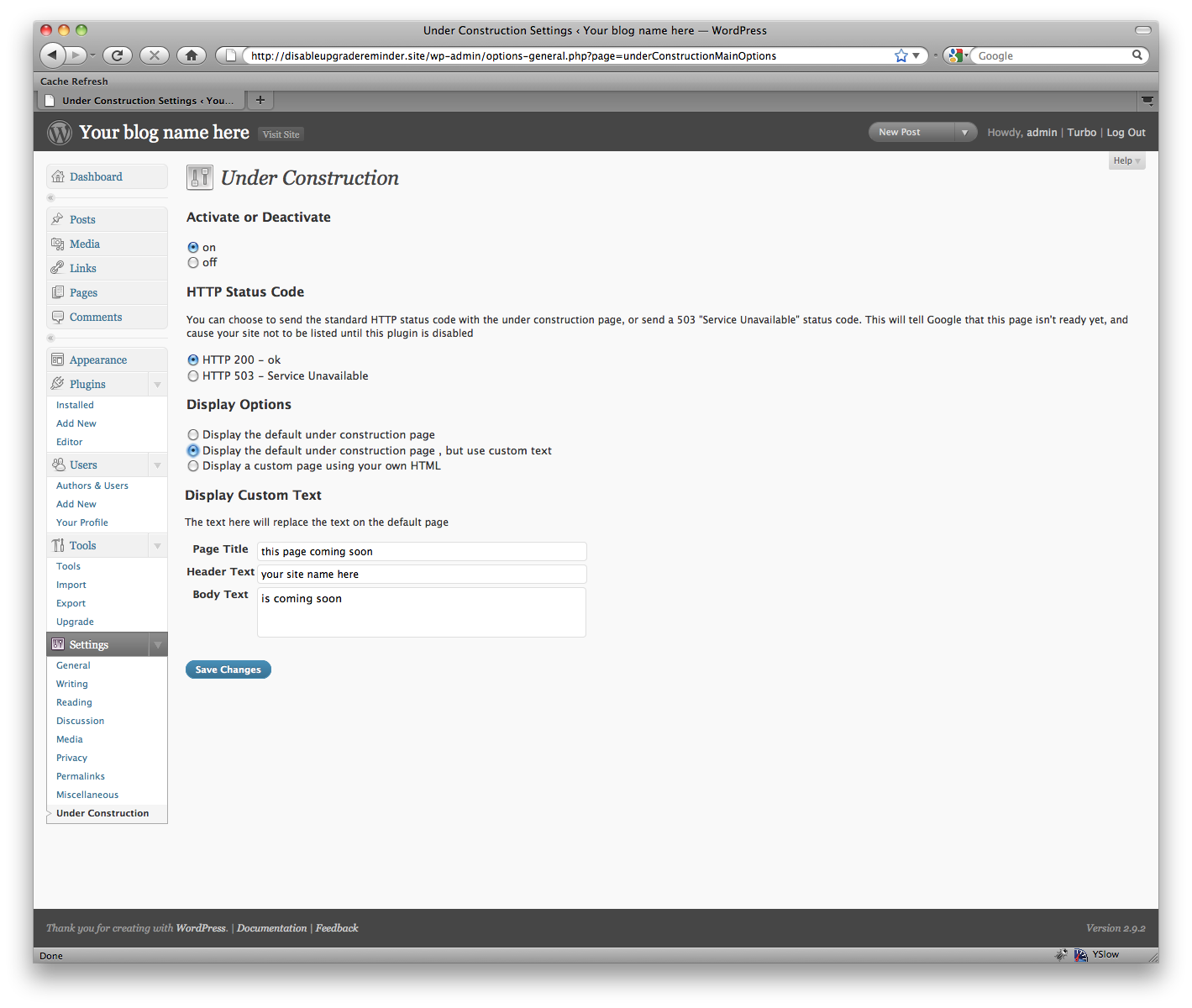
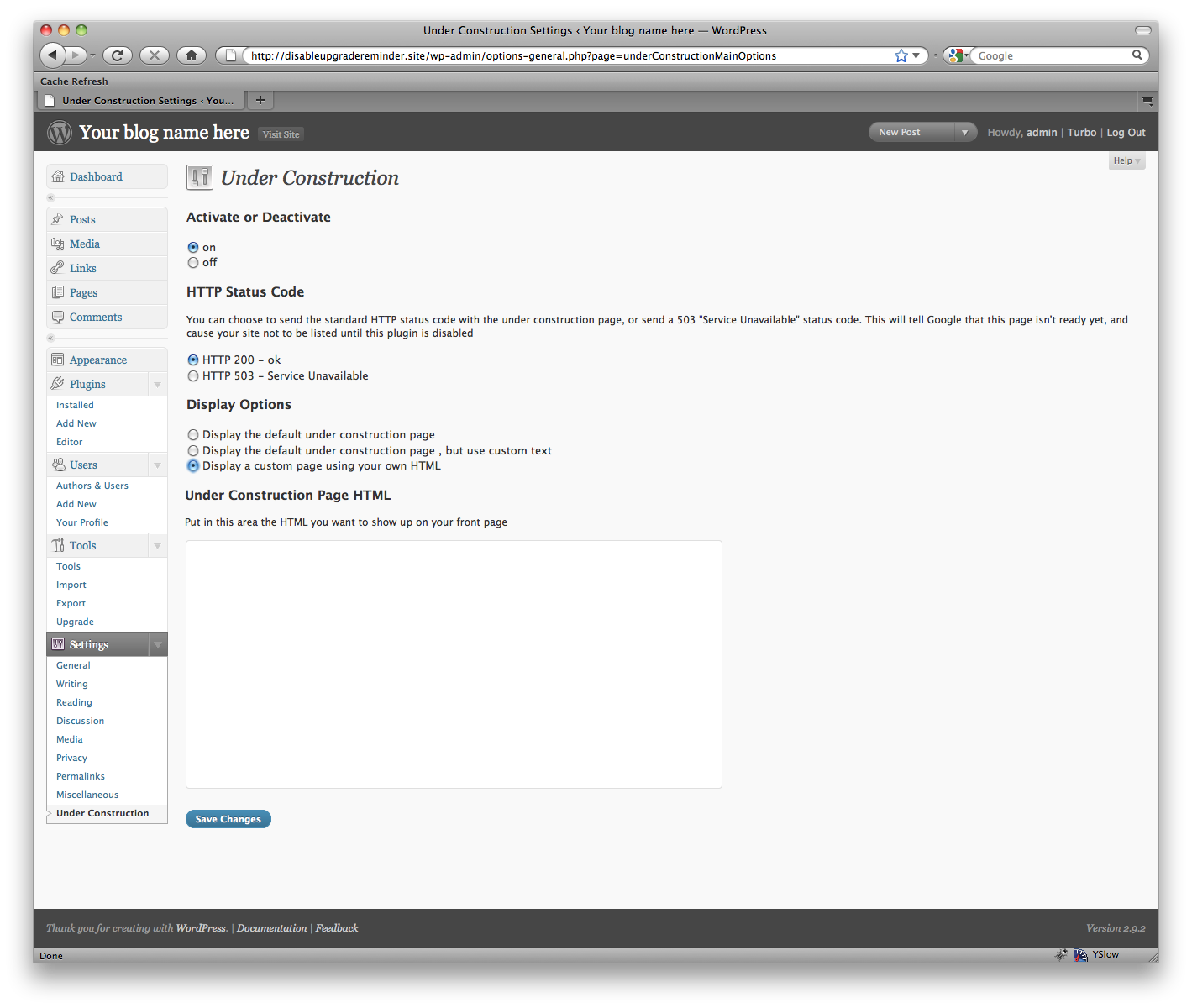
You enter the contents of the entire HTML file. You can include inline styles, or links to external style sheets and external images.
That’s great. I’m always open to user input, and I’d like to add anything I think will be useful to a lot of people. Visit the homepage for this plugin and leave a comment, and I’ll add the functionality as soon as I can.
Oops. That’s sure awkward. If you find a problem with this plugin that you can reproduce, if you wouldn’t mind leaving a message on the homepage for this plugin with how you made it break, I’d really like to try and fix it! Also, this is incompatible with a couple plugins out there, specifically ones that change the default login url.
I’ve had a few people ask me this. If you like it, please go to WordPress.org and rate it! Then more people can enjoy it. If you REALLY like it, you can always buy me a coffee. 🙂 There’s a donate link on my site.
Firewall, Malware Scanner, Two Factor Auth, and Comprehensive Security Features, powered by our 24-hour team. Make security a priority with Wordfence.

#17 by installs
Connect ChatGPT, Claude, or another AI agent to your site. Plus backup, malware scan, firewall, stats, CDN, and SEO tools in one plugin.
Easily improve site security with WordPress Hardening, Two-Factor Authentication (2FA), Login Protection, Vulnerability Detection and SSL certificate.

#20 by installs
Simplified WordPress management. Manage site info, maintenance, security, & redirects.

WordPress login security with brute force protection, Two-factor authentication (2FA/MFA), firewall, IP/country blocking, and login monitoring

#46 by installs
Loginizer is a WordPress security plugin which helps you fight against bruteforce attacks.
Read from the WordPress.org plugin API on , when WordPress 7.1.4 was the current release. WordPress.org rounds active installs into buckets. These are the directory's figures, not my verdict, and I haven't tested this plugin.
