
Compress and optimize images, enable lazy load, serve WebP & AVIF, and speed up your site with a global image CDN.
- Installs
- 1+ million
- Rating
- 4.8 (6.1K)
- Updated
- 11 days ago

Compress images & PDFs automatically, convert to WebP & AVIF, and generate SEO-friendly filenames with AI. Bulk optimization, smart crop & resize.
| Last updated | October 14, 2026Updated in the last 3 months |
|---|---|
| Tested up to | WordPress 7.1.4Covers WordPress 7.1.4, the current release |
| Needs WordPress | 5.9.0 or newer |
| Needs PHP | 7.4 or newer |
| First published | November 5, 2014 |
| Support, last two months | 2 of 2 threads resolved (100%) |
4.5 / 5 from 830 reviews
| 5 stars | 714 |
|---|---|
| 4 stars | 15 |
| 3 stars | 13 |
| 2 stars | 13 |
| 1 star | 75 |
🚀 The Ultimate Image Optimization Plugin for WordPress
⚡ Speed up your website with automatic image compression, WebP and AVIF conversion, and bulk optimization. Optimize images and PDFs, resize large uploads, and reduce file sizes with minimal setup.
Smaller images help your pages load faster, giving visitors a smoother experience, supporting your website’s SEO, and helping turn more visits into conversions.
🆕 New! AI image renaming and assistant support
The opening of the plugin's own description. The full text, installation notes and changelog are on its WordPress.org page.
ShortPixel consistently has better compression rates along with more features, backup support and has very affordable one-time or monthly plans.
Here are a couple of independent reviews:
AuthorityHacker – “ShortPixel is our tool of choice, simply because it’s pretty much automated – we just let it do its thing.” (read full review)
Yes, you can.
As long as you have available credits, you can use a single API Key on as many websites as you wish!
Everyone has different needs, but generally, we recommend getting a One-Time plan to optimize your whole Media Library and then get a Monthly plan to optimize your future uploads. To learn more, have a look at this comparison
To know how many thumbnails you have, just install the plugin and go to Media > Bulk ShortPixel. The plugin will tell you how many thumbnails you’ve got. Based on this, have a look at our plans
Of course. You can upgrade or downgrade your plans in a couple of clicks from your account on shortpixel.com.
Yes, you can.
We offer 100 free image optimization credits each month. Exceeding the monthly free quota will pause the optimization process till the quota is reset or extended by buying one of our plans.
🔔 The Notifications Fix
Release Date: October 14, 2026
🛠️ Fixes
Update now to keep your WordPress admin free of unwanted notices! 🚀
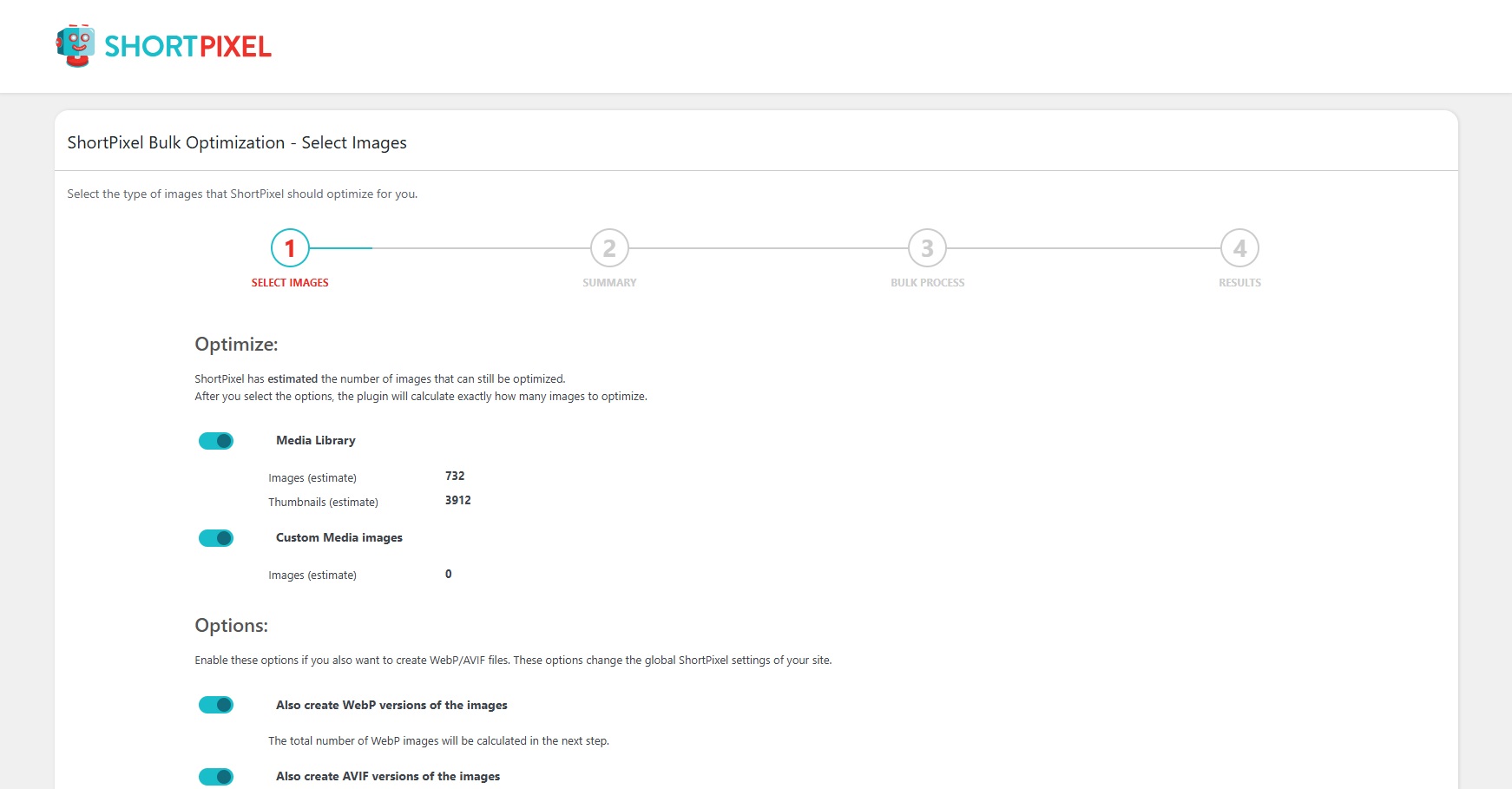
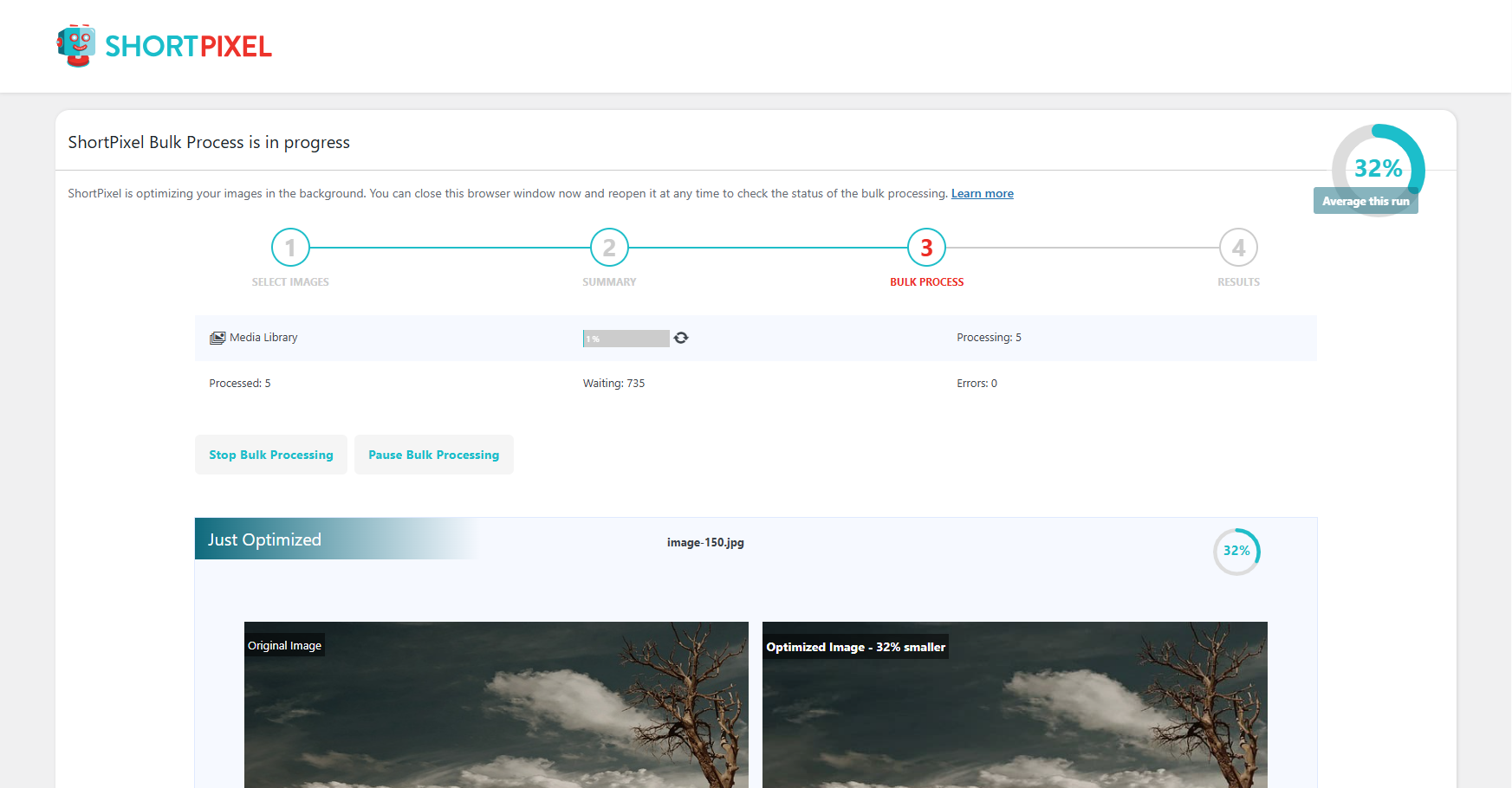
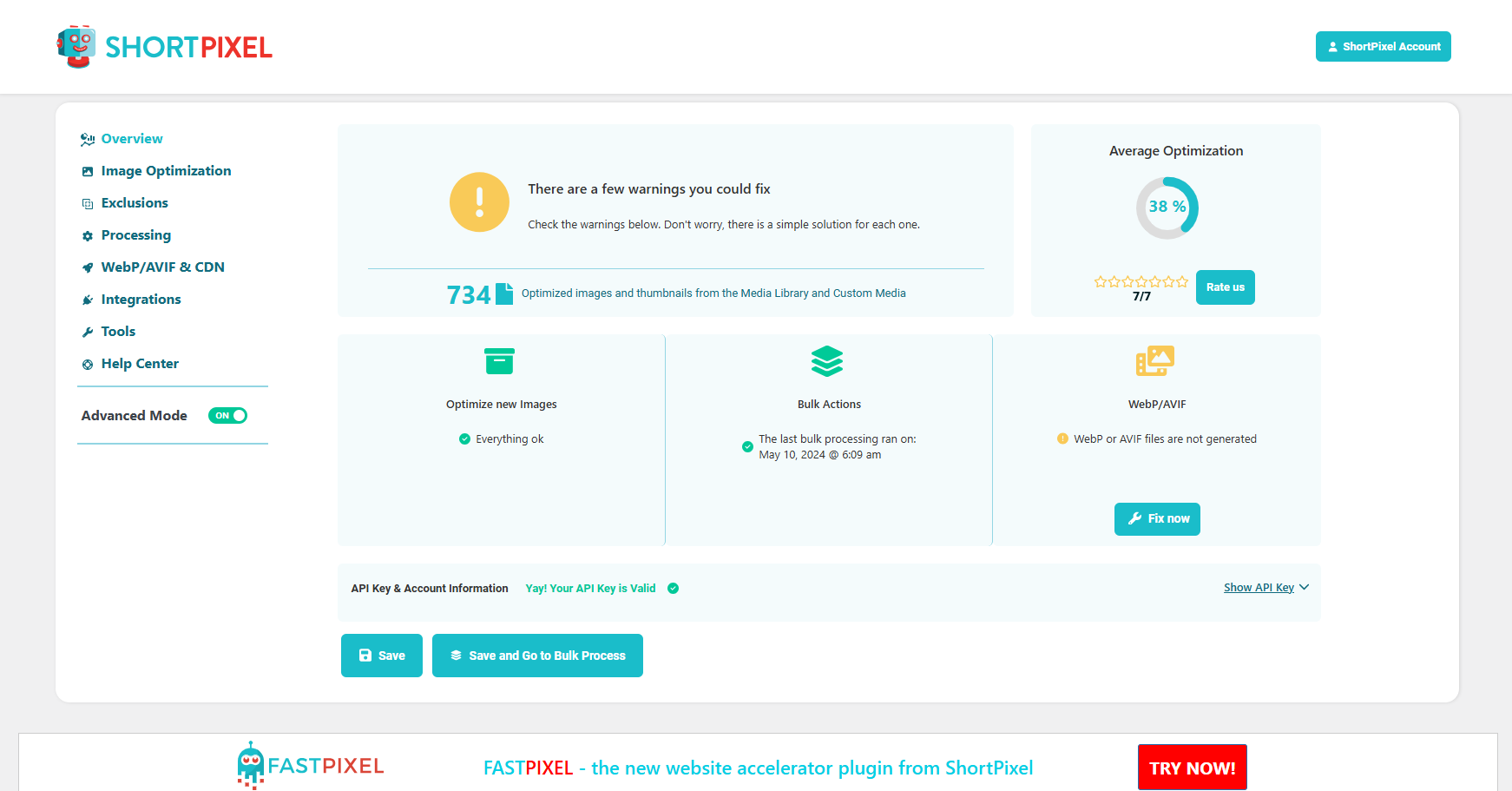
Compress and optimize images, enable lazy load, serve WebP & AVIF, and speed up your site with a global image CDN.
Image optimization in 1‑click: compress, resize & convert to WebP/AVIF – free up to 20MB/month. Enjoy the easiest WordPress image optimizer to set up.

#119 by installs
Speed up your website by using our WebP & AVIF Converter. Optimize images and serve WebP and AVIF images instead of standard formats!

Automatically optimize images with bulk compression, lazy loading, WebP/AVIF conversion & CloudFront image CDN. Boost Core Web Vitals & conversions.
Unlimited automatic image optimization for WordPress. Compress images, convert to WebP, and improve site speed without losing image quality.
Image Optimizer is an easy-to-use WordPress plugin that reduces image size through various compression and resizing techniques – all of which preserve …
Read from the WordPress.org plugin API on , when WordPress 7.1.4 was the current release. WordPress.org rounds active installs into buckets. These are the directory's figures, not my verdict, and I haven't tested this plugin.


