
Unlimited automatic image optimization for WordPress. Compress images, convert to WebP, and improve site speed without losing image quality.
- Installs
- 100,000+
- Rating
- 4.4 (131)
- Updated
- 32 days ago

Automatically optimize images with bulk compression, lazy loading, WebP/AVIF conversion & CloudFront image CDN. Boost Core Web Vitals & conversions.
| Last updated | October 19, 2026Updated in the last 3 months |
|---|---|
| Tested up to | WordPress 7.1.4Covers WordPress 7.1.4, the current release |
| Needs WordPress | 5.5 or newer |
| Needs PHP | 7.4 or newer |
| First published | September 23, 2018 |
| Support, last two months | 1 of 1 threads resolved (100%) |
4.7 / 5 from 640 reviews
| 5 stars | 576 |
|---|---|
| 4 stars | 18 |
| 3 stars | 7 |
| 2 stars | 4 |
| 1 star | 35 |
Optimole is the complete image optimization powerhouse that helps you compress images automatically, resize them, and deliver your images via lightning-fast CDN from 450+ locations. From product images to portfolio photos, Optimole handles it all. With WebP and AVIF conversion, intelligent lazy loading, and ML-powered optimization, Optimole dramatically improves page speed, Core Web Vitals, and SEO rankings—all with zero configuration required. Say goodbye to slow-loading images and hello to a faster website that visitors and search engines will love.
⚡ Quick Links
🚀 Summary of What Optimole Does
The opening of the plugin's own description. The full text, installation notes and changelog are on its WordPress.org page.
The number of images that you can optimize or store is unlimited, we care only about the number of visits you have per month.
Once you exceed these, we will contact you and kindly ask to upgrade to the plan that fits you best.
For both FREE and Paid plans we use AWS CloudFront CDN with more than 450 locations around the globe.
Short answer, YES. You will only need to whitelist the domain of your existing CDN for Optimole to pick images stored there.
You don’t need to change your existing optimization plugin, image optimization is just a small part of what we do, if you are happy with ShortPixel for e.g, feel free to continue to use it, Optimole would then take care only of serving your image at the RIGHT size, advanced cropping and smart lazy-loading.
Yes, we do. By default, Optimole handle images delivered from your ajax content from admin-ajax.php ( not logged in users ) as well as WordPress REST API routes.
Version 4.2.17 (2026-10-19)
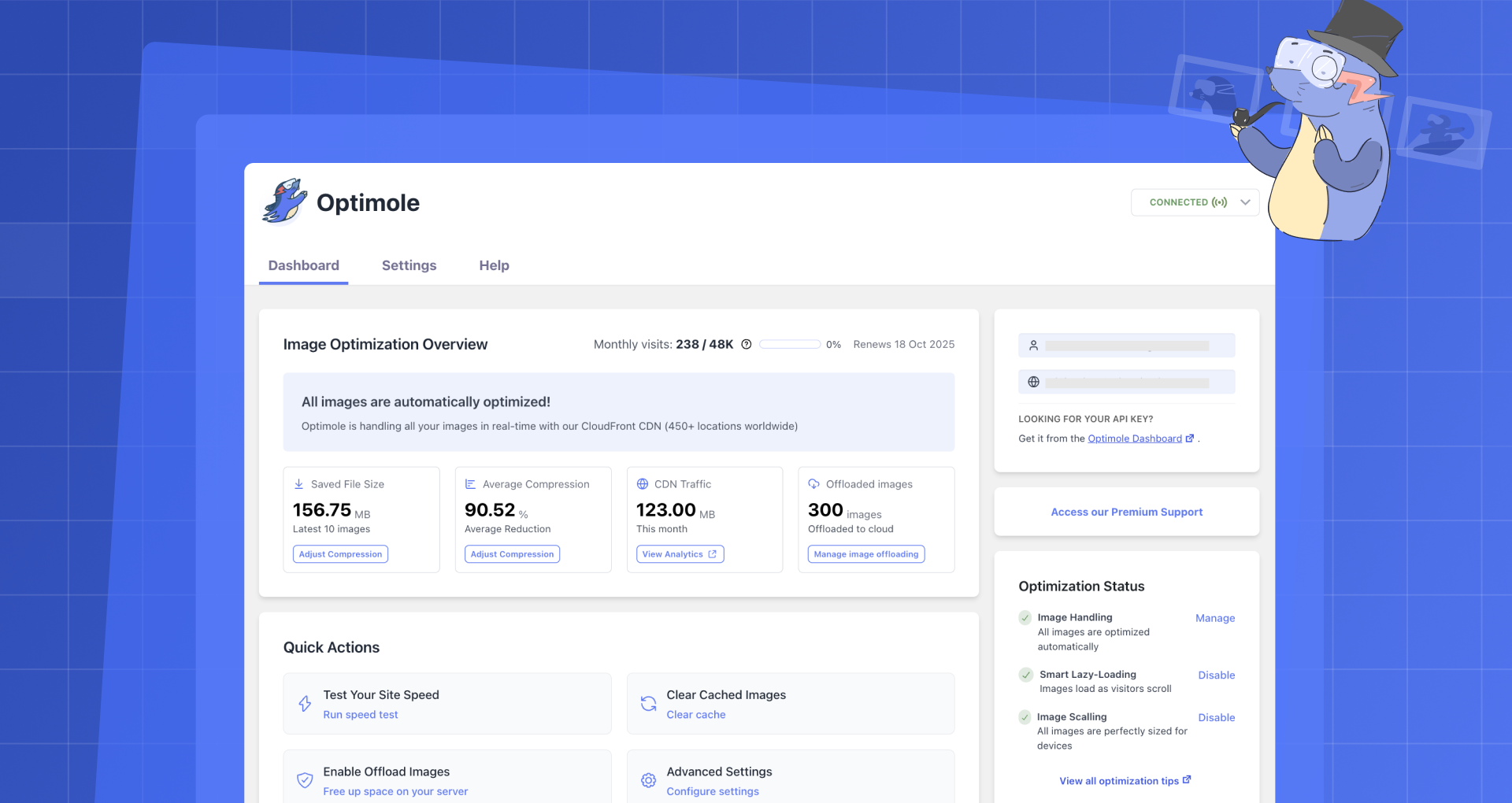

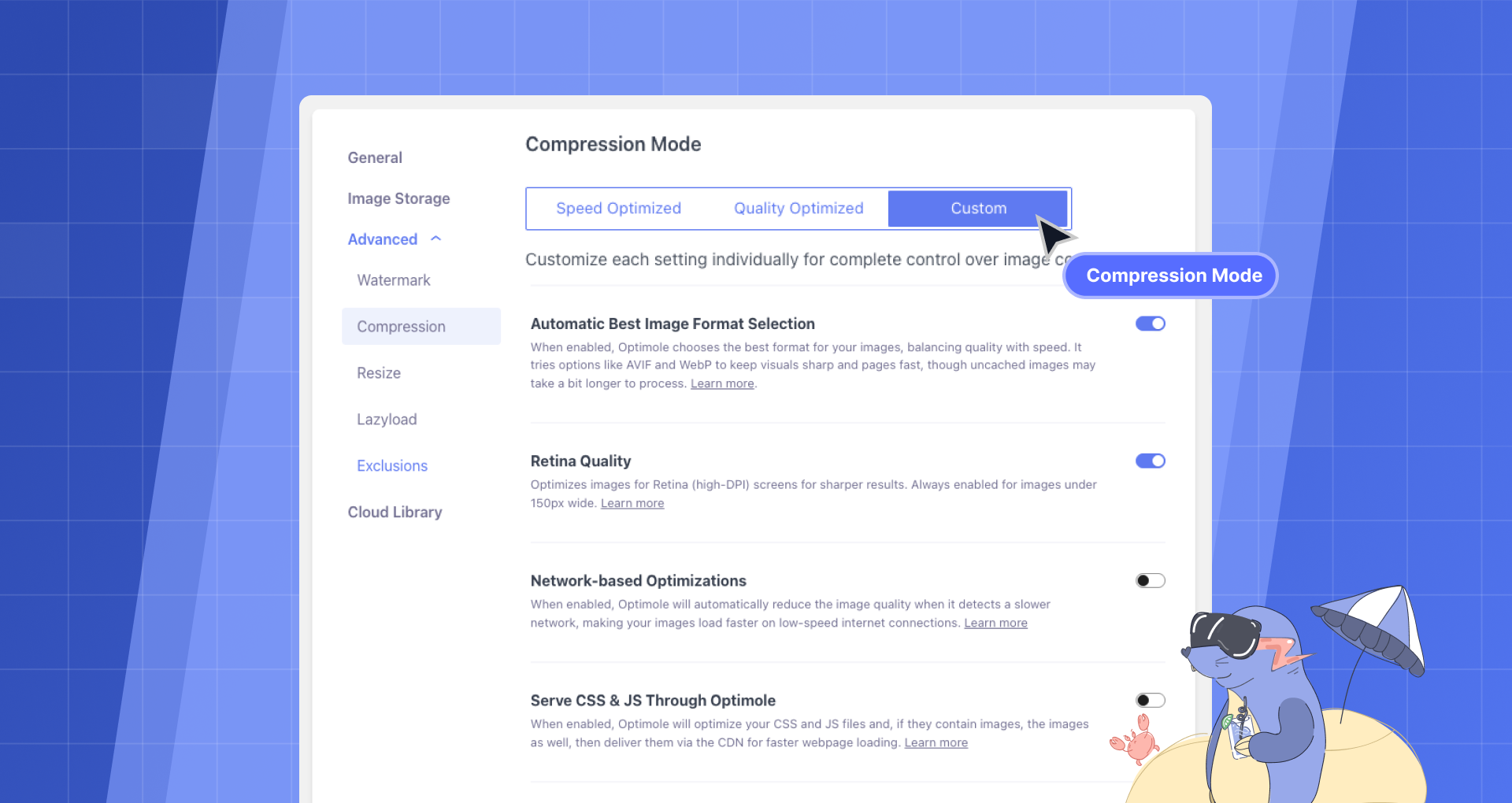
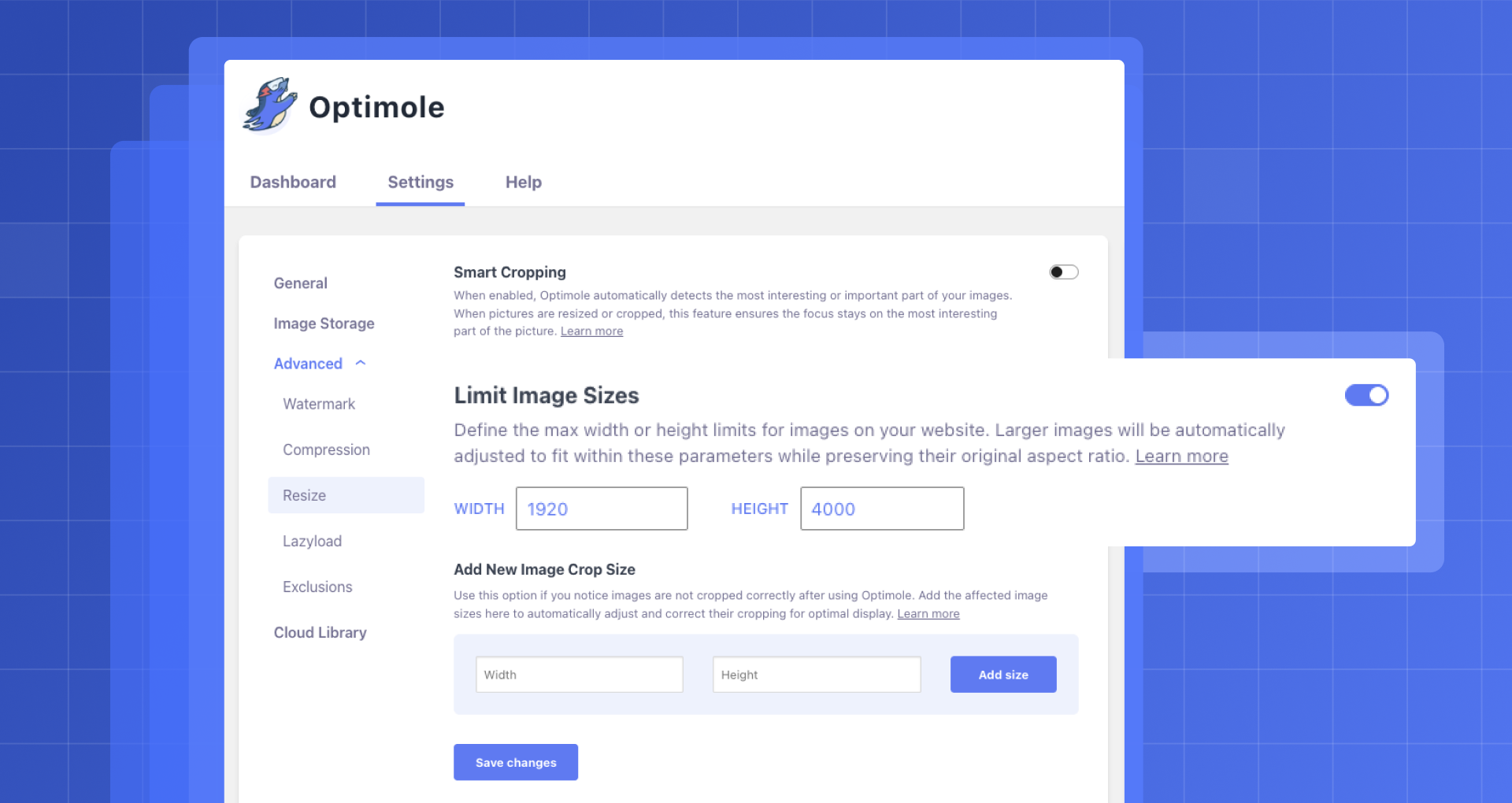
Unlimited automatic image optimization for WordPress. Compress images, convert to WebP, and improve site speed without losing image quality.

#119 by installs
Speed up your website by using our WebP & AVIF Converter. Optimize images and serve WebP and AVIF images instead of standard formats!
Compress and optimize images, enable lazy load, serve WebP & AVIF, and speed up your site with a global image CDN.
Image optimization in 1‑click: compress, resize & convert to WebP/AVIF – free up to 20MB/month. Enjoy the easiest WordPress image optimizer to set up.
Compress images & PDFs automatically, convert to WebP & AVIF, and generate SEO-friendly filenames with AI. Bulk optimization, smart crop & resize.

#354 by installs
Converts images to more modern formats such as WebP or AVIF during upload.
Read from the WordPress.org plugin API on , when WordPress 7.1.4 was the current release. WordPress.org rounds active installs into buckets. These are the directory's figures, not my verdict, and I haven't tested this plugin.


