
Automatically optimize images with bulk compression, lazy loading, WebP/AVIF conversion & CloudFront image CDN. Boost Core Web Vitals & conversions.
- Installs
- 200,000+
- Rating
- 4.7 (640)
- Updated
- 12 days ago

Unlimited automatic image optimization for WordPress. Compress images, convert to WebP, and improve site speed without losing image quality.
| Last updated | September 29, 2026Updated in the last 3 months |
|---|---|
| Tested up to | WordPress 7.1.4Covers WordPress 7.1.4, the current release |
| Needs WordPress | 5.6 or newer |
| Needs PHP | 7.4 or newer |
| First published | August 12, 2018 |
| Support, last two months | 1 of 1 threads resolved (100%) |
4.4 / 5 from 131 reviews
| 5 stars | 109 |
|---|---|
| 4 stars | 2 |
| 3 stars | 3 |
| 2 stars | 2 |
| 1 star | 15 |
🚀 Make Your Website Faster by Reducing Image Weight
Robin Image Optimizer is a WordPress image optimization plugin that can reduce image file size by up to 80% without visible quality loss. It helps speed up your site by compressing images, converting them to modern formats, and optimizing both new and existing images automatically.
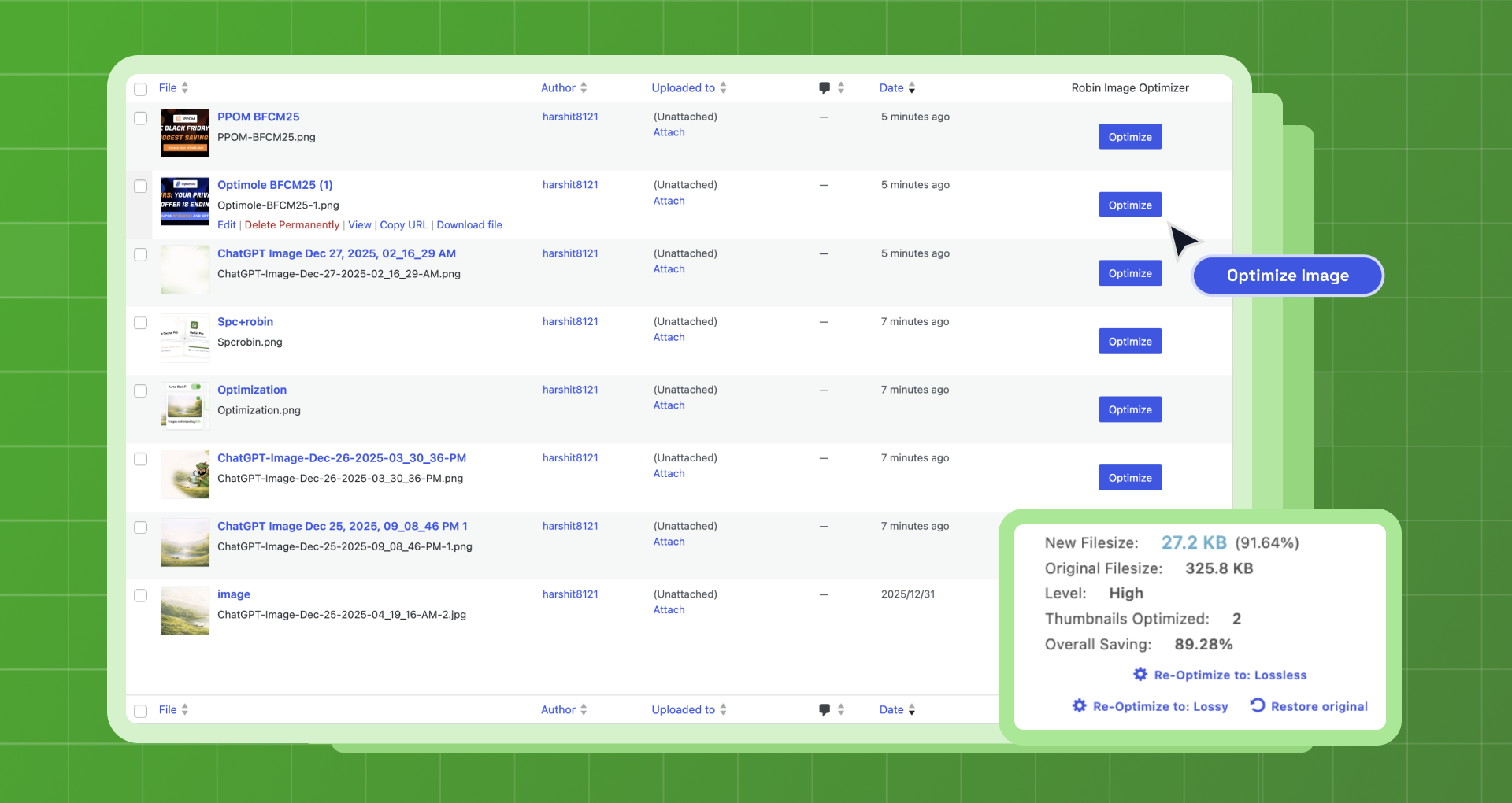
Robin Image Optimizer is a smart and advanced free image optimization plugin for WordPress, built with no limits on the number of images, no API keys, and no CDN in front of your site. Images are compressed by the Robin optimization service and written straight back into your media library, so your image URLs never change. Robin also supports automatic image optimization, bulk image optimization, and WebP conversion.
Robin is built for site owners who want free image optimization, unlimited WebP conversion, and a simple solution that works directly inside WordPress.
At a Glance
📌 Unlimited image optimization (no limits)
📌 Automatic optimization on image upload
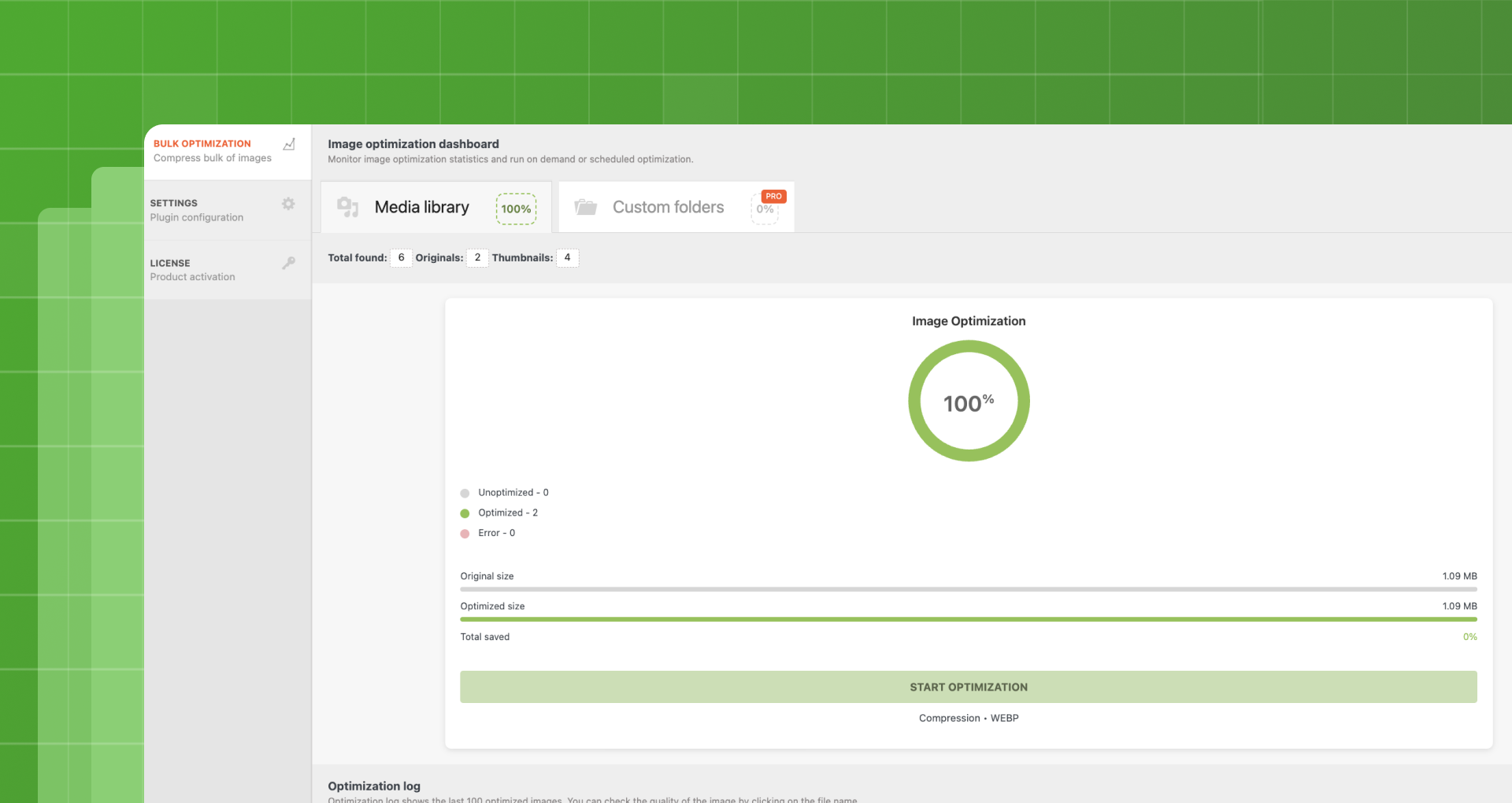
📌 Bulk optimization for existing media
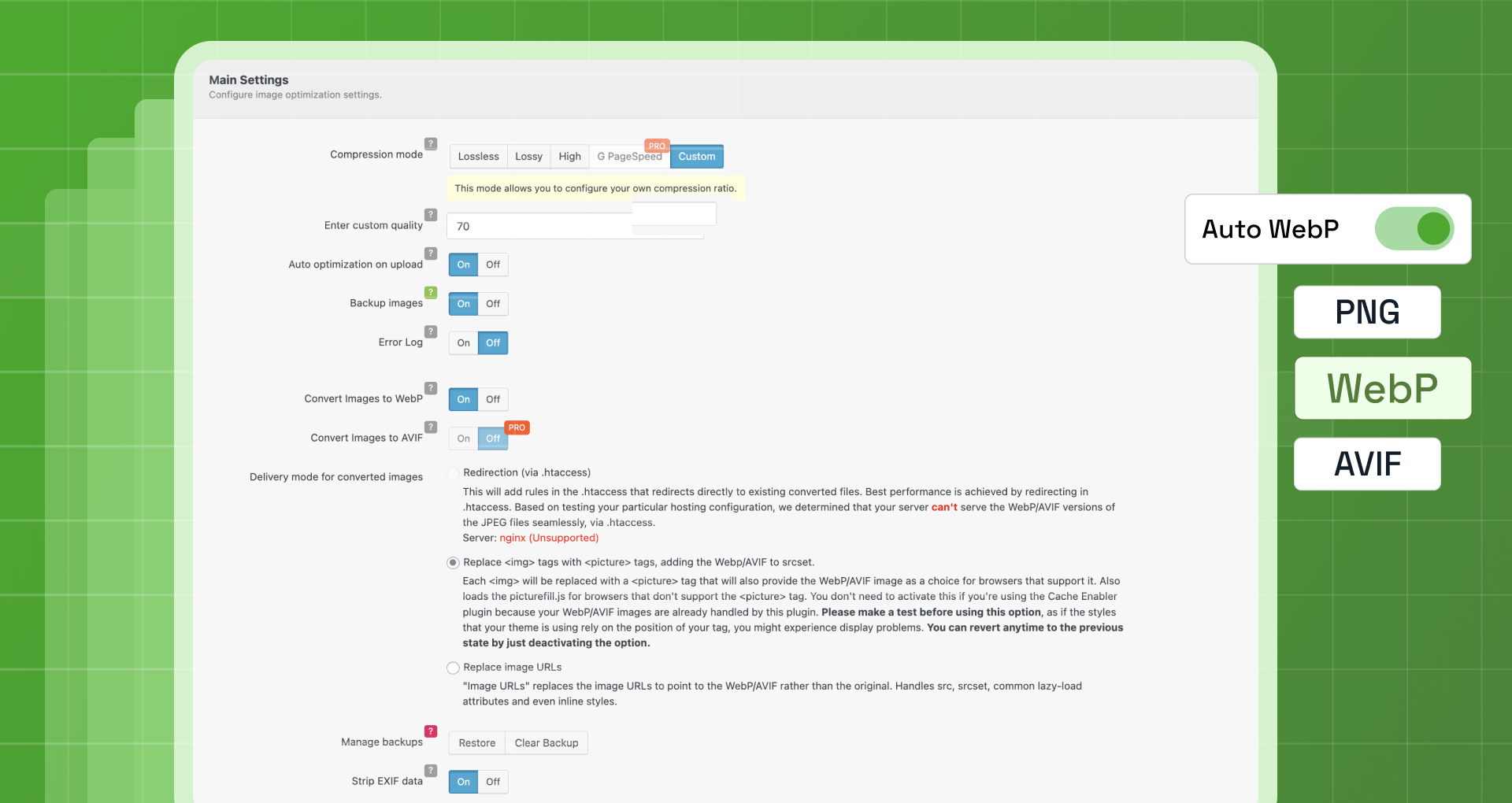
📌 WebP conversion (JPG, PNG, GIF)
📌 Your images stay in your own media library
📌 No API keys, no external CDN
Quick Links
📘 Documentation – Complete setup and configuration guide
💬 Support Forum – Community help and expert support
⭐ Go Pro – Unlock advanced features and priority support
What Robin Does
The opening of the plugin's own description. The full text, installation notes and changelog are on its WordPress.org page.
Robin Image Optimizer offers a generous free version that includes unlimited image optimization and WebP conversion. We plan to keep the free version available long term, while advanced features are offered as part of Robin Pro.
No. Robin allows unlimited image optimization with no limits on the number of images you can optimize. You can optimize both new uploads and existing images in your Media Library.
Robin image optimizer can optimize jpg, png and gif (both animated or not).
By default, EXIF data is removed to reduce file size and improve performance. You can choose to keep EXIF data by disabling this option in the plugin settings.
No. Robin image optimizer replaces images with their optimized analogues. The backup option stores source images and allows restoring them in one click.
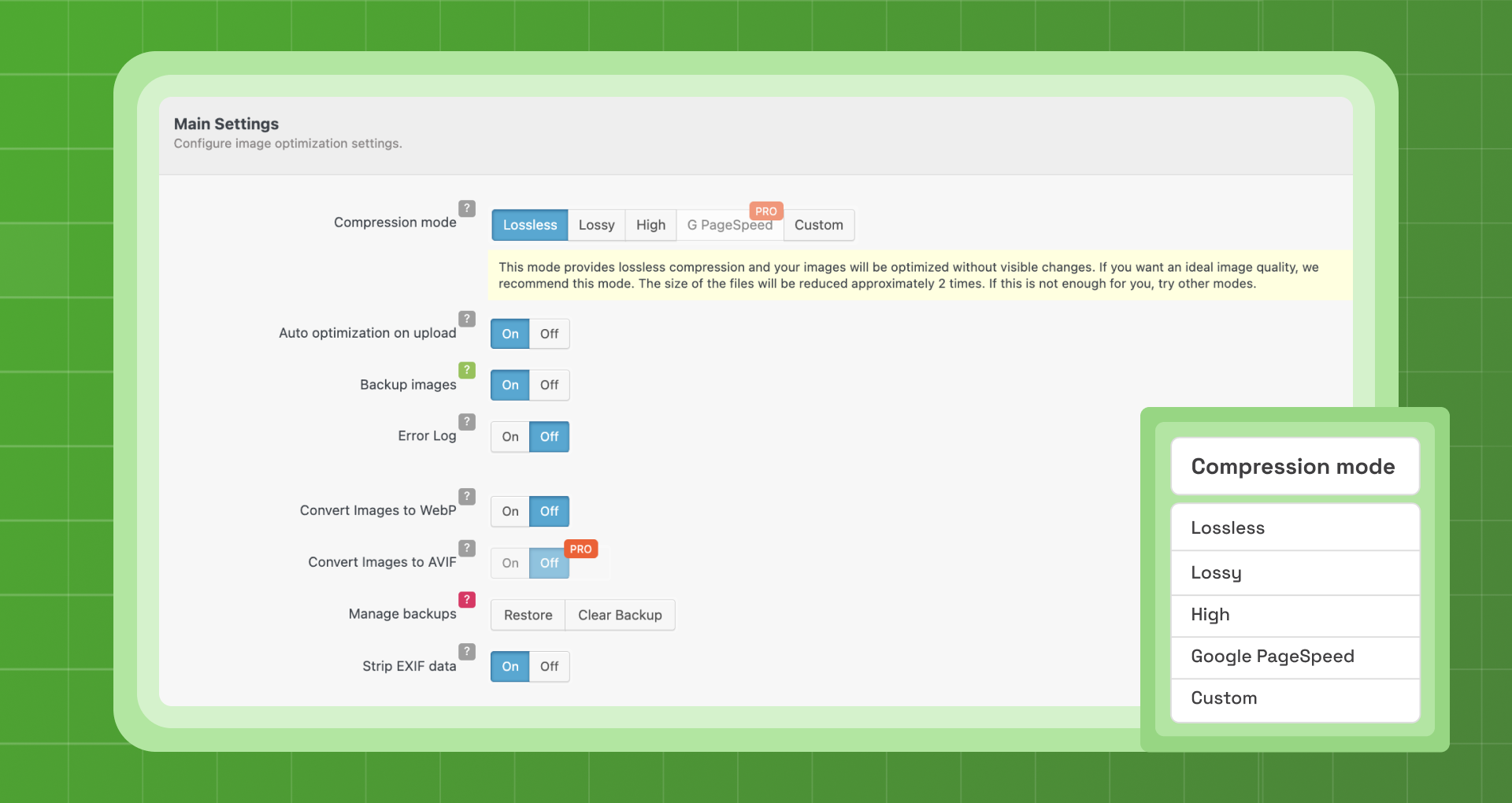
Yes. By enabling the backup feature in the plugin, you can re-optimize any image using another compression mode.
Version 2.0.9 (2026-09-29)
Automatically optimize images with bulk compression, lazy loading, WebP/AVIF conversion & CloudFront image CDN. Boost Core Web Vitals & conversions.

#119 by installs
Speed up your website by using our WebP & AVIF Converter. Optimize images and serve WebP and AVIF images instead of standard formats!
Compress and optimize images, enable lazy load, serve WebP & AVIF, and speed up your site with a global image CDN.
Image optimization in 1‑click: compress, resize & convert to WebP/AVIF – free up to 20MB/month. Enjoy the easiest WordPress image optimizer to set up.
Compress images & PDFs automatically, convert to WebP & AVIF, and generate SEO-friendly filenames with AI. Bulk optimization, smart crop & resize.

#354 by installs
Converts images to more modern formats such as WebP or AVIF during upload.
Read from the WordPress.org plugin API on , when WordPress 7.1.4 was the current release. WordPress.org rounds active installs into buckets. These are the directory's figures, not my verdict, and I haven't tested this plugin.


