
Compress and optimize images, enable lazy load, serve WebP & AVIF, and speed up your site with a global image CDN.
- Installs
- 1+ million
- Rating
- 4.8 (6.1K)
- Updated
- 11 days ago

Image optimization in 1‑click: compress, resize & convert to WebP/AVIF – free up to 20MB/month. Enjoy the easiest WordPress image optimizer to set up.
| Last updated | September 7, 2026Updated in the last 3 months |
|---|---|
| Tested up to | WordPress 7.1.4Covers WordPress 7.1.4, the current release |
| Needs WordPress | 5.3 or newer |
| Needs PHP | 7.4 or newer |
| First published | January 27, 2016 |
| Support, last two months | 2 of 3 threads resolved (67%) |
4.3 / 5 from 1,656 reviews
| 5 stars | 1,295 |
|---|---|
| 4 stars | 64 |
| 3 stars | 31 |
| 2 stars | 44 |
| 1 star | 222 |
Image optimization in 1‑click: compress, resize & convert to WebP/AVIF – free up to 20MB/month. Enjoy the easiest WordPress image optimizer to set up.
🏆 The Easiest Image Optimization Plugin for WordPress
Imagify is the simplest image optimization plugin for WordPress to optimize images, so your website loads faster and images stay lighter. It’s designed for site owners who want quick and effective results with a very easy setup.
With Imagify, you can resize and compress images and convert them to WebP and AVIF directly from your WordPress dashboard, with up to 20MB of images optimized each month for free. Automatic image optimization takes just one click and does not require technical knowledge.
Whether you’re uploading new images, running bulk image optimization on an existing media library, or handling image optimization for WooCommerce product photos, Imagify makes the process simple, reliable, and easy to manage.
What sets Imagify apart:
• WebP and AVIF conversion included in the free plan, so you can use next-gen image formats right away.
• Easy to use, with no advanced configuration to learn.
• Smart image compression and optimization that does the job for you and reduces file size while preserving image quality.
• Bulk image optimization that runs in the background.
The opening of the plugin's own description. The full text, installation notes and changelog are on its WordPress.org page.
Absolutely. Imagify can be configured to automatically optimize images as they’re uploaded to your Media Library. This ensures every image is compressed using the best optimization settings the moment it appears on your site—saving you time and maximizing performance.
You can use GTMetrix and Google PageSpeed Insights to check the relevant suggestions. It is recommended to test the following metrics before and after the image optimization:
Imagify is an extremely powerful image optimizer: our advanced compressing algorithm will compress images, reduce their weight without sacrificing their quality.
Imagify is also super easy to use. Thanks to its intuitive design, you can easily get familiar with the interface and services without thinking about it.
You can use Imagify on as many websites as you wish. Your image optimization quota to compress images will be shared evenly across all of the websites.
If you need more control over how your Imagify subscription is used, you should create sub-accounts to allocate a quota for each.
Imagify will deliver images in the original format for browsers that don’t support the next-gen WebP format automatically, so there is nothing further to be done.
Yes, Imagify is fully compatible with NextGEN Gallery, the most popular photo gallery plugin for WordPress. All Imagify optimization features related to NextGEN Gallery images are located and usable within the NextGEN Gallery menus and pages. So when you add images to your NextGEN galleries, you’ll be able to optimize them as well.


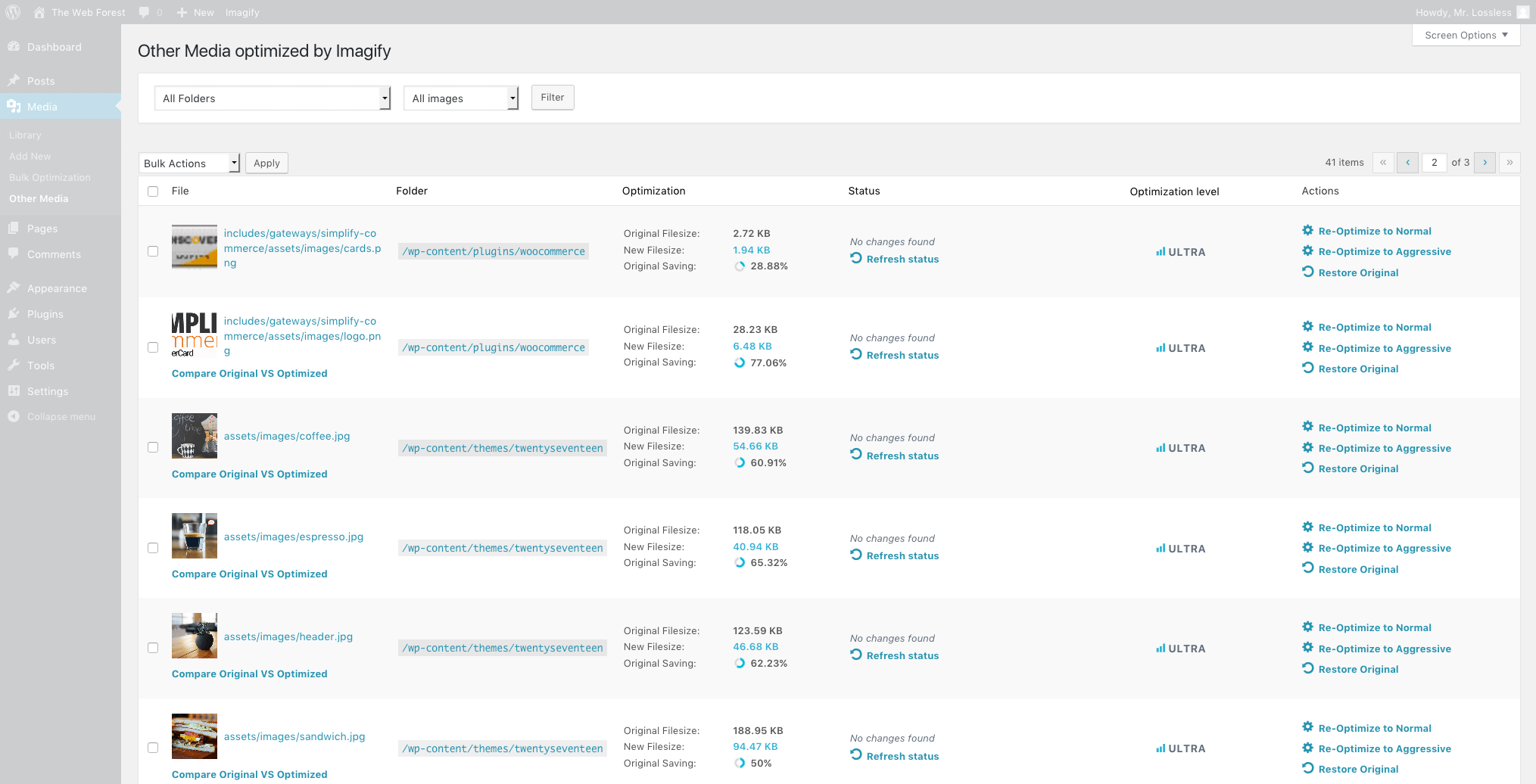
Compress and optimize images, enable lazy load, serve WebP & AVIF, and speed up your site with a global image CDN.

#119 by installs
Speed up your website by using our WebP & AVIF Converter. Optimize images and serve WebP and AVIF images instead of standard formats!
Compress images & PDFs automatically, convert to WebP & AVIF, and generate SEO-friendly filenames with AI. Bulk optimization, smart crop & resize.
Image Optimizer is an easy-to-use WordPress plugin that reduces image size through various compression and resizing techniques – all of which preserve …

Automatically optimize images with bulk compression, lazy loading, WebP/AVIF conversion & CloudFront image CDN. Boost Core Web Vitals & conversions.
Unlimited automatic image optimization for WordPress. Compress images, convert to WebP, and improve site speed without losing image quality.
Read from the WordPress.org plugin API on , when WordPress 7.1.4 was the current release. WordPress.org rounds active installs into buckets. These are the directory's figures, not my verdict, and I haven't tested this plugin.


