
#631 by installs
Better Font Awesome
Add Font Awesome Free icons that stay current automatically, with a native WordPress block, shortcodes, a Classic Editor picker, and legacy support.
- Installs
- 60,000+
- Rating
- 4.5 (88)
- Updated
- 51 days ago

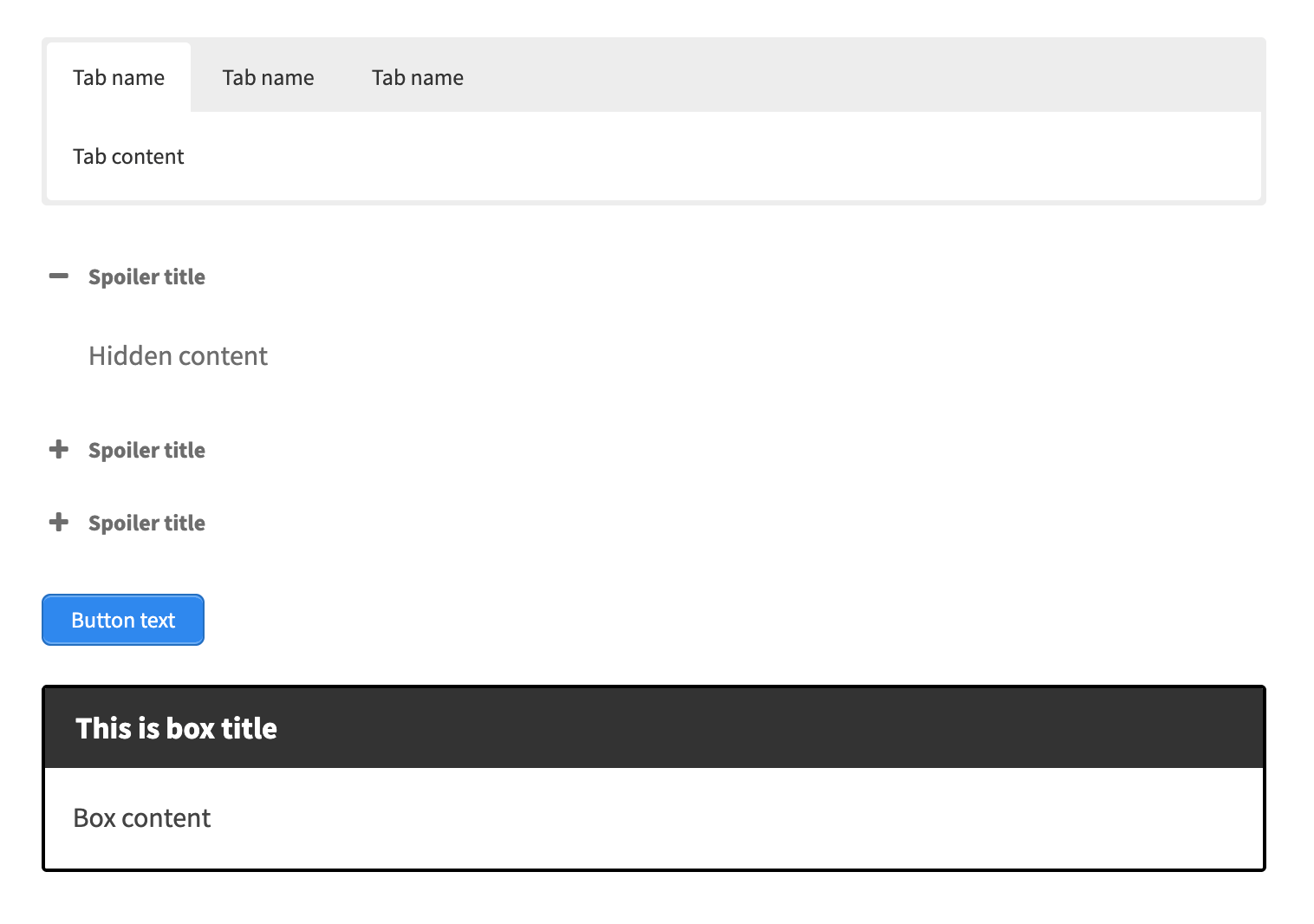
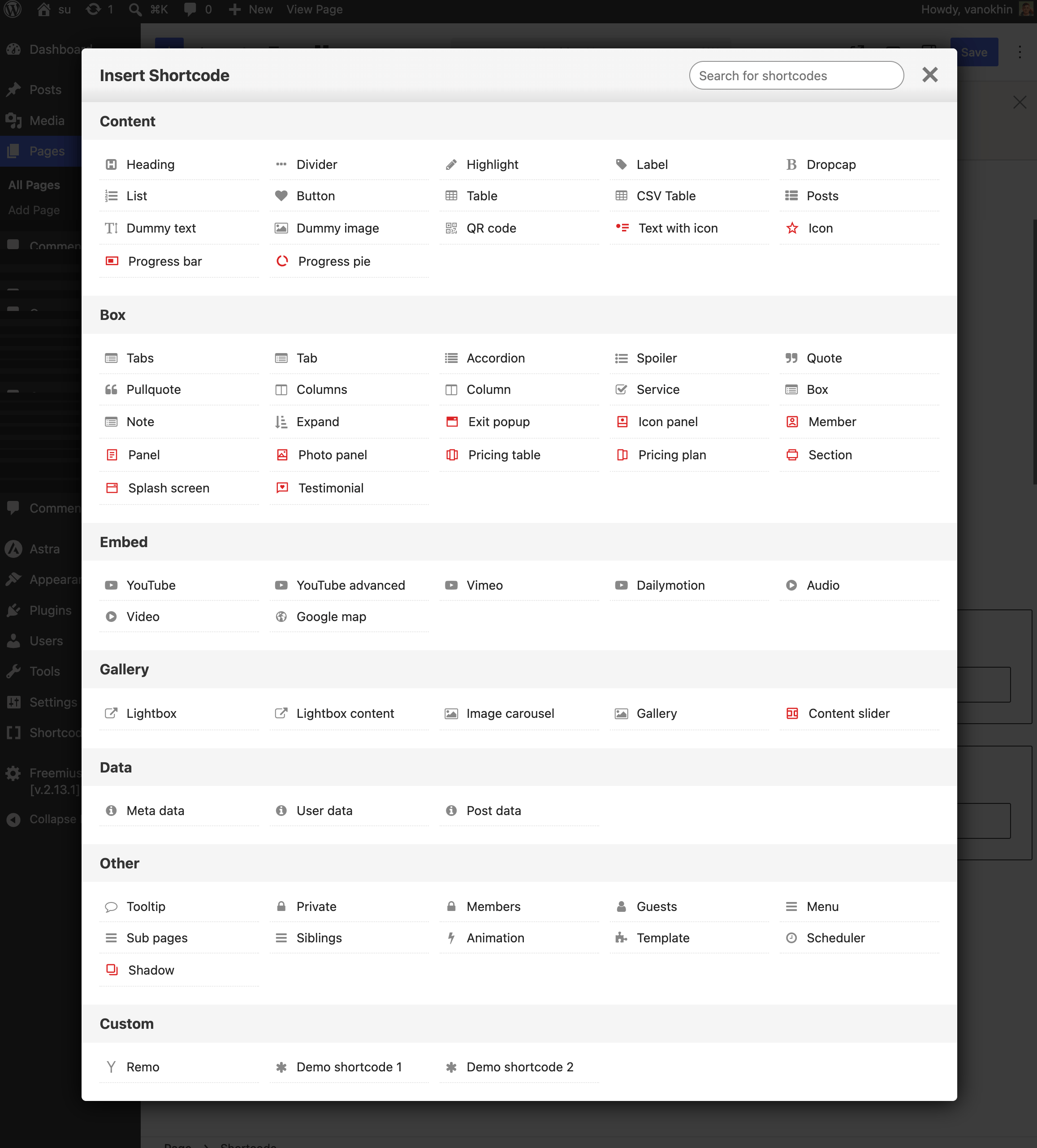
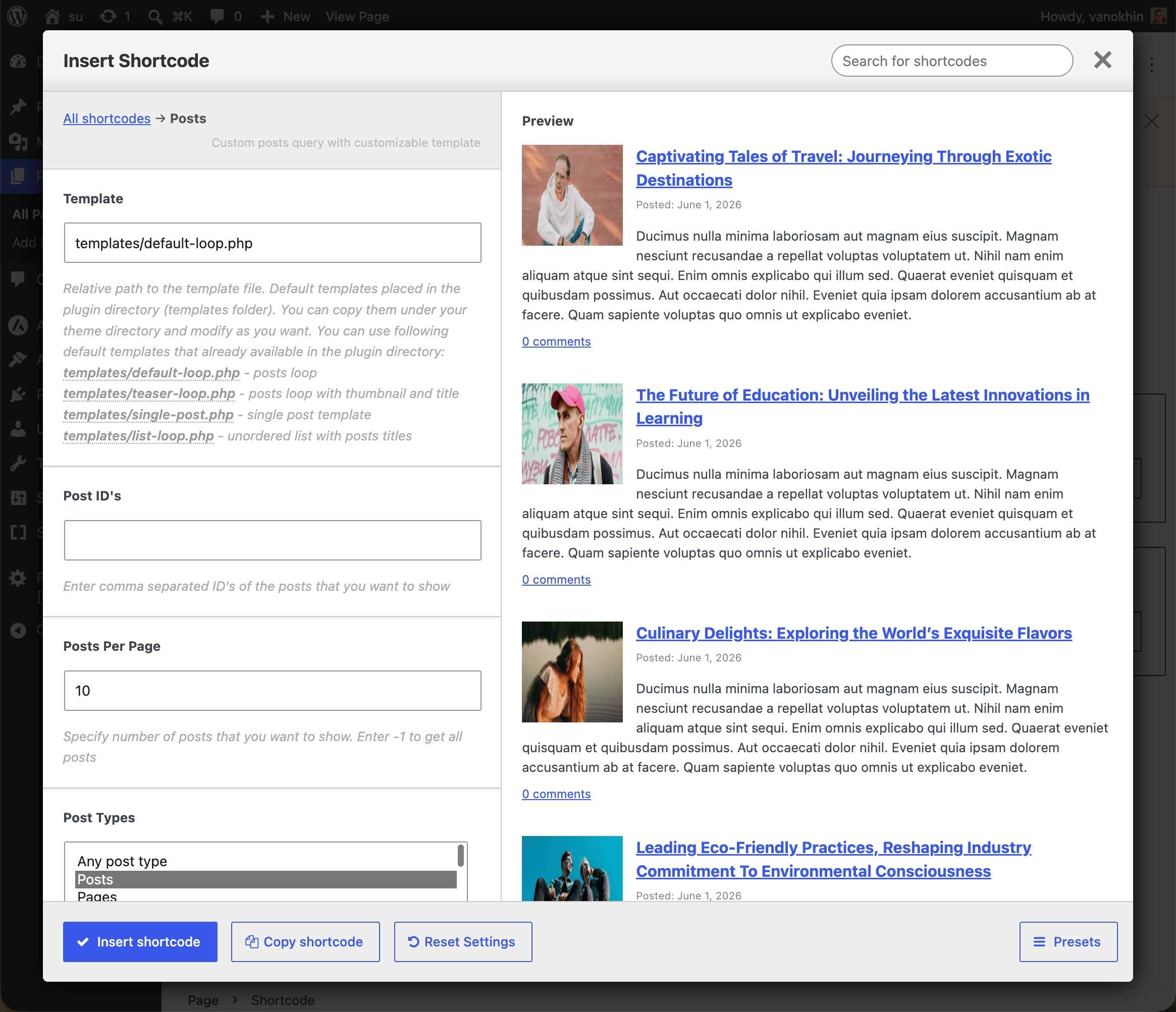
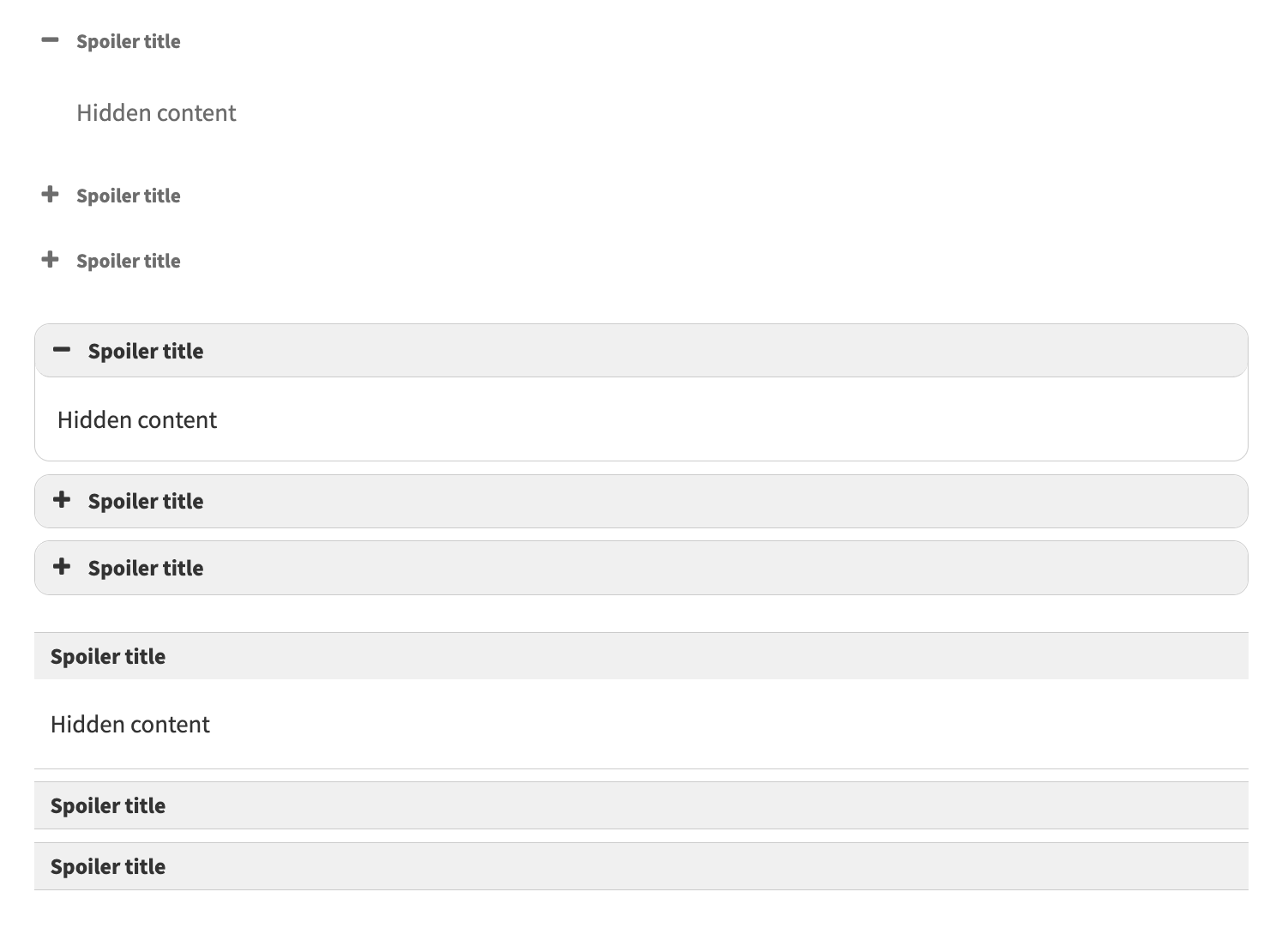
Add 50+ shortcodes with live preview for tabs, accordions, buttons, FAQs, sliders and boxes. Works in Block Editor and Classic Editor.
| Last updated | October 17, 2026Updated in the last 3 months |
|---|---|
| Tested up to | WordPress 7.1.4Covers WordPress 7.1.4, the current release |
| Needs WordPress | 6.0 or newer |
| Needs PHP | 7.0 or newer |
| First published | April 6, 2011 |
| Support, last two months | 1 of 2 threads resolved (50%) |
4.9 / 5 from 5,925 reviews
| 5 stars | 5,528 |
|---|---|
| 4 stars | 276 |
| 3 stars | 43 |
| 2 stars | 21 |
| 1 star | 57 |
🌟 Building new pages with Gutenberg?
Explore VovaBlocks, a focused collection of native marketing and content blocks from the creator of Shortcodes Ultimate.
View VovaBlocks →
➡️ About Shortcodes Ultimate
Shortcodes Ultimate is a WordPress shortcode plugin for adding tabs, accordions, buttons, FAQs, sliders, carousels, lightboxes, columns, boxes and other reusable content elements without coding. It is ideal for site owners who want richer content layouts and practical UI elements without switching to a full page builder.
Use Shortcodes Ultimate in the Block Editor, Classic Editor, widgets and template files. Generate shortcodes visually, preview the result before inserting it, and reuse the same elements across posts, pages and existing shortcode-based content.
Trusted by hundreds of thousands of WordPress sites, Shortcodes Ultimate helps you replace multiple single-purpose UI plugins with one maintained toolkit. Explore live examples
What you can build
With Shortcodes Ultimate, you can quickly add common WordPress content elements such as:
The opening of the plugin's own description. The full text, installation notes and changelog are on its WordPress.org page.
Yes. You can insert generated shortcodes into a Shortcode block, Paragraph block or Classic block, and you can build them visually with the Insert Shortcode tool before adding them to your content.
Yes. Shortcodes Ultimate is useful both for new pages and for older WordPress sites that already rely on shortcodes. You can keep existing content working and gradually improve it without rebuilding everything in a page builder.
Yes. You can use Shortcodes Ultimate anywhere WordPress shortcodes are supported, including Elementor shortcode widgets, many widget areas, and template files via do_shortcode().
No. Most users can create and insert shortcodes through the visual generator and live preview without writing shortcode syntax manually.
Blocks are excellent for visual editing. Shortcodes are useful when you need reusable content elements that can work across posts, pages, widgets, templates and older content.
Shortcodes Ultimate is especially helpful for hybrid WordPress sites, older sites, content-heavy sites and workflows where you want a simple way to insert the same type of element in many places.
Documentation: https://getshortcodes.com/docs/?utm_campaign=wporg&utm_medium=readme&utm_source=faq_docs
Support: https://getshortcodes.com/support/?utm_campaign=wporg&utm_medium=readme&utm_source=faq_support
Live examples: https://getshortcodes.com/docs-category/shortcodes/?utm_campaign=wporg&utm_medium=readme&utm_source=faq_examples
This update features security improvements and is recommended for all users
#631 by installs
Add Font Awesome Free icons that stay current automatically, with a native WordPress block, shortcodes, a Classic Editor picker, and legacy support.

#660 by installs
Adds shortcodes to easily create columns in your posts or pages.

#4 by installs
Enables the previous "classic" editor and the old-style Edit Post screen with TinyMCE, Meta Boxes, etc. Supports all plugins that extend this screen.

#30 by installs
Extends and enhances the block editor (Gutenberg) and the classic editor (TinyMCE).

#117 by installs
Disable Gutenberg Block Editor and restore the Classic Editor and original Edit Post screen (TinyMCE, meta boxes, etc.).

#257 by installs
Formerly Easy Fancybox. The most popular WordPress lightbox plugin. Simple, fast, and responsive. Opens images, videos, PDFs, and custom popups.
Read from the WordPress.org plugin API on , when WordPress 7.1.4 was the current release. WordPress.org rounds active installs into buckets. These are the directory's figures, not my verdict, and I haven't tested this plugin.