
#147 by installs
Shortcodes Ultimate – Content Elements
Add 50+ shortcodes with live preview for tabs, accordions, buttons, FAQs, sliders and boxes. Works in Block Editor and Classic Editor.
- Installs
- 400,000+
- Rating
- 4.9 (5.9K)
- Updated
- 14 days ago

Adds shortcodes to easily create columns in your posts or pages.
| Last updated | October 11, 2022Not updated for over a year |
|---|---|
| Tested up to | WordPress 6.0.18Older than WordPress 7.1.4, the current release |
| Needs WordPress | 4.8 or newer |
| Needs PHP | Not stated |
| First published | August 2, 2012 |
| Support, last two months | No threads opened |
4.8 / 5 from 134 reviews
| 5 stars | 122 |
|---|---|
| 4 stars | 3 |
| 3 stars | 2 |
| 2 stars | 3 |
| 1 star | 4 |
Adds shortcodes to easily create columns in your posts or pages.
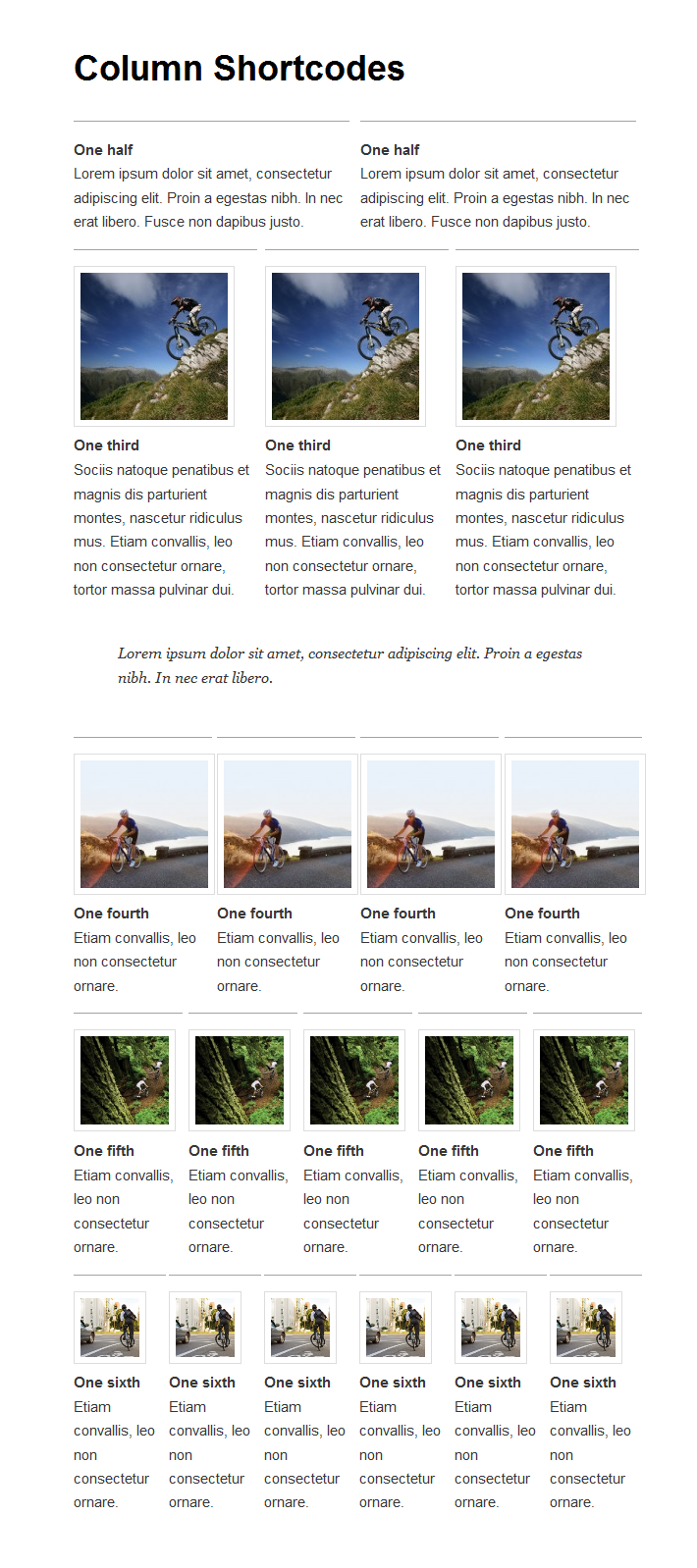
Sometimes you just need to divide your page into different columns. With this plugin you just select a column shortcode and it will add the column to the page. You can also change the padding of each individual column from the UI.
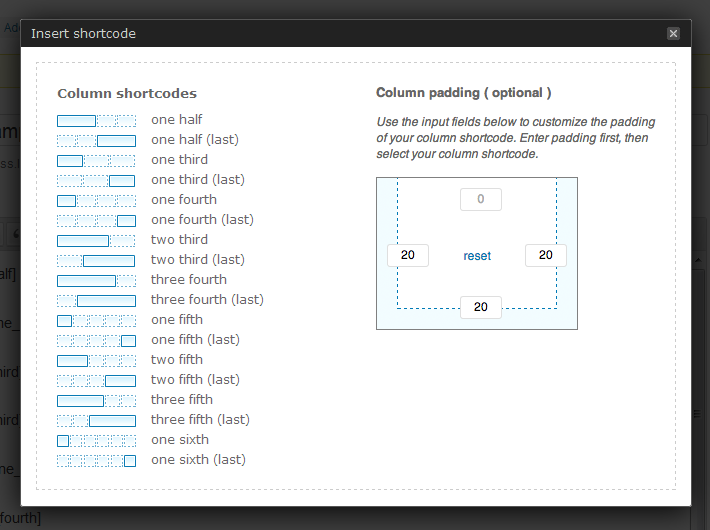
There are 10 different column widths available from which you can make all combinations:
A preset stylesheet is included, which you can also overwrite to you liking in your theme’s stylesheet.
Related Links:
The opening of the plugin's own description. The full text, installation notes and changelog are on its WordPress.org page.
Standard
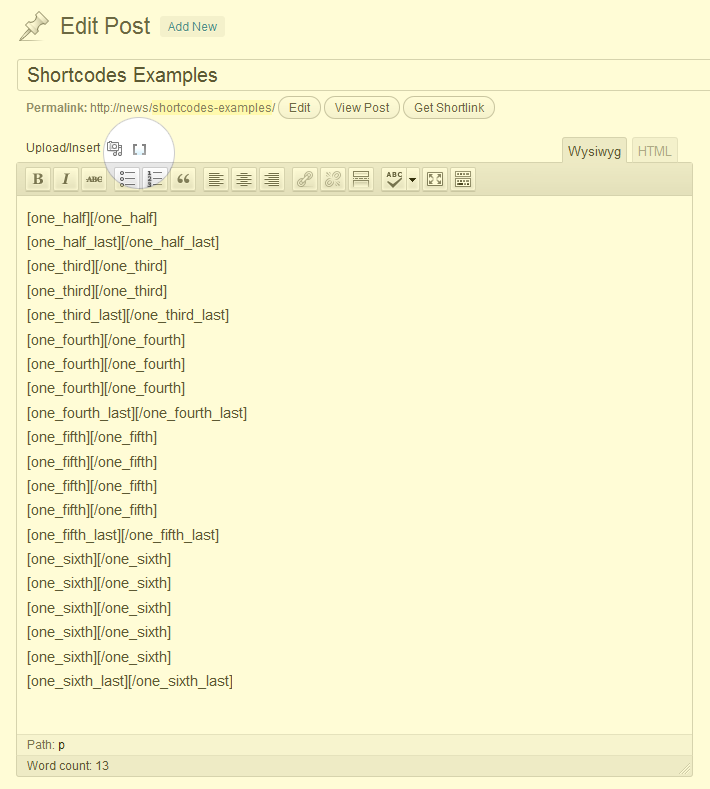
The easiest way is to use the added icon on the top of your editor ( right next to the media icon ). This will open a popup window from which you can select a column icon by clicking on one of the shortcodes.
Manual
You could also type in the shortcode yourself inside the editor. The following shortcodes are available:
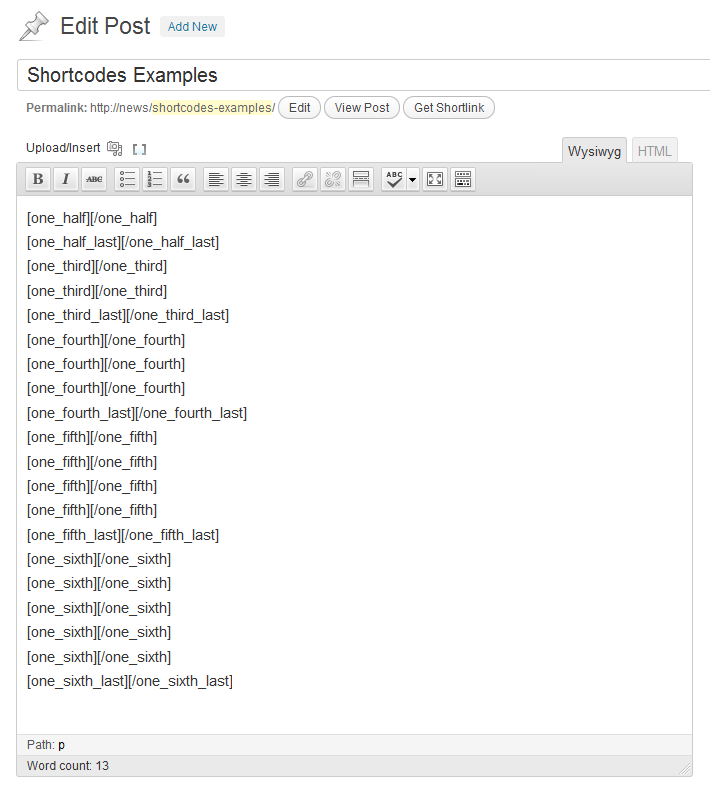
When you have selected a shorcode it will be placed in you editor. You will see something like this:
[one_half][/one_half]
Make sure to place your content (text/images etc. ) between the two shortcodes, like so:
[one_half]My content goes here...[/one_half]
You can prefix the shortcode by placing the following in your functions.php. Problem solved =)
add_filter( 'cpsh_prefix', 'set_shortcode_prefix' ); function set_shortcode_prefix() { return 'myprefix_'; // edit this part if needed }
In patch 0.6 we added padding settings (optional) to the plugin. If you would like to hide this settings menu you can place the following in your functions.php
add_filter( 'cpsh_hide_padding_settings', '__return_true' );
If you would like to hide certain column from the menu; place the following in your functions.php
function hide_column_shortcodes( $shortcodes ) {
/* uncomment ( remove the '//' ) any of the following to remove it's shortcode from menu */
You can easily overwrite the existing stylesheet. For example you would like to add a margin between your columns, you just place the following in your theme’s style.css:
.one_half { width: 49% !important; margin-right: 2% !important; } .one_half.last_column { width: 49% !important; margin-right: 0px !important; } .one_third { width: 32% !important; margin-right: 2% !important; } .one_third.last_column { width: 32%…
#147 by installs
Add 50+ shortcodes with live preview for tabs, accordions, buttons, FAQs, sliders and boxes. Works in Block Editor and Classic Editor.

#273 by installs
MW WP Form is shortcode base contact form plugin. This plugin have many features. For example you can use many validation rules, inquiry data saving, …

#336 by installs
Take control of your WordPress admin list tables. Add, remove, and reorder columns for posts, users, media, and more - no coding needed.

#387 by installs
Make entire columns, sections and containers clickable in Elementor, with real SEO-friendly links, keyboard access and click tracking.

#433 by installs
Create custom "Shortcodes" easily for HTML, JavaScript, CSS code snippets and use the shortcodes within posts, pages & widgets

#550 by installs
Add a listing of content on your website using a simple shortcode. Filter the results by category, author, and more.
Read from the WordPress.org plugin API on , when WordPress 7.1.4 was the current release. WordPress.org rounds active installs into buckets. These are the directory's figures, not my verdict, and I haven't tested this plugin. The author takes donations at their donate page.