
#147 by installs
Shortcodes Ultimate – Content Elements
Add 50+ shortcodes with live preview for tabs, accordions, buttons, FAQs, sliders and boxes. Works in Block Editor and Classic Editor.
- Installs
- 400,000+
- Rating
- 4.9 (5.9K)
- Updated
- 14 days ago

Add Font Awesome Free icons that stay current automatically, with a native WordPress block, shortcodes, a Classic Editor picker, and legacy support.
| Last updated | September 10, 2026Updated in the last 3 months |
|---|---|
| Tested up to | WordPress 7.1.4Covers WordPress 7.1.4, the current release |
| Needs WordPress | 6.5 or newer |
| Needs PHP | 7.4 or newer |
| First published | April 5, 2014 |
| Support, last two months | 1 of 1 threads resolved (100%) |
4.5 / 5 from 88 reviews
| 5 stars | 74 |
|---|---|
| 4 stars | 3 |
| 3 stars | 1 |
| 2 stars | 4 |
| 1 star | 6 |
Do you find this plugin helpful? Please consider leaving a 5-star review.
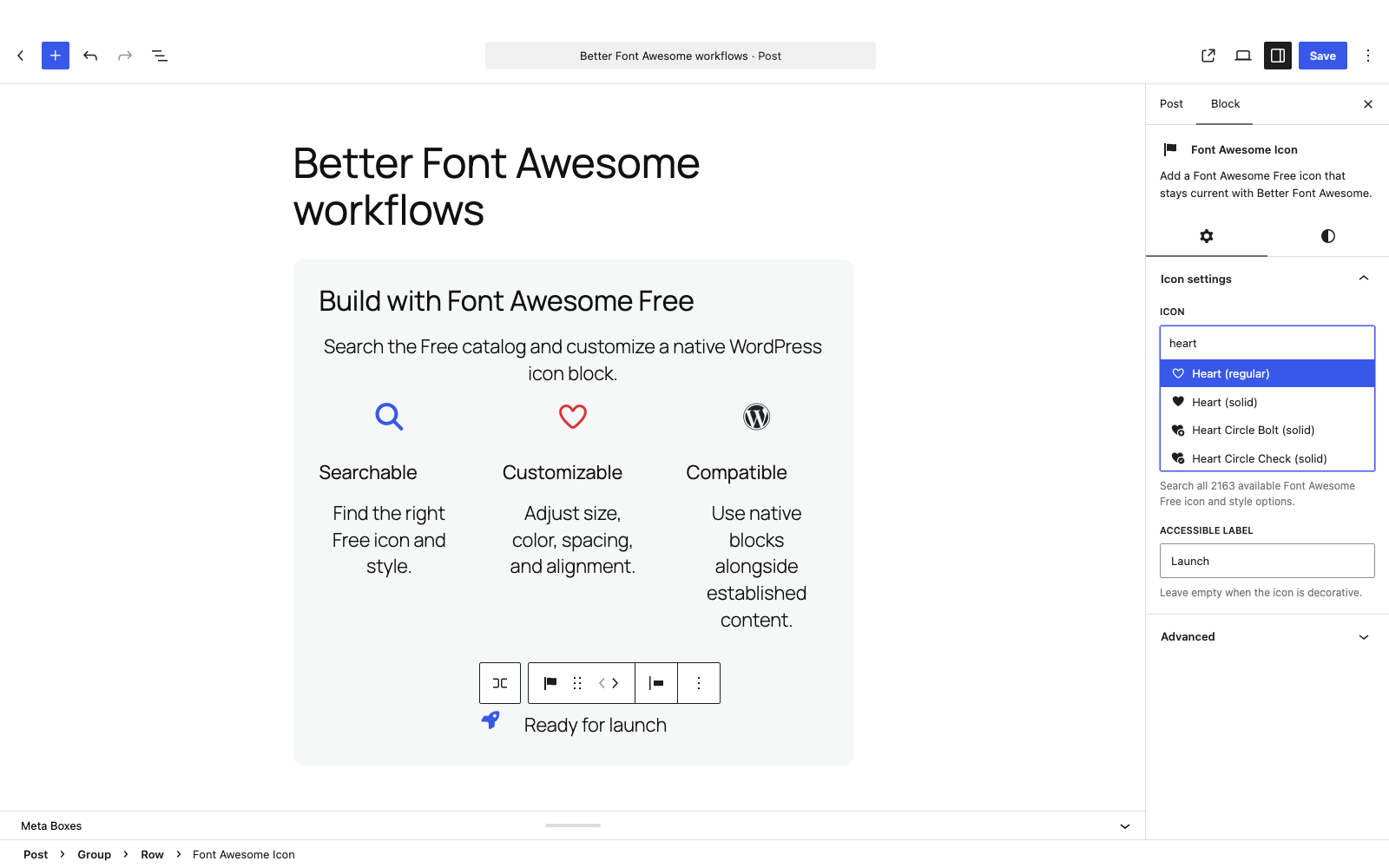
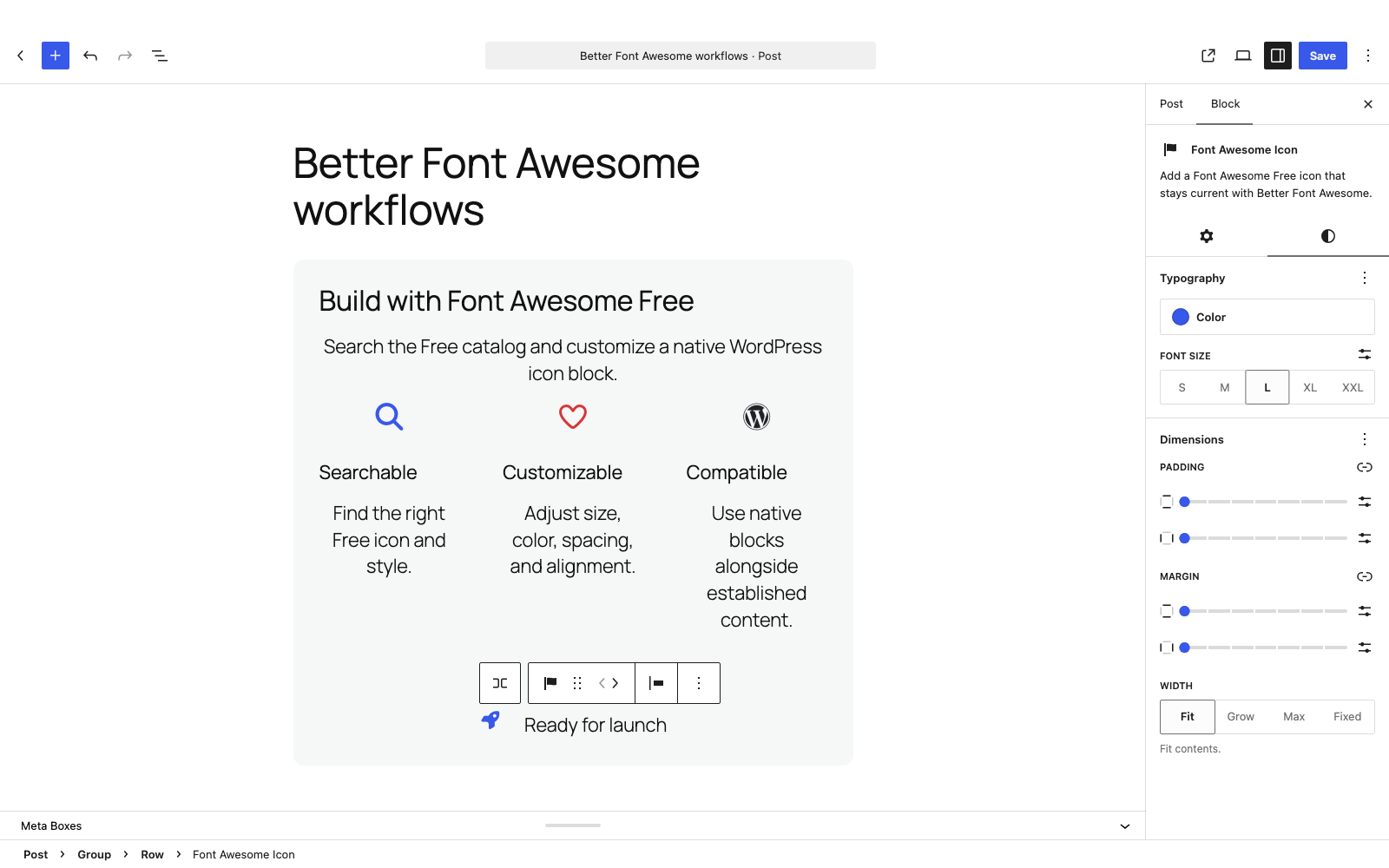
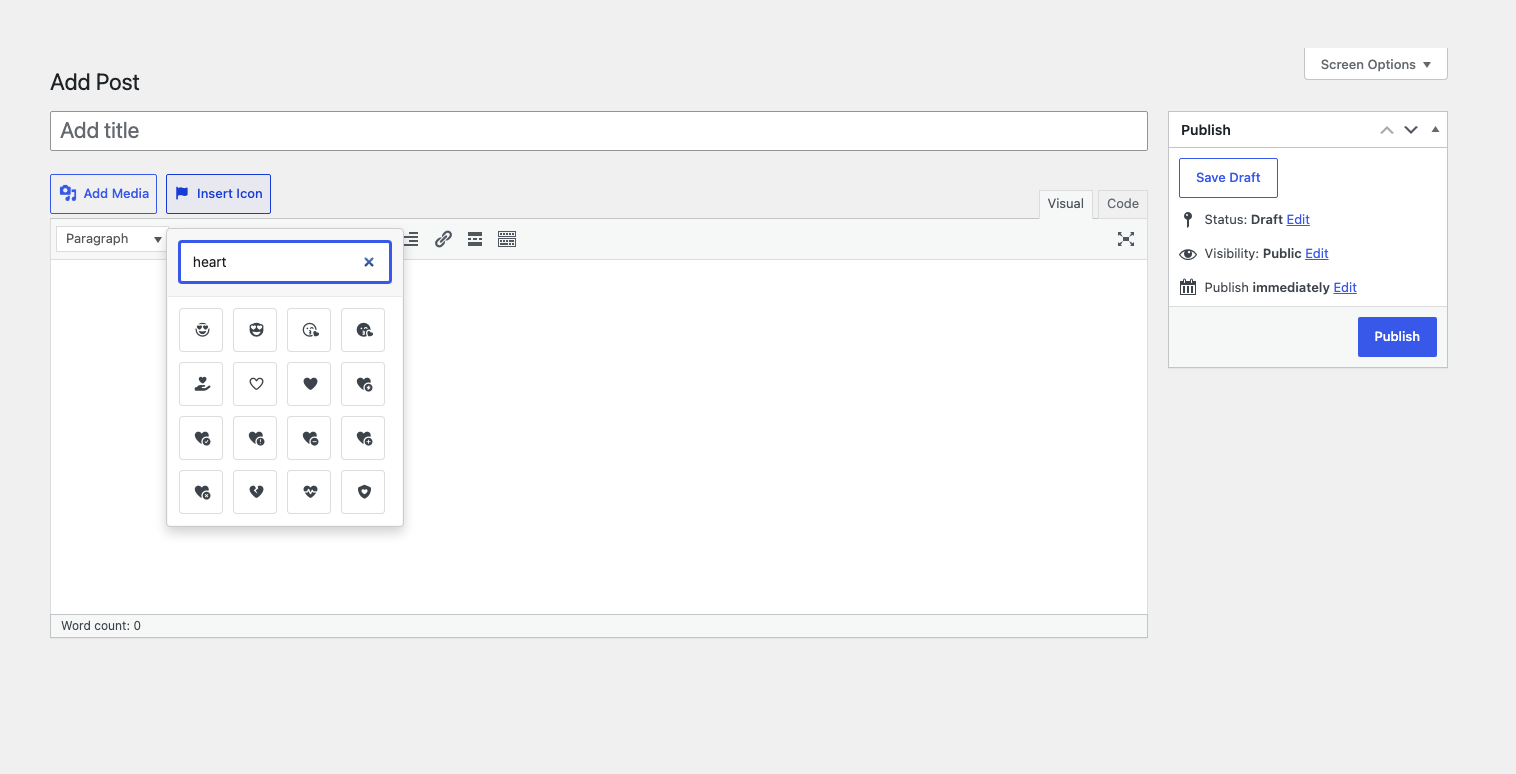
Add Font Awesome Free icons to WordPress using a native Icon block, shortcodes, the Classic Editor picker, or HTML. Search the latest compatible Free catalog, customize icons in the Block Editor, and keep established Font Awesome 4 and 5 content working.
A built-in fallback means icons work immediately. Better Font Awesome automatically keeps Font Awesome Free icons current with newer compatible releases in the background, while pages and editors keep loading normally.
Key features
Getting started
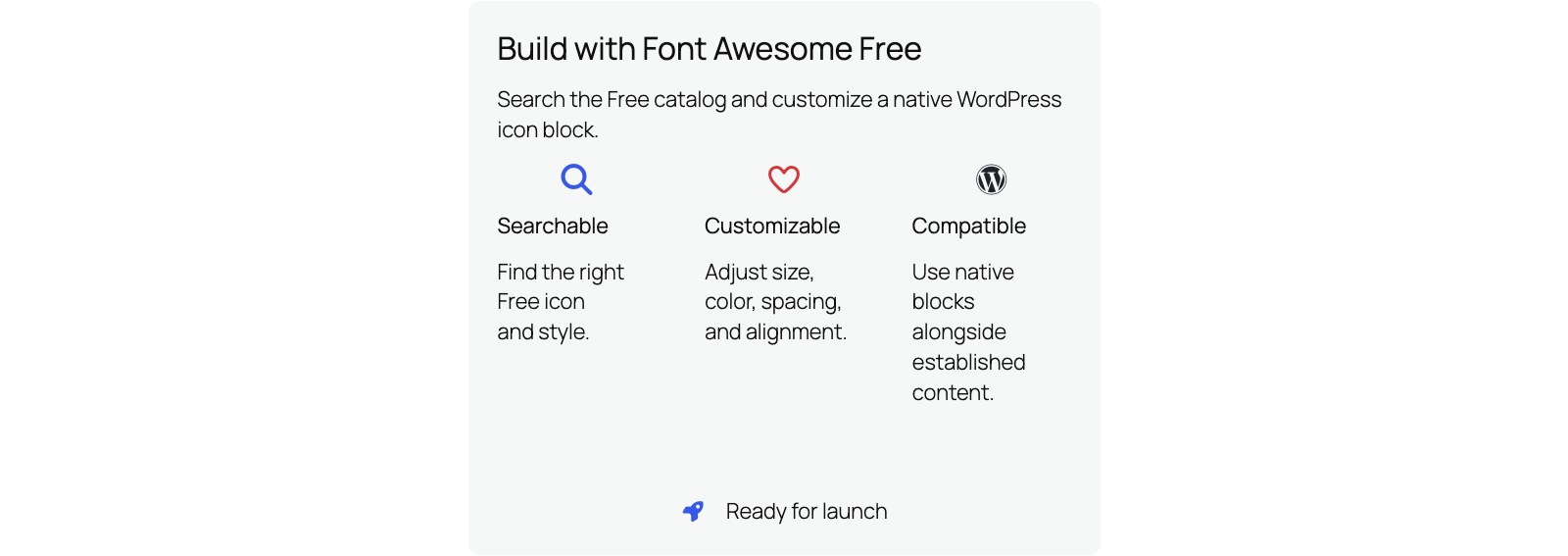
Native Icon block
The opening of the plugin's own description. The full text, installation notes and changelog are on its WordPress.org page.
No. Better Font Awesome supports Font Awesome Free.
Check Serve Font Awesome locally to keep BFA’s bundled CSS and fonts on your site, subject to your site’s URL-rewriting infrastructure. In automatic mode, the packaged fallback also loads from your site. If the plugin validates and adopts a newer compatible release, visitors’ browsers may load that release’s selected CSS and font files from cdnjs.
Established shortcode names and classes are supported through compatible aliases and styles. For Font Awesome 4 content, enable the optional CSS shim when needed. Unusual custom markup or CSS may still need site-specific adjustments.
Enable Remove existing Font Awesome under Settings > Better Font Awesome to attempt to remove competing styles and shortcodes. Test the result with your theme and plugins because integrations vary.
#147 by installs
Add 50+ shortcodes with live preview for tabs, accordions, buttons, FAQs, sliders and boxes. Works in Block Editor and Classic Editor.

#4 by installs
Enables the previous "classic" editor and the old-style Edit Post screen with TinyMCE, Meta Boxes, etc. Supports all plugins that extend this screen.

#30 by installs
Extends and enhances the block editor (Gutenberg) and the classic editor (TinyMCE).

#117 by installs
Disable Gutenberg Block Editor and restore the Classic Editor and original Edit Post screen (TinyMCE, meta boxes, etc.).
Skyboot Custom Icons for Elementor expands your Elementor icons library with custom icons, perfect for website owners who use the Elementor plugin.

#273 by installs
MW WP Form is shortcode base contact form plugin. This plugin have many features. For example you can use many validation rules, inquiry data saving, …
Read from the WordPress.org plugin API on , when WordPress 7.1.4 was the current release. WordPress.org rounds active installs into buckets. These are the directory's figures, not my verdict, and I haven't tested this plugin. The author takes donations at their donate page.
