
#799 by installs
Auto Featured Image (Auto Post Thumbnail)
Automatically generate, assign, and manage featured images in bulk so every post on your site has a featured image.
- Installs
- 40,000+
- Rating
- 3.8 (119)
- Updated
- 9 days ago

The time-saving solution for managing tons of featured images within minutes: Set, replace and delete in bulk and set default images for future posts.
| Last updated | August 18, 2026Updated in the last 3 months |
|---|---|
| Tested up to | WordPress 7.1.4Covers WordPress 7.1.4, the current release |
| Needs WordPress | 5.6 or newer |
| Needs PHP | 5.2 or newer |
| First published | February 1, 2014 |
| Support, last two months | No threads opened |
4.7 / 5 from 235 reviews
| 5 stars | 208 |
|---|---|
| 4 stars | 8 |
| 3 stars | 3 |
| 2 stars | 1 |
| 1 star | 15 |
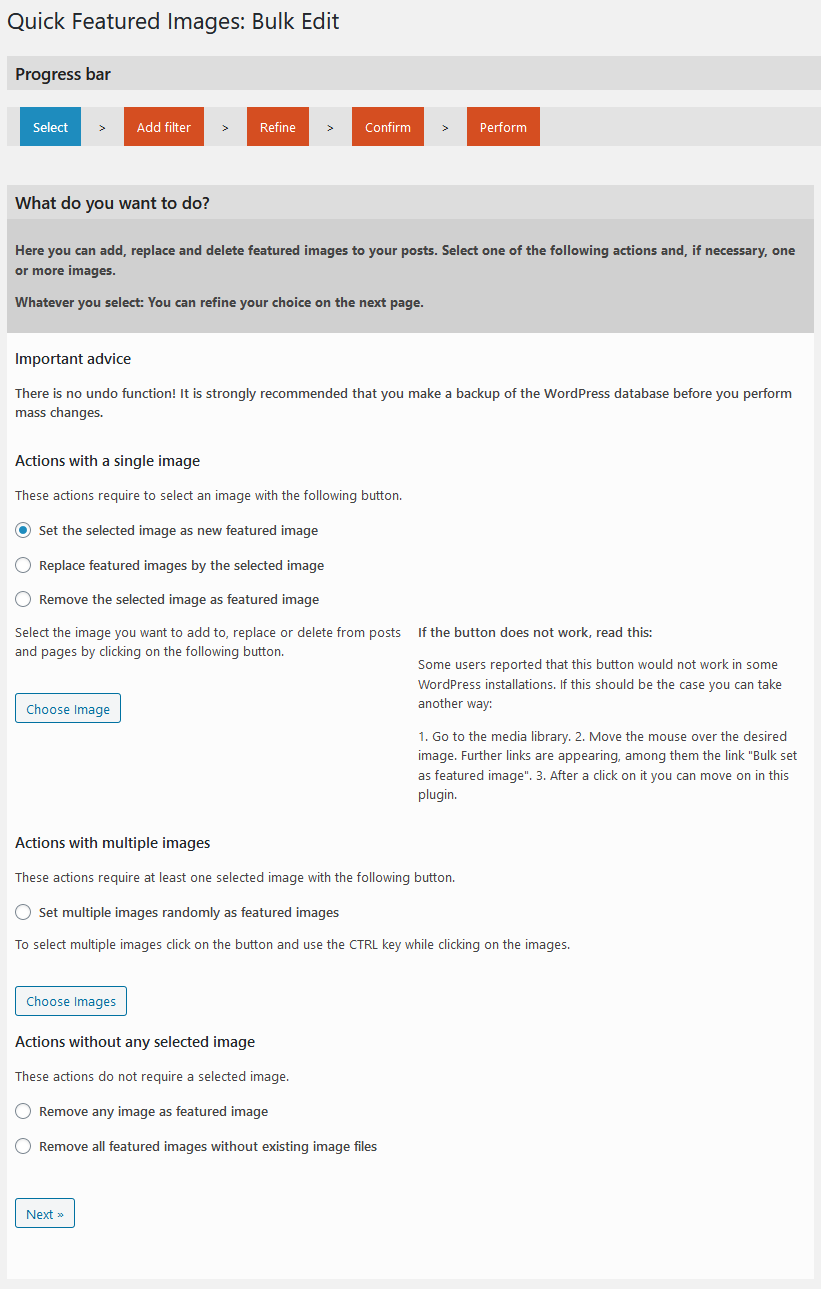
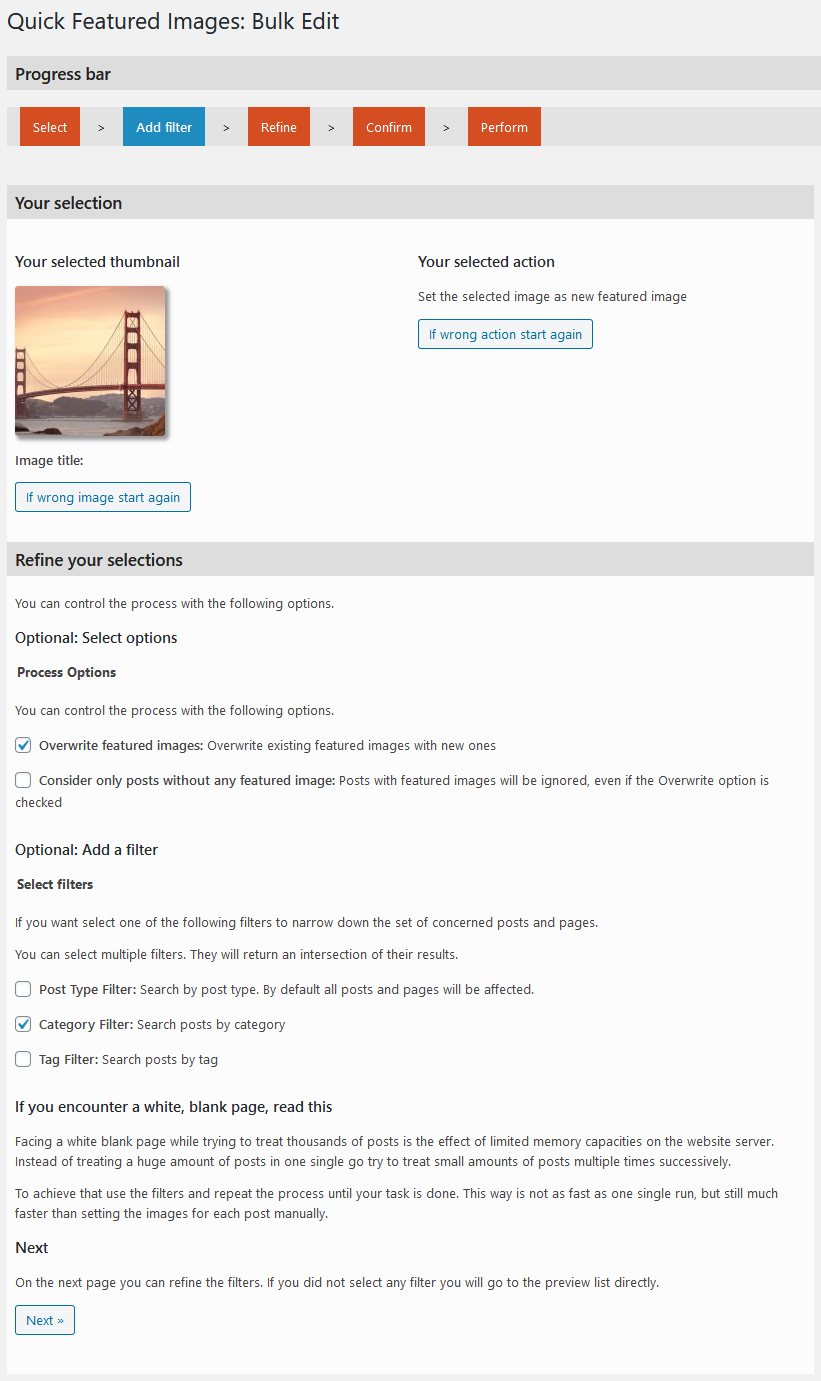
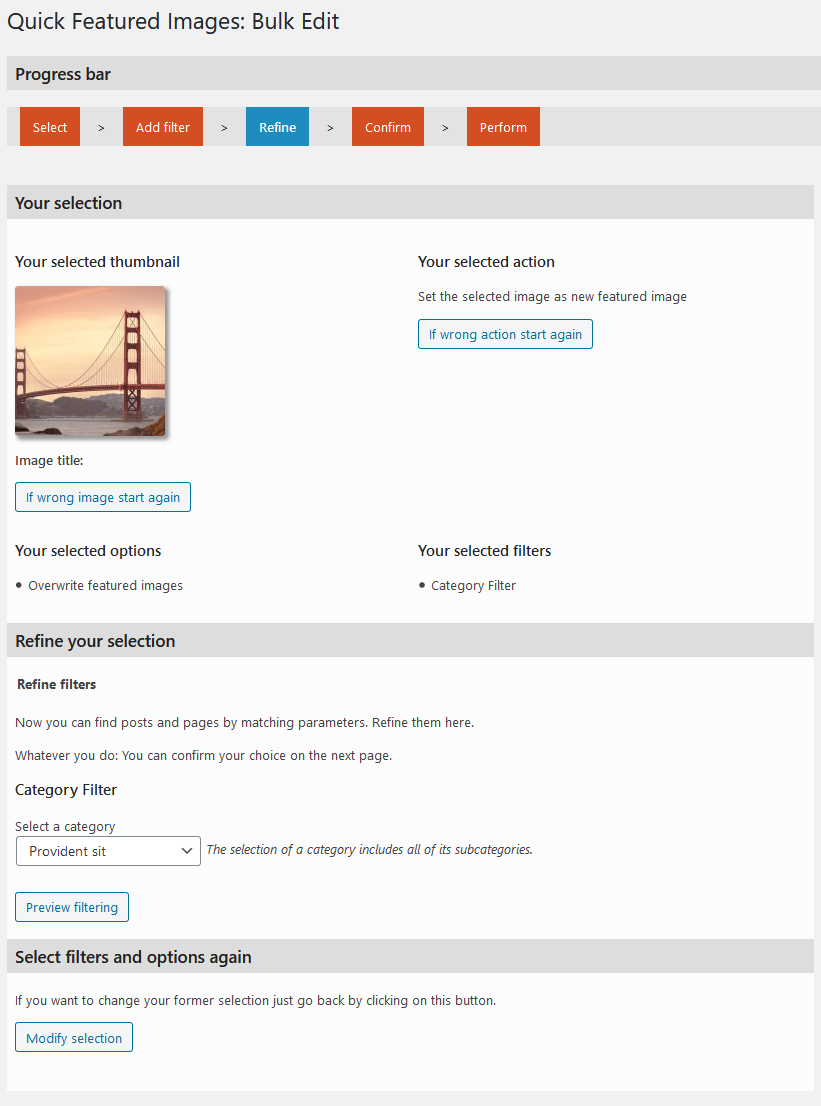
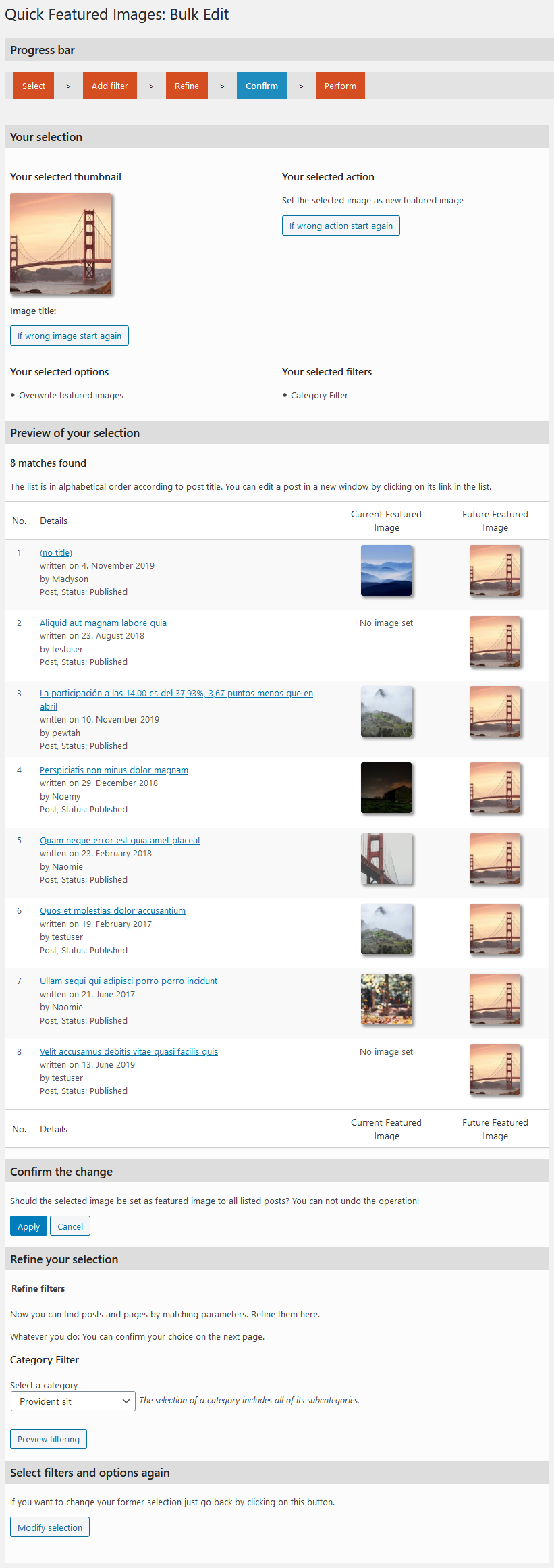
Your time-saving Swiss army knife for managing tons of featured images within minutes: Set, replace and delete them in bulk, in posts lists and set default images for future posts.
The plugin does not collect any personal data and is 100% compliant with the EU General Data Protection Regulation (GDPR).
Manage featured images quickly
The plugin ‘Quick Featured Images’ helps you bulk managing featured images, setting automatic default featured images to save your time.
If you want to include audios, videos and custom post types and get more options, than take a look the Pro version Quick Featured Images Pro.
Demo
The opening of the plugin's own description. The full text, installation notes and changelog are on its WordPress.org page.
For that use the plugin twice:
Or: I want image X as default featured image if the post has category Y. How to set this?
Look at some examples:
All users who have the right to edit other posts have access to Quick Featured Images. As long as the user roles are untouched after a fresh standard WordPress installation both Administrators and Editors can use this plugin.
Yes. It works either activated for all sites (network wide) or activated in each single site. It changes only the posts of the site where you use it.
The free version of Quick Featured Images does not support setting featured images for WooCommerce products. But, you can achieve this with the Pro version, which is available for a small fee.
No. The featured images you have already set will remain set if you deactivate or delete the plugin.
#799 by installs
Automatically generate, assign, and manage featured images in bulk so every post on your site has a featured image.

#809 by installs
"Crop Thumbnails" made it easy to get exacly that specific image-detail you want to show in your featured image or gallery image.

#64 by installs
Regenerate the thumbnails for one or more of your image uploads. Useful when changing their sizes or your theme.

One-click uploads from Unsplash, Openverse, Pixabay, Pexels, and Giphy directly to your WordPress media library.

#353 by installs
List the most recent posts with post titles, thumbnails, excerpts, authors, categories, dates and more!

Create unlimited folders with the Folders WordPress plugin, organize & manage your Media Library files, Pages & Posts in folders 📁
Read from the WordPress.org plugin API on , when WordPress 7.1.4 was the current release. WordPress.org rounds active installs into buckets. These are the directory's figures, not my verdict, and I haven't tested this plugin. The author takes donations at their donate page.