
#231 by installs
Force Regenerate Thumbnails
Delete and REALLY force thumbnail regeneration.
- Installs
- 200,000+
- Rating
- 4.7 (186)
- Updated
- 8 months ago

Regenerate the thumbnails for one or more of your image uploads. Useful when changing their sizes or your theme.
Read from alex.blogon
anyone looking for a powerful and user-friendly image management solution for WordPress
A script read this page, and kept only what the page's text backs up. These are the vendor's list prices and its own words, not a deal and not my review. Prices change and can differ by country, so confirm on the vendor's page before you buy.
| Last updated | August 20, 2025Not updated for over a year |
|---|---|
| Tested up to | WordPress 6.8.12Older than WordPress 7.1.4, the current release |
| Needs WordPress | 4.7 or newer |
| Needs PHP | 5.2.4 or newer |
| First published | August 28, 2008 |
| Support, last two months | 0 of 1 threads resolved (0%) |
4.6 / 5 from 396 reviews
| 5 stars | 341 |
|---|---|
| 4 stars | 18 |
| 3 stars | 3 |
| 2 stars | 8 |
| 1 star | 26 |
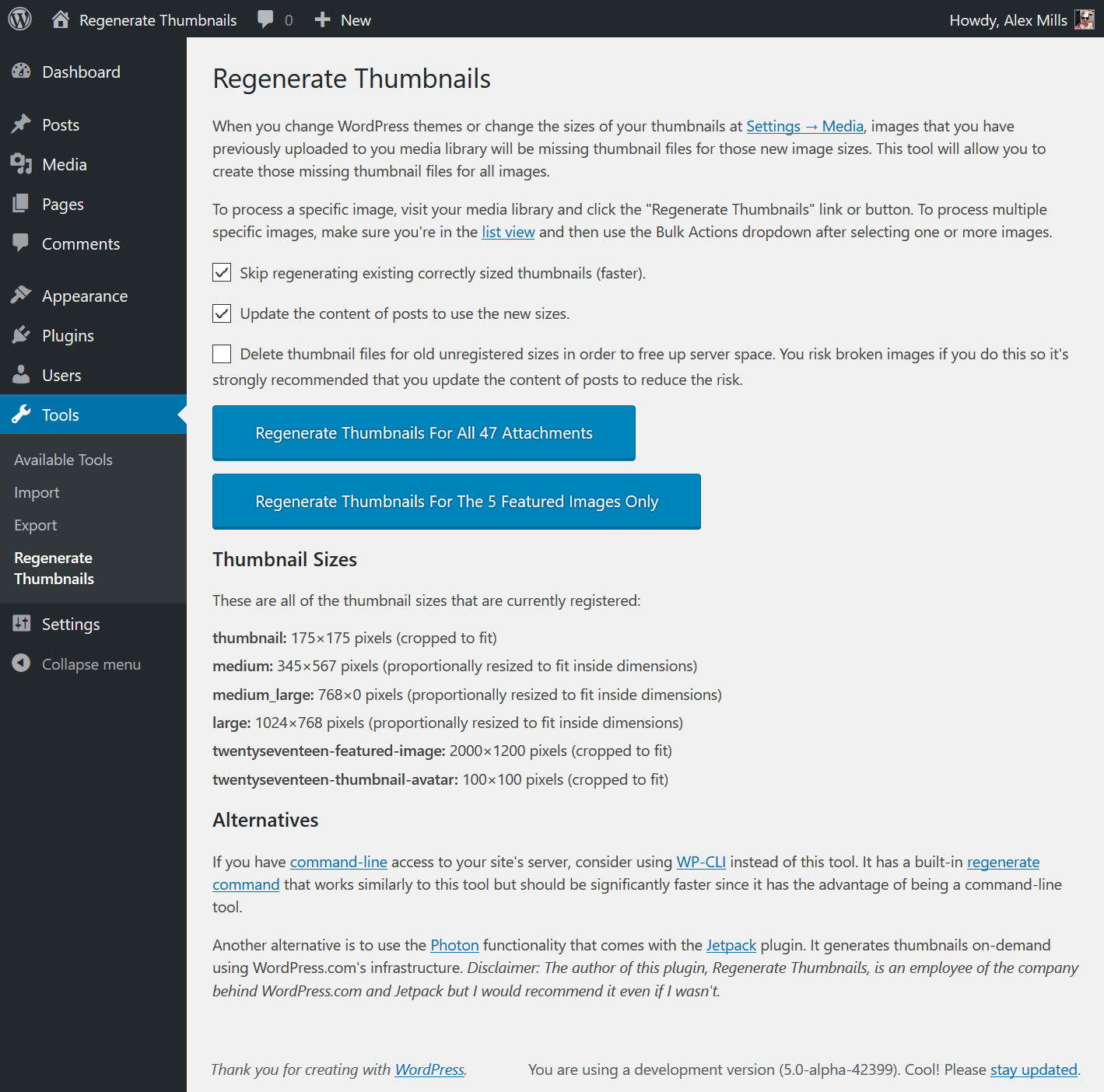
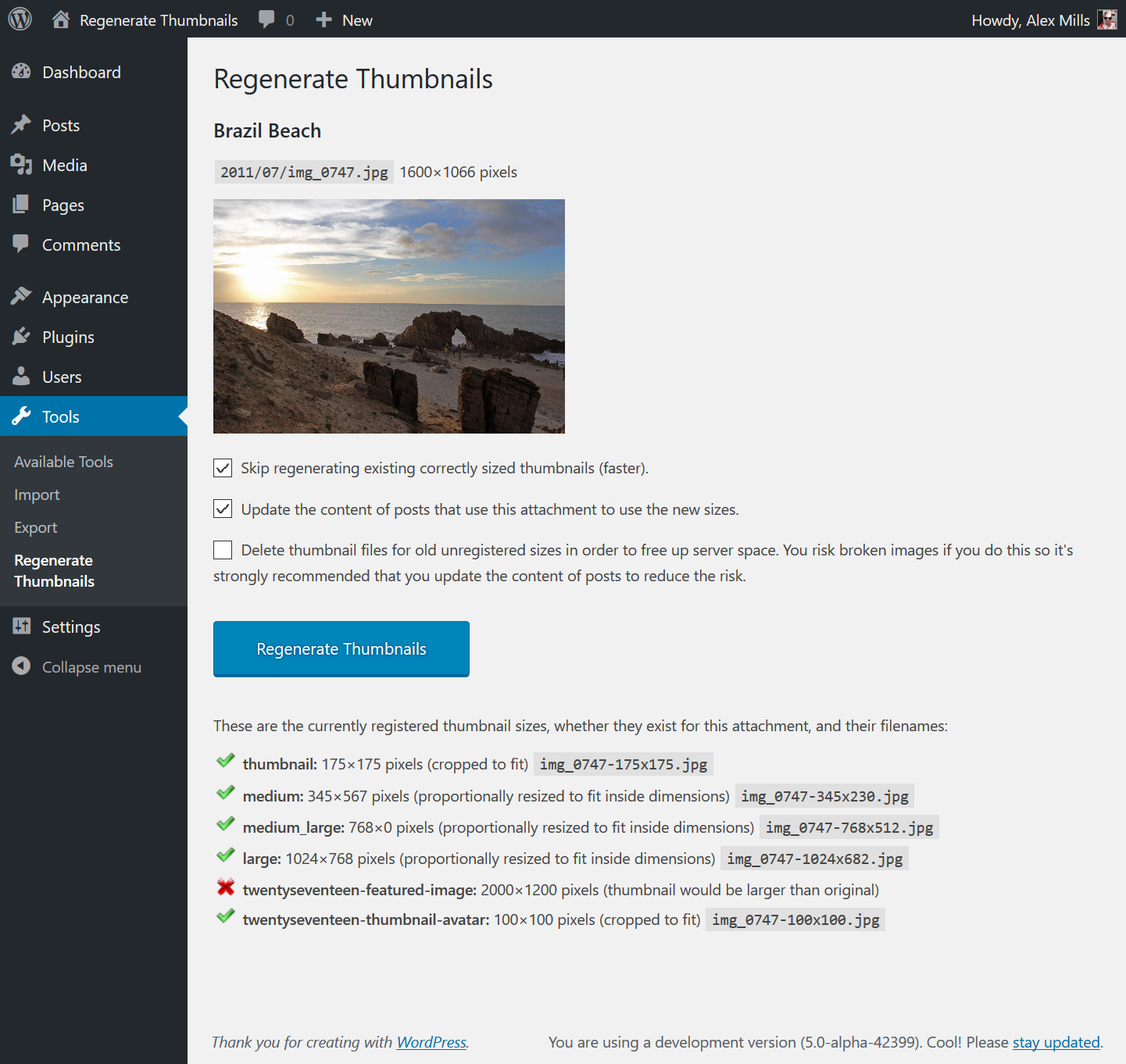
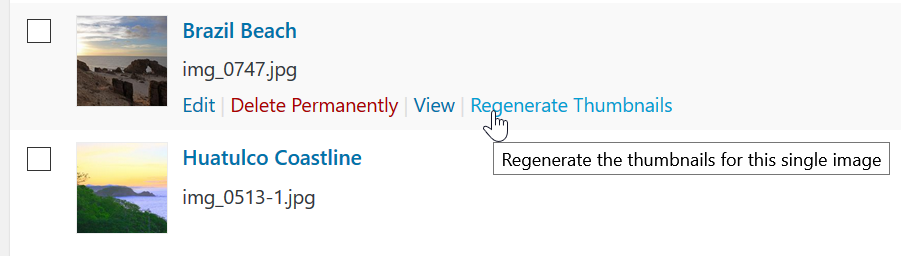
Regenerate Thumbnails allows you to regenerate all thumbnail sizes for one or more images that have been uploaded to your Media Library.
This is useful for situations such as:
It also offers the ability to delete old, unused thumbnails in order to free up server space.
In Memory of Alex Mills
In February 2019 Alex Mills, the author of this plugin, passed away. He leaves behind a number of plugins which will be maintained by Automattic and members of the WordPress community. If this plugin is useful to you please consider donating to the Oregon Health and Science University. You can find more information here.
Alternatives
WP-CLI
If you have command line access to your server, I highly recommend using WP-CLI instead of this plugin as it’s faster (no HTTP requests overhead) and can be run inside of a screen for those with many thumbnails. For details, see the documentation of its media regenerate command.
Jetpack’s Photon Module
The opening of the plugin's own description. The full text, installation notes and changelog are on its WordPress.org page.
This plugin does not log nor transmit any user data. Infact it doesn’t even do anything on the user-facing part of your website, only in the admin area. This means it should be compliant but I’m not a lawyer.

#231 by installs
Delete and REALLY force thumbnail regeneration.

#799 by installs
Automatically generate, assign, and manage featured images in bulk so every post on your site has a featured image.

#353 by installs
List the most recent posts with post titles, thumbnails, excerpts, authors, categories, dates and more!

#661 by installs
Optimize image sizes, regenerate thumbnails, enable retina, convert to WebP/AVIF, or use cloud optimization. An essential image toolkit.

#747 by installs
The time-saving solution for managing tons of featured images within minutes: Set, replace and delete in bulk and set default images for future posts.

#809 by installs
"Crop Thumbnails" made it easy to get exacly that specific image-detail you want to show in your featured image or gallery image.
Read from the WordPress.org plugin API on , when WordPress 7.1.4 was the current release. WordPress.org rounds active installs into buckets. These are the directory's figures, not my verdict, and I haven't tested this plugin.