Type to search.

#671 by installs

WP Maps – Google Maps, OpenStreetMap, Mapbox, Store Locator with Search, Filters & Listings

by Flipper Code - WordPress Development CompanyVersion 5.0.3

WordPress map plugin for Google Maps, OpenStreetMap & Mapbox with custom markers, filters, searchable listings and store locator.

Active installs
60,000+
#671 of 1,000
Downloads, all time
3.9M
3,877,502
Downloads, 30 days
55.1K
22.8K in the last 7
Rating
4.3 / 5
122 reviews
Last updated
3 days ago
Oct 28, 2026
Version
5.0.3
58 releases

Upkeep and compatibility

Last updatedOctober 28, 2026Updated in the last 3 months
Tested up toWordPress 7.1.4Covers WordPress 7.1.4, the current release
Needs WordPress6.0 or newer
Needs PHP7.0 or newer
First publishedMarch 15, 2013
Support, last two months1 of 1 threads resolved (100%)

Reviews

4.3 / 5 from 122 reviews

Reviews by star rating
5 stars92
4 stars5
3 stars5
2 stars4
1 star16

Downloads, last 30 days

Low 309 a dayHigh 14.7K a day

What the author says it does

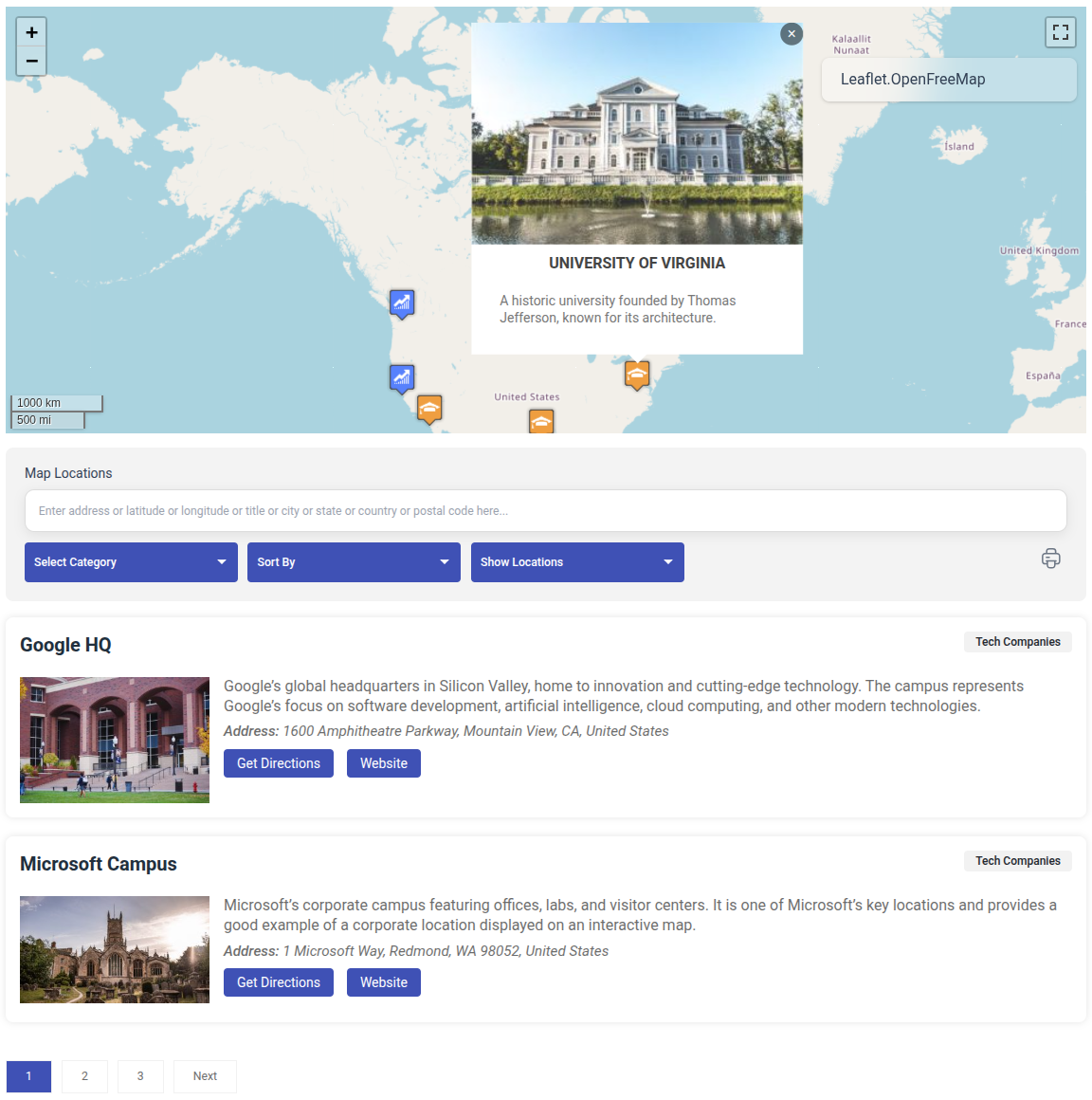
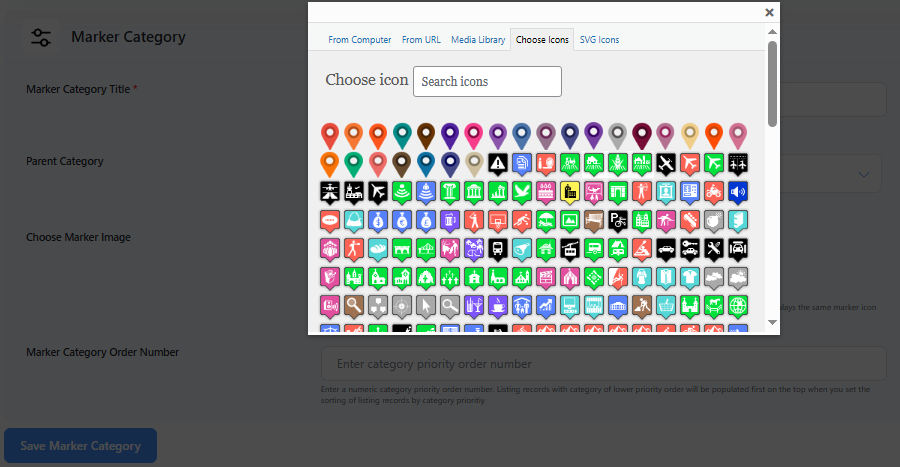
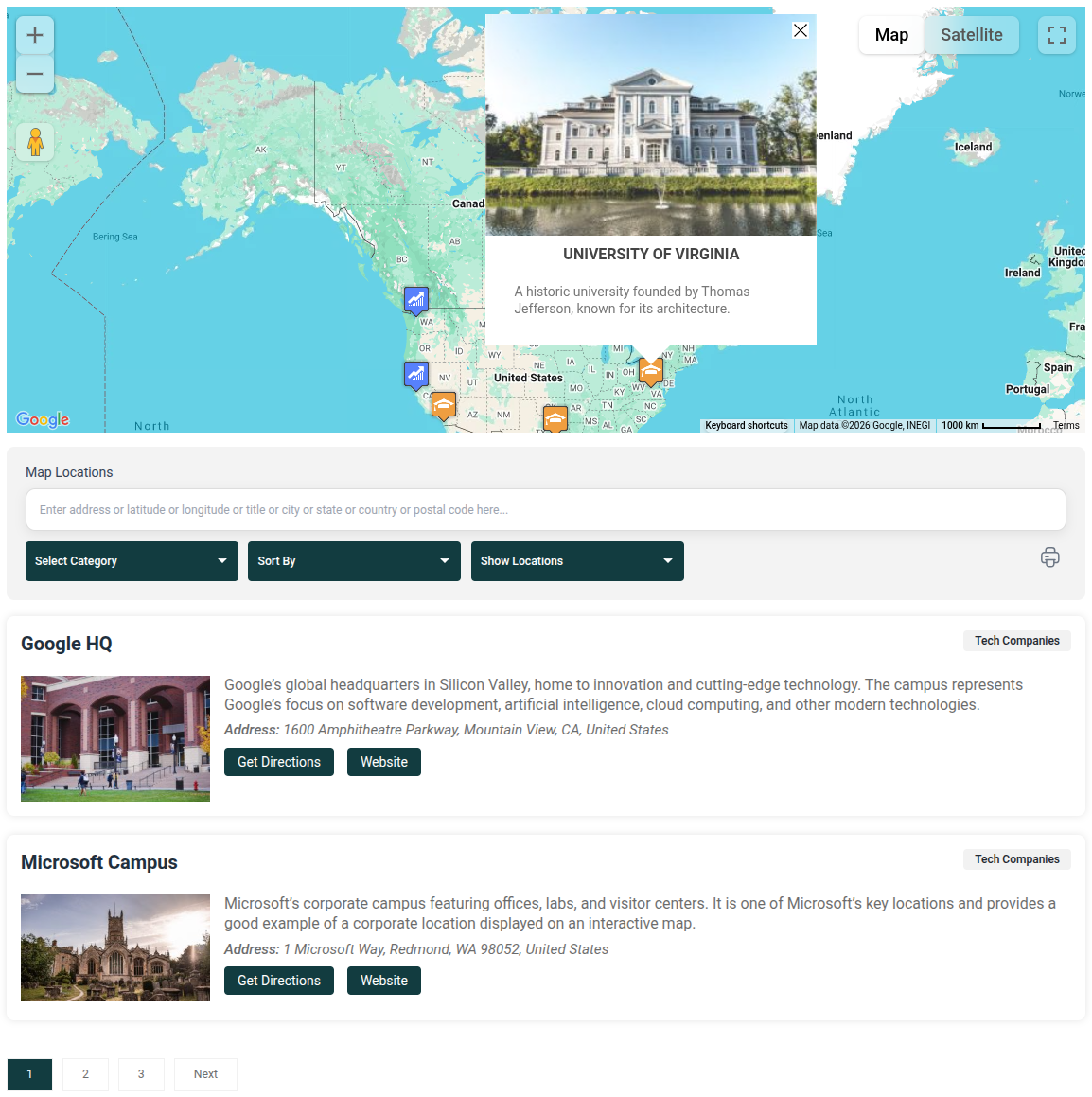
WP Maps is a free WordPress map plugin for Google Maps, OpenStreetMap, and Mapbox, with advanced features like search, filters, paginated listings, sorting, marker categories, custom marker icons, and marker clustering included in the free version.

Create interactive maps for store locators, business directories, service areas, contact pages, and location listings without paying for essential mapping features. Organize locations into categories with their own marker icons, help visitors find locations using search and filters, and display results with sorting, pagination, and marker clustering. Whether you need a simple location map or a full-featured directory, WP Maps gives you a wide range of features to build with for free.

Perfect for:

  • Business directories and listings
  • Store locators
  • Service area maps
  • Contact pages
  • Map and listing based WordPress projects.

Features

Free Version

  • Create complete maps with custom markers, search, filters, and paginated listings — all included in the free version.
  • Choose Google Maps, OpenStreetMap, or Mapbox as your map provider, with easy switching between them.
  • Create multiple maps with multiple locations and listings.
  • Enable sorting and pagination for listings.
  • Custom blocks added for Gutenberg, Elementor and Divi page builders with Live Map Preview in backend.

The opening of the plugin's own description. The full text, installation notes and changelog are on its WordPress.org page.

Questions the author answers

How to add google maps on WordPress website?

You can try using WP Maps plugin to creating beautiful interactive map with custom markers, filters and listing. You can also setup a store locator map using this plugin.

What can I use WP Maps for?

WP Maps can be used to create store locators, business directories, real estate maps, service area maps, location listings, and other interactive WordPress maps.

How do I get started with WP Maps?

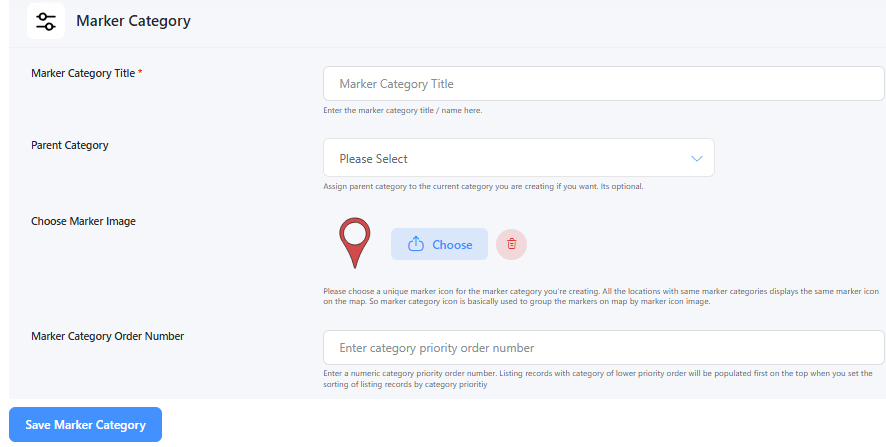
Install and activate WP Maps, then go to the WP Maps menu in your WordPress admin panel. For the quickest setup, go to WP Maps > Tools and click Create Sample Data to create a demo map. You can also create a map manually by adding marker categories, locations, and assigning those locations to a map. If you want to create a Google Map, add your Google Maps API key first by provided instructions.

Do I need a Google Maps API key to use WP Maps?

Only if you choose Google Maps as your map provider. OpenStreetMap does not require a any API key. You can select your preferred map provider from the WP Maps settings.

How do I display a map once it’s created?

Each map you create has a unique shortcode that you can use to display it in WordPress posts, pages, widgets, and any other area that supports shortcodes. Just copy the shortcode and paste it wherever you want the map to appear.

Is there a free WordPress map plugin with search, filters, listings and marker clustering?

Yes. Unlike many map plugins that put search, filters, listings, and marker clustering behind a paid plan, WP Maps includes searchable listings, smart filters, sortable and paginated listings, and marker clustering in the free version.

Latest changelog entry

5.0.3

  • Fix: Fixed an issue with API error messages related to HTTP referrer restrictions.
  • Security: Fixed a security issue related to the csv_column parameter for improved Wordfence compatibility.
  • New: Automatically create a default sample map when a new user activates the plugin.

Screenshots

First 4 of 25, from WordPress.org.

Tagged

Plugins that share its tags

#797 by installs

WP Store Locator

by tijmensmit

Free store locator with OpenStreetMap maps and no API key. Or use Google Maps, Mapbox or Stadia Maps. Unlimited locations, custom fields and markers.

Installs
40,000+
Rating
4.8 (312)
Updated
5 days ago

#955 by installs

MapPress – Google Maps, OpenStreetMap & Leaflet

by chrisvrichardson

Unlimited maps and markers. Free, no API key, no setup. Google Maps, Leaflet, OpenStreetMap & Mapbox. Map editor, blocks and store locators.

Installs
30,000+
Rating
4.7 (147)
Updated
2 days ago

#945 by installs

Leaflet Map

by bozdoz

Interactive maps and markers on your posts and pages with simple shortcodes.

Installs
30,000+
Rating
4.9 (58)
Updated
2 months ago

#626 by installs

iframe

by webvitalii

[iframe src="http://www.youtube.com/embed/7_nAZQt9qu0" width="100%" height="500"] shortcode

Installs
60,000+
Rating
4.4 (56)
Updated
5 months ago

#913 by installs

API KEY for Google Maps

by Stiofan

Add your Google Maps API key to any theme or plugin that loads Google Maps, and fix the missing callback error, without editing code.

Installs
30,000+
Rating
4.9 (55)
Updated
31 days ago

Where this page's numbers come from

Read from the WordPress.org plugin API on , when WordPress 7.1.4 was the current release. WordPress.org rounds active installs into buckets. These are the directory's figures, not my verdict, and I haven't tested this plugin.