
#184 by installs
AddToAny Share Buttons
Share buttons for WordPress including the AddToAny button, Facebook, Bluesky, Mastodon, WhatsApp, Pinterest, Reddit, many more, and follow icons too.
- Installs
- 300,000+
- Rating
- 4.7 (1.1K)
- Updated
- 5 months ago

Share buttons and pop up share icons for social media sharing
| Last updated | September 18, 2026Updated in the last 3 months |
|---|---|
| Tested up to | WordPress 7.0.8Older than WordPress 7.1.4, the current release |
| Needs WordPress | 3.5 or newer |
| Needs PHP | Not stated |
| First published | September 19, 2014 |
| Support, last two months | 1 of 3 threads resolved (33%) |
4.8 / 5 from 5,333 reviews
| 5 stars | 4,921 |
|---|---|
| 4 stars | 229 |
| 3 stars | 36 |
| 2 stars | 41 |
| 1 star | 106 |
Try it out on your free dummy site: Click here => https://tastewp.com/plugins/ultimate-social-media-icons
(this trick works for all plugins – just replace “wordpress” with “tastewp” in the plugin’s WP repo URL)
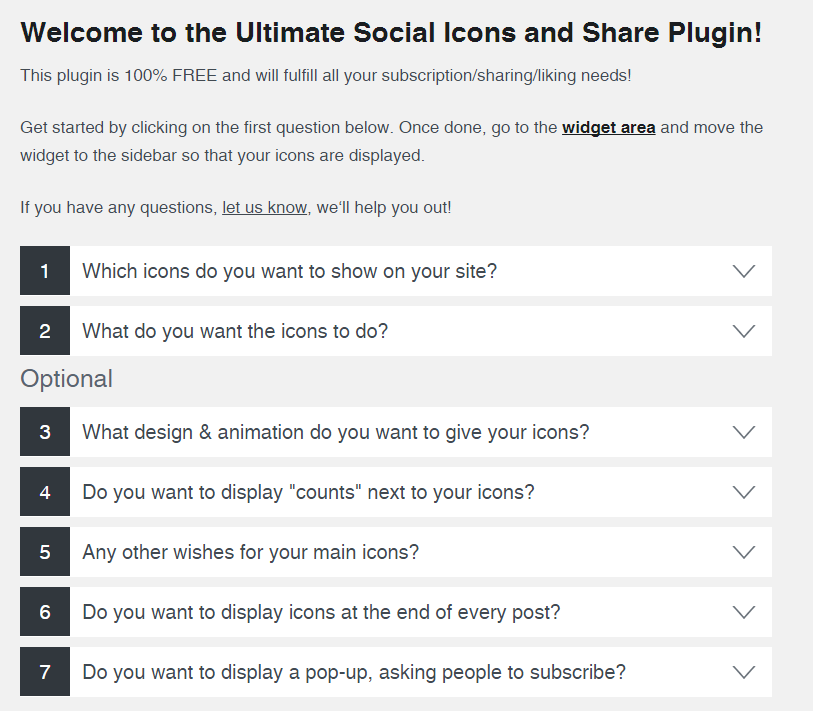
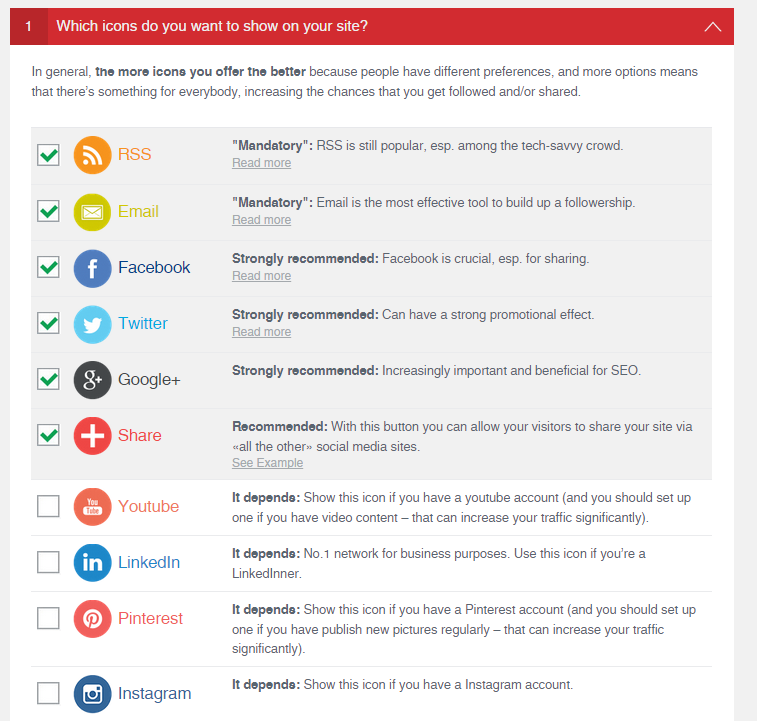
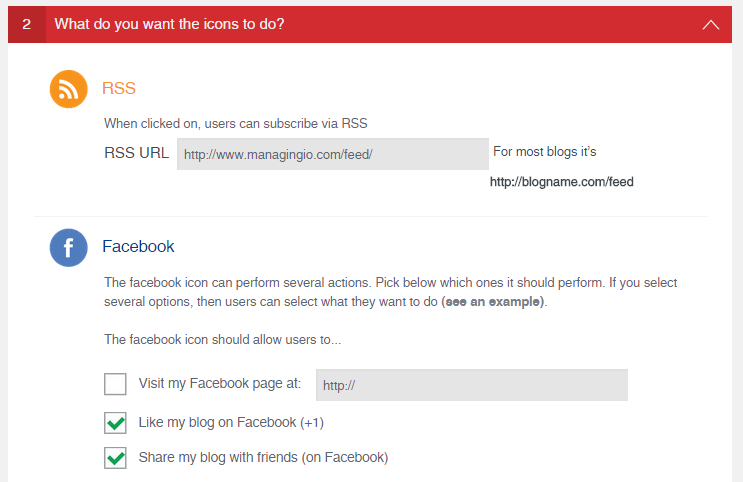
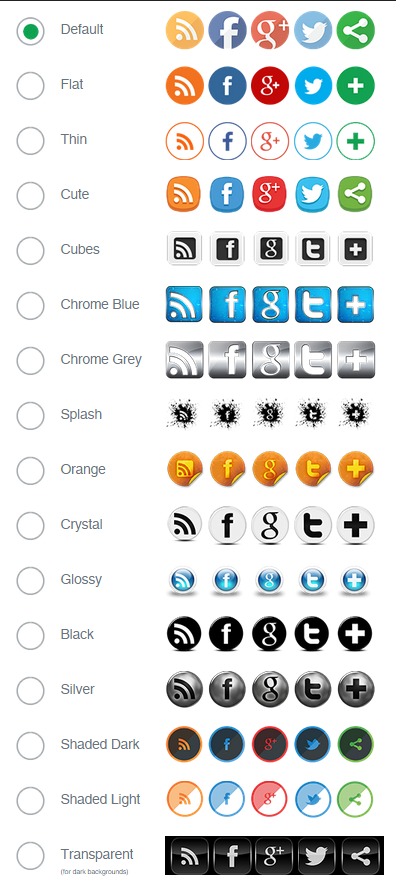
Social media plugin which let’s you add share icons for RSS, Email, Facebook, Twitter, LinkedIn, Pinterest, Instagram, Youtube, ‘Share’ (covering 200+ other social media platforms) and upload custom share icons of your choice.
This free plugin has a lot to offer. Even more can be found in the Premium Plugin, please watch this short video:
See all features of the Premium plugin.
The free social media plugin includes the following features:
The opening of the plugin's own description. The full text, installation notes and changelog are on its WordPress.org page.
.
Please ensure that:
If you’re not familiar with those please contact your hosting company or server admin.
Please check if you have browser extensions activated which may conflict with the plugin. Known culprits include:
Those point to a CURL-issue on your site. Please contact your server admin or your hosting company to resolve it.
The plugin requires CURL for the social share counts and other features.
Please ensure you actually placed the social share buttons either as social widget (in your widget area) or as floating icons under question 5). The Premium Plugin makes placing the social icons especially easy and also allows you to place sticky social share icons on your site, define the placement of the social share icons by margins and many other options, see https://www.ultimatelysocial.com/usm-premium/.
Unfortunately, Twitter stopped providing any social share count. God knows why.
Most likely you have the WP Cache plugin installed. Please de-activate and then re-activate it, then the social share icons should display again.
#184 by installs
Share buttons for WordPress including the AddToAny button, Facebook, Bluesky, Mastodon, WhatsApp, Pinterest, Reddit, many more, and follow icons too.
Floating Social Media Icons, Sticky Share Buttons, Facebook Feeds, & Popup builder. Also, create Call, Email, SMS, & Contact buttons to increa …

#654 by installs
Website: https://oceanwp.org/ Support: https://oceanwp.org/support/ Documentation: https://docs.oceanwp.org/ Extensions: https://oceanwp.

#163 by installs
The official companion plugin for Blocksy theme, packed with starter sites, extra features, and integrations.

#234 by installs
The visual editor widget for WordPress.
Automatically add a table of contents to your posts and pages, with smooth scrolling, anchor links, and simple styling options.
Read from the WordPress.org plugin API on , when WordPress 7.1.4 was the current release. WordPress.org rounds active installs into buckets. These are the directory's figures, not my verdict, and I haven't tested this plugin.

