
#184 by installs
AddToAny Share Buttons
Share buttons for WordPress including the AddToAny button, Facebook, Bluesky, Mastodon, WhatsApp, Pinterest, Reddit, many more, and follow icons too.
- Installs
- 300,000+
- Rating
- 4.7 (1.1K)
- Updated
- 5 months ago

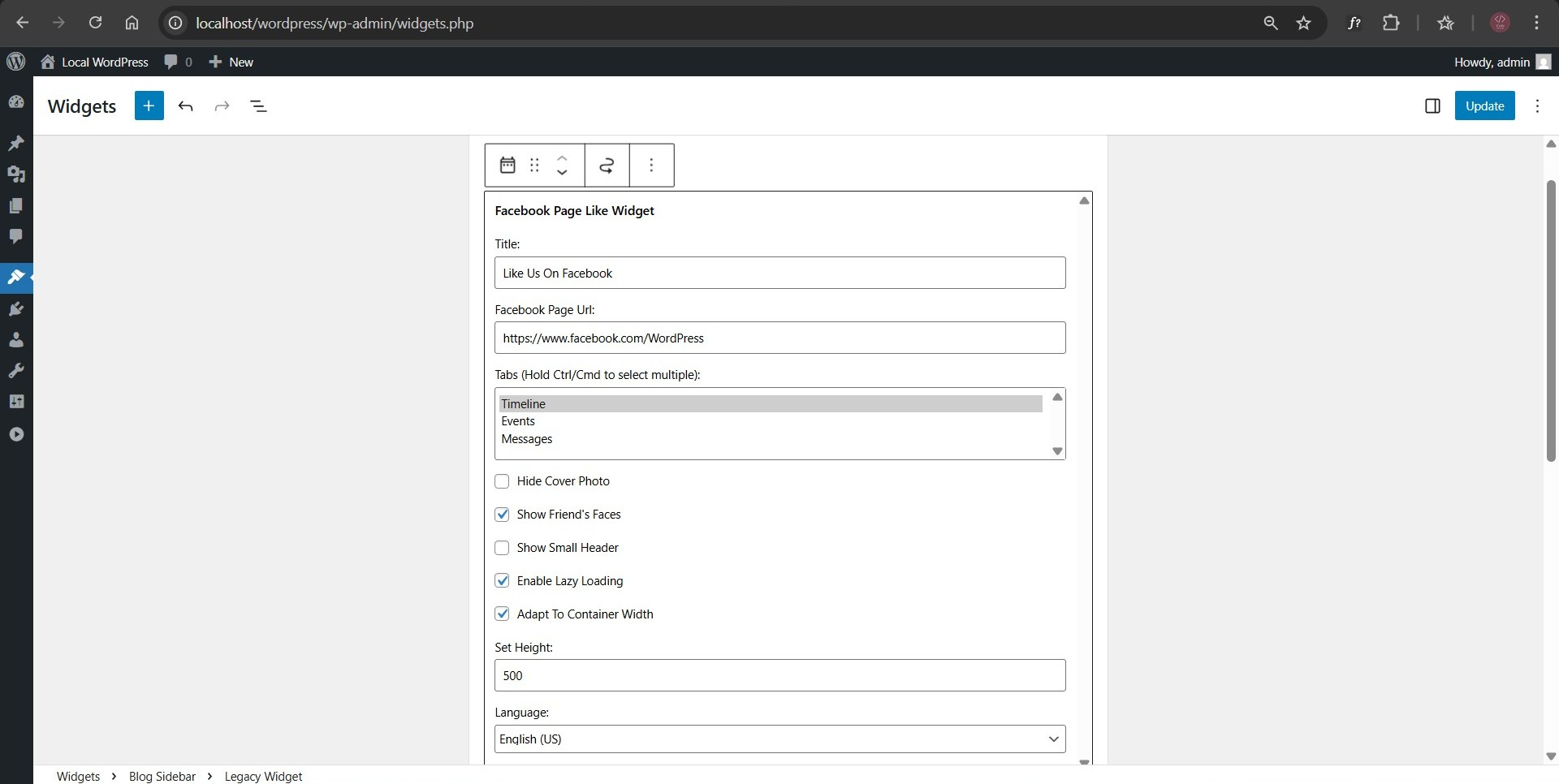
Floating Social Media Icons, Sticky Share Buttons, Facebook Feeds, & Popup builder. Also, create Call, Email, SMS, & Contact buttons to increa …
| Last updated | August 13, 2026Updated in the last 3 months |
|---|---|
| Tested up to | WordPress 7.1.4Covers WordPress 7.1.4, the current release |
| Needs WordPress | 4.7 or newer |
| Needs PHP | 7.0 or newer |
| First published | October 6, 2012 |
| Support, last two months | No threads opened |
4.8 / 5 from 396 reviews
| 5 stars | 366 |
|---|---|
| 4 stars | 11 |
| 3 stars | 2 |
| 2 stars | 3 |
| 1 star | 14 |
This plugin was formerly known as “Widget for Social Page Feeds”.
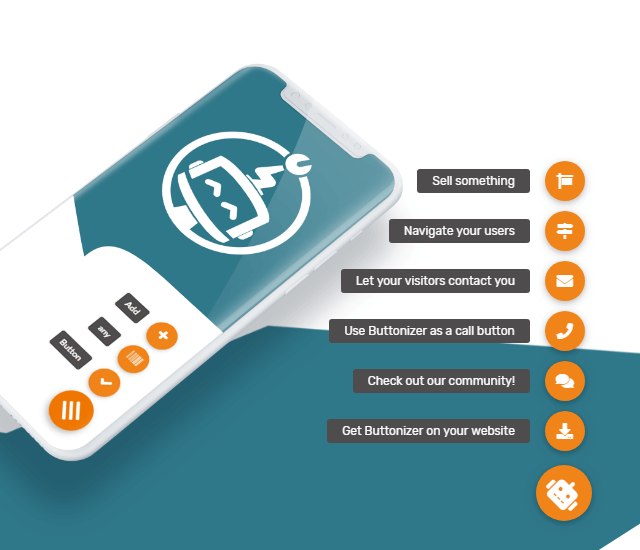
Buttonizer is a powerful platform to create floating social media icons, sticky social sharing buttons, Facebook feeds, and popups for your WordPress site.
Choose from many options, including Instagram, TikTok, Facebook, X (Twitter), LinkedIn, WhatsApp, Click to Chat, Call, Email, SMS and the list goes on!
Watch the video below to learn how easy it is to add Buttonizer floating social media icons, sticky social share buttons, and popups to your website:
Social Icons, Share Buttons, and Click-to-Chat options 🚀
The opening of the plugin's own description. The full text, installation notes and changelog are on its WordPress.org page.
Instagram, TikTok, Facebook, X (Twitter), Snapchat, LinkedIn, Microsoft Teams, Vkontakte, WhatsApp chat, Facebook Messenger, Email, SMS, Phone (click to call), Telegram, Line, WeChat, Viber, Waze, Google maps, Poptin, Custom URL, Page Select, and many more.
We have the following widgets natively integrated:
– Live Chat widget
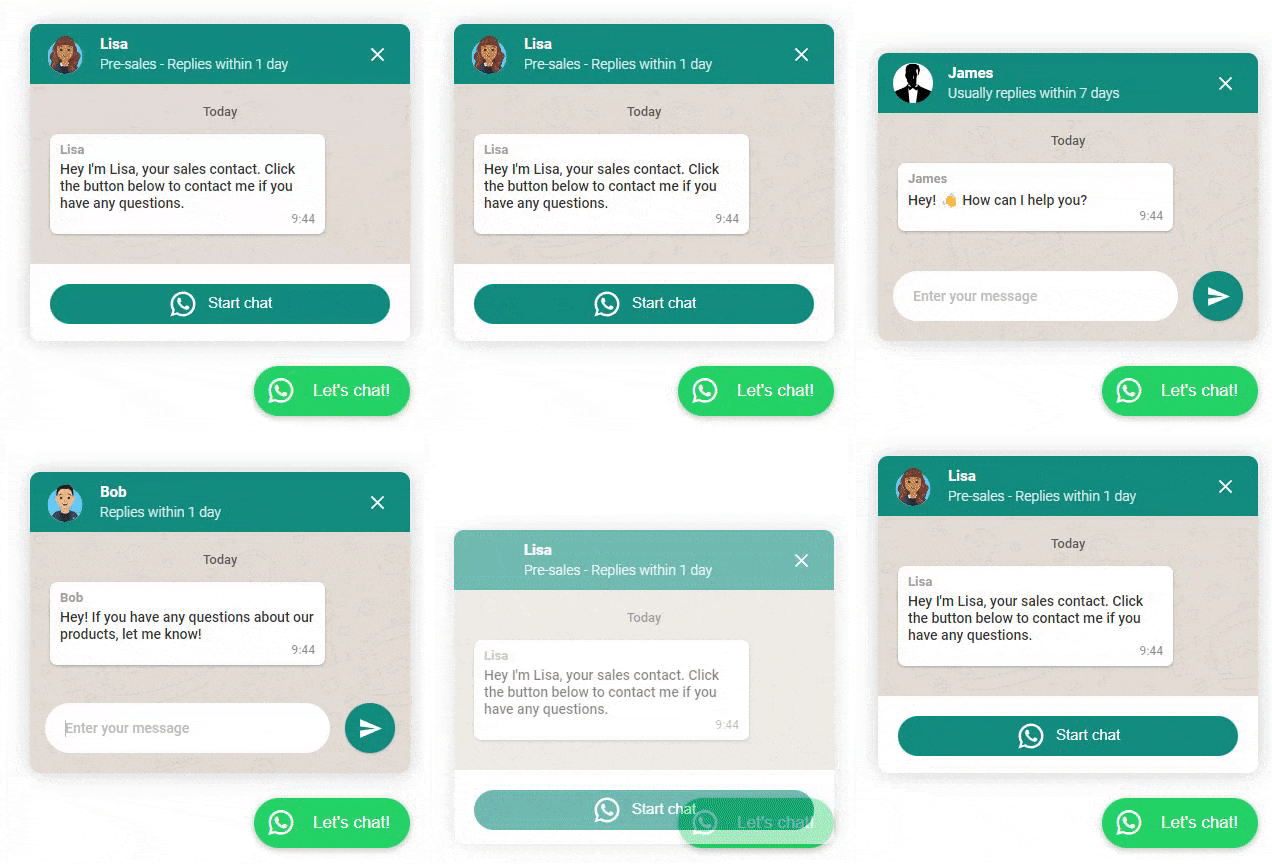
– WhatsApp widget
– Facebook Messenger widget
– Telegram widget
– Contact form
– Iframe widget (PRO)
Customize their position and visibility wherever you need. With the iframe widget you are able to show YouTube videos, integrate Calendly or any other page or website.
Please make sure you’ve chosen at least one button and clicked on the green “Publish” button. If you still don’t see any changes on the live site, you can clear the cache of your website if you have a caching plugin.
Yes, you can. You can create an unlimited amount of buttons and groups in Buttonizer with up to 5,000 page views.
Yes, you can choose for each button if you want to display it on mobile, desktop or both.
Languages can have a different direction of writing and reading? While languages such as English are written and read from left to right, other languages might follow the right-to-left style of script. Just considering the sheer number of language speakers, it is obvious that Buttonizer could not stay behind and has made sure to reserve the layout of the user interface to support right-to-left languages.
#184 by installs
Share buttons for WordPress including the AddToAny button, Facebook, Bluesky, Mastodon, WhatsApp, Pinterest, Reddit, many more, and follow icons too.

#415 by installs
Share buttons and pop up share icons for social media sharing

#654 by installs
Website: https://oceanwp.org/ Support: https://oceanwp.org/support/ Documentation: https://docs.oceanwp.org/ Extensions: https://oceanwp.

#888 by installs
A simple plugin that enables you to add share buttons to all of your posts and/or pages.

#276 by installs
Quickest solution to add widgets like Address, Social Profiles and List icons on a website built with Astra.

Add modules: share buttons, header/footer scripts, disable comments, reading progress, custom fonts, custom login & more in one plugin.
Read from the WordPress.org plugin API on , when WordPress 7.1.4 was the current release. WordPress.org rounds active installs into buckets. These are the directory's figures, not my verdict, and I haven't tested this plugin.