
#415 by installs
Social Media Share Buttons & Social Sharing Icons
Share buttons and pop up share icons for social media sharing
- Installs
- 100,000+
- Rating
- 4.8 (5.3K)
- Updated
- 43 days ago

Share buttons for WordPress including the AddToAny button, Facebook, Bluesky, Mastodon, WhatsApp, Pinterest, Reddit, many more, and follow icons too.
| Last updated | May 22, 2026Updated in the last year |
|---|---|
| Tested up to | WordPress 7.0.8Older than WordPress 7.1.4, the current release |
| Needs WordPress | 4.5 or newer |
| Needs PHP | 5.6 or newer |
| First published | March 17, 2007 |
| Support, last two months | 1 of 1 threads resolved (100%) |
4.7 / 5 from 1,114 reviews
| 5 stars | 1,004 |
|---|---|
| 4 stars | 38 |
| 3 stars | 15 |
| 2 stars | 14 |
| 1 star | 43 |
The AddToAny Share Buttons plugin for WordPress increases traffic & engagement by helping people share your posts and pages to any service. Services include Facebook, Bluesky, Mastodon, Pinterest, WhatsApp, LinkedIn, Threads, Tumblr, Reddit, X, WeChat, and many more sharing and social media sites & apps.
AddToAny is the home of universal sharing, and the AddToAny plugin is the most popular share plugin for WordPress, making sites social media ready since 2006.
Share Buttons
Custom Placement & Appearance
The opening of the plugin's own description. The full text, installation notes and changelog are on its WordPress.org page.
In WordPress, go to Settings > AddToAny.
Setup Follow buttons (like Instagram, YouTube, etc.) using the AddToAny Follow widget in Appearance > Widgets (or Appearance > Customize).
To further customize AddToAny, see the WordPress sharing documentation for the AddToAny plugin. Many customizations will have you copy & paste one or more lines of code into your “Additional JavaScript” or “Additional CSS” box.
Try temporarily switching themes and deactivating other plugins to identify a potential conflict. If you find a conflict, try contacting that theme or plugin author. If an issue persists on a default theme with all other plugins deactivated, search the WordPress plugin’s support forum.
Something on your own device/browser/connection is likely filtering out major social buttons.
Try another web browser, device, and/or Internet connection to see if the buttons appear. Tools like browserling.com will give you an idea of what other people are seeing. The usual cause for this uncommon issue is 3rd party browser add-on software that blocks ads and optionally filters out major social buttons.
You can place your share buttons exactly where you want them by inserting the following shortcode:
[addtoany]
Customize the shared URL like so:
[addtoany url="https://www.example.com/page.html" title="Some Example Page"]
Display specific share buttons by specifying comma-separated service codes:
[addtoany buttons="facebook,mastodon,email"]
Facebook expects the Title, Description, and preview image of a shared page to be defined in the Open Graph meta tags of a shared page.
Use Facebook’s Sharing Debugger on your pages to see how Facebook reads your site. “Scrape Again” to test site changes and clear Facebook’s cache of a page, or use the Batch Invalidator to purge Facebook’s cache of multiple URLs.
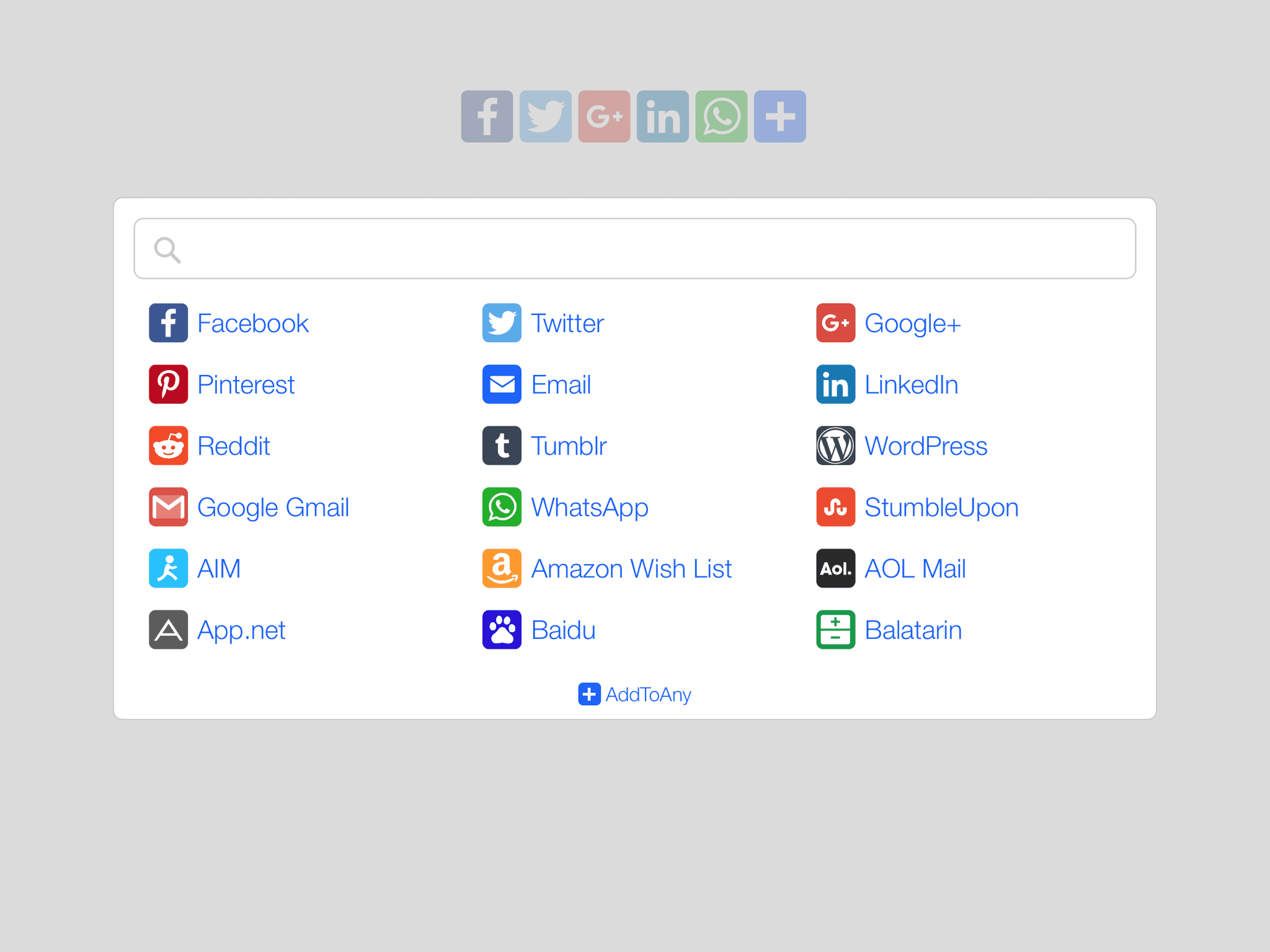
AddToAny routing enables publisher customization, visitor personalization, and keeps the AddToAny plugin remarkably lightweight without the need for constant plugin updates. In AddToAny menus, visitors see the services they actually use. On mobile, AddToAny presents the choice of sharing to a service’s native app or mobile site and the preference is used on the next share.
See changelog.txt in the plugin’s directory for the full changelog.

#415 by installs
Share buttons and pop up share icons for social media sharing
Floating Social Media Icons, Sticky Share Buttons, Facebook Feeds, & Popup builder. Also, create Call, Email, SMS, & Contact buttons to increa …

#654 by installs
Website: https://oceanwp.org/ Support: https://oceanwp.org/support/ Documentation: https://docs.oceanwp.org/ Extensions: https://oceanwp.

#888 by installs
A simple plugin that enables you to add share buttons to all of your posts and/or pages.

#276 by installs
Quickest solution to add widgets like Address, Social Profiles and List icons on a website built with Astra.

Add modules: share buttons, header/footer scripts, disable comments, reading progress, custom fonts, custom login & more in one plugin.
Read from the WordPress.org plugin API on , when WordPress 7.1.4 was the current release. WordPress.org rounds active installs into buckets. These are the directory's figures, not my verdict, and I haven't tested this plugin.
