
#46 by installs
Loginizer
Loginizer is a WordPress security plugin which helps you fight against bruteforce attacks.
- Installs
- 1+ million
- Rating
- 4.8 (1K)
- Updated
- 2 days ago

Disable Dashboard access for users of a specific role or capability. Disallowed users are redirected to a chosen URL. Get set up in seconds.
| Last updated | May 22, 2026Updated in the last year |
|---|---|
| Tested up to | WordPress 7.0.8Older than WordPress 7.1.4, the current release |
| Needs WordPress | 3.1.0 or newer |
| Needs PHP | 5.3 or newer |
| First published | October 8, 2011 |
| Support, last two months | No threads opened |
4.6 / 5 from 78 reviews
| 5 stars | 67 |
|---|---|
| 4 stars | 4 |
| 3 stars | 1 |
| 2 stars | 2 |
| 1 star | 4 |
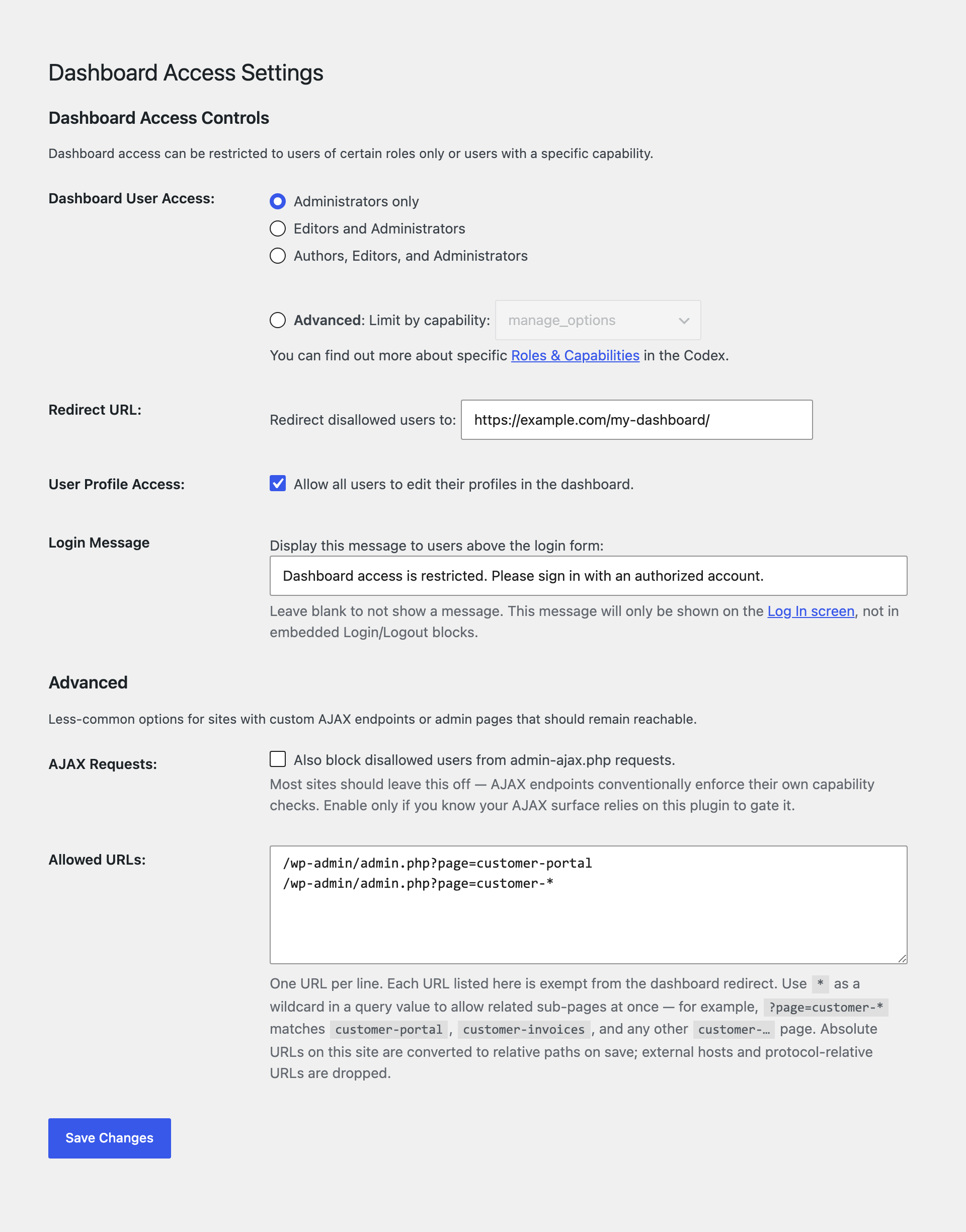
The easiest and safest way to restrict access to your WordPress site’s Dashboard and administrative menus. Remove Dashboard Access is a lightweight plugin that automatically redirects users who shouldn’t have access to the Dashboard to a custom URL of your choosing. Redirects can also be configured on a per-role/per-capability basis, allowing you to keep certain users out of the Dashboard, while retaining access for others.
Blocking access to the Dashboard is a great way to prevent clients from breaking their sites, prevent users from seeing things they shouldn’t, and to keep your site’s backend more secure.
Allow only users with roles or capabilities:
You can restrict Dashboard access to Admins only, Editors or above, Authors or above, or by selecting a specific user capability.
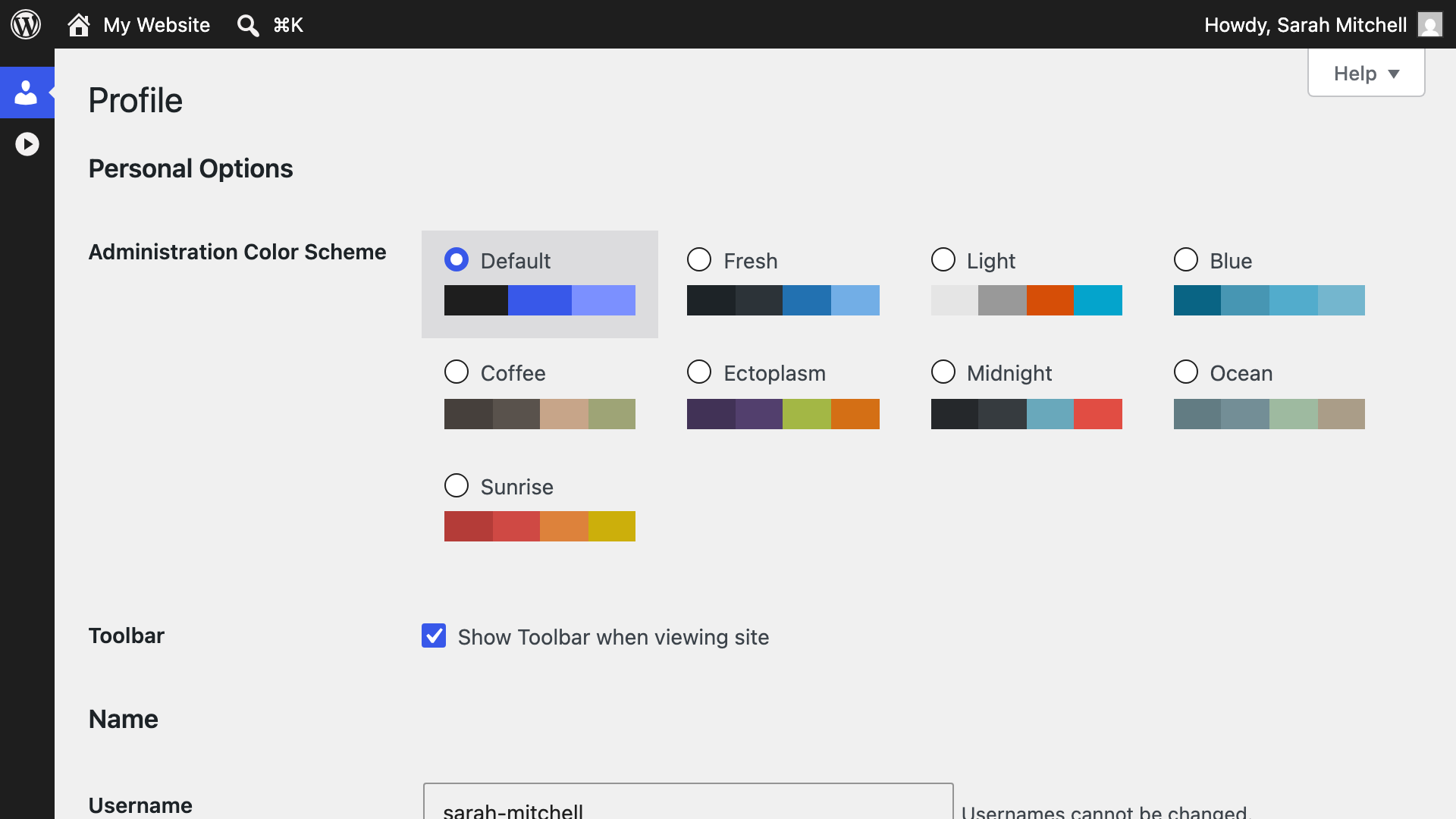
Grant access to user profiles:
The opening of the plugin's own description. The full text, installation notes and changelog are on its WordPress.org page.
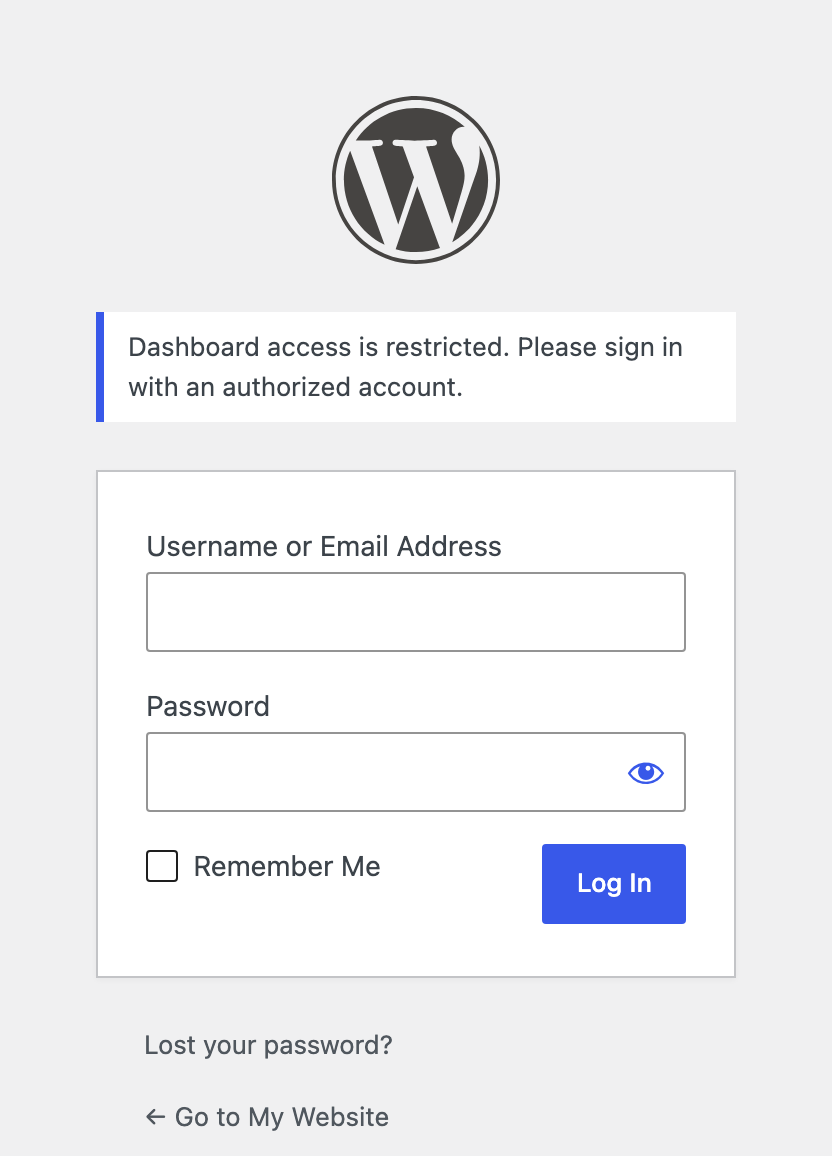
Users lacking the chosen capability or role(s) will be redirected to the URL set in Settings > Dashboard Access.
The Toolbar contains certain important links (even for disallowed users) such as for accessing to the profile editor and/or logging out. Plus, there are many plugins out there for disabling the Toolbar if you really want to.
No. Disable the plugin if you don’t wish to leverage the functionality.
The function returns an associative array with $pagenow as the key and a nested array of key => value pairs where the key is the $_GET parameter and the value is the allowed value.
Example: If you want to allow a URL of admin.php?page=EXAMPLE, there are three parts to know:
This release adds the missing License headers that the wordpress.org plugin reviewer flagged during the 1.3.0 import. No functional change.
#46 by installs
Loginizer is a WordPress security plugin which helps you fight against bruteforce attacks.

#27 by installs
Change wp-login.php to anything you want.

#51 by installs
Secure your WordPress site from brute-force attacks, threats, malware, and bots. Free to use and easy to set up.

#90 by installs
User Role Editor WordPress plugin makes user roles and capabilities changing easy. Edit/add/delete WordPress user roles and capabilities.

#157 by installs
Lets you edit the WordPress admin menu. You can re-order, hide or rename menus, add custom menus and more.

#199 by installs
Limit rate of login attempts, including by way of cookies, for each IP. Fully customizable.
Read from the WordPress.org plugin API on , when WordPress 7.1.4 was the current release. WordPress.org rounds active installs into buckets. These are the directory's figures, not my verdict, and I haven't tested this plugin. The author takes donations at their donate page.