
High-converting popup campaigns with PopupKit – advanced triggers, A/B testing, spin-to-win, multistep popups & 270+ popup templates for WordPress
- Installs
- 70,000+
- Rating
- 5.0 (7)
- Updated
- 5 days ago

Increase Sales, Lead Generation, Conversion rates and receive good Call to Action rates with smart WordPress popup plugin.
| Last updated | October 19, 2026Updated in the last 3 months |
|---|---|
| Tested up to | WordPress 7.0.8Older than WordPress 7.1.4, the current release |
| Needs WordPress | 4.2 or newer |
| Needs PHP | 5.3.3 or newer |
| First published | May 30, 2015 |
| Support, last two months | 3 of 5 threads resolved (60%) |
4.7 / 5 from 2,215 reviews
| 5 stars | 2,006 |
|---|---|
| 4 stars | 59 |
| 3 stars | 20 |
| 2 stars | 18 |
| 1 star | 112 |
WordPress Popup Builder
Popup Builder is a Perfect solution for any WordPress website. With a wide range of WordPress popup types, conditions, and events (From Image Popup to Countdown popup, Exit Intent to GeoTargeting) Popup Builder helps you create high converting, promotional and informative popups, increase conversion rates and boost sales while reaching your marketing goals.
Moreover, our team created a custom JS/CSS coding opportunity for all our WordPress pop up types making any popup unique and fully customizable.
Use the best WordPress popup plugin and enjoy the popup creation process.
SUPER EASY AND SIMPLE TO USE
In Popup Builder, we did our best to make the interface very user-friendly and intuitive for our users. All of our popup types, events, and conditions including popup design changes are separated which makes our WordPress popup plugin suitable and easy to use. Moreover, no special coding is needed to use the plugin. Just choose your preferred type of popup and create a masterpiece for your website. While developing Popup Builder we took into consideration both your time and will to create efficient and powerful WordPress popups within minutes.
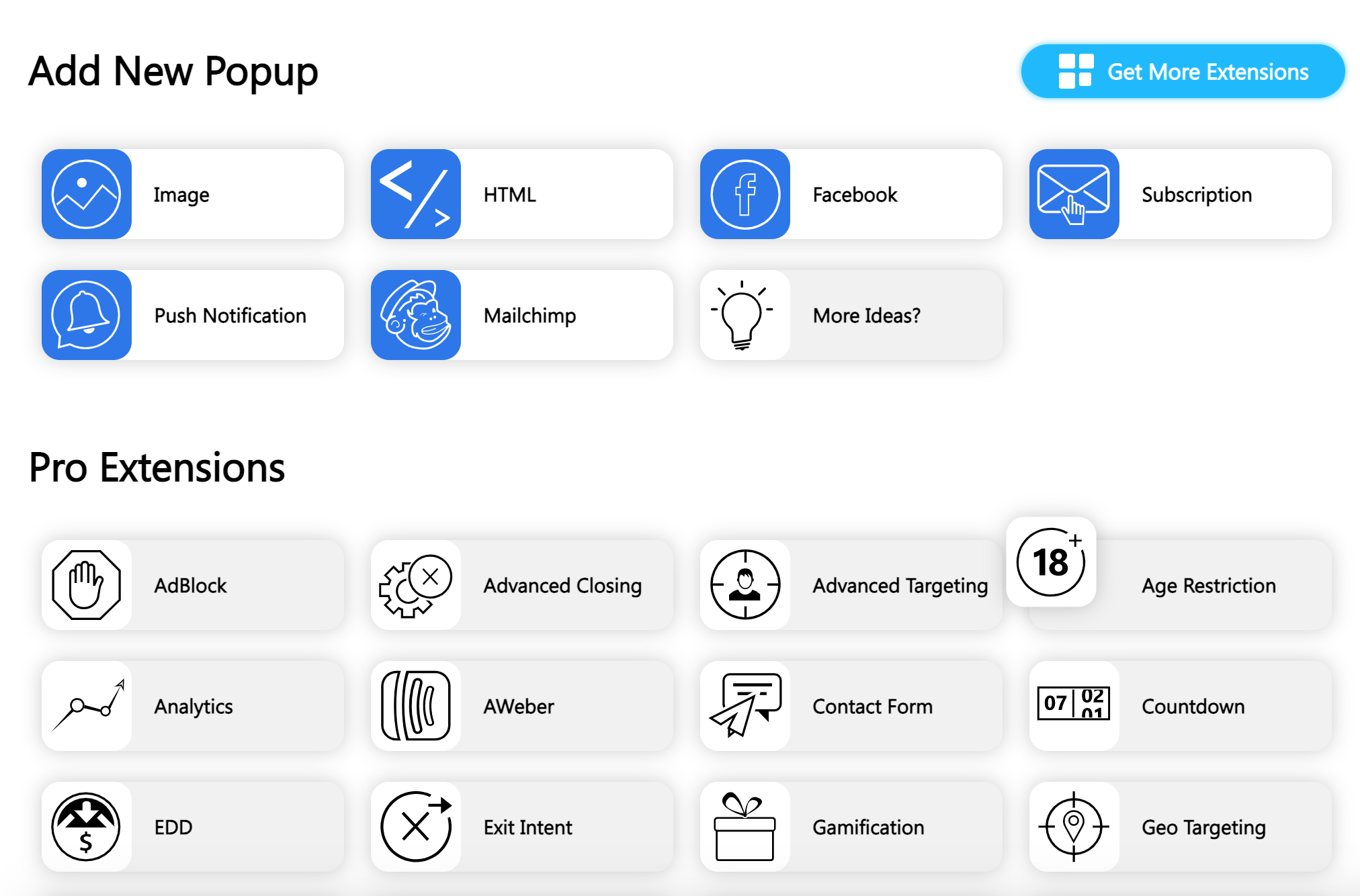
VARIOUS POPUP TYPES FOR ALL OCCASIONS
The opening of the plugin's own description. The full text, installation notes and changelog are on its WordPress.org page.
You can create as many popups as you want, there is no limit either on the Free or the PRO version.
You can have as many popups as you want on the same page, but you can only set one popup to be opened on page load, the others must be set to open on click.
After creating your popup, go to the desired page or post and you will see a meta box below the content editor, with the following title: “Select popup on page load”. Select the popup you want to set and then update the page. You are done! After you go to that page/post the popup will get opened automatically.
Simply add the following class to it: sg-confirm-popup-#popupid.
Ex. <a href="https://popup-builder.com/" class="sg-confirm-popup-1">Popup</a>
This will open a popup before a user goes to the page from the link.
Go to the Options section of your popup and find “Dismiss on content click” option.
Then Select “Redirect” option and in the URL field type the URL of the page you need your users to be redirected to.
Under the Effects panel you will see ‘Popup opening delay’ option, all you need to do is to enter the amount of time (seconds) after which popup will be shown.

High-converting popup campaigns with PopupKit – advanced triggers, A/B testing, spin-to-win, multistep popups & 270+ popup templates for WordPress

#783 by installs
Build flexible popups and modal windows with multiple popup types, triggers, and display controls.

#970 by installs
WP Popups is the best popup maker for WordPress. Easy but powerful plugin with display filters, scroll-triggered popups, and Gutenberg block editor.

🤩 Make popups & optin forms to get more email newsletter subscribers, leads, and sales - #1 most popular popup builder plugin! 🚀

Want to boost sales & marketing efforts? Use your favorite forms & builder. Unlimited popups & impressions, keep your data, no monthly subscription.

#427 by installs
A responsive image lightbox for WordPress galleries, WordPress attachments & FooGallery
Read from the WordPress.org plugin API on , when WordPress 7.1.4 was the current release. WordPress.org rounds active installs into buckets. These are the directory's figures, not my verdict, and I haven't tested this plugin. The author takes donations at their donate page.