
🤩 Make popups & optin forms to get more email newsletter subscribers, leads, and sales - #1 most popular popup builder plugin! 🚀
- Installs
- 1+ million
- Rating
- 4.3 (821)
- Updated
- 3 months ago

Build flexible popups and modal windows with multiple popup types, triggers, and display controls.
| Last updated | October 23, 2026Updated in the last 3 months |
|---|---|
| Tested up to | WordPress 7.1.4Covers WordPress 7.1.4, the current release |
| Needs WordPress | 4.0 or newer |
| Needs PHP | Not stated |
| First published | June 16, 2018 |
| Support, last two months | 0 of 2 threads resolved (0%) |
4.6 / 5 from 82 reviews
| 5 stars | 72 |
|---|---|
| 4 stars | 3 |
| 3 stars | 0 |
| 2 stars | 0 |
| 1 star | 7 |
WordPress Popup Plugin – Popup Box
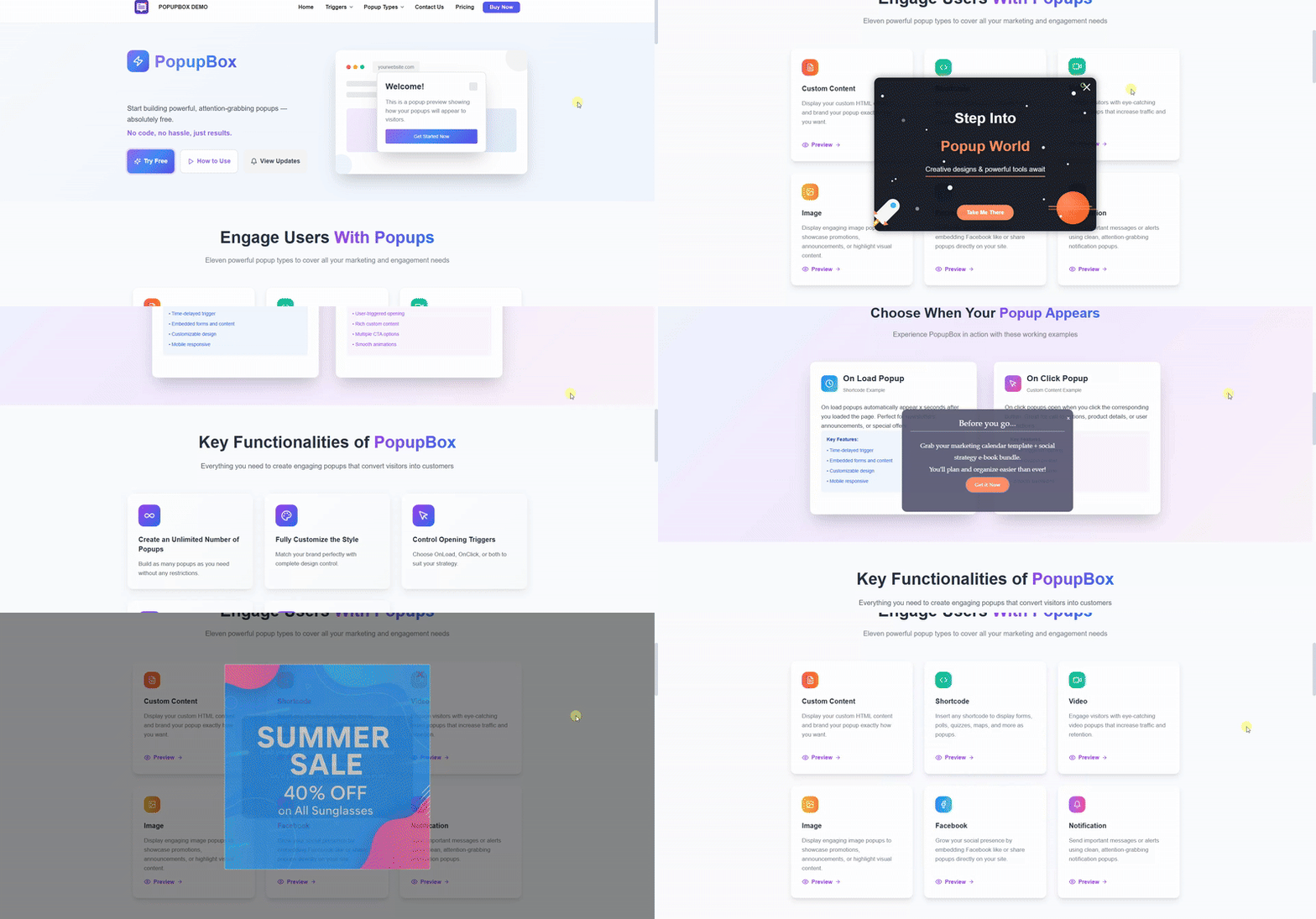
Popup Box is a flexible WordPress Popup plugin that helps you create different types of popups and modal windows with rich customization options and advanced display control.
It’s built for website owners who need a reliable popup builder, not just a marketing-only tool.
With Popup Box, you can design popups for content display, user interaction, announcements, forms, or promotions – and control exactly when, where, and how they appear on your website.
In this short video, you can find a quick overview of how to create a popup in WordPress.
What You Can Build with Popup Box
Popup Box allows you to create a wide variety of modal popups and overlays without limitations:
The opening of the plugin's own description. The full text, installation notes and changelog are on its WordPress.org page.
Unlimited! Incredible, isn’t it? No matter you are a user of the free or premium version, you can create and activate an unlimited number of popups. You can insert several modal popups on a single age, as well as on different webpages. The option is perfect for those who want to target their website visitors differently based on conditions such as the Country they are living in, Browser they are using, so on.
Yep! Now, you might be wondering why should I pop up several popups on the same webpage. Purposes are plenty!
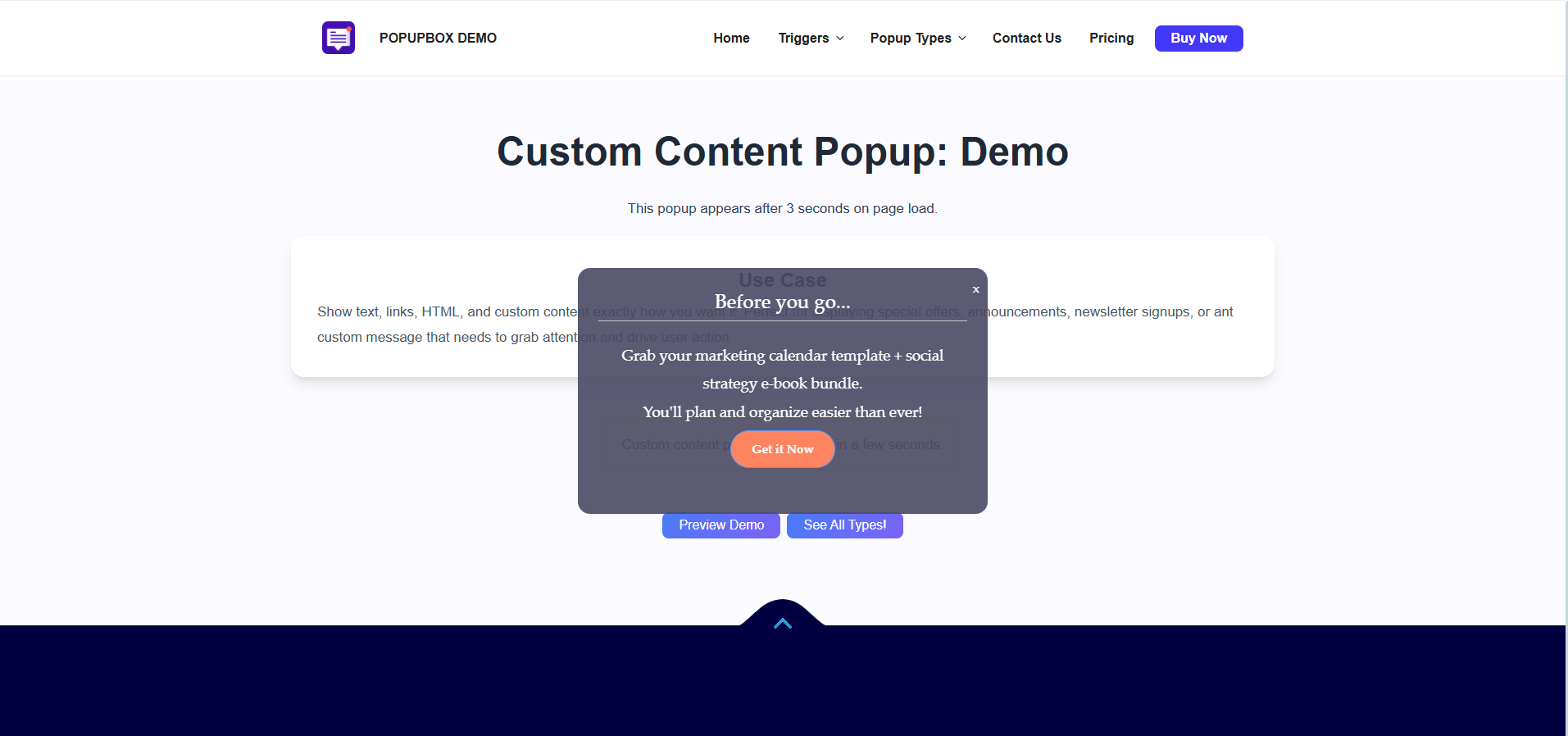
Firstly, you can show your subscription forms as soon as the page is loaded, then you can provide your advertising offer after a specified time delay with the help of the Open Delay option.
Sure, by all means! The modals created with our WordPress popup builder plugin fit smoothly and flawlessly on all mobile devices and gadgets. Hurry up and create your first amazing and responsive p form with us!
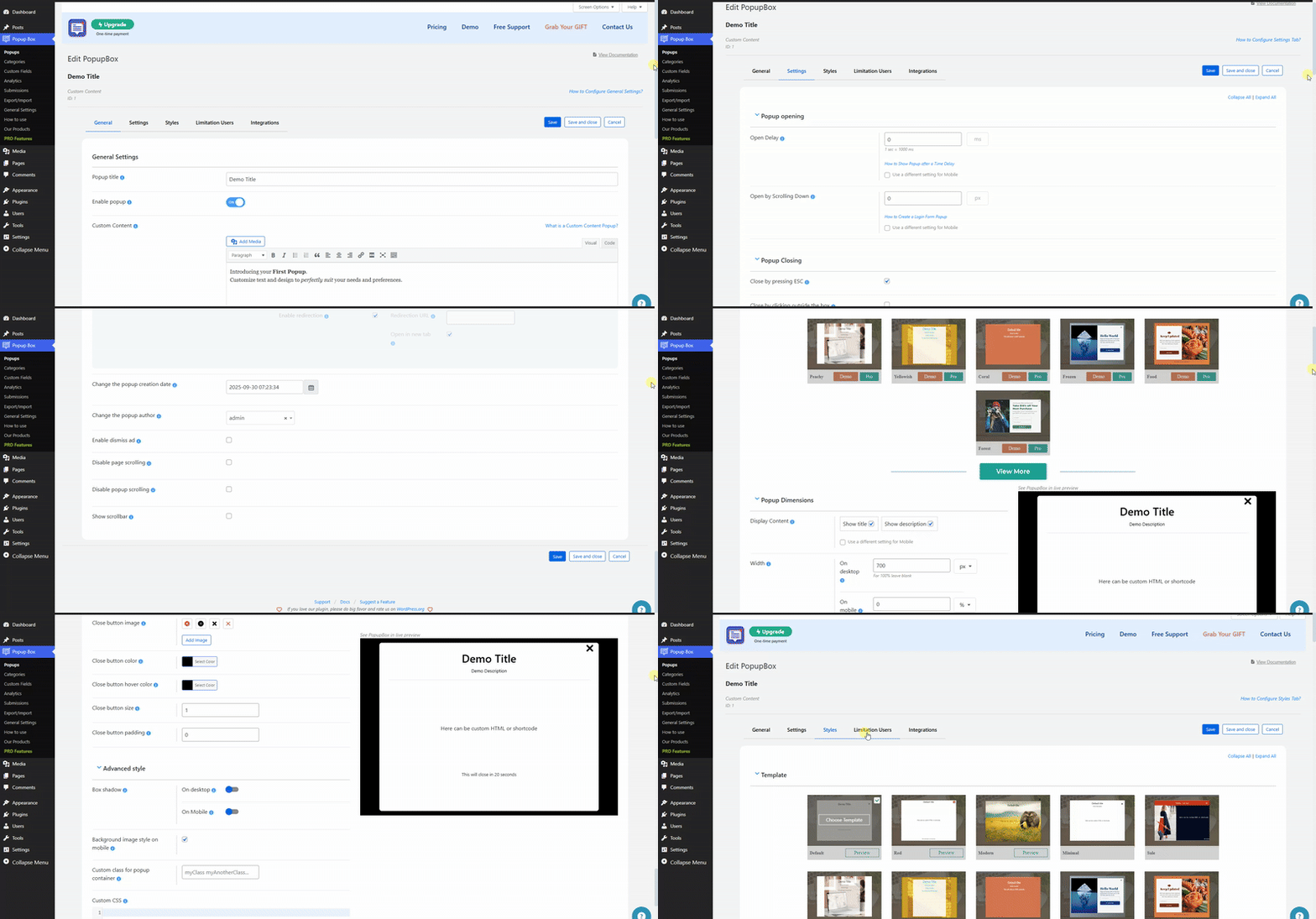
It is easy as pie! Please go to the General tab of the given modal form, and choose the On-page load variant from the Popup trigger dropdown. After the configuration, your modal form will be displayed oon as the webpage(where it is located) is loaded. And voila, your amazing WordPress popup is ready!
Simply by enabling the Actions while clicking on the popup option and ticking on the Enable redirection suboption. All you need to do is provide the redirection URL and choose whether open it on a new tab ot – isn’t that amazing!
Sure, you can! To do that, you need to go to the Settings tab of the given modal form and enable the Open Delay option. Indicate the time in milliseconds and your modal window will be displayed on the age after that specified time delay. A perfect option for those who want to target only those website visitors who have already spent some determined time on your website.
🤩 Make popups & optin forms to get more email newsletter subscribers, leads, and sales - #1 most popular popup builder plugin! 🚀

Want to boost sales & marketing efforts? Use your favorite forms & builder. Unlimited popups & impressions, keep your data, no monthly subscription.
Increase Sales, Lead Generation, Conversion rates and receive good Call to Action rates with smart WordPress popup plugin.

#427 by installs
A responsive image lightbox for WordPress galleries, WordPress attachments & FooGallery

High-converting popup campaigns with PopupKit – advanced triggers, A/B testing, spin-to-win, multistep popups & 270+ popup templates for WordPress

#688 by installs
Display high-converting newsletter popups, a cookie notice, or a notification with the light-weight yet feature-rich plugin.
Read from the WordPress.org plugin API on , when WordPress 7.1.4 was the current release. WordPress.org rounds active installs into buckets. These are the directory's figures, not my verdict, and I haven't tested this plugin. The author takes donations at their donate page.
