
Increase Sales, Lead Generation, Conversion rates and receive good Call to Action rates with smart WordPress popup plugin.
- Installs
- 200,000+
- Rating
- 4.7 (2.2K)
- Updated
- 12 days ago

WP Popups is the best popup maker for WordPress. Easy but powerful plugin with display filters, scroll-triggered popups, and Gutenberg block editor.
| Last updated | October 26, 2026Updated in the last 3 months |
|---|---|
| Tested up to | WordPress 7.2Covers WordPress 7.1.4, the current release |
| Needs WordPress | 3.6 or newer |
| Needs PHP | 5.7 or newer |
| First published | November 27, 2019 |
| Support, last two months | 0 of 2 threads resolved (0%) |
4.9 / 5 from 112 reviews
| 5 stars | 107 |
|---|---|
| 4 stars | 3 |
| 3 stars | 1 |
| 2 stars | 1 |
| 1 star | 0 |
WP Popups is the best popup maker for WordPress. With the easy and intuitive template builder you will be able to create and customize your popup with just a few clicks. No coding skills needed!
Is the perfect solution to show important messages such as EU Cookie notice, increase your social followers, add call to actions, increase your mailing lists by adding a form like mailchimp or to display any other important message in a simple popup.
It’s compatible with the major form plugins like :
* Wp Forms ( recommended )
* Gravity Forms
* Ninja Forms
* Contact form 7
* USP Forms
* Infusion Soft
* Jetpack
* Mailpoet
* Mailchimp for WP
* Postmatic
* Any generic form
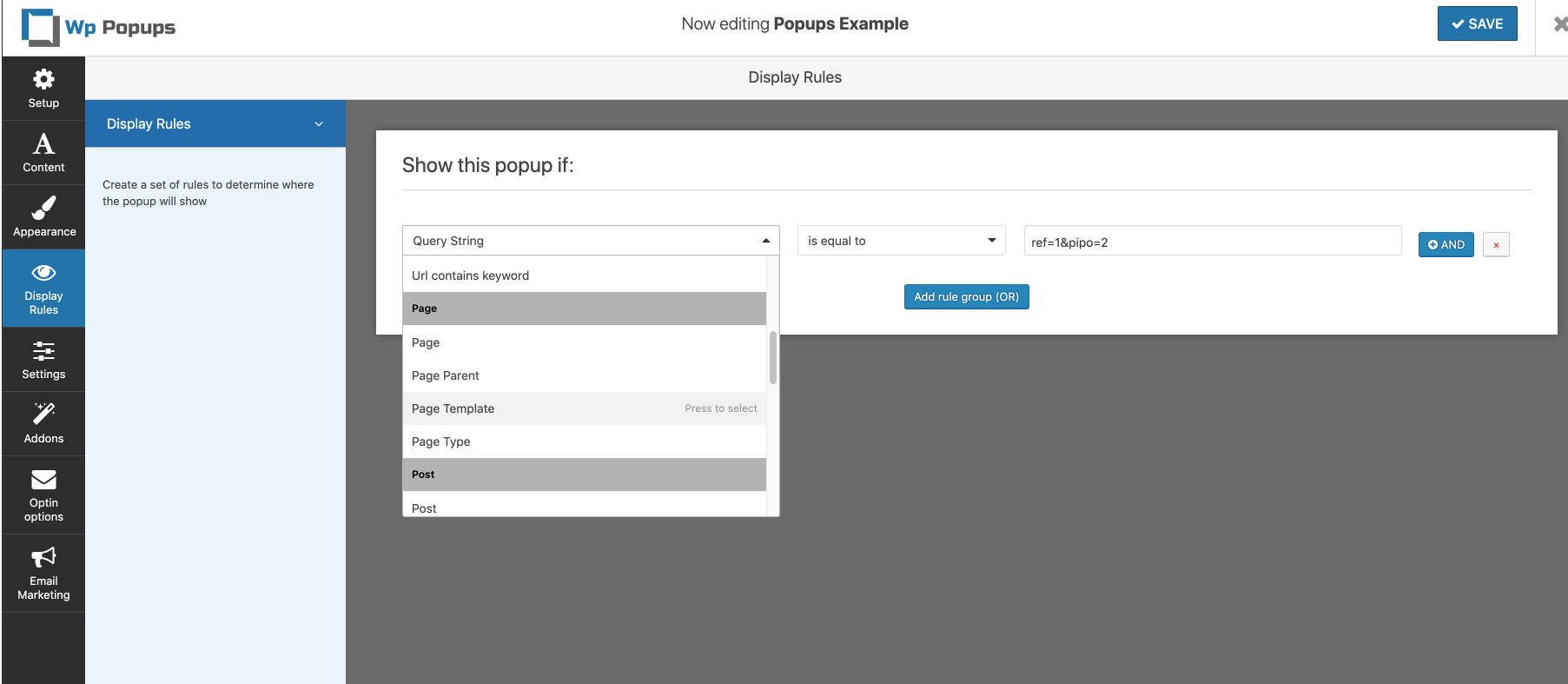
There are multiple display filters that can be combined:
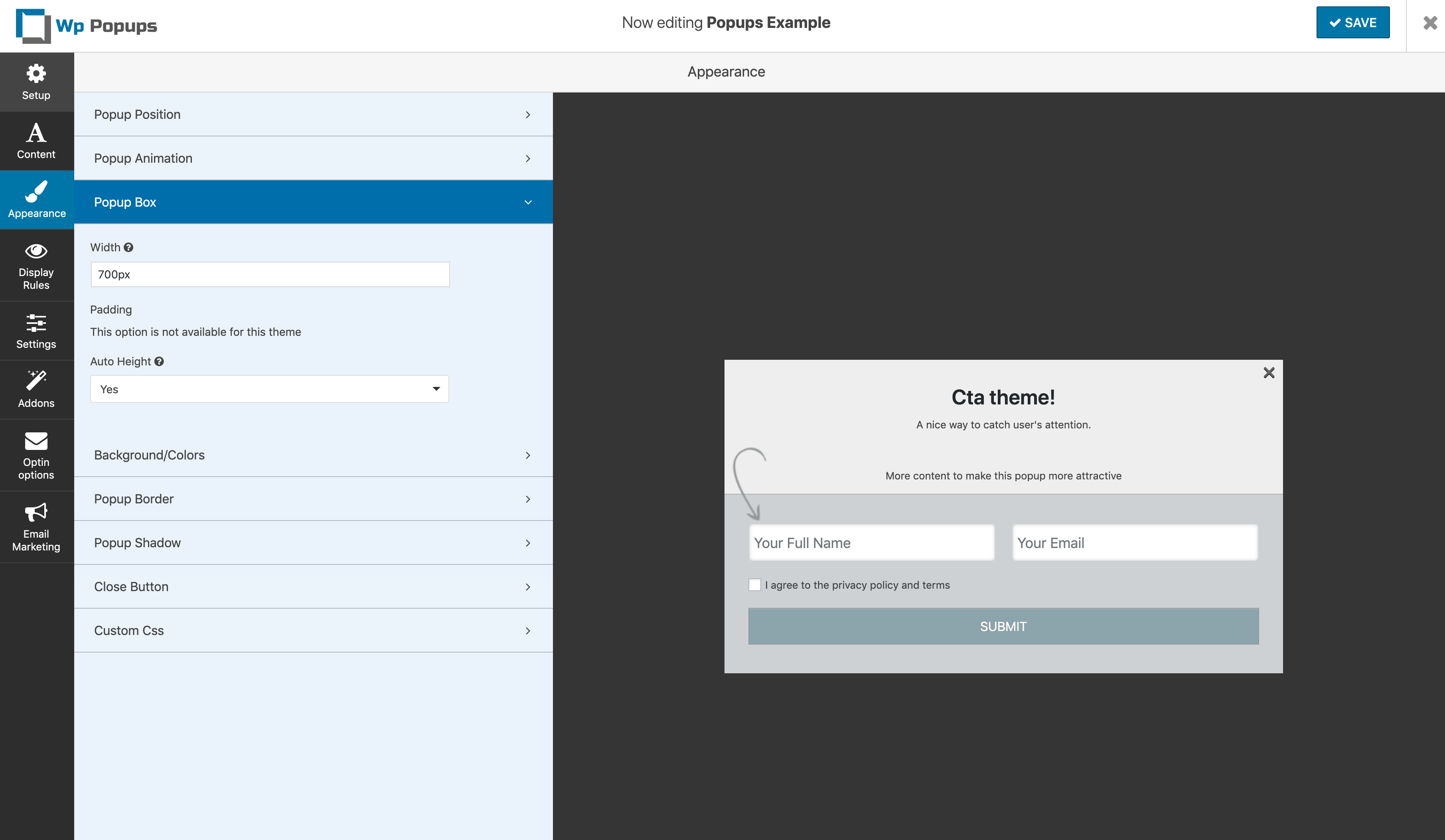
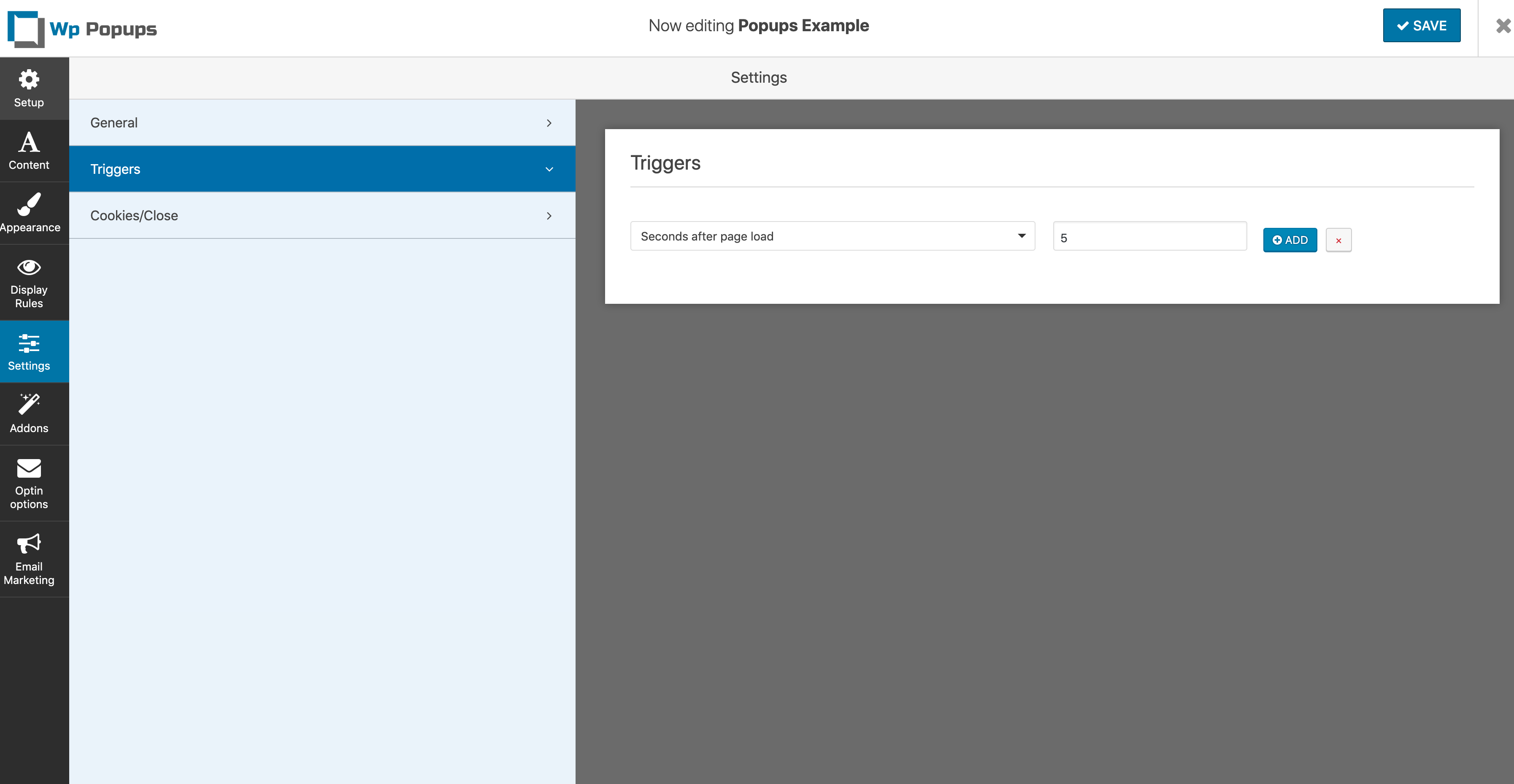
Available Settings
The opening of the plugin's own description. The full text, installation notes and changelog are on its WordPress.org page.
You can use the popup trigger class to open popups by clicking on any element. Check this tutorial
Sure thing, change our styling guide
On certain occasions multiple GF instances can cause problems. There is a plugin that fixes that https://wordpress.org/plugins/gravity-forms-multiple-form-instances/
Yes you can attach to any of this events . id = Popup id
jQuery(document).on(‘wppopups.popup_opened’,function(e,id){ … });
jQuery(document).on(‘wppopups.popup_closed’,function(e,id){ … });
jQuery(document).on(‘wppopups.popup_converted’,function(e,id){ … });
jQuery(document).on(‘wppopups.form_submitted’,function(e,id){ … });`
Increase Sales, Lead Generation, Conversion rates and receive good Call to Action rates with smart WordPress popup plugin.

High-converting popup campaigns with PopupKit – advanced triggers, A/B testing, spin-to-win, multistep popups & 270+ popup templates for WordPress

🤩 Make popups & optin forms to get more email newsletter subscribers, leads, and sales - #1 most popular popup builder plugin! 🚀

Want to boost sales & marketing efforts? Use your favorite forms & builder. Unlimited popups & impressions, keep your data, no monthly subscription.

Create WordPress websites with free forms, Gutenberg blocks, popups, sliders, countdowns, animations, pre-built pages, patterns & The Theme Designer

#688 by installs
Display high-converting newsletter popups, a cookie notice, or a notification with the light-weight yet feature-rich plugin.
Read from the WordPress.org plugin API on , when WordPress 7.1.4 was the current release. WordPress.org rounds active installs into buckets. These are the directory's figures, not my verdict, and I haven't tested this plugin. The author takes donations at their donate page.